

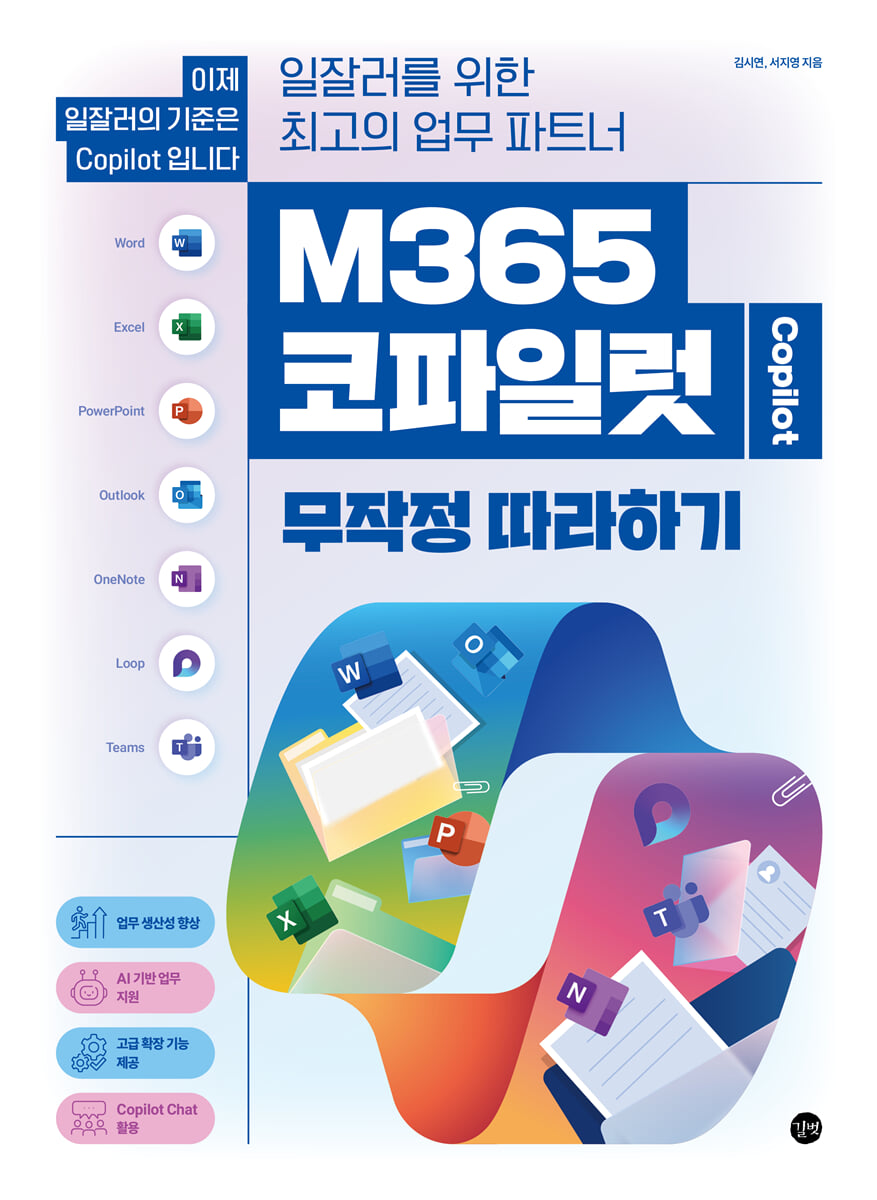
Just follow the M365 Copilot
 |
Description
Book Introduction
The best work partner for hard workers!
Now the standard for a successful worker is Copilot.
When the way we work changes, the people who work change.
"M365 Copilot: Just Follow" covers a wide range of topics, from how to use M365 Copilot to how to write prompts, which is essential for any successful employee.
We'll show you specific ways to use M365 Copilot as your best work partner, including Excel, PowerPoint, Word, Outlook, OneNote, Loops, Teams, and Copilot Chat.
Now, leave the tedious tasks to Copilot and focus on more important things.
- You can preview some of the book's contents.
Preview
index
M365, the future of the office
Chapter 1 - What is Copilot?
01_Microsoft and OpenAI
02_M365 with Copilot applied
What is Copilot?
03_ Core Elements of M365 Copilot
M365 Copilot Fundamentals, LLM
Semantic Search: Copilot's Core
Microsoft Graph
M365 Apps
04_How does Copilot work?
Chapter 2 - Getting Started with M365 Copilot
Practice_01 Getting Started with M365 Copilot
Get started in the app
Start from my computer
02_Efficient Prompt Guide for M365 Copilot
Copilot Prompt Guide
Prompt Example ① Clarifying the Goal and Output Format
Prompt Example ② Context and Tone
Prompt Example ③ Role Assignment
03_M365 Copilot Prompt Gallery
Word Copilot
PowerPoint Copilot
Excel Copilot
04_Work Scenario for M365 Copilot
Word Copilot
Excel Copilot
PowerPoint Copilot
Outlook Copilot
Teams Copilot
Microsoft 365 Copilot
05_Terms of Use and Development Potential
Terms of Use
The Present and Future of M365 Copilot
Just follow the M365 Copilot
Chapter 1 - Excel Copilot
Practice_0 Excel Copilot Preparation
Requirements for using Excel Copilot
Practice_1 Excel Copilot Basics
Various basic examples provided by Excel Copilot
Get help using Excel from Copilot
Creating a basic formula
Sorting data
Apply conditional formatting
Description of the formula
Practice 2 Data Analysis
Create a Pivot Table
Drawing a graph
Request data insights from Copilot
Analyzing Excel Data with Python
Exercise 3: Extracting Data
Extracting data from a string
Gain insights from survey responses
Practice 4: Using Multiple Tables
Combine two tables
Using Functions in Excel Copilot
Request a task from Copilot
Check and fix errors
Chapter 2 - Word Copilot
Practice_1 Summarizing the Document
Summarize the entire document
Summarize keywords
Summarize sentence by sentence
Summarize in chronological order
Summarizing two or more documents
Practice 2: Processing documents to standard standards
Practice_3 Grammar and Spelling Correction
Correct spelling
Correct grammar
Practice 4: Comparison and Analysis of Contents
Compare two versions of a document
Compare the pros and cons of the two products
Practice_5 Translating
Translate English emails into Korean
Translating product manuals
Practice_6 Analyzing the Table
Analyzing sales data
Analyzing project progress
Analyzing market share
Practice_7 Creating a task list from meeting minutes
Summarize the instructions you received from your boss
Create a task list from meeting minutes
Add context-based suggestions and feedback
Practice_8 Adding Images to a Document
Add an image to your product
Add a profile image
Adding Images to Your Report
Practice 9: Automatic content creation (draft writing)
Drafting a report
Write some content in the document
Chapter 3 - PowerPoint Copilot
Practice 1: Creating a Presentation
Create a presentation on a topic
Create a presentation with multiple keywords
Creating a presentation using files
Practice 2 Language Conversion
Converting an English presentation to Korean
Practice_3 Writing a Script
Writing a Korean Presentation Script
Writing scripts for other languages
Practice_4 Presentation Summary
Summarizing the presentation
Create a summary slide
Add a table of contents slide
Practice 5: Adding Images
Add images suitable for your presentation
Find images
Practice 6: Presentation Time Management
Improving Presentation Readability
Change sentences naturally
Processing text into a table
Chapter 4 - Useful M365 Copilot Apps
Practice_1 Outlook Copilot
Create a draft email
Get email coaching
Summarizing emails
Summarize and reply to emails on mobile
Practice_2 OneNote Copilot
Summarizing Notes with OneNote Copilot
Create a to-do list
Create a project draft based on meeting notes
Practice_3 Loop Copilot
Three elements of a loop
Draft a plan and collaborate
Chapter 5 - Copilot Chat
Practice 1: Starting Copilot Chat
Practice_2: Applying Copilot Chat in Practice
Compare files
Create a draft report
Search internal documents and corporate policies
Summarize the meeting contents
Collaborate with Copilot Chat
Practice 3: My Own Secretary, Copilot Agent
Using Copilot Agent
Special - The Future Copilot Brings
Changes in personal life
Changes in the work environment
Detailed image

Publisher's Review
When the way we work changes, the people who work change.
Leave the tedious tasks to Copilot and focus on more important things.
The ultimate work partner for high-performing professionals! Copilot is now the standard for high-performing professionals.
How can you leverage generative AI in your work? With M365 Copilot, you can draft, analyze data, and create slides with just a single prompt.
"M365 Copilot: Just Follow" is a practical guide to Copilot, organized according to the practical flow, from the operating principles of M365 Copilot to prompt writing methods and app-specific practice.
We'll show you how to use M365 Copilot as a work partner in your practice, including Excel, Word, PowerPoint, Outlook, OneNote, Loops, Teams, and Copilot Chat.
Rather than simply explaining the functions, we explain how to use Copilot based on actual situations encountered in the field.
It provides an experience that changes the flow of work with a single prompt, whether it's writing repetitive reports, calculating complex formulas, or summarizing, editing, or analyzing tasks.
The ultimate work partner for high-performing professionals! Copilot is now the standard for high-performing professionals.
Draft, analyze data, and create slides with just one line of prompts.
When the way we work changes, the people who work change.
Prompt Guide for M365 Copilot
To use Copilot effectively, we recommend following these principles:
You should review responses for accuracy and verify the original source, and it's a good idea to start with a new topic when requesting new work.
Additionally, learn about prompts that help you use Copilot.
By learning how to use M365's various apps and Copilot, you will experience productivity gains like never before.
Learn how to easily calculate complex formulas and analyze data using Excel Copilot.
You can create graphs and perform the analysis you want through Copilot even if you don't know formulas or functions.
Plus, with the latest updates, you'll learn how to leverage Python-based, detailed analysis and prediction capabilities.
Learn how to use Word Copilot to efficiently create and edit documents using generative AI.
You'll learn how to summarize, compare, derive insights from, and create images for documents, as well as quickly draft and enhance content.
Learn how to create your own presentations and edit slides using PowerPoint Copilot.
You'll also learn how to write scripts based on your presentation content, translate them into multiple languages, and create effective slides using documents and keywords.
M365 includes a variety of productivity-boosting apps, including Outlook, Loops, and OneNote, and you can use Copilot features in these apps as well using M365 Copilot.
You'll learn how to apply Copilot directly to your work, focusing on apps that are particularly helpful for your work.
Copilot Chat is a Copilot Bot built into M365 Teams that allows you to efficiently integrate various contents based on web data and business data.
You'll also learn how to extend and leverage the various capabilities of M365 Copilot, including search, merge, compare, summarize, create, and analyze.
Leave the tedious tasks to Copilot and focus on more important things.
GOODS SPECIFICS
- Date of issue: April 18, 2025
- Page count, weight, size: 252 pages | 688g | 188*257*18mm
- ISBN13: 9791140713127
You may also like
카테고리
korean


korean


