

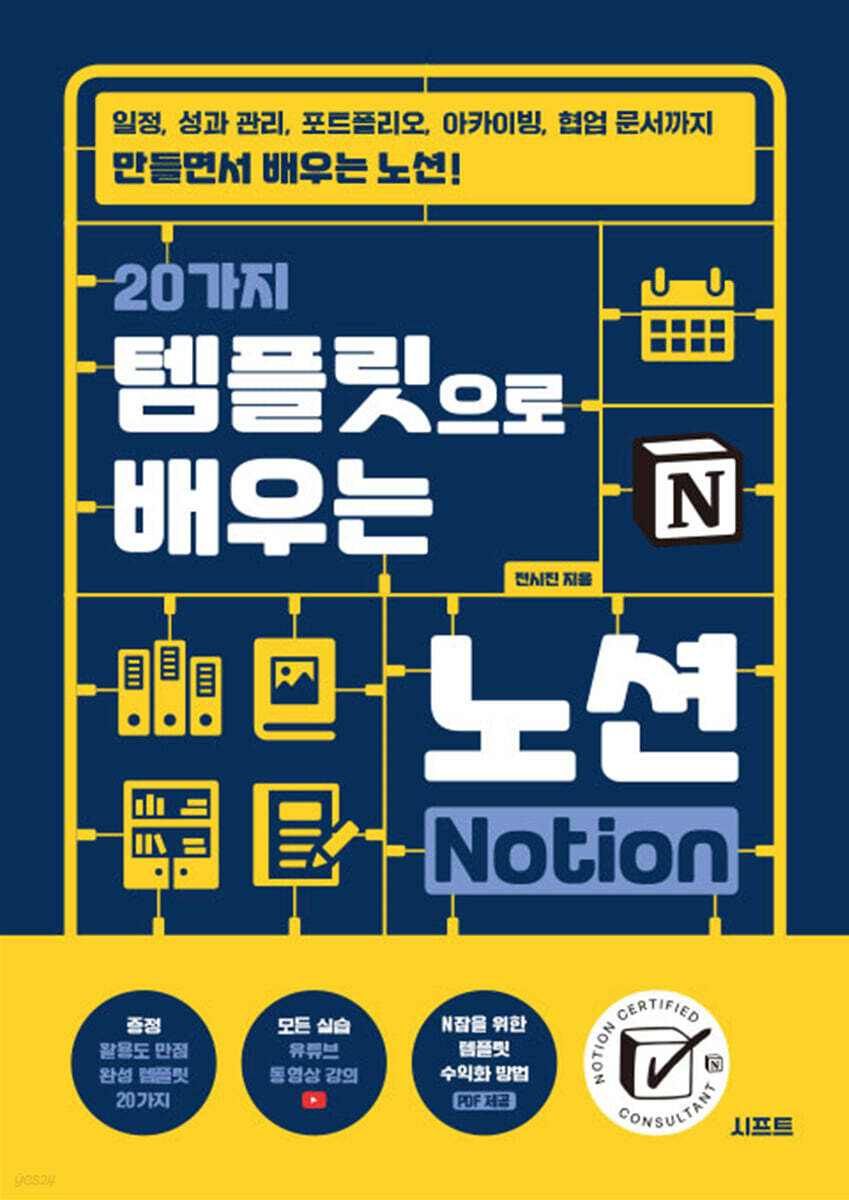
Learn Notion with 20 Templates
 |
Description
Book Introduction
If you want to learn Notion properly, try creating a template! Notion is a top-notch productivity tool that can be used for a variety of purposes, including note-taking, project management, and data collection. However, users who are new to Notion often feel overwhelmed by the blank Notion page, which is like a blank sheet of paper, and even users who have used Notion for a while often use it in a rule-based manner. Real Notion experts make good use of templates. This is because the efficiency of work processing can be increased by fitting complex tasks into a set framework. "Learn Notion with 20 Templates" is a perfect guide for everyone, from beginners who are new to Notion to those who use Notion pages by simply entering text like a Word document, by allowing you to create templates step by step, from the basic to the advanced functions of Notion. Let's create templates that are essential for real life and work, including a portfolio made with just basic blocks, meeting minutes using a database, project management using relational and rollup functions, and even a digital household account book using formulas, which is considered Notion's most difficult. Once you master all 20 templates, you will be able to create your own template that is just right for you. |
- You can preview some of the book's contents.
Preview
index
Structure of this book ㆍ 10
Template Monetization and Video Lecture Guide ㆍ 11
Download and use templates ㆍ 12
Introduction ㆍ 13
[CHAPTER 01: Basic Knowledge for Creating Notion Pages]
01 Getting Started with Notion 16
__Learn about the main features 16
__Sign up as a Notion member 17
__Choosing the right plan for you 20
02 Understanding Notion's Basic Structure 25
__Notion's smallest unit, block 25
__block, and page 26, which is a superstructure
__Page Division, Section 27
__Top-level workspace, Workspace 29
03 Basics for Using Notion Pages 30
__Sidebar 30 with everything in Notion
__Using titles, icons, and covers to distinguish pages 34
__Notion's Core: Adding and Modifying Blocks 37
__Share a page for collaboration 39
__Page can be used as a webpage 41
__Change and link the domain of the posting page 43
[CHAPTER 02 Creating with Basic Blocks]
01 Understanding the types of basic blocks 46
__Notion's representative basic blocks 46
__Inline blocks that can be used together with other blocks 49
__50 advanced blocks for colorful page composition
02 Portfolio 53 Completed with Basic Blocks Only
__Configuring the Self-Introduction Section 55
__Organizing Performance and Competency Areas into Multiple Columns 59
__Complete the remaining area with quotes and toggle blocks 63
03 To-do list 67 for systematically managing your week
__Basic setup with column division and to-do list 68
__Decorate by changing the text color 76
04 Lesson Plan & Notes Neatly Organized in Table 78
__Title 1 Dividing areas into blocks 79
Organizing the lecture outline and table of contents using __table blocks 81
__Creating a List Using Bullets 87
Creating handwritten notes using the __mention feature 89
__Complete FAQ with toggle list 93
05 Writing a Campaign Plan in Two Sections 95
__Dividing the columns and separating each area 96
__Complete 1 column with table of contents and table blocks 100
__Complete the 2nd column where the main content is written 104
__Add contacts to display with sync block 109
[CHAPTER 03 Creating a Database]
01 Laying the Foundations of Notion Databases 112
__Types of Notion Databases and Properties 112
__Creating a Database and Editing Properties 115
__Viewing the database in various forms 117
__Filter and sort to quickly find the data you want 123
02 Understanding Data and Database Concepts 126
__Reasons for Data Organization 126
__The Four Elements of Data Management 127
__Database Configuration 129
03 Restaurant record database 131 organized by keywords and categories
__Structuring the Database 132
__Inserting an image into a data page 136
04 Meeting minutes DB 138 with template function to maintain format
__Basic Database Structuring 139
__Creating a Template for Internal Database Pages 141
__Adding new data by applying a template 146
05 Habit Management DB 148 automatically added daily
__Structuring a Database with Checkbox Types 149
__Creating a template that is automatically generated at regular intervals 152
06 Travel Record DB 156 for Planning and Information Collection
__Configuring a basic block area divided into 3 columns 157
Organizing detailed travel itineraries with a database 160
[CHAPTER 04 Creating a Linked Database]
01 Understanding Linked Databases 166
What is a linked database? 166
__Creating a Linked Database 167
__Distinguishing between original and linked databases 169
__Creating Multiple Views in a Linked Database 171
__Loading Multiple Databases into One Linked Database 174
02 Managing Tasks with Linked Databases 177
__Completing the original database 178
__Configuring each area with a linked database 183
__Configuring conditional calendar views with multiple view tabs 188
__Change to list view 192
03 Movie Record 193 organized like a navigation menu
__Completing the original database with gallery and board views 194
__Configuring Navigation Pages with Linked Databases 202
04 Team meeting minutes collected on one page 206
__Completing the meeting minutes DB in full page format 207
__Show weekly meeting schedule in calendar view in callout 210
Organizing Team Meeting Minutes in List View 214
__Complete the minutes for each team by arranging duplicates 217
05 Managing the information collected Today's reading content 221
__Structuring a Database for Data Collection 222
__Creating a list of collected materials and category thumbnails for this week 224
__Creating a linked database from four data pages 230
__Arrange this week's collection data by category 233
[CHAPTER 05 Creating a Database]
01 Understanding Relational & Rollup Features 238
Understanding Relational Databases 238
Understanding Rollup Types 239
__Learn the basics of using relational and rollup types 240
02 OKR 246 for Goal and Performance Evaluation
__Structuring Two Databases 247
Connecting Databases with Relational and Rollup 250
__Adding different view modes 253
03 Project & To-Do Management with Progress Display 258
__Configuring the Source Database 259
Connecting Databases with Relational and Rollup 262
__Automating with Notion's Button Block 266
__Deploying to a Linked Database 271
04 Customer consultation log 275 managed by dividing it into view tabs
__Structuring the Source Database 276
__Connecting to a Database Relationally 279
__Configuring the Main Page and Deploying Linked Databases 281
__Adding another database to a linked database 285
__Creating a template for data that automatically displays consultation information 287
Automating with the __Button Block 290
05 Performance Evaluation Form 292 with 3 Databases Linked
__Configuring the Database 293
Connecting to a Database with Relational and Rollup 296
__Creating a Template for Employee Evaluation Results Data 301
[CHAPTER 06 Improving Database Usability with Notion Formulas]
01 A Quick Guide to Notion Formulas 308
__Using Text-Related Formulas 310
__Using Number-Related Formulas 311
__Using Date-Related Formulas 312
__Using formulas with conditions 314
__Using formulas related to lists 315
02 Habit management of checking and determining achievement rate 317
__Structuring a Habit Management Database Using Formulas 318
__Configuring the Monthly Statistics Management Database 324
__Completing the main page with a linked database 328
03 Project and Task Management with Formulas 329
__Understanding the Practical Course 330
__lets function variable name and value creation process 331
__lets function expression writing process 332
04 Digital Library 337 to Determine Reading Level
__Original Database Structure 338
__Writing formulas in the book DB 343
__Creating formulas in the category DB 348
__Completing the main page with a linked database 351
05 Creating Your Own Digital Account Book 352
__Structuring and Connecting to the Source Database 353
__Writing monthly statistical formulas 357
__Completing the main page with a linked database 361
Search ㆍ 363
[APPENDIX PDF]
01 Preparing for the Template Monetization Challenge
02 Selling Your Own Templates on Gumroad
03 Marketing Tips for Selling Templates
04 Introducing Notion's Latest Features
Template Monetization and Video Lecture Guide ㆍ 11
Download and use templates ㆍ 12
Introduction ㆍ 13
[CHAPTER 01: Basic Knowledge for Creating Notion Pages]
01 Getting Started with Notion 16
__Learn about the main features 16
__Sign up as a Notion member 17
__Choosing the right plan for you 20
02 Understanding Notion's Basic Structure 25
__Notion's smallest unit, block 25
__block, and page 26, which is a superstructure
__Page Division, Section 27
__Top-level workspace, Workspace 29
03 Basics for Using Notion Pages 30
__Sidebar 30 with everything in Notion
__Using titles, icons, and covers to distinguish pages 34
__Notion's Core: Adding and Modifying Blocks 37
__Share a page for collaboration 39
__Page can be used as a webpage 41
__Change and link the domain of the posting page 43
[CHAPTER 02 Creating with Basic Blocks]
01 Understanding the types of basic blocks 46
__Notion's representative basic blocks 46
__Inline blocks that can be used together with other blocks 49
__50 advanced blocks for colorful page composition
02 Portfolio 53 Completed with Basic Blocks Only
__Configuring the Self-Introduction Section 55
__Organizing Performance and Competency Areas into Multiple Columns 59
__Complete the remaining area with quotes and toggle blocks 63
03 To-do list 67 for systematically managing your week
__Basic setup with column division and to-do list 68
__Decorate by changing the text color 76
04 Lesson Plan & Notes Neatly Organized in Table 78
__Title 1 Dividing areas into blocks 79
Organizing the lecture outline and table of contents using __table blocks 81
__Creating a List Using Bullets 87
Creating handwritten notes using the __mention feature 89
__Complete FAQ with toggle list 93
05 Writing a Campaign Plan in Two Sections 95
__Dividing the columns and separating each area 96
__Complete 1 column with table of contents and table blocks 100
__Complete the 2nd column where the main content is written 104
__Add contacts to display with sync block 109
[CHAPTER 03 Creating a Database]
01 Laying the Foundations of Notion Databases 112
__Types of Notion Databases and Properties 112
__Creating a Database and Editing Properties 115
__Viewing the database in various forms 117
__Filter and sort to quickly find the data you want 123
02 Understanding Data and Database Concepts 126
__Reasons for Data Organization 126
__The Four Elements of Data Management 127
__Database Configuration 129
03 Restaurant record database 131 organized by keywords and categories
__Structuring the Database 132
__Inserting an image into a data page 136
04 Meeting minutes DB 138 with template function to maintain format
__Basic Database Structuring 139
__Creating a Template for Internal Database Pages 141
__Adding new data by applying a template 146
05 Habit Management DB 148 automatically added daily
__Structuring a Database with Checkbox Types 149
__Creating a template that is automatically generated at regular intervals 152
06 Travel Record DB 156 for Planning and Information Collection
__Configuring a basic block area divided into 3 columns 157
Organizing detailed travel itineraries with a database 160
[CHAPTER 04 Creating a Linked Database]
01 Understanding Linked Databases 166
What is a linked database? 166
__Creating a Linked Database 167
__Distinguishing between original and linked databases 169
__Creating Multiple Views in a Linked Database 171
__Loading Multiple Databases into One Linked Database 174
02 Managing Tasks with Linked Databases 177
__Completing the original database 178
__Configuring each area with a linked database 183
__Configuring conditional calendar views with multiple view tabs 188
__Change to list view 192
03 Movie Record 193 organized like a navigation menu
__Completing the original database with gallery and board views 194
__Configuring Navigation Pages with Linked Databases 202
04 Team meeting minutes collected on one page 206
__Completing the meeting minutes DB in full page format 207
__Show weekly meeting schedule in calendar view in callout 210
Organizing Team Meeting Minutes in List View 214
__Complete the minutes for each team by arranging duplicates 217
05 Managing the information collected Today's reading content 221
__Structuring a Database for Data Collection 222
__Creating a list of collected materials and category thumbnails for this week 224
__Creating a linked database from four data pages 230
__Arrange this week's collection data by category 233
[CHAPTER 05 Creating a Database]
01 Understanding Relational & Rollup Features 238
Understanding Relational Databases 238
Understanding Rollup Types 239
__Learn the basics of using relational and rollup types 240
02 OKR 246 for Goal and Performance Evaluation
__Structuring Two Databases 247
Connecting Databases with Relational and Rollup 250
__Adding different view modes 253
03 Project & To-Do Management with Progress Display 258
__Configuring the Source Database 259
Connecting Databases with Relational and Rollup 262
__Automating with Notion's Button Block 266
__Deploying to a Linked Database 271
04 Customer consultation log 275 managed by dividing it into view tabs
__Structuring the Source Database 276
__Connecting to a Database Relationally 279
__Configuring the Main Page and Deploying Linked Databases 281
__Adding another database to a linked database 285
__Creating a template for data that automatically displays consultation information 287
Automating with the __Button Block 290
05 Performance Evaluation Form 292 with 3 Databases Linked
__Configuring the Database 293
Connecting to a Database with Relational and Rollup 296
__Creating a Template for Employee Evaluation Results Data 301
[CHAPTER 06 Improving Database Usability with Notion Formulas]
01 A Quick Guide to Notion Formulas 308
__Using Text-Related Formulas 310
__Using Number-Related Formulas 311
__Using Date-Related Formulas 312
__Using formulas with conditions 314
__Using formulas related to lists 315
02 Habit management of checking and determining achievement rate 317
__Structuring a Habit Management Database Using Formulas 318
__Configuring the Monthly Statistics Management Database 324
__Completing the main page with a linked database 328
03 Project and Task Management with Formulas 329
__Understanding the Practical Course 330
__lets function variable name and value creation process 331
__lets function expression writing process 332
04 Digital Library 337 to Determine Reading Level
__Original Database Structure 338
__Writing formulas in the book DB 343
__Creating formulas in the category DB 348
__Completing the main page with a linked database 351
05 Creating Your Own Digital Account Book 352
__Structuring and Connecting to the Source Database 353
__Writing monthly statistical formulas 357
__Completing the main page with a linked database 361
Search ㆍ 363
[APPENDIX PDF]
01 Preparing for the Template Monetization Challenge
02 Selling Your Own Templates on Gumroad
03 Marketing Tips for Selling Templates
04 Introducing Notion's Latest Features
Detailed image

GOODS SPECIFICS
- Date of issue: October 1, 2024
- Page count, weight, size: 364 pages | 652g | 170*240*16mm
- ISBN13: 9791198673008
- ISBN10: 1198673001
You may also like
카테고리
korean


korean

![ELLE 엘르 스페셜 에디션 A형 : 12월 [2025]](http://librairie.coreenne.fr/cdn/shop/files/b8e27a3de6c9538896439686c6b0e8fb.jpg?v=1766436872&width=3840)


