

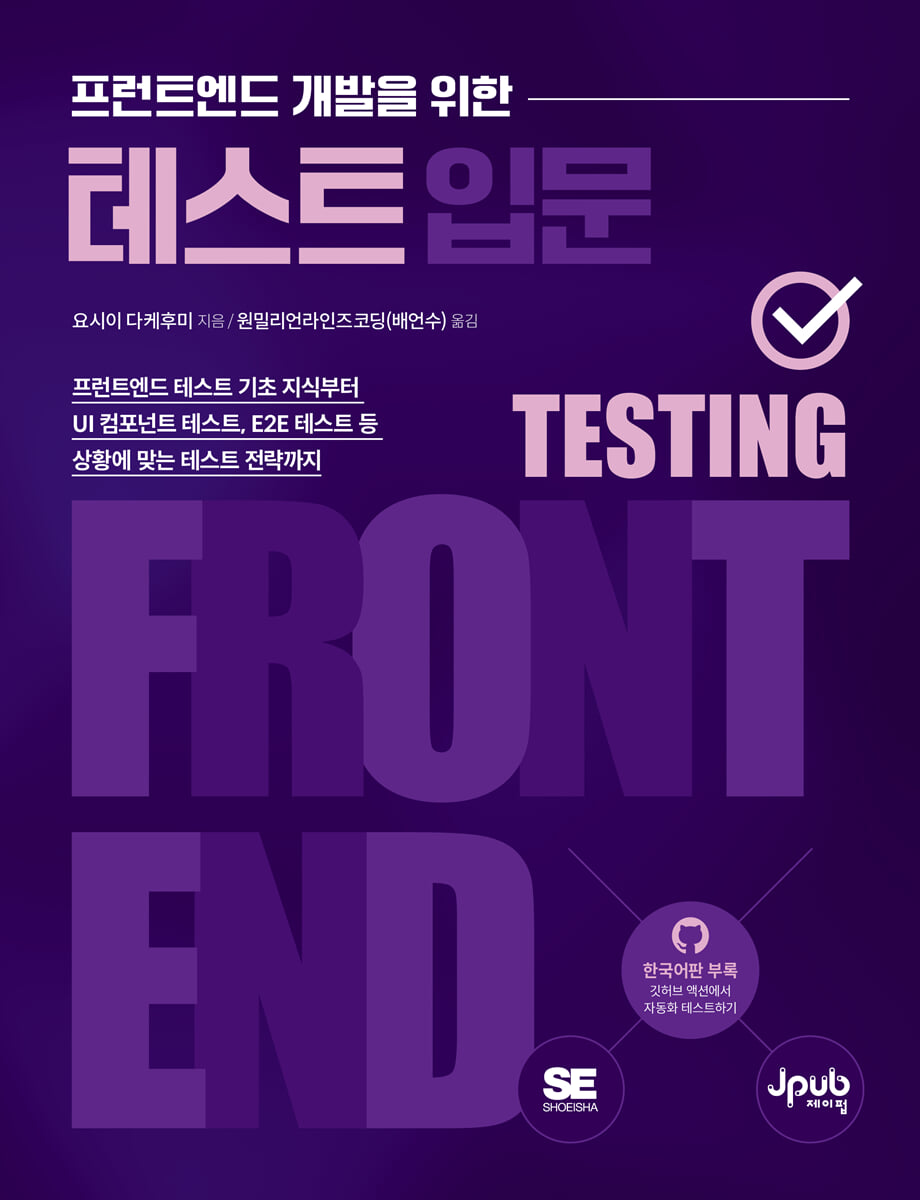
Introduction to Testing for Front-End Development
 |
Description
Book Introduction
Useful test automation strategies you should know now
In modern web applications, test automation is crucial for quality and maintainability, but many developers struggle to write test code because they lack experience writing test code.
This book is aimed at front-end developers who are writing test code for the first time, and explains not only the basic test code writing method, but also the situation-specific test code writing method and how to use various tools, with abundant examples.
In particular, it includes examples created with TypeScript and Next.js, allowing you to acquire the latest practical knowledge and know-how.
The Korean version has been further improved by adding UI component testing and E2E testing in GitHub Actions as appendices.
In modern web applications, test automation is crucial for quality and maintainability, but many developers struggle to write test code because they lack experience writing test code.
This book is aimed at front-end developers who are writing test code for the first time, and explains not only the basic test code writing method, but also the situation-specific test code writing method and how to use various tools, with abundant examples.
In particular, it includes examples created with TypeScript and Next.js, allowing you to acquire the latest practical knowledge and know-how.
The Korean version has been further improved by adding UI component testing and E2E testing in GitHub Actions as appendices.
- You can preview some of the book's contents.
Preview
index
Translator's Preface xiii
Beta Reader Review xv
Beginning xvi
About this book xvii
CHAPTER 1: TESTING PURPOSES AND OBSTACLES 1
1.1 Structure of this book 1
1.2 Why You Should Write Tests 4
1.3 Barriers to Writing Tests 9
CHAPTER 2 TESTING METHODS AND TESTING STRATEGIES 13
2.1 Test Scope and Purpose 13
2.2 Scope of Front-End Testing 15
2.3 Purpose of Front-End Testing 18
2.4 Test Strategy Model 21
2.5 Test Strategy Planning 23
CHAPTER 3 Unit Testing for Beginners 27
3.1 Preferences 27
3.2 Test Components 28
3.3 How to Run Tests 31
3.4 Conditional Branching 35
3.5 Edge Cases and Exception Handling 37
3.6 Matcher by purpose 43
3.7 Asynchronous Processing Test 48
CHAPTER 4: The Tree Object 53
4.1 Why Use a Tree Object? 53
4.2 Stub 55 using the neck module
4.3 Web API Mock Object Basics 59
4.4 Web API mock object creation function 64
4.5 Spy 68 using the neck function
4.6 Details of the Web API mock object 72
4.7 Tests dependent on the current time 75
CHAPTER 5: UI Component Testing 79
5.1 UI Component Testing Basics 79
5.2 Installing the Library 82
5.3 Testing UI Components for Beginners 84
5.4 Testing the Item List UI Component 89
5.5 Testing Interactive UI Components 94
5.6 Testing 101 with Utility Functions
5.7 Testing UI Components with Asynchronous Processing 108
5.8 UI Component Snapshot Testing 114
5.9 Implicit Roles and Accessible Names 118
CHAPTER 6 Reading the Coverage Report 125
6.1 Coverage Report Overview 125
6.2 Reading the Coverage Report 127
6.3 Custom Reporter 132
CHAPTER 7 Web Application Integration Testing 135
7.1 Next.js Application Development and Integration Testing 135
7.2 Integration Testing with React Context 137
7.3 Testing Next.js Router and Rendering Integration 141
7.4 Testing Next.js Router and Input Integration 145
7.5 Easily handle forms with React Hook Form 149
7.6 Form Validation Testing 151
7.7 MSW 159 Objectifying Web API Responses
7.8 Web API Integration Testing 161
7.9 Image Upload Integration Test 167
CHAPTER 8 UI Component Explorer 175
8.1 Storybook Basics 175
8.2 Storybook Essential Add-on 180
8.3 Registering a Story That Relies on the Context API 185
8.4 Registering a Story That Relies on a Web API 188
8.5 Registering a Story That Relies on the Next.js Router 192
8.6 Interaction Testing Using the Play Function 193
8.7 Accessibility Testing with addon-a11y 198
8.8 Storybook Test Runner 202
8.9 Reusing Stories in Integration Tests 207
CHAPTER 9 Visual Regression Testing 211
9.1 The Need for Visual Regression Testing 211
9.2 Comparing Images with reg-cli 214
9.3 Introduction of Story Caps 218
9.4 Introducing reg-suite 222
9.5 Setting up external storage services 228
9.6 Integrating reg-suite into GitHub Actions 232
9.7 Active Refactoring with Visual Regression Testing 236
CHAPTER 10 E2E Testing 239
10.1 What is E2E testing? 239
10.2 Playlight Installation and Foundation 242
10.3 Applications to Test 246
10.4 Running E2E Tests in a Development Environment 250
10.5 Test 254 using Prisma
10.6 Login Function E2E Test 259
10.7 Profile Feature E2E Test 263
10.8 Like Function E2E Test 266
10.9 Newly Created Page E2E Test 269
10.10 Article Edit Page E2E Test 272
10.11 List of published articles Page E2E test 275
10.12 How to Deal with Unstable Tests 278
APPENDIX A Korean Appendix: Running UI Component Tests in GitHub Actions 281
A.1 GitHub Actions Hands-On 281
A.2 How to Create a Workflow File 288
A.3 Optimizing Workflow by Parallelizing Tasks 291
APPENDIX B Korean Appendix: Running E2E Tests in GitHub Actions 299
B.1 Running E2E Tests in GitHub Actions 299
B.2 How to Write a Dockerfile 301
B.3 How to Write a Docker Compose File 304
Search 310
Beta Reader Review xv
Beginning xvi
About this book xvii
CHAPTER 1: TESTING PURPOSES AND OBSTACLES 1
1.1 Structure of this book 1
1.2 Why You Should Write Tests 4
1.3 Barriers to Writing Tests 9
CHAPTER 2 TESTING METHODS AND TESTING STRATEGIES 13
2.1 Test Scope and Purpose 13
2.2 Scope of Front-End Testing 15
2.3 Purpose of Front-End Testing 18
2.4 Test Strategy Model 21
2.5 Test Strategy Planning 23
CHAPTER 3 Unit Testing for Beginners 27
3.1 Preferences 27
3.2 Test Components 28
3.3 How to Run Tests 31
3.4 Conditional Branching 35
3.5 Edge Cases and Exception Handling 37
3.6 Matcher by purpose 43
3.7 Asynchronous Processing Test 48
CHAPTER 4: The Tree Object 53
4.1 Why Use a Tree Object? 53
4.2 Stub 55 using the neck module
4.3 Web API Mock Object Basics 59
4.4 Web API mock object creation function 64
4.5 Spy 68 using the neck function
4.6 Details of the Web API mock object 72
4.7 Tests dependent on the current time 75
CHAPTER 5: UI Component Testing 79
5.1 UI Component Testing Basics 79
5.2 Installing the Library 82
5.3 Testing UI Components for Beginners 84
5.4 Testing the Item List UI Component 89
5.5 Testing Interactive UI Components 94
5.6 Testing 101 with Utility Functions
5.7 Testing UI Components with Asynchronous Processing 108
5.8 UI Component Snapshot Testing 114
5.9 Implicit Roles and Accessible Names 118
CHAPTER 6 Reading the Coverage Report 125
6.1 Coverage Report Overview 125
6.2 Reading the Coverage Report 127
6.3 Custom Reporter 132
CHAPTER 7 Web Application Integration Testing 135
7.1 Next.js Application Development and Integration Testing 135
7.2 Integration Testing with React Context 137
7.3 Testing Next.js Router and Rendering Integration 141
7.4 Testing Next.js Router and Input Integration 145
7.5 Easily handle forms with React Hook Form 149
7.6 Form Validation Testing 151
7.7 MSW 159 Objectifying Web API Responses
7.8 Web API Integration Testing 161
7.9 Image Upload Integration Test 167
CHAPTER 8 UI Component Explorer 175
8.1 Storybook Basics 175
8.2 Storybook Essential Add-on 180
8.3 Registering a Story That Relies on the Context API 185
8.4 Registering a Story That Relies on a Web API 188
8.5 Registering a Story That Relies on the Next.js Router 192
8.6 Interaction Testing Using the Play Function 193
8.7 Accessibility Testing with addon-a11y 198
8.8 Storybook Test Runner 202
8.9 Reusing Stories in Integration Tests 207
CHAPTER 9 Visual Regression Testing 211
9.1 The Need for Visual Regression Testing 211
9.2 Comparing Images with reg-cli 214
9.3 Introduction of Story Caps 218
9.4 Introducing reg-suite 222
9.5 Setting up external storage services 228
9.6 Integrating reg-suite into GitHub Actions 232
9.7 Active Refactoring with Visual Regression Testing 236
CHAPTER 10 E2E Testing 239
10.1 What is E2E testing? 239
10.2 Playlight Installation and Foundation 242
10.3 Applications to Test 246
10.4 Running E2E Tests in a Development Environment 250
10.5 Test 254 using Prisma
10.6 Login Function E2E Test 259
10.7 Profile Feature E2E Test 263
10.8 Like Function E2E Test 266
10.9 Newly Created Page E2E Test 269
10.10 Article Edit Page E2E Test 272
10.11 List of published articles Page E2E test 275
10.12 How to Deal with Unstable Tests 278
APPENDIX A Korean Appendix: Running UI Component Tests in GitHub Actions 281
A.1 GitHub Actions Hands-On 281
A.2 How to Create a Workflow File 288
A.3 Optimizing Workflow by Parallelizing Tasks 291
APPENDIX B Korean Appendix: Running E2E Tests in GitHub Actions 299
B.1 Running E2E Tests in GitHub Actions 299
B.2 How to Write a Dockerfile 301
B.3 How to Write a Docker Compose File 304
Search 310
Detailed image

Into the book
Code modifications aren't just necessary when developing new features.
Modern front-end development relies on numerous libraries, so updating libraries also requires modifying your code.
Of course, if you use Dependabot, it will automatically check for vulnerabilities that may occur when dependent libraries are updated and create a pull request.
However, you should not assume that Defenderbot will filter out all vulnerabilities.
If you have written test code, you should establish a rule such as 'minor updates can be merged if they pass the tests'.
--- p.6
Refactoring can be scary when your released project doesn't have any test code.
At this time, you should first organize the released features into a list.
Once you've sorted it out, write regression tests to verify that no defects occur before or after the change.
With regression tests written, you can confidently start refactoring.
--- p.23
The more similar a test is to the actual execution environment, the more reproducible it is.
However, as reproducibility increases, execution time may become too long or environment setup may become difficult.
A typical case is when you need to handle data obtained from a web API, and when you obtain data from the web API, it sometimes fails due to reasons such as a network error.
When using a web API, you need to test not only the "success case" but also the "failure case."
/ If successful, you can test it if you can connect the actual web API server to the test environment.
It is not right to add code to the web API server to test for failure cases.
Moreover, it is impossible to add a test implementation to the web API of an external service in the first place.
--- p.53
Coverage is a quantitative indicator that can be objectively measured.
Depending on the project, it is also used as a quality standard that must be met.
For example, it can be used to create a pipeline such as 'If branch coverage is not greater than 80%, it does not pass CI'.
(...) Coverage is used as a trigger to review whether tests should be added to a specific file.
It's also useful for finding duplicate code that passed ESLint but remains.
We recommend consulting coverage reports to determine if there are any areas that were not sufficiently tested before release.
--- p.132
Storybook's test runner converts stories into executable tests.
Stories converted to tests are run in Jest and Playrite.
This feature can be used to smoke test the storybook, as well as to test whether the play function we looked at earlier was completed normally and whether there are any accessibility violations, so it can also be used to test UI components.
--- p.202
E2E testing on the front end allows for testing closer to the actual application because it can use a browser.
It is perfect for situations where you need to use browser-specific APIs or test while moving the screen.
(...) The most important thing in E2E testing is to clearly set the purpose of what to test.
The actual application connects to a database server or external storage service.
In E2E testing, an important criterion is how closely the entire structure, including these systems, can reproduce a realistic situation.
Modern front-end development relies on numerous libraries, so updating libraries also requires modifying your code.
Of course, if you use Dependabot, it will automatically check for vulnerabilities that may occur when dependent libraries are updated and create a pull request.
However, you should not assume that Defenderbot will filter out all vulnerabilities.
If you have written test code, you should establish a rule such as 'minor updates can be merged if they pass the tests'.
--- p.6
Refactoring can be scary when your released project doesn't have any test code.
At this time, you should first organize the released features into a list.
Once you've sorted it out, write regression tests to verify that no defects occur before or after the change.
With regression tests written, you can confidently start refactoring.
--- p.23
The more similar a test is to the actual execution environment, the more reproducible it is.
However, as reproducibility increases, execution time may become too long or environment setup may become difficult.
A typical case is when you need to handle data obtained from a web API, and when you obtain data from the web API, it sometimes fails due to reasons such as a network error.
When using a web API, you need to test not only the "success case" but also the "failure case."
/ If successful, you can test it if you can connect the actual web API server to the test environment.
It is not right to add code to the web API server to test for failure cases.
Moreover, it is impossible to add a test implementation to the web API of an external service in the first place.
--- p.53
Coverage is a quantitative indicator that can be objectively measured.
Depending on the project, it is also used as a quality standard that must be met.
For example, it can be used to create a pipeline such as 'If branch coverage is not greater than 80%, it does not pass CI'.
(...) Coverage is used as a trigger to review whether tests should be added to a specific file.
It's also useful for finding duplicate code that passed ESLint but remains.
We recommend consulting coverage reports to determine if there are any areas that were not sufficiently tested before release.
--- p.132
Storybook's test runner converts stories into executable tests.
Stories converted to tests are run in Jest and Playrite.
This feature can be used to smoke test the storybook, as well as to test whether the play function we looked at earlier was completed normally and whether there are any accessibility violations, so it can also be used to test UI components.
--- p.202
E2E testing on the front end allows for testing closer to the actual application because it can use a browser.
It is perfect for situations where you need to use browser-specific APIs or test while moving the screen.
(...) The most important thing in E2E testing is to clearly set the purpose of what to test.
The actual application connects to a database server or external storage service.
In E2E testing, an important criterion is how closely the entire structure, including these systems, can reproduce a realistic situation.
--- p.239
Publisher's Review
Find the right testing method for you among numerous testing methods and improve your work efficiency.
Front-end development has seen a lot of change in recent years with the emergence of powerful libraries and frameworks.
Modern front-end technologies, led by single-page applications, have already been adopted by many products and have become de facto standards.
In contrast to the changes in the development environment, many developers find it difficult to write test code.
Moreover, there are so many testing methods for front-end testing, such as UI component testing, visual regression testing, storybooks, and E2E testing, that it is not easy to determine when and what tests are necessary.
There is no silver bullet that is the right answer in every situation.
You should choose and test the tool that suits your situation.
There are many testing methods for the front end, so you can choose the optimal method.
This book explores the latest development environments through Next.js and TypeScript, two of the most popular frameworks, and examines what kind of tests should be performed under what circumstances.
Chapters 1-4 are intended for developers who are writing test code for the first time.
Chapter 1 explains why you need to write tests, and Chapter 2 covers the scope and purpose of tests to help you understand the overall flow of front-end testing.
Chapters 3 and 4 cover unit testing and mock object testing in depth before diving into the actual practice.
Chapters 5-10 cover modern front-end technologies using React and Next.js examples.
Chapter 5 looks at what to focus on when testing UI components, and Chapter 6 creates a coverage report that measures how much of the implementation code has been tested.
In Chapter 7, we will conduct practical testing using an example application created with Next.js.
In Chapter 8, we'll explore Storybook, a UI component explorer that helps you share UI components to improve collaboration efficiency.
In Chapter 9, we will learn about the importance of visual regression testing by conducting visual regression testing on UI components, and in Chapter 10, we will learn about E2E testing, which allows for testing closer to actual applications.
Finally, for Korean readers, we have included an appendix on how to test UI components and E2E tests in GitHub Actions.
Test code not only saves costs, but also improves code quality by finding bugs early, serves as a specification document for new team members, and reduces beginner mistakes during refactoring.
If you've been putting off writing test code or find it difficult despite the many benefits it offers, this book will be a great guide to front-end testing.
I hope this book will help you write test code with confidence.
Key Contents
ㆍ The necessity of testing and the flow of front-end testing
ㆍ Appropriate testing methods such as E2E testing, unit testing, and UI component testing
ㆍ Various libraries and tools such as Jest, React, and reg-suite
ㆍ Failure reproduction test using mock object
How to use Storybook for UI components
ㆍ UI component testing and E2E testing in GitHub Actions
Front-end development has seen a lot of change in recent years with the emergence of powerful libraries and frameworks.
Modern front-end technologies, led by single-page applications, have already been adopted by many products and have become de facto standards.
In contrast to the changes in the development environment, many developers find it difficult to write test code.
Moreover, there are so many testing methods for front-end testing, such as UI component testing, visual regression testing, storybooks, and E2E testing, that it is not easy to determine when and what tests are necessary.
There is no silver bullet that is the right answer in every situation.
You should choose and test the tool that suits your situation.
There are many testing methods for the front end, so you can choose the optimal method.
This book explores the latest development environments through Next.js and TypeScript, two of the most popular frameworks, and examines what kind of tests should be performed under what circumstances.
Chapters 1-4 are intended for developers who are writing test code for the first time.
Chapter 1 explains why you need to write tests, and Chapter 2 covers the scope and purpose of tests to help you understand the overall flow of front-end testing.
Chapters 3 and 4 cover unit testing and mock object testing in depth before diving into the actual practice.
Chapters 5-10 cover modern front-end technologies using React and Next.js examples.
Chapter 5 looks at what to focus on when testing UI components, and Chapter 6 creates a coverage report that measures how much of the implementation code has been tested.
In Chapter 7, we will conduct practical testing using an example application created with Next.js.
In Chapter 8, we'll explore Storybook, a UI component explorer that helps you share UI components to improve collaboration efficiency.
In Chapter 9, we will learn about the importance of visual regression testing by conducting visual regression testing on UI components, and in Chapter 10, we will learn about E2E testing, which allows for testing closer to actual applications.
Finally, for Korean readers, we have included an appendix on how to test UI components and E2E tests in GitHub Actions.
Test code not only saves costs, but also improves code quality by finding bugs early, serves as a specification document for new team members, and reduces beginner mistakes during refactoring.
If you've been putting off writing test code or find it difficult despite the many benefits it offers, this book will be a great guide to front-end testing.
I hope this book will help you write test code with confidence.
Key Contents
ㆍ The necessity of testing and the flow of front-end testing
ㆍ Appropriate testing methods such as E2E testing, unit testing, and UI component testing
ㆍ Various libraries and tools such as Jest, React, and reg-suite
ㆍ Failure reproduction test using mock object
How to use Storybook for UI components
ㆍ UI component testing and E2E testing in GitHub Actions
GOODS SPECIFICS
- Date of issue: June 21, 2024
- Page count, weight, size: 332 pages | 648g | 188*245*16mm
- ISBN13: 9791193926260
You may also like
카테고리
korean


korean

![GQ KOREA Mark (Monthly): December [2025]](http://librairie.coreenne.fr/cdn/shop/files/8ef265dbbfbf186523ed75ba7319009d.jpg?v=1765340328&width=3840)


