

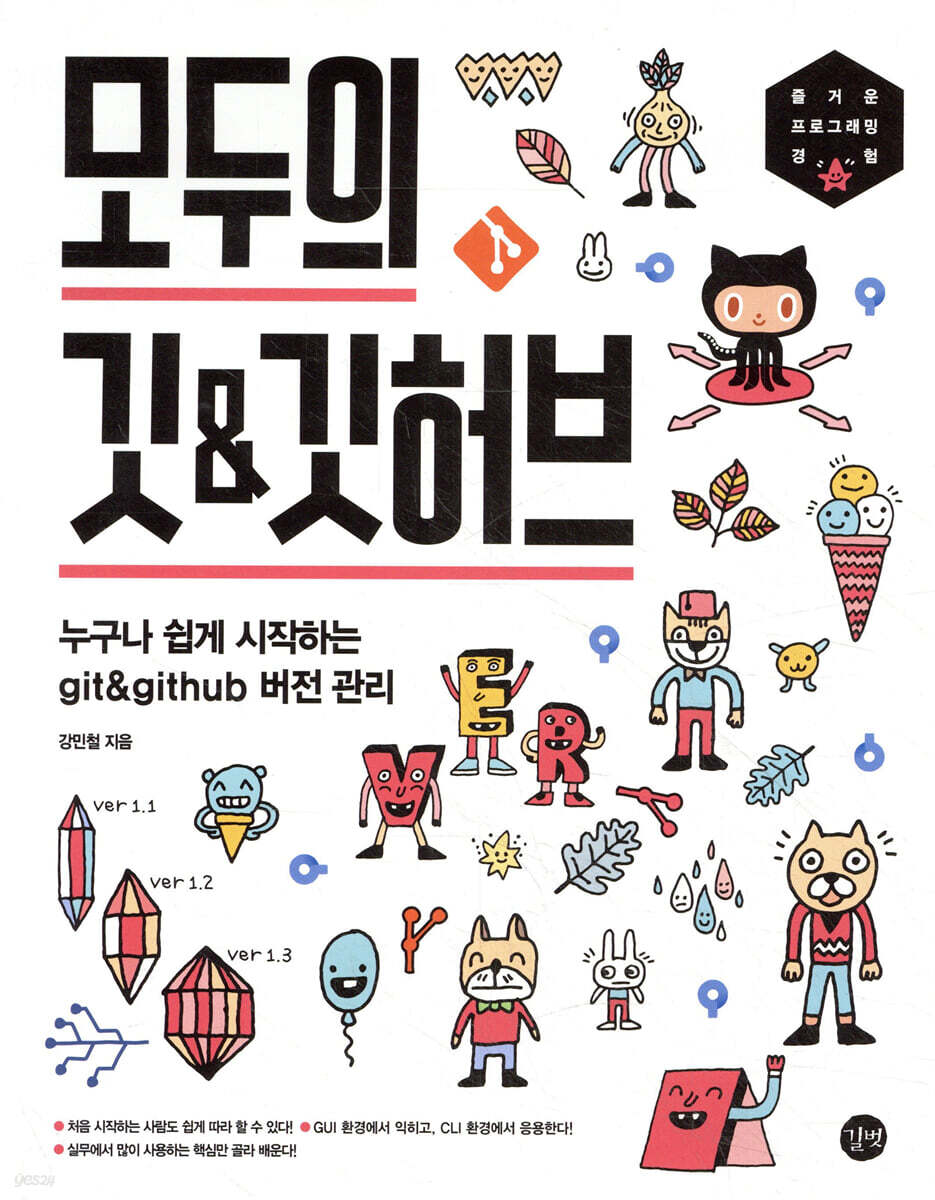
Everyone's Git & GitHub
 |
Description
Book Introduction
|
"I'm collaborating with multiple people. How do I manage code?" "I want to revert my code to an older version!" "I want to back up my code. And we also need the ability to manage it by dividing it into multiple versions!" The easiest introduction to Git & GitHub with 557 illustrations and drawings! The solution to all these situations is version control. Git and GitHub allow you to efficiently manage versions of files or source code, and are especially useful when collaborating with multiple people, such as for recovery or checking revision history. This book is intended for beginners who are just starting to study version control or have decided to study it. After preparing a Git and GitHub practice environment, you will learn basic Git functions such as creating/comparing versions and reverting work history using the graphical tool SourceTree. Next, I organized it so that I could fully understand the functions I learned by practicing them again using Git commands. If you're new to version control, start with this book. |
- You can preview some of the book's contents.
Preview
index
PART 1: Learning Git Without Commands
Preparing Chapter 1
___1.1 A World Without Flags
___1.2 Understanding Versions and Version Management
___1.3 Getting to know Git, SourceTree, and GitHub
___1.4 Installing and Setting Up Git
___1.5 Installing SourceTree
___1.6 Sign up for GitHub membership
Chapter 2: Getting Started with Version Control with Git
___2.1 The Big Picture of Version Control
___2.2 Version Control Preview
___2.3 version is accumulated and presented to users
Playing with Chapter 3 Version
Compare Version ___3.1
___3.2 Undoing work
___3.3 Temporarily saving work with stash
Chapter 4: Dividing into Branches and Managing Them
___4.1 Reasons for managing the version separately
___4.2 Splitting and merging branches
___4.3 Resolving Conflicts
___4.4 Relocating a branch
Chapter 5: Collaborating with GitHub
___5.1 Introduction to GitHub
___5.2 Four Interactions with Remote Repositories
___5.3 Pull Requests: Collaborating on GitHub
PART 2: Handling Git with Commands
Chapter 6: Managing Versions with Commands 1
___6.1 Why you should know Git commands
Creating version ___6.2
___6.3 Managing Tags
Chapter 7: Managing Versions with Commands 2
Compare Version ___7.1
___7.2 Undoing Work
___7.3 Saving your work temporarily
___7.4 Managing Branches
Chapter 8: Handling GitHub with Commands
___8.1 Interacting with Remote Repositories
___8.2 Sending a pull request with Git commands
___8.3 Going further
Preparing Chapter 1
___1.1 A World Without Flags
___1.2 Understanding Versions and Version Management
___1.3 Getting to know Git, SourceTree, and GitHub
___1.4 Installing and Setting Up Git
___1.5 Installing SourceTree
___1.6 Sign up for GitHub membership
Chapter 2: Getting Started with Version Control with Git
___2.1 The Big Picture of Version Control
___2.2 Version Control Preview
___2.3 version is accumulated and presented to users
Playing with Chapter 3 Version
Compare Version ___3.1
___3.2 Undoing work
___3.3 Temporarily saving work with stash
Chapter 4: Dividing into Branches and Managing Them
___4.1 Reasons for managing the version separately
___4.2 Splitting and merging branches
___4.3 Resolving Conflicts
___4.4 Relocating a branch
Chapter 5: Collaborating with GitHub
___5.1 Introduction to GitHub
___5.2 Four Interactions with Remote Repositories
___5.3 Pull Requests: Collaborating on GitHub
PART 2: Handling Git with Commands
Chapter 6: Managing Versions with Commands 1
___6.1 Why you should know Git commands
Creating version ___6.2
___6.3 Managing Tags
Chapter 7: Managing Versions with Commands 2
Compare Version ___7.1
___7.2 Undoing Work
___7.3 Saving your work temporarily
___7.4 Managing Branches
Chapter 8: Handling GitHub with Commands
___8.1 Interacting with Remote Repositories
___8.2 Sending a pull request with Git commands
___8.3 Going further
Detailed image

Publisher's Review
Personally, I don't read the author's notes very often.
It's hard to see it as a good habit, but it was because I wanted to jump straight into the text of the book.
But now that I've actually spent a long time and put so much effort into writing the book myself, I think I understand anew how heavy the author's words are and how they contain the author's complex and nuanced emotions.
I think it's been about 10 years since I started using Git.
I still vividly remember first encountering Git on a bunk bed in my high school dormitory, on an old laptop with no internet access, and being amazed at how convenient it was.
At the time, I had no idea that 10 years later, everyone would have to learn Git to become a developer.
Compared to then, both Git and GitHub seem to have changed a lot, but the essence of version control using Git and GitHub has not changed.
And I tried to capture that essence in this book.
So, I would like to ask one thing of you, the readers, in advance.
This book covers Git, GitHub, and SourceTree.
However, since Git, GitHub, and SourceTree are still under continuous development, minor details such as button locations may change even after this book is published.
In fact, even while I was writing this book, SourceTree and GitHub made minor changes.
However, most of the changes in Git, GitHub, and SourceTree do not deviate significantly from the essence of version control described in this book.
In other words, Git, GitHub, and SourceTree don't change so much every day that it would be difficult for you to understand and follow the content in this book.
_From the author's words
It's hard to see it as a good habit, but it was because I wanted to jump straight into the text of the book.
But now that I've actually spent a long time and put so much effort into writing the book myself, I think I understand anew how heavy the author's words are and how they contain the author's complex and nuanced emotions.
I think it's been about 10 years since I started using Git.
I still vividly remember first encountering Git on a bunk bed in my high school dormitory, on an old laptop with no internet access, and being amazed at how convenient it was.
At the time, I had no idea that 10 years later, everyone would have to learn Git to become a developer.
Compared to then, both Git and GitHub seem to have changed a lot, but the essence of version control using Git and GitHub has not changed.
And I tried to capture that essence in this book.
So, I would like to ask one thing of you, the readers, in advance.
This book covers Git, GitHub, and SourceTree.
However, since Git, GitHub, and SourceTree are still under continuous development, minor details such as button locations may change even after this book is published.
In fact, even while I was writing this book, SourceTree and GitHub made minor changes.
However, most of the changes in Git, GitHub, and SourceTree do not deviate significantly from the essence of version control described in this book.
In other words, Git, GitHub, and SourceTree don't change so much every day that it would be difficult for you to understand and follow the content in this book.
_From the author's words
GOODS SPECIFICS
- Publication date: July 25, 2022
- Page count, weight, size: 372 pages | 820g | 183*235*22mm
- ISBN13: 9791140700691
You may also like
카테고리
korean


korean

![GQ KOREA Mark (Monthly): December [2025]](http://librairie.coreenne.fr/cdn/shop/files/8ef265dbbfbf186523ed75ba7319009d.jpg?v=1765340328&width=3840)


