

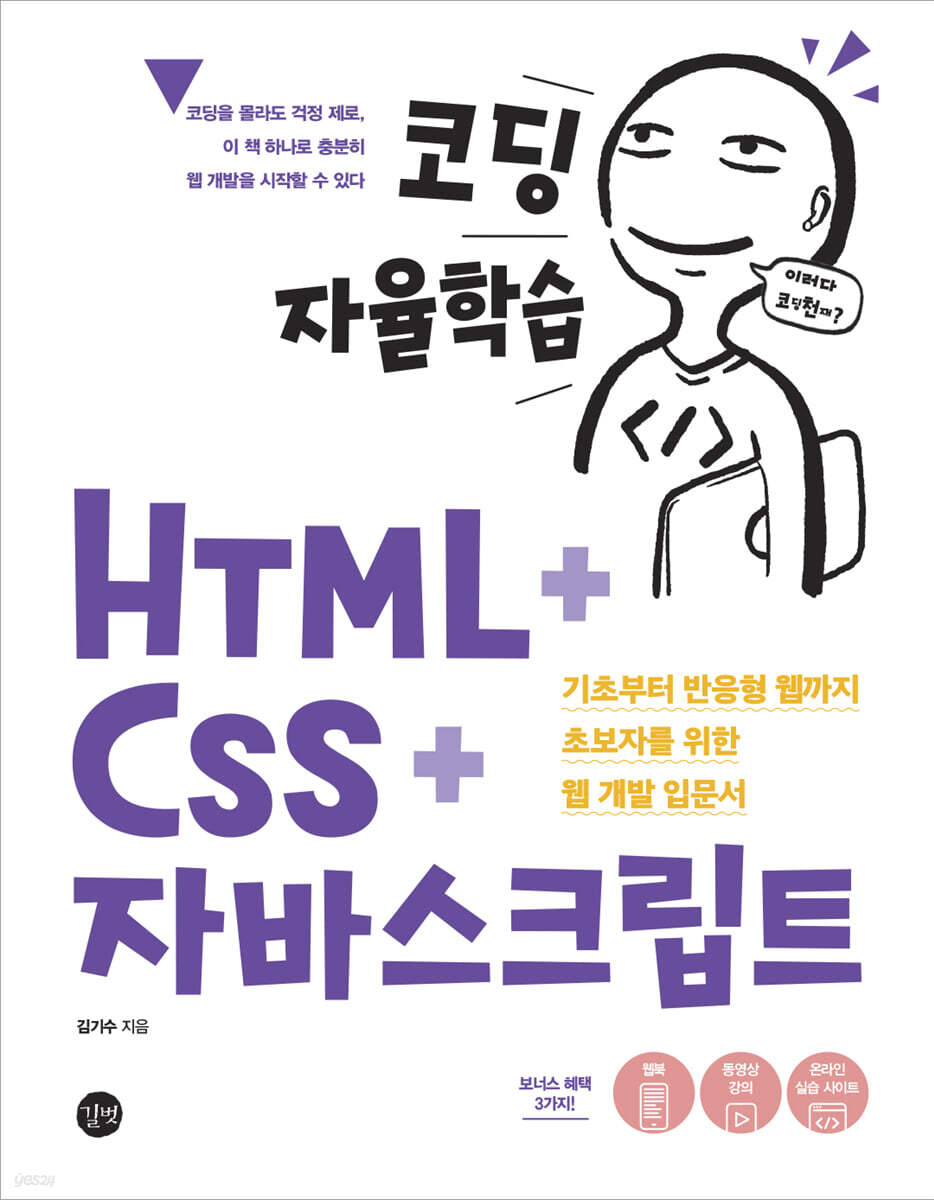
Self-study coding HTML + CSS + JavaScript
 |
Description
Book Introduction
Don't worry if you don't know how to code. This book is enough to get you started with web development! This book covers the most commonly used grammar concepts in practice, with a variety of examples, to help beginners learn grammar quickly and enjoyably. From setting up a development environment to the basics of HTML, CSS, and JavaScript, this book covers everything. Finally, you'll complete what you've learned by creating your own portfolio page that you can use in your work. It goes beyond simple coding and result verification explanations, allowing you to learn while understanding the principles, so you can understand naturally without memorizing them. In addition, the content is verified with the beta learning group and explained at a beginner's level, so even coding beginners and non-majors can easily get started with web development. |
- You can preview some of the book's contents.
Preview
index
Part 1: Designing Web Structure with HTML
Chapter 1: Hello, HTML + CSS + JavaScript
_1.1 Setting up the development environment
_1.2 Creating your first HTML document
Chapter 2: Reviewing the Basics of Writing HTML Documents
_2.1 Basic Components of HTML
_2.2 Basic structure of HTML
_2.3 Understanding the features of HTML
Chapter 3: Handling essential HTML tags frequently used in practice
_3.1 Writing Text
_3.2 Grouping
_3.3 Creating a list
_3.4 Inserting links and images
_3.5 Highlighting Text
_3.6 Configuring the Form
_3.7 Creating a table
_3.8 Setting up multimedia
_3.9 Semantic tags for designing web page structure
_3.10 Global properties used regardless of tag type
Part 2: Decorating Web Pages with CSS
Chapter 4: Learning CSS Basics for Web Styling
_4.1 CSS Grammar Overview
_4.2 Applying CSS
Chapter 5: Working with CSS Selectors
_5.1 Using basic selectors
_5.2 Using combination selectors
_5.3 Using pseudo-element selectors
_5.4 Using pseudo-class selectors
_5.5 Combining various selectors
Chapter 6: Handling Essential CSS Properties
_6.1 Examining CSS Features
_6.2 Decorating text with text properties
_6.3 Handling the properties that make up the box model
_6.4 Setting the background of an element with the background property
_6.5 Positioning HTML elements with the position attribute
_6.6 Applying transition effect properties
_6.7 Controlling Transition Effects with Animation Properties
_6.8 Applying transformation effects
_6.9 Using web fonts and icon fonts
Chapter 7: Handling CSS Properties for Effective Layout
_7.1 Designing a one-dimensional layout with flexbox layout
_7.2 Designing a 2D layout with grid layout
_7.3 Using Media Queries for Responsive Web
Part 3: Implementing Web Behaviors with JavaScript
Chapter 8: Getting Started with JavaScript
_8.1 How to write JavaScript code
_8.2 Things to know before starting programming
Chapter 9: Basic JavaScript Grammar
_9.1 Variables and Constants
_9.2 Data Types
_9.3 Operator
_9.4 Handling Conditional Statements
_9.5 Handling loops
Chapter 10: Handling JavaScript Functions
_10.1 What is a function?
_10.2 How to define a function
_10.3 Extending Function Capabilities
_10.4 Understanding the Characteristics of Functions
_10.5 Using Immediately Executed Functions
Chapter 11: Handling JavaScript Objects
_11.1 What is an object?
_11.2 Handling Object Properties
_11.3 Using Standard Built-in Objects
_11.4 Using the Browser Object Model
Chapter 12: Handling Document Object Models and Events
_12.1 Understanding the Document Object Model
_12.2 Selecting a Node
_12.3 Manipulating Nodes
_12.4 Adding/Deleting Nodes
_12.5 Manipulating Forms
_12.6 Handling Events
_12.7 Event Object and this
Part 4: Completing the Basics of Web Development with Projects
Chapter 13: The Final Project: HTML+CSS+JavaScript
_13.1 Final Project Overview
_13.2 Creating a header area
_13.3 Creating the Main Area
_13.4 Creating a Section Area - About Me
_13.5 Creating a Section Area - What I Do
_13.6 Background area
_13.7 Creating a Section Area - PortFolio
_13.8 Creating a Section Area - Contact With Me
_13.9 Applying Responsive Code
_13.10 Applying JavaScript
_13.11 Validation
Chapter 1: Hello, HTML + CSS + JavaScript
_1.1 Setting up the development environment
_1.2 Creating your first HTML document
Chapter 2: Reviewing the Basics of Writing HTML Documents
_2.1 Basic Components of HTML
_2.2 Basic structure of HTML
_2.3 Understanding the features of HTML
Chapter 3: Handling essential HTML tags frequently used in practice
_3.1 Writing Text
_3.2 Grouping
_3.3 Creating a list
_3.4 Inserting links and images
_3.5 Highlighting Text
_3.6 Configuring the Form
_3.7 Creating a table
_3.8 Setting up multimedia
_3.9 Semantic tags for designing web page structure
_3.10 Global properties used regardless of tag type
Part 2: Decorating Web Pages with CSS
Chapter 4: Learning CSS Basics for Web Styling
_4.1 CSS Grammar Overview
_4.2 Applying CSS
Chapter 5: Working with CSS Selectors
_5.1 Using basic selectors
_5.2 Using combination selectors
_5.3 Using pseudo-element selectors
_5.4 Using pseudo-class selectors
_5.5 Combining various selectors
Chapter 6: Handling Essential CSS Properties
_6.1 Examining CSS Features
_6.2 Decorating text with text properties
_6.3 Handling the properties that make up the box model
_6.4 Setting the background of an element with the background property
_6.5 Positioning HTML elements with the position attribute
_6.6 Applying transition effect properties
_6.7 Controlling Transition Effects with Animation Properties
_6.8 Applying transformation effects
_6.9 Using web fonts and icon fonts
Chapter 7: Handling CSS Properties for Effective Layout
_7.1 Designing a one-dimensional layout with flexbox layout
_7.2 Designing a 2D layout with grid layout
_7.3 Using Media Queries for Responsive Web
Part 3: Implementing Web Behaviors with JavaScript
Chapter 8: Getting Started with JavaScript
_8.1 How to write JavaScript code
_8.2 Things to know before starting programming
Chapter 9: Basic JavaScript Grammar
_9.1 Variables and Constants
_9.2 Data Types
_9.3 Operator
_9.4 Handling Conditional Statements
_9.5 Handling loops
Chapter 10: Handling JavaScript Functions
_10.1 What is a function?
_10.2 How to define a function
_10.3 Extending Function Capabilities
_10.4 Understanding the Characteristics of Functions
_10.5 Using Immediately Executed Functions
Chapter 11: Handling JavaScript Objects
_11.1 What is an object?
_11.2 Handling Object Properties
_11.3 Using Standard Built-in Objects
_11.4 Using the Browser Object Model
Chapter 12: Handling Document Object Models and Events
_12.1 Understanding the Document Object Model
_12.2 Selecting a Node
_12.3 Manipulating Nodes
_12.4 Adding/Deleting Nodes
_12.5 Manipulating Forms
_12.6 Handling Events
_12.7 Event Object and this
Part 4: Completing the Basics of Web Development with Projects
Chapter 13: The Final Project: HTML+CSS+JavaScript
_13.1 Final Project Overview
_13.2 Creating a header area
_13.3 Creating the Main Area
_13.4 Creating a Section Area - About Me
_13.5 Creating a Section Area - What I Do
_13.6 Background area
_13.7 Creating a Section Area - PortFolio
_13.8 Creating a Section Area - Contact With Me
_13.9 Applying Responsive Code
_13.10 Applying JavaScript
_13.11 Validation
Detailed image

Publisher's Review
It was great that even a complete beginner like me, who lacked the basics, could understand the concepts clearly and move on! And the real advantage was being able to create a portfolio page at the end!!! _Nam Yoon-jung
This book covers everything from the basics of HTML, CSS, and JavaScript to how to use them, and carefully selects the content that is essential for practical use.
Since it was my first time coding and I didn't know much about the content, the explanations were easy to understand, so I was able to study with enjoyment until the end.
If you've just started studying but don't know what to do on your own, read this book.
This will be a great opportunity to set a direction for your studies in web development and gain practical experience while implementing it yourself.
_Kim Dong-won
I liked this book because it contained a lot of information in one volume.
It was a very useful time reading the book because it not only covered things that I was curious about while studying, but also included techniques used in practice.
_Park Ga-dan
It is a friendly textbook that will help you gain a lot.
I really enjoyed it because I could study smoothly without having to look for other materials.
I highly recommend reading this book to anyone who has ever visited the portfolio site we'll be building in the final chapter and thought, "I want to create a website like this."
The example site provided is also very useful, allowing you to learn the basics of web development easily and conveniently.
_Kim Seon-hye
It was a book that I looked up out of curiosity rather than feeling like I was studying it.
Although it was a book for beginners, it was full of useful tips for practitioners as well, and it was so good that I wish it had more explanations of basic concepts.
_Hong Jeong-ah
I thought that someone new to coding would be able to build a solid foundation without getting lost with just this one book.
It was even more useful because it contained details that I hadn't seen in the textbook before.
This book is incredibly rich in examples and covers everything a practitioner needs, making it a great help to both complete beginners and those who have already mastered the basics.
_Ryu Seong-ju
This book is well organized with basic concepts that are easy to miss, so even practitioners can keep it handy.
It's full of practical tips that apply what you've learned, from the basics up to expert knowledge, so it's useful at any level.
It is also a book that is suitable for self-study as you can feel a sense of accomplishment by calmly following the examples and projects and practicing.
_Kim Ji-won
The meaning and usage of HTML, CSS, and the JavaScript programming process are explained in great detail so that even beginners can easily understand and follow along.
When you encounter a slightly difficult part, we provide tips and advice along the way to help you successfully overcome the long and arduous process of learning web development.
I felt that it was by no means shallow knowledge, and I am confident that if I can fully master this book, it will be of great help in my next level of study or in studying various JavaScript frameworks.
_Im Hyuk
This book covers everything from the basics of HTML, CSS, and JavaScript to how to use them, and carefully selects the content that is essential for practical use.
Since it was my first time coding and I didn't know much about the content, the explanations were easy to understand, so I was able to study with enjoyment until the end.
If you've just started studying but don't know what to do on your own, read this book.
This will be a great opportunity to set a direction for your studies in web development and gain practical experience while implementing it yourself.
_Kim Dong-won
I liked this book because it contained a lot of information in one volume.
It was a very useful time reading the book because it not only covered things that I was curious about while studying, but also included techniques used in practice.
_Park Ga-dan
It is a friendly textbook that will help you gain a lot.
I really enjoyed it because I could study smoothly without having to look for other materials.
I highly recommend reading this book to anyone who has ever visited the portfolio site we'll be building in the final chapter and thought, "I want to create a website like this."
The example site provided is also very useful, allowing you to learn the basics of web development easily and conveniently.
_Kim Seon-hye
It was a book that I looked up out of curiosity rather than feeling like I was studying it.
Although it was a book for beginners, it was full of useful tips for practitioners as well, and it was so good that I wish it had more explanations of basic concepts.
_Hong Jeong-ah
I thought that someone new to coding would be able to build a solid foundation without getting lost with just this one book.
It was even more useful because it contained details that I hadn't seen in the textbook before.
This book is incredibly rich in examples and covers everything a practitioner needs, making it a great help to both complete beginners and those who have already mastered the basics.
_Ryu Seong-ju
This book is well organized with basic concepts that are easy to miss, so even practitioners can keep it handy.
It's full of practical tips that apply what you've learned, from the basics up to expert knowledge, so it's useful at any level.
It is also a book that is suitable for self-study as you can feel a sense of accomplishment by calmly following the examples and projects and practicing.
_Kim Ji-won
The meaning and usage of HTML, CSS, and the JavaScript programming process are explained in great detail so that even beginners can easily understand and follow along.
When you encounter a slightly difficult part, we provide tips and advice along the way to help you successfully overcome the long and arduous process of learning web development.
I felt that it was by no means shallow knowledge, and I am confident that if I can fully master this book, it will be of great help in my next level of study or in studying various JavaScript frameworks.
_Im Hyuk
GOODS SPECIFICS
- Publication date: April 25, 2022
- Page count, weight, size: 612 pages | 1,366g | 183*235*30mm
- ISBN13: 9791165219468
- ISBN10: 1165219468
You may also like
카테고리
korean


korean

![GQ KOREA Mark (Monthly): December [2025]](http://librairie.coreenne.fr/cdn/shop/files/8ef265dbbfbf186523ed75ba7319009d.jpg?v=1765340328&width=3840)


