

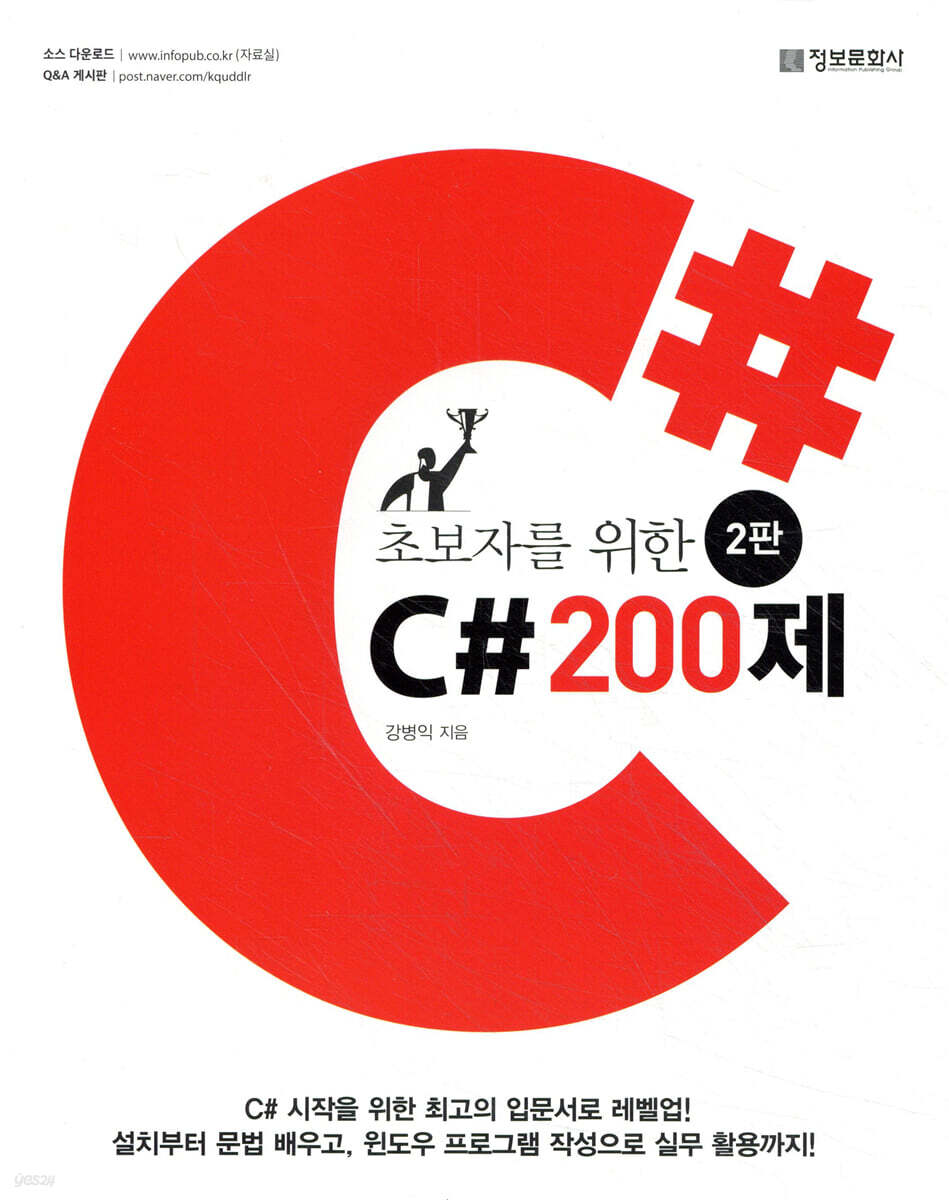
200 C# Questions for Beginners
 |
Description
Book Introduction
C# best embodies the features of modern programming languages
This book was written after years of teaching to find ways for students to learn easily.
That's why we're considerate of beginners so they can learn to create interesting programs on their own.
This will be an opportunity to learn the basics, starting with an explanation of text-based console programs, and then creating fun programs yourself through visual programming.
All examples in the book were written and run in Visual Studio 2019.
The source code can be downloaded and used from the information culture website (infopub.co.kr) and the author's GitHub (github.com/BeeEyeDmu/CSharp200).
We also run a Q&A bulletin board, so if you have any questions while studying, you can provide feedback on the author's blog (post.naver.com/kquddlr).
index
PART 1: Getting Started with C#
001 Compiling a simple C# program from the command line
002 Install Visual Studio and print
Reading and writing from the 003 console
004 Variable Declaration and Data Type
005 Characters and Strings
006 Assignment operators and assignment statements
007 ConsoleWriteLine method
008 Outputting multiple values with the ConsoleWriteLine method
009 How to print two variables
ConsoleWriteLine method using the 010 format specifier
StringFormat() and ToString() using the 011 format specifier
012 Float, double, and decimal representing real numbers
013 Casting and data type conversion
014 Conversion of strings and numbers
015 Convert class and binary, octal, and hexadecimal output
016 Operators and Expressions in C#
017 Arithmetic Operators
018 DivideByZeroException and try~catch statement
019 OverflowException and the checked keyword
020 Relational Operators
021 Logical Operators
022 Bitwise Operator
023 Conditional operator (? :)
024 Compression of increment, decrement, and assignment operators
025 String class
026 String parsing using the StringSplit() method
027 Four ways to concatenate strings
Search for string 028
029 Date and time formatting with StringFormat
030 How to insert a group separator
031 Differences between String and StirngBuilder
032 enumeration enum
033 Constants, const and readonly
034 Value types and reference types, ref keyword
035 Passing arrays and objects as method parameters
036 Null conditional operator(?)
037 Initialization and default of variables
038 Nullable type
039 Object Type and Boxing and Unboxing
040 if~else conditional statement
041 switch statement
042 BMI Calculator
043 Loop (addition from 1 to 100, sum of odd numbers, sum of reciprocals)
044 Outputting binary, octal, and hexadecimal numbers using loops
045 Print the multiplication table using a loop
046 Finding the average, minimum, and maximum values
047 Finding x raised to the power of y
048 Finding the factorial
049 Determining prime numbers
050 Calculation of Pi
051 Infinite loop and break statement
052 The moment the total exceeds 10000
053 Finding the factorial and sum of numbers 1 to n using a double loop
054 Outputting the multiplication table using a double loop
055 Print the prime numbers up to 1000 and print how many there are
056 Double loop and pyramid output
PART 2: Build a Basic C# Foundation
057 Initializing an array and outputting array elements
058 Arrays and Array Classes
059 Multidimensional array
060 Store the names in an array and sort them alphabetically
061 Random class
Calculating minimum, maximum, and average in an array of 062
063 Linear search and binary search
064 Bubble Sort
065 Classes and Structures
Members, fields, and constants of class 066
067 Instance methods and static methods
068 Constructor method
069 Property
070 Static method to find the largest number among three numbers
071 Static method to determine whether a number is prime
072 Static method to determine if it is a leap year
073 Life Calculator
074 Pyramid Method
075 Method for calculating factorial
076 Method to add all integer values between two numbers
077 Method for calculating n to the power of m
078 Method for calculating the area of a circle
079 Recursive method Power(x, y)
080 Calculating factorial using recursive methods
081 Calculating the sum of reciprocals using a recursive method
082 Tower of Hanoi and Mersenne Numbers
083 Recursive Binary Search
084 Measuring the running time of the Fibonacci sequence with Stopwatch
085 DateTime structure
086 How to use the TimeSpan structure
087 Lifetime Calculator Using TimeSpan
088 DateTime Format
Three ways to pass arguments to method 089
090 How to use variable-length parameters params
091 Optional and Named Arguments
092 Method Overloading
PART 3: Build Intermediate C# Skills
093 Generalized Method (Generic Method)
094 Generalized Class (Generic Class)
095 Generalized program using dynamic type
096 Implementation of LinkedList
097 Program using LinkedList class
098 Implementation of Stack〈T〉
099 Program using stack
Implementation of 100 Queue〈T〉
Program using 101 queue
102 Collections, Using ArrayList
103 List〈T〉 Collection
104 List〈T〉 and Array Sorting
105 How to sort an array in descending order
106 Sort two arrays in pairs
107 Sorting objects using the IComparable interface
How to use the 108 Queue〈T〉 collection
109 Stack〈T〉 and Polish Calculator
110 Hashtable and Dictionary〈TKey, TValue〉
111 SortedList and SortedList〈TKey, TValue〉
112 Indexer
113 Delegate Basics, Finding Odd and Even Numbers in an Array
114 Anonymous Delegate
115 Making Delegates Simpler with Func and Action
116 Lambda Expression
117 Use of lambda expressions
118 Predicate〈T〉 Delegate
119 Using Predicate〈T〉 delegate in List〈T〉
120 LINQ Basics
121 Conditional Search and Sorting Using LINQ
122 Returning LINQ results as a list or array
How to save the results of a 123 query as a new object collection
124 Linq, Sorting Data with Group By
PART 4: Utilizing C# Visual Programming
125 Creating a WinForm Project
126 How to Create a WinForms Program Without a WinForms Template
127 Creating a Hello World Program with WinForms
128 Location of solution and project files
129 Form class and two forms
130 Message Box
131 Textbox, Label, and Button Controls
Displaying multiple lines of text in a label 132
Event handling using the 133 flag
134 checkbox
135 Radio Buttons and Group Boxes
136 Creating a login window
137 Grade Calculator
138 MaskedTextBox
139 Adjusting RGB colors with the ScrollBar
140 Three ways to display items in a listbox
141 Adding and deleting restaurant lists using combo boxes
142 List of desired travel destinations using CheckedListBox
143 Grade Calculator Using Combo Box
144 Displaying a product list using list view
145 View mode of list view
146 History study program using TreeView and PictureBox
Digital clock using 147 Timer control
148 TrackBar and ProgressBar
149 Date Calculator Using DateTimePicker
Digital alarm clock with 150 TabControl
151 Sound alarm clock using WindowsMediaPlayer
152 Video Player with WMP Controls
153 Opening a file in Notepad using OpenFileDialog
154 Menus and dialog boxes (fonts, colors)
155 Graphics program using GDI+ and ToolStrip and StatusStrip
156 Creating a Hello World Program with WPF
157 Layouts in WPF
158 WPF BMI Calculator
159 WPF DispatcherTimer and Blinking Program
PART 5: Writing Practical C# Applications
160 WPF Simple Calculator
161 WinForm Windows Standard Calculator ①
162 WinForm Windows Standard Calculator ②
163 Design of the WPF Windows Standard Calculator
164 WPF Digital Clock
165 WinForm Analog Clock
166 WPF Analog Clock
167 WPF Analog Clock Using RotateTransform
Finding Pi with 168 WPF Monte Carlo Simulations
169 Using WinForm Controls in WPF
170 Using the Chart Control
171 Using two chart areas and two series
172 Drawing Mathematical Function Graphs Using the Chart Control
173 Notepad Program ①
174 Notepad Program ②
175 Image Viewer
176 WPF Matching Game ① - Design and Initialization
177 WPF Matching Game ② - Game Implementation
178 WPF Snake Bite Game
179 WPF Login Program ① - Design and DB
180 WPF Login Program ② - Coding
181 Access Database Programming - Phone Book ①
182 Database Programming - Phone Book ②
183 Database Programming - Phone Book ③
184 SQL Server Database Programming ① - Design
185 SQL Server Database Programming ② - Creating a DB
186 SQL Server Database Programming ③ - C#
187 Omok Program ① - Design
188 Gomoku Program ② - Drawing a Go Board
189 Gomoku Program ③ - Drawing Go Stones
190 Omok Program ④ - Drawing Go Stones as Images
191 Gomoku Program ⑤ - Data Structure
192 Omok Program ⑥ - Omok Decision
193 Omok Program ⑦ - Sequence Display
194 Omok Program ⑧ - Saving game information
195 Omok Program ⑨ - Review Function
196 Omok Program ⑩ - Duplicate Removal
197 Arduino Sensor Monitoring ① - Arduino and Design
198 Arduino Sensor Monitoring ② - Sensor Data Class
199 Arduino Sensor Monitoring ③ - Serial Communication
200 Arduino Sensor Monitoring ④ - Database
Detailed image

Publisher's Review
Master C# with 200 examples!
C#, which is widely used in visual programming using GUI in Windows environment, can use Windows Forms and WPF templates.
It is becoming increasingly popular because it supports the powerful .NET framework, has an easy syntax that does not require pointers, and provides Visual Studio for free.
This book explains input/output, variables, and constants, which are the basics of not only C# but all programming languages, and then moves on to learning about arrays and structures.
Afterwards, you will learn advanced grammar such as generic programming and interfaces, and write WinForm and WPF programs.
By coding interesting things that can be used in real life, such as calculators, clocks, and Gomoku games, you can develop skills that can even enable Anuino and sensor monitoring.
C# is primarily powerful for Windows desktop programming, but it's also used for web programming with ASP.NET, and cross-platform app development for Android, iOS, and UWP using Xamarin.
It is also the main language of game programs that use Unity, so if you are interested in C#, this is a good book to start with.
GOODS SPECIFICS
- Date of issue: September 20, 2019
- Page count, weight, size: 684 pages | 1,242g | 187*235*35mm
- ISBN13: 9788956748399
- ISBN10: 895674839X
You may also like
카테고리
korean


korean


