

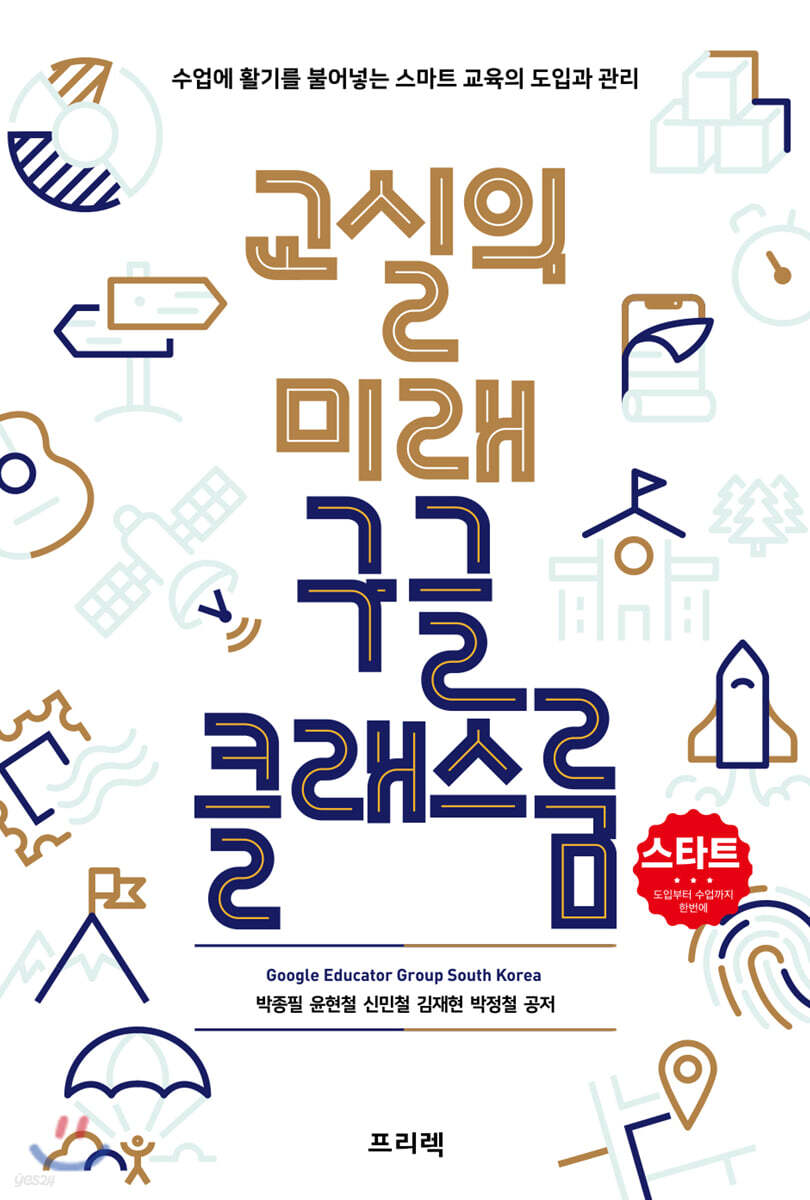
Google Classroom: The Future of the Classroom
 |
Description
Book Introduction
"Google Classroom: The Future of the Classroom" explains everything from the initial introduction of Google Classroom (G Suite for Education), used by 70 million people in 190 countries around the world, to systematic management and operation.
Using Google Classroom, teachers can save time, create more engaging lessons, and easily update and manage learning materials.
Students actively participate in class by leaving comments and creating learning materials, which injects vitality into the otherwise boring class atmosphere.
Furthermore, this book introduces the 'Chromebook', a digital device optimized for Google Classroom use, and provides specific information on how Chromebooks are used in actual educational settings and what benefits they provide.
Google Classroom, a smart classroom for children who are more familiar with touchpads than blackboards.
I hope that many people will use this book as a guide to lead changes in teaching methods in the educational field.
- You can preview some of the book's contents.
Preview
index
introduction
Recommendation
Chapter 01 Getting Started with Google Classroom
A.
What is G Suite for Education?
B.
Introducing G Suite for Education
C.
G Suite for Education Eligibility Requirements
D.
Getting Started with G Suite for Education
E.
G Suite for Education School Agreement
F.
Institutional Certification
Chapter 02 Creating and Managing User Accounts
A.
Creating a school organization chart
B.
Create and manage teacher and student accounts
C.
Grant user permissions
D.
Setting up groups to effectively use G Suite for Education
Chapter 03 Managing Google Classroom: Dashboard
A.
user
B.
Company Profile
C.
payment
D.
report
E.
App
F.
group
G.
Administrator role
H.
Buildings and Resources
I.
etc
Chapter 04 Using Google Classroom
A.
Utilization method and purpose
B.
Screen composition
C.
Creating a Class: Teacher
D.
Participate in class: Students
E.
Example of a class using Google Classroom
Chapter 05: Taking Tests in Google Classroom
A.
Create short-answer and long-answer questions
B.
Create multiple choice questions
C.
Set up the questionnaire
D.
Check response
Chapter 06 Devices Compatible with Google Classroom: Chromebook
A.
Changing times and changing teaching tools
B.
Using Chromebooks in Class
C.
The Need for Chromebooks
Epilogue
Search
Detailed image

Publisher's Review
The days when teachers wrote on the blackboard and students wrote on paper are over.
Students are more comfortable with touchpads than paper, and with smartphones than pencils.
This is a natural change that comes with technological advancements, and the appearance of schools and classrooms is also changing accordingly.
Google Classroom, which realizes a paperless classroom, allows you to utilize various Google tools and platforms in classes with just a simple initial setup.
The monotonous classes centered around paper materials and blackboards are being replaced by YouTube videos and countless photos in Google Drive, making classes more colorful.
Students who would normally doze off as soon as they open a book are now actively participating in classes through Google Classroom, becoming active participants in their own learning.
Google Classroom is a new concept smart classroom where you can attend anytime, anywhere, as long as you have internet and a digital device.
If you follow the contents of "Google Classroom: The Future of the Classroom" step by step, you will quickly get used to it and even become familiar with systematic management.
GOODS SPECIFICS
- Date of issue: April 4, 2019
- Page count, weight, size: 252 pages | 153*224*20mm
- ISBN13: 9788965402367
- ISBN10: 8965402360
You may also like
카테고리
korean


korean


