

Getting Started with Spring Boot
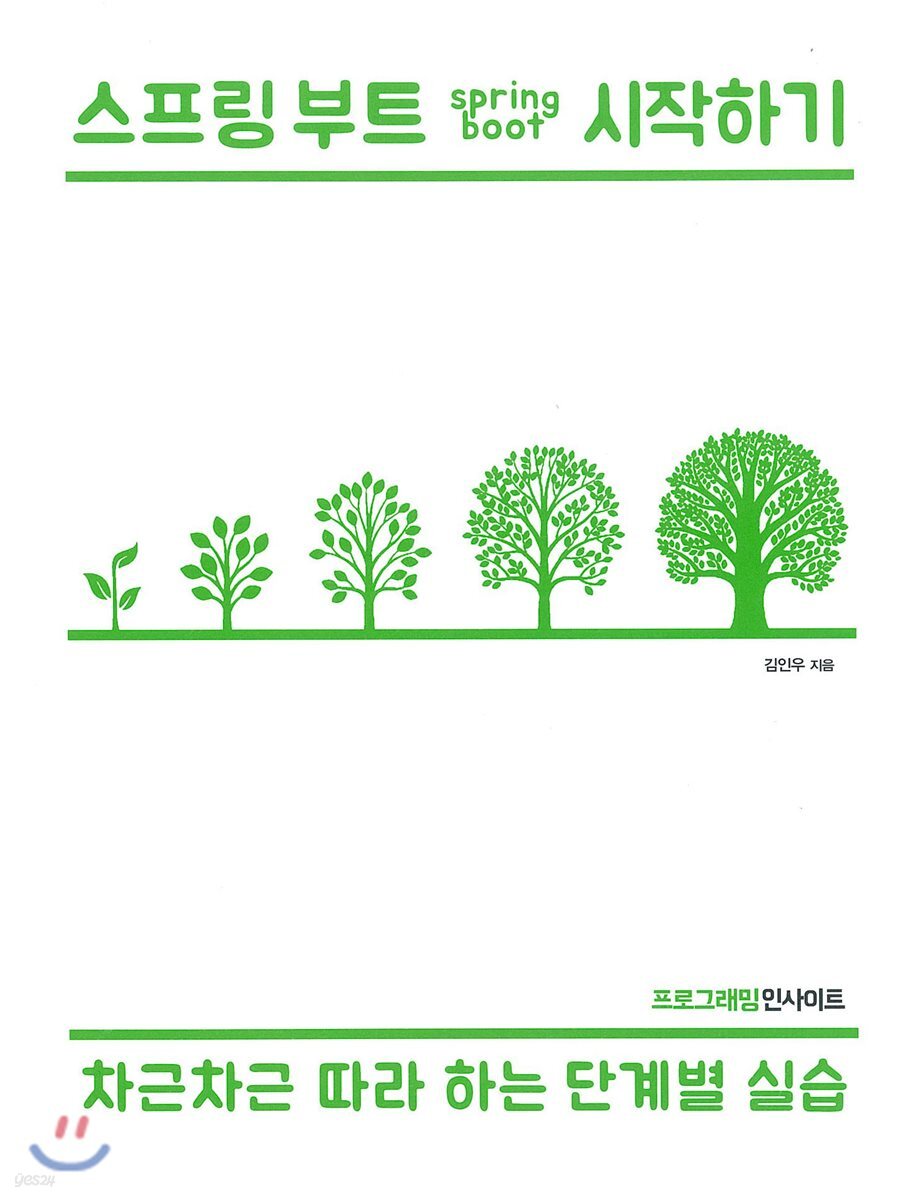 |
Description
Book Introduction
From how it works to how to learn!
When you first start studying anything, it's difficult to know what you don't know and therefore what you need to study.
This book focuses on the 'process' of learning new knowledge from a beginner's perspective.
Even for simple functions, explain 'why' and 'in what order' rather than 'how'.
Therefore, you can understand the principles by experiencing a project from start to finish, from application creation to execution, deployment, and documentation.
You can create examples for each chapter and check the results right away, so it doesn't get boring.
If you follow the friendly explanations step by step and see the bulletin board that becomes more plausible at each step, you will be able to gain both fun and insight.
The purpose of this book is not limited to understanding Spring Boot itself.
Regardless of your field, you can learn how to study and approach the endless new content you will encounter in the future through the process of learning the Spring Boot Framework.
When you first start studying anything, it's difficult to know what you don't know and therefore what you need to study.
This book focuses on the 'process' of learning new knowledge from a beginner's perspective.
Even for simple functions, explain 'why' and 'in what order' rather than 'how'.
Therefore, you can understand the principles by experiencing a project from start to finish, from application creation to execution, deployment, and documentation.
You can create examples for each chapter and check the results right away, so it doesn't get boring.
If you follow the friendly explanations step by step and see the bulletin board that becomes more plausible at each step, you will be able to gain both fun and insight.
The purpose of this book is not limited to understanding Spring Boot itself.
Regardless of your field, you can learn how to study and approach the endless new content you will encounter in the future through the process of learning the Spring Boot Framework.
- You can preview some of the book's contents.
Preview
index
Chapter 1: Setting up the development environment
1.1 Program Installation and Development Environment Configuration
1.1.1 Creating a Common Folder
1.1.2 Installing JDK
1.1.3 Installing Eclipse
1.2 Setting the development environment path
1.2.1 Creating an Eclipse Workspace
1.2.2 Setting up the Eclipse environment
1.2.3 Running Eclipse
1.3 Installing the plugin
1.3.1 Installing the STS Plugin
1.3.2 Installing Gradle
1.3.3 Installing the Gradle Editor
1.4 Changing Eclipse Menus and Perspectives
1.4.1 Changing the menu configuration
1.4.2 Changing Package Presentation
1.4.3 Changing Eclipse Views
1.4.4 Setting Project Encoding
Chapter 2: Creating a Spring Project
2.1 Creating a Project Using Spring Boot
2.2 Meet Hello World
2.3 Exploring the Spring Boot Project
2.3.1 SampleApplication class
2.3.2 build.gradle
Chapter 3: Understanding the Spring Framework
3.1 What is the Spring Framework?
3.2 Understanding the MVC Pattern and Spring MVC
3.2.1 Structure of Spring Web MVC
3.2.1 Structure of Spring MVC commonly used
3.3 Creating a new project for bulletin board development
3.3.1 Creating a Spring Starter Project
3.3.2 Spring Boot version and dependency settings
3.4 Connecting to a Database
3.4.1 Setting up a data source
3.4.2 Integrating with MyBatis
Chapter 4: Implementing a Simple Bulletin Board
4.1 Basic settings for creating a bulletin board
4.1.1 Configuring the Database
4.1.2 Adding a Style Sheet
4.1.3 Adding Lombok
4.2 Creating a Post List
4.2.1 Creating a DTO
4.2.2 Setting up MyBatis
4.2.3 Controller Area
4.2.4 Service Area
4.2.5 Mapper Area
4.2.6 Writing SQL
4.2.7 Creating a View
4.2.8 Checking the execution results
4.3 Creating a post registration function
4.3.1 Creating a Post Registration Screen
4.3.2 Controller Area
4.3.3 Developing Services and Mappers
4.3.4 Writing SQL
4.3.5 Checking the execution results
4.4 Creating a Post Details Screen
4.4.1 Modifying the List Screen
4.4.2 Controller Area
4.4.3 Service and Mapper Areas
4.4.4 Writing SQL
4.4.5 Creating a View
4.4.6 Checking the execution results
4.5 Create a function to edit and delete posts
4.5.1 Changing the View
4.5.2 Controller Area
4.5.3 Service and Mapper Areas
4.5.4 Writing SQL
4.5.5 Checking the execution results
Chapter 5: Exploring Spring's Various Features
5.1 Using Logback
5.1.1 What is Logback?
5.1.2 Configuring Logback
5.1.3 Using Logback
5.2 Sorting query logs with Log4JDBC
5.2.1 Adding Libraries
5.2.2 Configuring log4jdbc
5.3 Using Interceptors
5.3.1 Implementing an Interceptor with HandlerInterceptorAdapter
5.3.2 Registering an Interceptor
5.4 Using AOP
5.4.1 What is AOP?
5.4.2 Applying AOP
5.4.3 Key Concepts of AOP
5.5 Applying Transactions
5.5.1 What is a Transaction?
5.5.2 Setting up a transaction using the @Transaction annotation
5.5.3 Setting up transactions using AOP
5.5.4 Checking Transaction Results
5.6 Handling Exceptions
5.6.1 Adding @ControllerAdvice
5.6.2 Adding an error handling screen
5.7 Setting encoding for Korean processing
Chapter 6 File Upload and Download
6.1 Default settings for file attachments
6.1.1 Creating a File Table
6.1.2 Adding Libraries
6.1.3 Setting up bins for file processing
6.1.4 Removing file-related autoconfiguration
6.2 File Upload
6.2.1 Uploading a file and checking its information
6.2.2 Saving uploaded files to the server
6.2.3 Show a list of attached files
6.3 File Download
6.3.1 View Area
6.3.2 Adding SQL
6.3.3 Adding Services and Mappers
6.3.4 Changing the Controller
6.3.5 Checking the Results
Chapter 7: Creating a RESTful Bulletin Board
7.1 What is REST?
7.2 Changing to a RESTful bulletin board
7.2.1 Writing a Controller
7.2.2 View Templates
7.2.3 Confirming Post Creation
7.2.4 Confirming the movement, editing, and deletion of posts
7.3 Switching to REST API
7.3.1 Developing a REST API
7.3.2 Testing the REST API
Chapter 8: Using Spring Data JPA
8.1 Spring Data JPA
8.1.1 What is JPA?
8.1.2 Advantages of JPA
8.1.3 Disadvantages of JPA
8.1.4 What is Spring Data JPA?
8.2 Basic Configuration for Spring Data JPA
8.2.1 Adding JPA Settings
8.2.2 Setting Up the Java 8 Date API
8.3 Changing to a bulletin board using JPA
8.3.1 Creating Entities
8.3.2 Writing a Controller
8.3.3 Writing a Service
8.3.4 Modifying the FileUtils Class
8.3.5 Creating a Repository
8.3.6 Creating a View Template
8.4 Check the results
8.4.1 Checking the Database
8.4.2 Checking the bulletin board function
Chapter 9: Configuring a Server Using GCP
9.1 Getting Started with GCP
9.1.1 Creating a VM Instance
9.1.2 Setting up the network
9.2 Installing MySQL
9.2.1 Installing MySQL
9.2.2 Setting up MySQL
9.3 Installing JDK
9.4 Installing and Configuring Tomcat
9.4.1 Creating a Folder for Tomcat
9.4.2 Installing Tomcat
9.4.3 Configuring Tomcat
9.4.4 Checking Tomcat
9.5 Installing Jenkins
9.5.1 Installing and Configuring Jenkins
9.5.2 Checking Jenkins
9.5.3 Installing the Plugin
9.5.4 Other Settings
1.1 Program Installation and Development Environment Configuration
1.1.1 Creating a Common Folder
1.1.2 Installing JDK
1.1.3 Installing Eclipse
1.2 Setting the development environment path
1.2.1 Creating an Eclipse Workspace
1.2.2 Setting up the Eclipse environment
1.2.3 Running Eclipse
1.3 Installing the plugin
1.3.1 Installing the STS Plugin
1.3.2 Installing Gradle
1.3.3 Installing the Gradle Editor
1.4 Changing Eclipse Menus and Perspectives
1.4.1 Changing the menu configuration
1.4.2 Changing Package Presentation
1.4.3 Changing Eclipse Views
1.4.4 Setting Project Encoding
Chapter 2: Creating a Spring Project
2.1 Creating a Project Using Spring Boot
2.2 Meet Hello World
2.3 Exploring the Spring Boot Project
2.3.1 SampleApplication class
2.3.2 build.gradle
Chapter 3: Understanding the Spring Framework
3.1 What is the Spring Framework?
3.2 Understanding the MVC Pattern and Spring MVC
3.2.1 Structure of Spring Web MVC
3.2.1 Structure of Spring MVC commonly used
3.3 Creating a new project for bulletin board development
3.3.1 Creating a Spring Starter Project
3.3.2 Spring Boot version and dependency settings
3.4 Connecting to a Database
3.4.1 Setting up a data source
3.4.2 Integrating with MyBatis
Chapter 4: Implementing a Simple Bulletin Board
4.1 Basic settings for creating a bulletin board
4.1.1 Configuring the Database
4.1.2 Adding a Style Sheet
4.1.3 Adding Lombok
4.2 Creating a Post List
4.2.1 Creating a DTO
4.2.2 Setting up MyBatis
4.2.3 Controller Area
4.2.4 Service Area
4.2.5 Mapper Area
4.2.6 Writing SQL
4.2.7 Creating a View
4.2.8 Checking the execution results
4.3 Creating a post registration function
4.3.1 Creating a Post Registration Screen
4.3.2 Controller Area
4.3.3 Developing Services and Mappers
4.3.4 Writing SQL
4.3.5 Checking the execution results
4.4 Creating a Post Details Screen
4.4.1 Modifying the List Screen
4.4.2 Controller Area
4.4.3 Service and Mapper Areas
4.4.4 Writing SQL
4.4.5 Creating a View
4.4.6 Checking the execution results
4.5 Create a function to edit and delete posts
4.5.1 Changing the View
4.5.2 Controller Area
4.5.3 Service and Mapper Areas
4.5.4 Writing SQL
4.5.5 Checking the execution results
Chapter 5: Exploring Spring's Various Features
5.1 Using Logback
5.1.1 What is Logback?
5.1.2 Configuring Logback
5.1.3 Using Logback
5.2 Sorting query logs with Log4JDBC
5.2.1 Adding Libraries
5.2.2 Configuring log4jdbc
5.3 Using Interceptors
5.3.1 Implementing an Interceptor with HandlerInterceptorAdapter
5.3.2 Registering an Interceptor
5.4 Using AOP
5.4.1 What is AOP?
5.4.2 Applying AOP
5.4.3 Key Concepts of AOP
5.5 Applying Transactions
5.5.1 What is a Transaction?
5.5.2 Setting up a transaction using the @Transaction annotation
5.5.3 Setting up transactions using AOP
5.5.4 Checking Transaction Results
5.6 Handling Exceptions
5.6.1 Adding @ControllerAdvice
5.6.2 Adding an error handling screen
5.7 Setting encoding for Korean processing
Chapter 6 File Upload and Download
6.1 Default settings for file attachments
6.1.1 Creating a File Table
6.1.2 Adding Libraries
6.1.3 Setting up bins for file processing
6.1.4 Removing file-related autoconfiguration
6.2 File Upload
6.2.1 Uploading a file and checking its information
6.2.2 Saving uploaded files to the server
6.2.3 Show a list of attached files
6.3 File Download
6.3.1 View Area
6.3.2 Adding SQL
6.3.3 Adding Services and Mappers
6.3.4 Changing the Controller
6.3.5 Checking the Results
Chapter 7: Creating a RESTful Bulletin Board
7.1 What is REST?
7.2 Changing to a RESTful bulletin board
7.2.1 Writing a Controller
7.2.2 View Templates
7.2.3 Confirming Post Creation
7.2.4 Confirming the movement, editing, and deletion of posts
7.3 Switching to REST API
7.3.1 Developing a REST API
7.3.2 Testing the REST API
Chapter 8: Using Spring Data JPA
8.1 Spring Data JPA
8.1.1 What is JPA?
8.1.2 Advantages of JPA
8.1.3 Disadvantages of JPA
8.1.4 What is Spring Data JPA?
8.2 Basic Configuration for Spring Data JPA
8.2.1 Adding JPA Settings
8.2.2 Setting Up the Java 8 Date API
8.3 Changing to a bulletin board using JPA
8.3.1 Creating Entities
8.3.2 Writing a Controller
8.3.3 Writing a Service
8.3.4 Modifying the FileUtils Class
8.3.5 Creating a Repository
8.3.6 Creating a View Template
8.4 Check the results
8.4.1 Checking the Database
8.4.2 Checking the bulletin board function
Chapter 9: Configuring a Server Using GCP
9.1 Getting Started with GCP
9.1.1 Creating a VM Instance
9.1.2 Setting up the network
9.2 Installing MySQL
9.2.1 Installing MySQL
9.2.2 Setting up MySQL
9.3 Installing JDK
9.4 Installing and Configuring Tomcat
9.4.1 Creating a Folder for Tomcat
9.4.2 Installing Tomcat
9.4.3 Configuring Tomcat
9.4.4 Checking Tomcat
9.5 Installing Jenkins
9.5.1 Installing and Configuring Jenkins
9.5.2 Checking Jenkins
9.5.3 Installing the Plugin
9.5.4 Other Settings
GOODS SPECIFICS
- Date of issue: March 25, 2019
- Page count, weight, size: 328 pages | 642g | 188*240*30mm
- ISBN13: 9788966262304
- ISBN10: 8966262309
You may also like
카테고리
korean


korean

![GQ KOREA Mark (Monthly): December [2025]](http://librairie.coreenne.fr/cdn/shop/files/8ef265dbbfbf186523ed75ba7319009d.jpg?v=1765340328&width=3840)


