

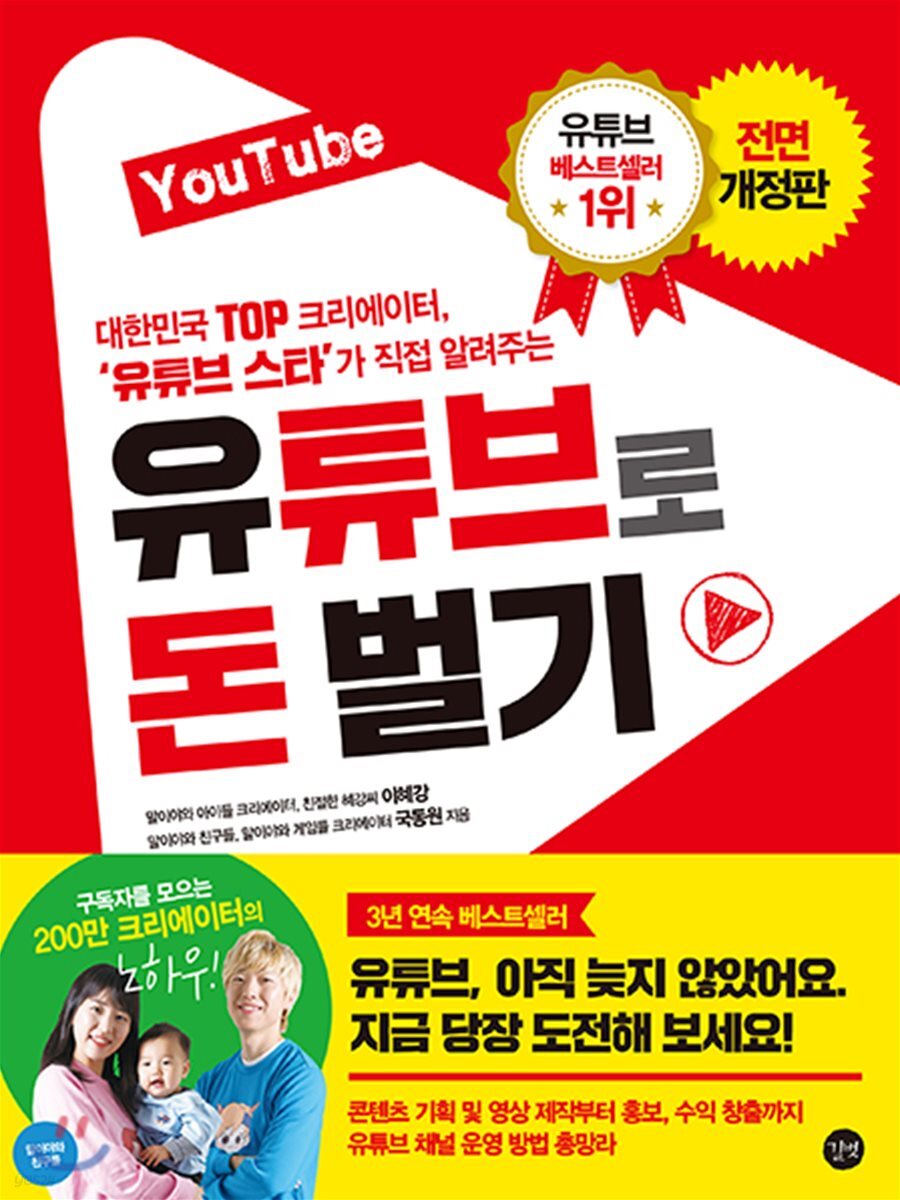
Make money with YouTube
 |
Description
Book Introduction
The secrets of creators like "Maliya and Friends," who have amassed 2 million subscribers, are revealed. YouTube, it's not too late. Try it now! A comprehensive guide to running a YouTube channel, from content planning and video production to promotion and monetization. Korea's top creator, 'YouTube Star' tells you directly Make money with YouTube [Anyone can do it!] Everything from content planning to video production and channel promotion. [I'm a YouTube star too!] We introduced popular domestic and international YouTube channels and shared vivid success stories and know-how. [101 Q&A on Running a YouTube Channel] You can get all your questions about YouTube answered in one place, including channel operation and management, and monetization. |
- You can preview some of the book's contents.
Preview
index
Author Channel Introduction_Maliya and Friends Channel Introduction 8
Before managing your YouTube channel, read this!_Setting up YouTube Creator Studio
YouTube Q&A 101_101 Questions You'll Want to Know About Running a YouTube Channel
Part 01 Why YouTube?
01 Understanding YouTube
02 YouTube Topic Selection and Ranking
[Just follow along 01] Check channel rankings on the Wiztracker site
Wait a minute, how to find the channel you want on Wiztracker
[Just follow along 02] Check the popularity rankings on the Socialblade site.
Just a moment, enter the desired channel or MCN address directly in Socialblade.
Recommended YouTube Creators
Part 02 Preparing to Create a YouTube Video
01 Preparations before video production
1 Choose a video editing program
Wait a minute, here's a lecture that will make learning video editing software a little easier.
2 Minimum computer specifications required for video editing
3 Choosing Equipment Based on Your Video Shooting Method
Here are some things to check when buying a camera or camcorder.
Wait a minute, a representative screen capture program_Ocam
4 Choosing the right lighting for your video shoot
5 Choosing the right microphone for recording
Wait, where can I rent video recording equipment for free or at a low price?
02 How to use sources when making videos
1 Understanding Copyright
2. Use of sources without worrying about copyright infringement
[Just follow along 03] Use a site that provides free sound effects or audio sources.
[Just Follow 04] Download Free Video Clips
03 How to manage completed videos
1 How to keep original files
2 How to save the completed file
[Just follow along 05] How to download directly from YouTube
[Just follow along 06] Downloading videos from YouTube in high definition
Recommended YouTube Creators
Part 03: Creating a YouTube Channel, Branding, and Monetization
01 Set up a Google account and create a YouTube channel
1. Set up a Google account
Wait a minute, here are some things to keep in mind when creating a new YouTube channel.
[Just follow along 07] Sign up for Google and create an account
Wait a minute, if you don't see [Create Account]
2. Open a YouTube channel
[Just Follow 08] Adding Channels and Changing Layouts
If you want to connect with other creators, just wait a minute.
[Just follow along 09] Changing the channel name
Wait a minute, add a nickname to the channel name
3. Open additional YouTube channels
[Just follow along 10] Adding a channel to an existing account
02 How to Brand Your YouTube Channel
1 Channel Concept Setting
Creating a 2-channel icon
[Just follow along 11] Adding a channel icon
3 Channel Art Creation
[Just Follow 12] Practice Creating Channel Art Using PowerPoint
Wait a minute, how to colorize in PowerPoint 2010 and earlier
[Just Follow 13] Configuring the Channel Home Layout
Just a moment, the channel home screen features 'Channel Trailer'
[Just Follow 14] Adding a playlist item to a section
Wait a minute, how do I add someone else's playlist to my channel home?
[Just follow along 15] Recommending the channel itself
[Just follow along 16] Translate the channel into your desired language
Wait a minute, set the channel default language to 'English' and translate it to 'Korean'
03 Basic Settings for Monetization
1. Activate monetization features
[Just Follow 17] Activating monetization features on your channel
2. After signing up for AdSense, connect to YouTube.
[Just Follow 18] Sign up for AdSense and get approved
3 Request and issue PIN number
4 Register after receiving PIN number
5. Profit Payment
[Just Follow 19] Getting Paid by AdSense
Wait a minute, how to reduce fees by raising the payment threshold
Wait a minute. How to issue a foreign currency account to receive AdSense earnings.
Part 04 Uploading YouTube Videos
01 Video Upload Methods and Strategies
1 Select the file to upload
2 Reasons for uploading privately
[Just follow along 20] Change the setting to 'Public' or 'Reserved' when uploading a video.
Wait a minute, set the privacy range when uploading a video
3. Specify upload preferences
02 Understanding 'Metadata'
1 Factors affecting metadata
2 Results from metadata
03 Setting and applying metadata
1. Use YouTube search
2. Use Naver Search Ads
3. Use the Keyword Tool
[Just follow along 21] Copy popular search terms from Keyword Too [site and apply them to YouTube]
Wait a minute, how to check tags attached to YouTube videos
Wait a minute, search with customization turned off
04 Creating Thumbnails (Preview Images) and Precautions
1 The Importance of Thumbnails
Here are some things to check when creating thumbnails:
2 Creating thumbnails with PowerPoint
[Just Follow 22] Creating Thumbnails Using PowerPoint
Wait a minute, here are some things to keep in mind when creating thumbnails.
Part 05 Creator Studio
01 'Dashboard' to check the status of all channels at once
Wait a minute, if you don't see [Help] on your dashboard
Wait a minute, change the position of the widget on the dashboard
02 'Video Manager' that can edit and manage videos
1 video
Excuse me, is it okay to edit the metadata of a video that has already been uploaded?
2 Playlists
Wait a minute, why setting metadata for your playlist is important
[Just Follow 23] Creating a new playlist and adding videos
Wait a minute, how to change the order of playlists
Wait a minute, why is it important to set this as an official series?
Excuse me, can I add videos from other channels to a playlist?
03 'Community' to communicate with channel visitors
1 comment
2 messages
3 subscribers
4 Subtitles provided
5 Subtitle Management
Wait a minute, how do I get subtitles for my viewers?
Wait a minute, how do viewers provide subtitles?
6 Community Settings
Wait a minute [Discussion] Select whether to enable the tab and the range of comments allowed
Wait a minute, how to hide unwanted user traces
7 credits
[Just Follow 24] Adding Video Credits
04 'Channel' to manage the status of videos within the channel
1 Status and Function
2. Generate revenue
Excuse me, what is 'MCN' and do I need to sign up?
3 Upload Default Settings
Wait a minute, how to check video statistics on the 'Watch' page
Wait a minute, how to create paid content
4 Recommended Content
Wait a minute, how do I check if my channel is running ads?
5 Branding 1
Wait a minute, here's why adding a channel logo as 'branding' is a good idea.
6 Advanced
Part 06 YouTube Analytics and Strategy
01 YouTube Analytics for Better Video Production
1 Overview
2 Real-time
[Just follow along 25] Search for individual videos you want to analyze in real time.
3 Profits
Wait a minute, YouTube ad types
Wait a minute, paid PPL or endorsement advertising on YouTube
4 advertising fees
5 viewing hours
6 potential customers
7 Demographics
8 Playback position
9 Traffic Sources
Wait a minute, how to check trending videos
10 devices
11 subscribers
12 'Like' and 'Dislike'
13 Number of videos in the playlist
14 Comments/Shares
Wait a minute, how to get viewers to comment
15 Special Effects/Cards
02 'YouTube Creator Studio' app for mobile analysis
Recommended YouTube Creators
Wait a minute, how to manage multiple channels in YouTube Creator Studio
Wait a minute, YouTube Creator Academy
Wait a minute, YouTube creator subscriber benefits
Part 07 Channel Promotion to Increase Subscribers
01 How to Turn Non-Viewers into Loyal Fans
1 From 'non-viewer' to 'viewer'
2 From 'Viewer' to 'Subscriber'
[Just Follow 26] Creating a URL that encourages subscriptions
Wait a minute, how to create a custom URL address
Wait a minute, how to check your real-time subscribers on YouTube
3. From 'subscribers' to 'loyal fans'
[Just Follow 27] Picking a Winner on the 'YouTube Random Comment Picker' Site
Wait a minute, how to announce event results
02 How to run ads with Google AdWords
[Just Follow 28] Promoting Advertising with AdWords
Wait a minute, measuring advertising effectiveness with AdWords
Before managing your YouTube channel, read this!_Setting up YouTube Creator Studio
YouTube Q&A 101_101 Questions You'll Want to Know About Running a YouTube Channel
Part 01 Why YouTube?
01 Understanding YouTube
02 YouTube Topic Selection and Ranking
[Just follow along 01] Check channel rankings on the Wiztracker site
Wait a minute, how to find the channel you want on Wiztracker
[Just follow along 02] Check the popularity rankings on the Socialblade site.
Just a moment, enter the desired channel or MCN address directly in Socialblade.
Recommended YouTube Creators
Part 02 Preparing to Create a YouTube Video
01 Preparations before video production
1 Choose a video editing program
Wait a minute, here's a lecture that will make learning video editing software a little easier.
2 Minimum computer specifications required for video editing
3 Choosing Equipment Based on Your Video Shooting Method
Here are some things to check when buying a camera or camcorder.
Wait a minute, a representative screen capture program_Ocam
4 Choosing the right lighting for your video shoot
5 Choosing the right microphone for recording
Wait, where can I rent video recording equipment for free or at a low price?
02 How to use sources when making videos
1 Understanding Copyright
2. Use of sources without worrying about copyright infringement
[Just follow along 03] Use a site that provides free sound effects or audio sources.
[Just Follow 04] Download Free Video Clips
03 How to manage completed videos
1 How to keep original files
2 How to save the completed file
[Just follow along 05] How to download directly from YouTube
[Just follow along 06] Downloading videos from YouTube in high definition
Recommended YouTube Creators
Part 03: Creating a YouTube Channel, Branding, and Monetization
01 Set up a Google account and create a YouTube channel
1. Set up a Google account
Wait a minute, here are some things to keep in mind when creating a new YouTube channel.
[Just follow along 07] Sign up for Google and create an account
Wait a minute, if you don't see [Create Account]
2. Open a YouTube channel
[Just Follow 08] Adding Channels and Changing Layouts
If you want to connect with other creators, just wait a minute.
[Just follow along 09] Changing the channel name
Wait a minute, add a nickname to the channel name
3. Open additional YouTube channels
[Just follow along 10] Adding a channel to an existing account
02 How to Brand Your YouTube Channel
1 Channel Concept Setting
Creating a 2-channel icon
[Just follow along 11] Adding a channel icon
3 Channel Art Creation
[Just Follow 12] Practice Creating Channel Art Using PowerPoint
Wait a minute, how to colorize in PowerPoint 2010 and earlier
[Just Follow 13] Configuring the Channel Home Layout
Just a moment, the channel home screen features 'Channel Trailer'
[Just Follow 14] Adding a playlist item to a section
Wait a minute, how do I add someone else's playlist to my channel home?
[Just follow along 15] Recommending the channel itself
[Just follow along 16] Translate the channel into your desired language
Wait a minute, set the channel default language to 'English' and translate it to 'Korean'
03 Basic Settings for Monetization
1. Activate monetization features
[Just Follow 17] Activating monetization features on your channel
2. After signing up for AdSense, connect to YouTube.
[Just Follow 18] Sign up for AdSense and get approved
3 Request and issue PIN number
4 Register after receiving PIN number
5. Profit Payment
[Just Follow 19] Getting Paid by AdSense
Wait a minute, how to reduce fees by raising the payment threshold
Wait a minute. How to issue a foreign currency account to receive AdSense earnings.
Part 04 Uploading YouTube Videos
01 Video Upload Methods and Strategies
1 Select the file to upload
2 Reasons for uploading privately
[Just follow along 20] Change the setting to 'Public' or 'Reserved' when uploading a video.
Wait a minute, set the privacy range when uploading a video
3. Specify upload preferences
02 Understanding 'Metadata'
1 Factors affecting metadata
2 Results from metadata
03 Setting and applying metadata
1. Use YouTube search
2. Use Naver Search Ads
3. Use the Keyword Tool
[Just follow along 21] Copy popular search terms from Keyword Too [site and apply them to YouTube]
Wait a minute, how to check tags attached to YouTube videos
Wait a minute, search with customization turned off
04 Creating Thumbnails (Preview Images) and Precautions
1 The Importance of Thumbnails
Here are some things to check when creating thumbnails:
2 Creating thumbnails with PowerPoint
[Just Follow 22] Creating Thumbnails Using PowerPoint
Wait a minute, here are some things to keep in mind when creating thumbnails.
Part 05 Creator Studio
01 'Dashboard' to check the status of all channels at once
Wait a minute, if you don't see [Help] on your dashboard
Wait a minute, change the position of the widget on the dashboard
02 'Video Manager' that can edit and manage videos
1 video
Excuse me, is it okay to edit the metadata of a video that has already been uploaded?
2 Playlists
Wait a minute, why setting metadata for your playlist is important
[Just Follow 23] Creating a new playlist and adding videos
Wait a minute, how to change the order of playlists
Wait a minute, why is it important to set this as an official series?
Excuse me, can I add videos from other channels to a playlist?
03 'Community' to communicate with channel visitors
1 comment
2 messages
3 subscribers
4 Subtitles provided
5 Subtitle Management
Wait a minute, how do I get subtitles for my viewers?
Wait a minute, how do viewers provide subtitles?
6 Community Settings
Wait a minute [Discussion] Select whether to enable the tab and the range of comments allowed
Wait a minute, how to hide unwanted user traces
7 credits
[Just Follow 24] Adding Video Credits
04 'Channel' to manage the status of videos within the channel
1 Status and Function
2. Generate revenue
Excuse me, what is 'MCN' and do I need to sign up?
3 Upload Default Settings
Wait a minute, how to check video statistics on the 'Watch' page
Wait a minute, how to create paid content
4 Recommended Content
Wait a minute, how do I check if my channel is running ads?
5 Branding 1
Wait a minute, here's why adding a channel logo as 'branding' is a good idea.
6 Advanced
Part 06 YouTube Analytics and Strategy
01 YouTube Analytics for Better Video Production
1 Overview
2 Real-time
[Just follow along 25] Search for individual videos you want to analyze in real time.
3 Profits
Wait a minute, YouTube ad types
Wait a minute, paid PPL or endorsement advertising on YouTube
4 advertising fees
5 viewing hours
6 potential customers
7 Demographics
8 Playback position
9 Traffic Sources
Wait a minute, how to check trending videos
10 devices
11 subscribers
12 'Like' and 'Dislike'
13 Number of videos in the playlist
14 Comments/Shares
Wait a minute, how to get viewers to comment
15 Special Effects/Cards
02 'YouTube Creator Studio' app for mobile analysis
Recommended YouTube Creators
Wait a minute, how to manage multiple channels in YouTube Creator Studio
Wait a minute, YouTube Creator Academy
Wait a minute, YouTube creator subscriber benefits
Part 07 Channel Promotion to Increase Subscribers
01 How to Turn Non-Viewers into Loyal Fans
1 From 'non-viewer' to 'viewer'
2 From 'Viewer' to 'Subscriber'
[Just Follow 26] Creating a URL that encourages subscriptions
Wait a minute, how to create a custom URL address
Wait a minute, how to check your real-time subscribers on YouTube
3. From 'subscribers' to 'loyal fans'
[Just Follow 27] Picking a Winner on the 'YouTube Random Comment Picker' Site
Wait a minute, how to announce event results
02 How to run ads with Google AdWords
[Just Follow 28] Promoting Advertising with AdWords
Wait a minute, measuring advertising effectiveness with AdWords
Detailed image
.jpg)
Publisher's Review
Korea's top creator, 'YouTube Star' tells you directly
Make money with YouTube
→ Running a YouTube channel that anyone can enjoy
Plan your own content, create videos, and upload them to YouTube! We'll guide you through everything from introducing popular YouTube content to creating and managing a channel, to editing and producing videos.
→ YouTube Star's Vivid Know-How to Make Money on YouTube
Become a star and enjoy the joy of earning money with YouTube content! Learn detailed marketing strategies, including YouTube channel promotion, subscriber management, and advertising execution, all from YouTube stars themselves, along with their own proven monetization methods and successful know-how.
→ Find it whenever you need it! YouTube 101 Q&A
We've compiled 101 questions, ranging from questions you might have before starting a YouTube channel to questions you'd like to know about while running one! This guide covers everything YouTube, from YouTube management and operations to video editing and production, and even marketing and monetization.
Make money with YouTube
→ Running a YouTube channel that anyone can enjoy
Plan your own content, create videos, and upload them to YouTube! We'll guide you through everything from introducing popular YouTube content to creating and managing a channel, to editing and producing videos.
→ YouTube Star's Vivid Know-How to Make Money on YouTube
Become a star and enjoy the joy of earning money with YouTube content! Learn detailed marketing strategies, including YouTube channel promotion, subscriber management, and advertising execution, all from YouTube stars themselves, along with their own proven monetization methods and successful know-how.
→ Find it whenever you need it! YouTube 101 Q&A
We've compiled 101 questions, ranging from questions you might have before starting a YouTube channel to questions you'd like to know about while running one! This guide covers everything YouTube, from YouTube management and operations to video editing and production, and even marketing and monetization.
GOODS SPECIFICS
- Date of issue: March 15, 2019
- Page count, weight, size: 256 pages | 546g | 170*225*14mm
- ISBN13: 9791187345817
- ISBN10: 1187345814
You may also like
카테고리
korean


korean

![GQ KOREA Mark (Monthly): December [2025]](http://librairie.coreenne.fr/cdn/shop/files/8ef265dbbfbf186523ed75ba7319009d.jpg?v=1765340328&width=3840)


