

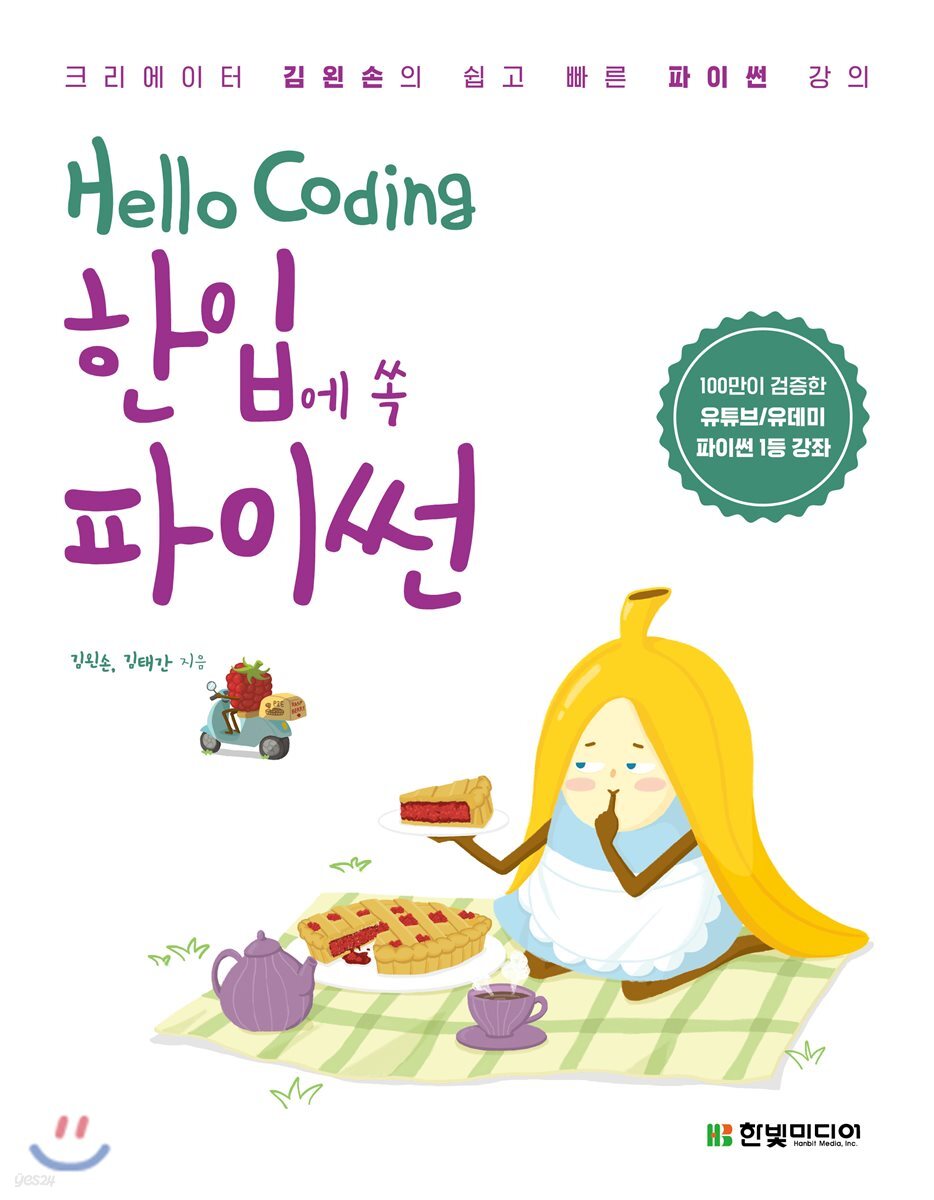
Hello Coding: Python in a Bite
 |
Description
Book Introduction
A Guide for Anyone Afraid of Programming Are you new to programming? Or are you a pro-programmer? Here's a Python introductory guide, already vetted by a million users. This book, which compiles lectures from YouTube and Udemy, makes learning Python easy for both beginners and beginners. It goes beyond boring theory, interspersing Alice stories to demonstrate how to apply code to specific situations. Dive into the world of Python with "Hello Coding: Python in a Bite," an easy-to-understand Python introduction for everyone! [Hello Coding Series] Don't quit or stop just because you escaped beginner level with the Hello Coding series. If you learn Python in more depth, you can create web pages, analyze data, or learn artificial intelligence. The Hello Coding series supports readers' first steps into programming. |
- You can preview some of the book's contents.
Preview
index
Chapter 0 Before Entering
〉〉〉 Before we begin, let’s learn the basic concepts.
__programs and programming
__Reasons to learn Python
__What you can do with Python
Chapter 1: Getting Started with Python
〉〉〉In what environment should I learn Python?
__Installing Python
__Basic development environment
__My first Python
__Example 1-1.
Hello rabbit
__Column 01 Python 2 vs.
Python 3
Chapter 2 Basic Materials of the Program
〉〉〉 You can create a program only if you have the materials.
__Into the rabbit hole
__Numeric
__Addition, subtraction, multiplication, division
__square, quotient, remainder
__Example 2-1.
The Too Busy White Rabbit
__string
__String Operations
__Example 2-2.
Making a rainbow
__variable
__Variable Naming
__Example 2-3.
Daily Barista
__annotation
__In one bite
__Practice Problems
__Column 02 I'm getting a strange message
Chapter 3 Gathering Materials
〉〉〉 You need to string beads to make a jewel, right? Let's gather the materials.
__Fall into a pile of candy
__List Basic Structure
Add __ value
Accessing the value of __
Remove __ value
__Example 3-1.
I hate peppermint candy
__Get multiple values
__Example 3-2.
Hungry Animal Friends
__Sort
__counting number
__In one bite
__Practice Problems
__Column 03 Google God knows everything
Chapter 4 Repeat 4 times
〉〉〉 Doing it again and again and again, how do you deal with repetition?
__National Turtle Marathon
__IDLE Editor
__for basic structure
__Example 4-1.
Queen's Croquet Ground
__Repeat a string
__Indentation
__Create a sequence
__Example 4-2.
White roses and red roses
__In one bite
__Practice Problems
__Column 04: Learning Python through Exciting Games #1
Chapter 5: Judging Conditions
〉〉〉When should we do it and when should we not? Let's find out the conditions.
__A messy tea party
__True and false
Compare __ values
__if basic structure
__else and elif
__Example 5-1.
Automatic admission ticket calculator
__Judging multiple conditions
__Example 5-2.
Catch the candy thief!
__In one bite
__[Project] Rock Paper Scissors Stage 1
__Practice Problems
__Column 05 You and I, Easy-to-Read Code
Chapter 6 Iterating with Conditions
〉〉〉Let's learn how to repeat with conditions.
__Caucus race
__while basic structure
____Example 6-1 This isn't fair!
__How to get input
____Example 6-2 Alice's Riddle
__Skipping and stopping
__Repeat infinitely
____Example 6-3 The puzzle is difficult
__In one bite
__Project: Rock Paper Scissors Stage 2
__Practice Problems
__Column 06: How is my code running?
Chapter 7 Gathering Materials.
two
〉〉〉 You can also collect materials in a different way than in Chapter 3.
__Tuple basic structure
Get __value
__Packing and unpacking
____Example 7-1 Swapping Peppermint Candy
__Dictionary Basic Structure
Add __key-value
Accessing the value of __
__Remove key-value
____Example 7-2 March Rabbit's Ramen Shop
__In one bite
__Project: Rock Paper Scissors Stage 3
__Practice Problems
__Column 07: Learning Python through Exciting Games #2
Chapter 8 Collect and Rewrite
〉〉〉Let’s use what we have.
I'll collect them all and use them.
__Who Stole the Pie
__Types of functions
Basic structure of the __function
____Example 8-1 A more efficient judgment
__module
__Randomly selected
____Example 8-2 The Queen of Hearts' Verdict
Why use the __module?
__In one bite
__Project: Rock Paper Scissors Stage 4
__Practice Problems
__Column 08: Getting Ready for Python Development
〉〉〉 Before we begin, let’s learn the basic concepts.
__programs and programming
__Reasons to learn Python
__What you can do with Python
Chapter 1: Getting Started with Python
〉〉〉In what environment should I learn Python?
__Installing Python
__Basic development environment
__My first Python
__Example 1-1.
Hello rabbit
__Column 01 Python 2 vs.
Python 3
Chapter 2 Basic Materials of the Program
〉〉〉 You can create a program only if you have the materials.
__Into the rabbit hole
__Numeric
__Addition, subtraction, multiplication, division
__square, quotient, remainder
__Example 2-1.
The Too Busy White Rabbit
__string
__String Operations
__Example 2-2.
Making a rainbow
__variable
__Variable Naming
__Example 2-3.
Daily Barista
__annotation
__In one bite
__Practice Problems
__Column 02 I'm getting a strange message
Chapter 3 Gathering Materials
〉〉〉 You need to string beads to make a jewel, right? Let's gather the materials.
__Fall into a pile of candy
__List Basic Structure
Add __ value
Accessing the value of __
Remove __ value
__Example 3-1.
I hate peppermint candy
__Get multiple values
__Example 3-2.
Hungry Animal Friends
__Sort
__counting number
__In one bite
__Practice Problems
__Column 03 Google God knows everything
Chapter 4 Repeat 4 times
〉〉〉 Doing it again and again and again, how do you deal with repetition?
__National Turtle Marathon
__IDLE Editor
__for basic structure
__Example 4-1.
Queen's Croquet Ground
__Repeat a string
__Indentation
__Create a sequence
__Example 4-2.
White roses and red roses
__In one bite
__Practice Problems
__Column 04: Learning Python through Exciting Games #1
Chapter 5: Judging Conditions
〉〉〉When should we do it and when should we not? Let's find out the conditions.
__A messy tea party
__True and false
Compare __ values
__if basic structure
__else and elif
__Example 5-1.
Automatic admission ticket calculator
__Judging multiple conditions
__Example 5-2.
Catch the candy thief!
__In one bite
__[Project] Rock Paper Scissors Stage 1
__Practice Problems
__Column 05 You and I, Easy-to-Read Code
Chapter 6 Iterating with Conditions
〉〉〉Let's learn how to repeat with conditions.
__Caucus race
__while basic structure
____Example 6-1 This isn't fair!
__How to get input
____Example 6-2 Alice's Riddle
__Skipping and stopping
__Repeat infinitely
____Example 6-3 The puzzle is difficult
__In one bite
__Project: Rock Paper Scissors Stage 2
__Practice Problems
__Column 06: How is my code running?
Chapter 7 Gathering Materials.
two
〉〉〉 You can also collect materials in a different way than in Chapter 3.
__Tuple basic structure
Get __value
__Packing and unpacking
____Example 7-1 Swapping Peppermint Candy
__Dictionary Basic Structure
Add __key-value
Accessing the value of __
__Remove key-value
____Example 7-2 March Rabbit's Ramen Shop
__In one bite
__Project: Rock Paper Scissors Stage 3
__Practice Problems
__Column 07: Learning Python through Exciting Games #2
Chapter 8 Collect and Rewrite
〉〉〉Let’s use what we have.
I'll collect them all and use them.
__Who Stole the Pie
__Types of functions
Basic structure of the __function
____Example 8-1 A more efficient judgment
__module
__Randomly selected
____Example 8-2 The Queen of Hearts' Verdict
Why use the __module?
__In one bite
__Project: Rock Paper Scissors Stage 4
__Practice Problems
__Column 08: Getting Ready for Python Development
Detailed image

Publisher's Review
This book is truly a mouthful.
If you put your mind to it, you can read it all in just a few hours.
When you read this book, I hope you will relax and read comfortably.
If you are reading and find parts that are difficult to understand, it is okay to skip them.
You don't need to understand everything.
First, take a bite with a light heart, and if it's to your liking, you can eat two or three more bites.
You can find video lectures on 『Hello Coding Python in One Bite』 on the YouTube channel 'Kim Left-Son's Left-Hand Coding'.
I think studying will be much easier if you read along with the book.
I've been preparing video lectures since I first started writing the book.
It's like freshly baked cookies and cold milk, isn't it? Either way, they go so well together, so I recommend watching them together.
Well, shall we dive into the charm of Python?
_ On a beautiful day in May, Kim Won-son
Python is a language loved by many people, from elementary school students to college students and corporate engineers.
Python is used in every field we can think of, from coding education to specialized fields dealing with big data and AI.
"Hello Coding Python in One Bite" was created with the goal of being the easiest Python textbook.
Even people who know nothing about programming can read it from beginning to end without any difficulty, as if they were reading a fashion magazine.
Yet, it is armed with examples, practice problems, and video lectures that ensure you don't miss a single point.
I hope this book will serve as a small stepping stone for readers taking their first steps into the world of programming.
_ On a warm spring day on campus, Kim Tae-gan
Are you new to programming? You've learned it before, but haven't found it enjoyable? That's why we've prepared the [Hello Coding] series! The goal of this series is to make it "easy," "fun," and "readable" until the very end.
This book alone won't make you a programming expert, but it will definitely make programming fun.
- Hello Coding Cafe for Beginners (http://cafe.naver.com/codinghello)
If you're studying books on your own and just can't figure it out, come visit Hello Coding Cafe.
I will be happy to answer you.
http://cafe.naver.com/codinghello
- YouTube Left-Hand Coding Channel with the Author (https://www.youtube.com/khim_academy)
You can resolve your questions through author-direct lectures and live Q&A.
- Repetitive learning by chewing thoroughly and making it your own
You can thoroughly learn the contents of the book through these four steps: theory + examples + project completion + one-bite summary.
Need to review? Just pick a bite and read it, and you'll be done in no time.
- 17 situational examples, 4 projects, 8 columns, 70 practice problems
With a solid structure from the first chapter to the last, you can finish the book without getting bored.
If you put your mind to it, you can read it all in just a few hours.
When you read this book, I hope you will relax and read comfortably.
If you are reading and find parts that are difficult to understand, it is okay to skip them.
You don't need to understand everything.
First, take a bite with a light heart, and if it's to your liking, you can eat two or three more bites.
You can find video lectures on 『Hello Coding Python in One Bite』 on the YouTube channel 'Kim Left-Son's Left-Hand Coding'.
I think studying will be much easier if you read along with the book.
I've been preparing video lectures since I first started writing the book.
It's like freshly baked cookies and cold milk, isn't it? Either way, they go so well together, so I recommend watching them together.
Well, shall we dive into the charm of Python?
_ On a beautiful day in May, Kim Won-son
Python is a language loved by many people, from elementary school students to college students and corporate engineers.
Python is used in every field we can think of, from coding education to specialized fields dealing with big data and AI.
"Hello Coding Python in One Bite" was created with the goal of being the easiest Python textbook.
Even people who know nothing about programming can read it from beginning to end without any difficulty, as if they were reading a fashion magazine.
Yet, it is armed with examples, practice problems, and video lectures that ensure you don't miss a single point.
I hope this book will serve as a small stepping stone for readers taking their first steps into the world of programming.
_ On a warm spring day on campus, Kim Tae-gan
Are you new to programming? You've learned it before, but haven't found it enjoyable? That's why we've prepared the [Hello Coding] series! The goal of this series is to make it "easy," "fun," and "readable" until the very end.
This book alone won't make you a programming expert, but it will definitely make programming fun.
- Hello Coding Cafe for Beginners (http://cafe.naver.com/codinghello)
If you're studying books on your own and just can't figure it out, come visit Hello Coding Cafe.
I will be happy to answer you.
http://cafe.naver.com/codinghello
- YouTube Left-Hand Coding Channel with the Author (https://www.youtube.com/khim_academy)
You can resolve your questions through author-direct lectures and live Q&A.
- Repetitive learning by chewing thoroughly and making it your own
You can thoroughly learn the contents of the book through these four steps: theory + examples + project completion + one-bite summary.
Need to review? Just pick a bite and read it, and you'll be done in no time.
- 17 situational examples, 4 projects, 8 columns, 70 practice problems
With a solid structure from the first chapter to the last, you can finish the book without getting bored.
GOODS SPECIFICS
- Date of publication: June 20, 2018
- Page count, weight, size: 224 pages | 183*235*20mm
- ISBN13: 9791162240854
- ISBN10: 1162240857
You may also like
카테고리
korean


korean

![GQ KOREA Mark (Monthly): December [2025]](http://librairie.coreenne.fr/cdn/shop/files/8ef265dbbfbf186523ed75ba7319009d.jpg?v=1765340328&width=3840)


