

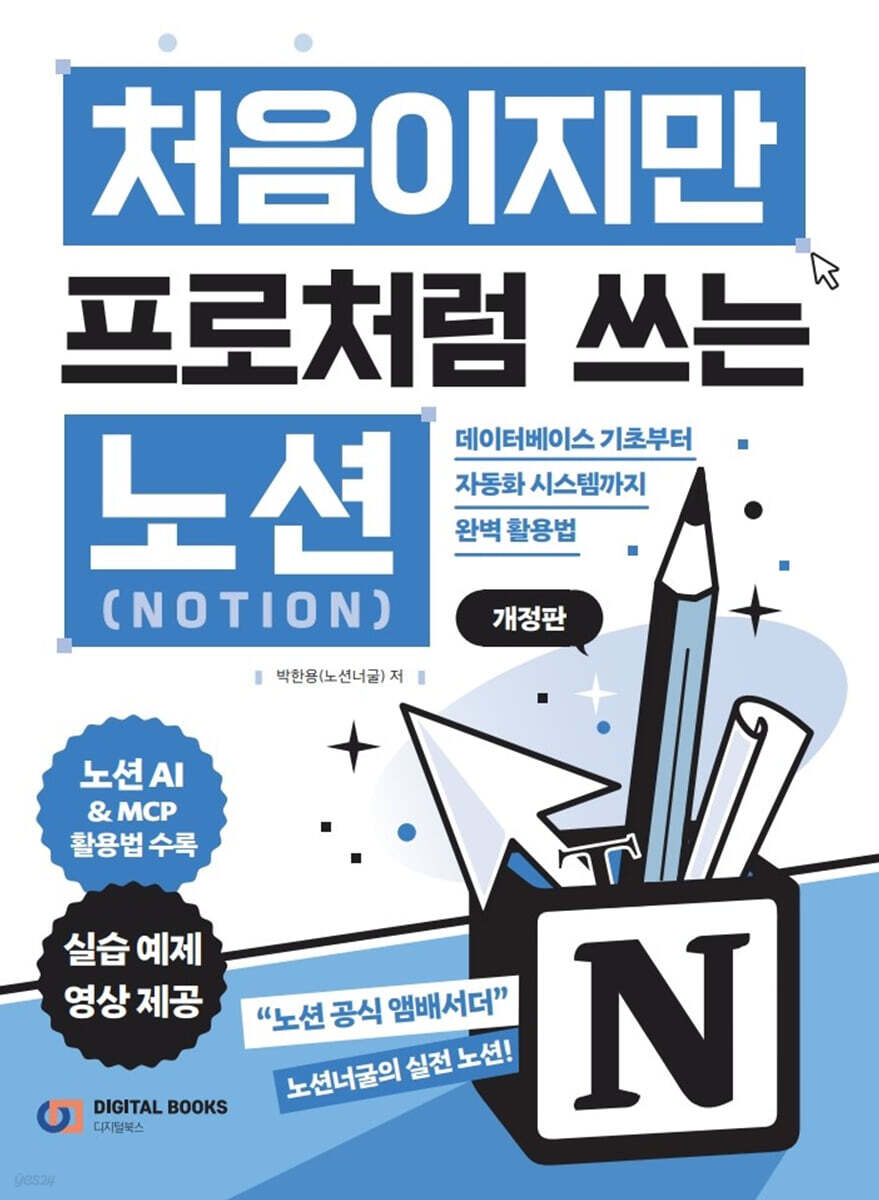
Notion, a first-timer but a pro-like user experience
 |
Description
Book Introduction
A beginner's guide to using Notion like a pro
From core features to practice templates and the latest AI features, all in one book!
Notion is the ultimate productivity tool, encompassing note-taking, project management, and collaboration.
However, many users feel lost when faced with a blank page or resort to relying on templates created by others.
This book contains the know-how of Notion Ambassador Notion Nogul, providing practical guidance from the basics to databases and automation templates.
In particular, this revised edition reflects the latest features, such as Notion AI and Claude MCP, which were not available when the first edition was published in 2025.
It covers writing, summarizing, data analysis, and even automated integration with external tools, helping you apply your knowledge directly in your work and learning environments.
We provide a wealth of practice templates and UX design tips, and you can practice what you learned in the book through practice videos, further enhancing your learning experience.
We also cover how to build your own dashboards to suit your needs and how to share or sell them to generate additional revenue.
"Notion: Use Like a Pro Even if You're Just Starting Out" combines the existing Notion foundation, database, and automation templates with AI and cutting-edge features, providing a solid foundation for beginners and advanced usage methods for experienced users.
- You can preview some of the book's contents.
Preview
index
preface
How to download practice materials
CHAPTER 01 First Encounter with Notion
LESSON 01 Notion, let's start by knowing this.
LESSON 02 Notion's Structure: Workspaces, Pages, and Blocks
Hands-on: Creating a Workspace and Pages
LESSON 03 Master Notion Shortcuts
Hands-on: Organizing a Project with Basic Blocks
LESSON 04: Understanding Notion's Pricing Plan
UX Tips: How to Write Readable Notion Pages
CHAPTER 02 Introduction to Notion Database
LESSON 01 Understanding Database Principles
LESSON 02 Database Structure
Practice: Plant Growth Journal
LESSON 03 Switching Database Views
Practice: Content Creation Log
UX Tips: How to Use Filters and Sorting to Easily Handle Large Data Volumes
CHAPTER 03 Using the Notion Database
LESSON 01 Database Page Template
LESSON 02: Reusing Databases Using Linked Databases
LESSON 03: Using the Notion Dashboard Together
Hands-on: Creating a Learning Plan and Progress Dashboard
UX Tips: How to Layout Your Dashboard for Mobile Usability
CHAPTER 04: Advanced Notion Database
LESSON 01 Understanding Relationships and Rollups
LESSON 02: Advanced Relational Rollups
Hands-on: Product Development Task Dashboard
LESSON 03: Notion Charts for Database Visualization
Hands-on: Creating a Personal Finance Dashboard
LESSON 04 Notion Forms for Database Collection
UX Tips: How to Manage Multiple Databases Efficiently
CHAPTER 05: Formulas and Automation Only Notion Masters Use
LESSON 01 Notion formula properties that change values depending on conditions
LESSON 02: Setting up Notion Automation Using Formulas
Hands-on: Creating a Seminar Applicant Management Dashboard
UX Tip: How to Create Notion Formulas Using Notion AI
CHAPTER 06 Using Notion AI Properly
LESSON 01: Creating Notion Pages with AI
LESSON 02: Building a Notion Database with AI
Hands-on: Creating a Customer Engagement Log with AI
LESSON 03: Notion System Built with AI
Hands-on: Creating an Inventory Management Dashboard
UX Tips: How to Write Prompts That AI Can Understand
CHAPTER 07 Notion Expands Like Crazy
LESSON 01: Connecting Notion to Other Apps
LESSON 02: The Process of Creating a Notion Template That Sells Unconditionally
LESSON 03: Monetizing Templates with Notion Marketplace
UX Tips: How to Sell Templates That Attract People
Detailed image

Publisher's Review
Notion: How to Maximize Productivity with Automation and Databases
Notion is no longer just a note-taking app.
“Learn by watching and following, and use prompts right away!”
This book was written based on the author's expertise accumulated through online and offline lectures and actual template sales experience.
Our goal is to help both those new to Notion and those with some experience learn everything from the basics to databases, automation, and template creation, step by step, so they can use it like a pro.
Beyond simply organizing your records, we've also included tips for automating repetitive tasks and designing custom templates to maximize productivity.
This book is not just a simple manual; it is a practical guide that provides practice templates and videos so that readers can follow along and immediately apply the functions they learn, making them their own.
All you need is Notion AI
No problem automating your work and daily life!
· Workspace: Notion AI leverages your workspace and general knowledge to search across Notion pages, as well as connected apps like Slack or Google Drive, to provide the most relevant answers.
· Writing: Notion AI is a powerful tool for writing, allowing you to easily expand or contract text on a page, as well as draft and edit.
Additionally, you can use Notion AI to quickly search for necessary information and navigate to relevant pages from notes you've recorded in Notion, and even create new results based on these findings.
· Database: Notion AI provides a function that automatically generates keywords or summarizes text by referring to the content recorded on the database page.
You can also enter custom prompts to generate your own AI results and save them to a database.
· Notion formula creation: Notion formulas can be difficult to create if you don't have a sufficient understanding of formulas and algorithms, but you can easily solve them with the help of Notion AI.
You can get more accurate results if you explain specifically what the purpose of the formula is and what the proposed conditions are, especially the type of the current property and an example function that can be referenced during the calculation.
I recommend this to these people!
· For those who are new to Notion but want to use it properly
· Practitioners who want to apply databases and automation beyond simple records
· Those who want to maximize work productivity by creating their own Notion templates
· Those who want to create and sell templates using Notion to generate additional income
What you'll get from this book
· A step-by-step guide to learning Notion, from its basic concepts to databases and automation.
· Providing practice templates and practice videos to enhance learning effectiveness
· Learn how to organize and design Notion dashboards to create readable pages.
· Introducing the latest upgraded formulas, Notion AI, Claude MCP, and external programs that work well together.
A practical guide to designing custom templates and learning monetization strategies.
As AI and automation transform the way we work, learn how to use Notion as more than just a note-taking tool—it becomes a powerful productivity system.
"Notion: Use it like a pro even if you're just starting out" will take your Notion usage to the next level.
GOODS SPECIFICS
- Date of issue: September 30, 2025
- Page count, weight, size: 432 pages | 888g | 188*257*18mm
- ISBN13: 9788960884977
- ISBN10: 8960884979
You may also like
카테고리
korean


korean


