

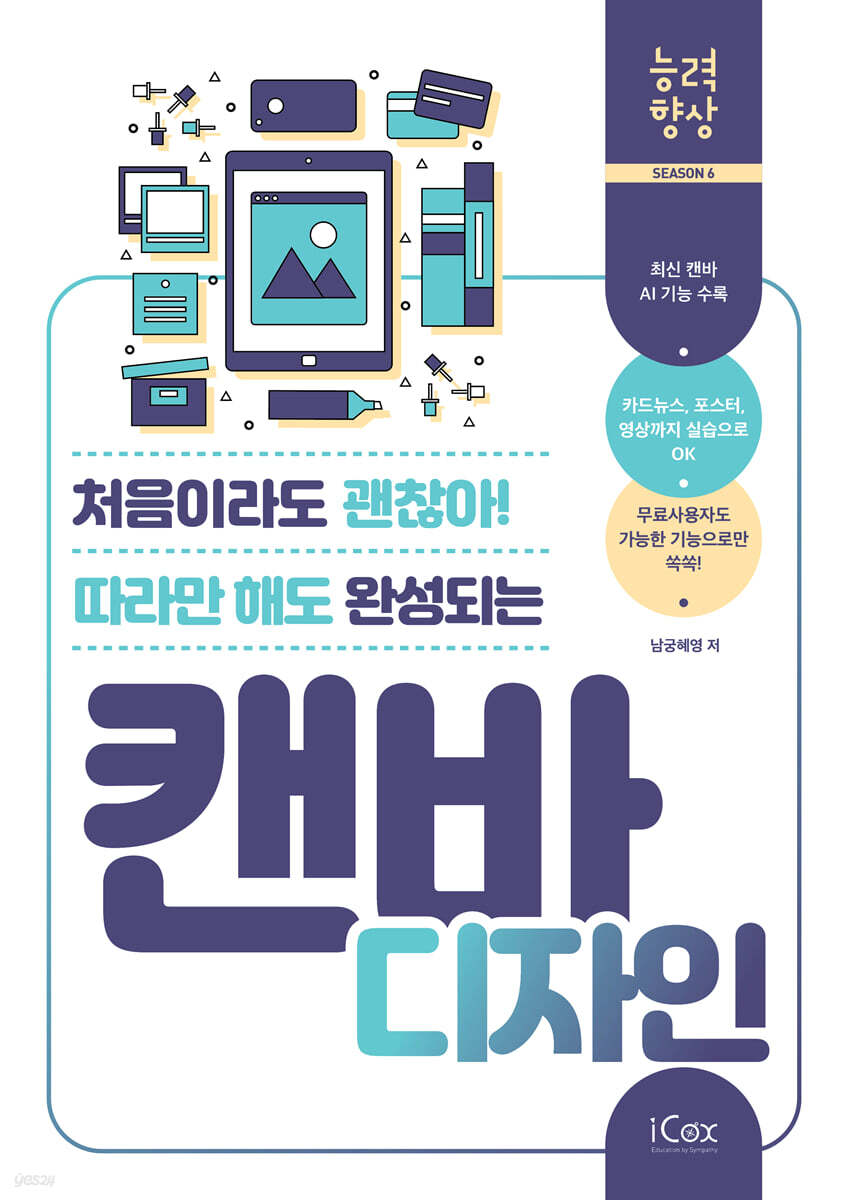
Even if it's your first time, it's okay! Just follow along and you'll complete your Canva design.
 |
Description
Book Introduction
Turn your ideas into reality,
A design revolution starting with Canva
Stop thinking that design is the domain of experts! This book was created for everyone who feels overwhelmed by complex design tools and lacks the time to learn new skills in their busy schedules.
We've systematically covered everything from Canva's basics to the latest AI features, allowing you to create all the results you need—from social media to promotional materials to presentations—with just a few clicks.
Based on the author's know-how and practical tips gained from his transformation from a design novice to a Canva creator, the course is designed to be easily and enjoyably applied to real-life situations.
With this book, you'll gain the confidence to say, "I can do this too!" and use Canva as a powerful tool to communicate your ideas to the world.
You'll discover a life-changing turning point in the new possibilities that Canva opens up for you!
The Skills Enhancement Series is designed for people who are not very good at using computers and for seniors who are new to computers.
It is explained in detail and easy to understand, focusing on practical examples that can be applied directly to real life, and the numbered and explanatory text attached to the photo images make it easy to follow the instructions.
We have also made the text and corresponding images larger so that even the elderly with poor eyesight can view them without any inconvenience.
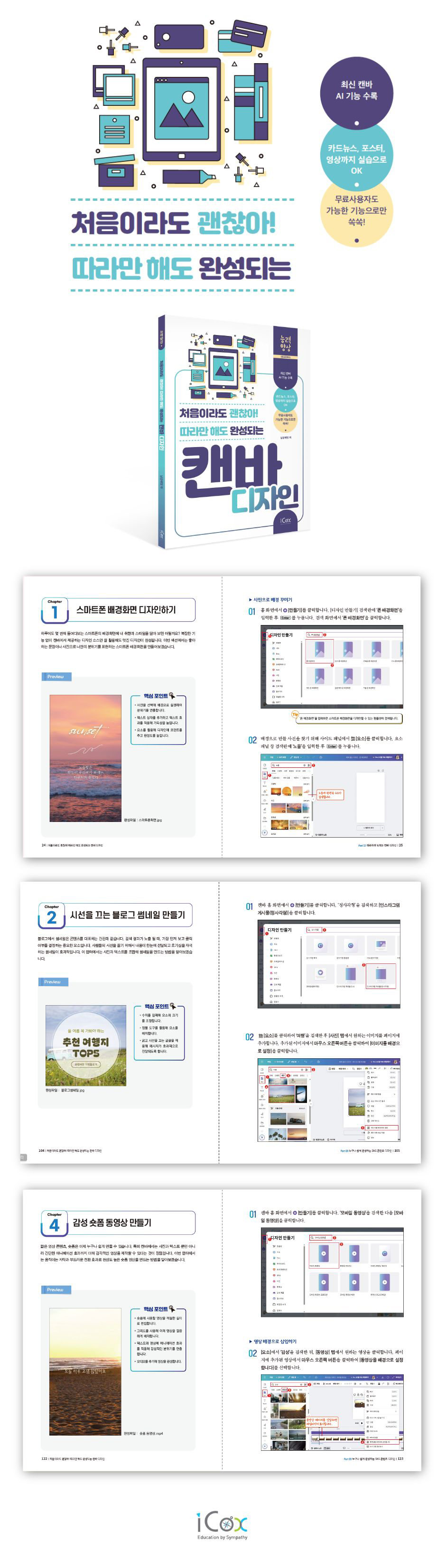
- You can preview some of the book's contents.
Preview
index
Part 1.
First time using Canva, let's get started step by step.
__Chapter 01.
Explore Canva
__Chapter 02.
Sign up for Canva membership
__Chapter 03.
Understanding the Canvas screen
__Chapter 04.
Start with a Canva template
Part 2.
Learn and practice Canva design
__Chapter 01.
Designing a smartphone wallpaper
__Chapter 02.
Designing a Video Card
__Chapter 03.
Designing a Digital Business Card
__Chapter 04.
Designing a Cafe Poster
__Chapter 05.
Designing an Event Flyer
Part 3.
Anyone can easily design SNS content.
__Chapter 01.
Create a standout social media profile image
__Chapter 02.
Creating Eye-Catching Blog Thumbnails
__Chapter 03.
Creating card news is easy once you know how.
__Chapter 04.
Creating emotional short-form videos
Part 4.
Upgrade to Canva AI
__Chapter 01.
Easy for everyone! Upgrade to AI
__Chapter 02.
Create designs with Magic Media
__Chapter 03.
Create content smartly with Magic Write
Chapter 04. Creating Message Videos with AI Voice
Detailed image
GOODS SPECIFICS
- Date of issue: October 20, 2025
- Page count, weight, size: 172 pages | 210*297*20mm
- ISBN13: 9791164262731
- ISBN10: 1164262734
You may also like
카테고리
korean


korean


