

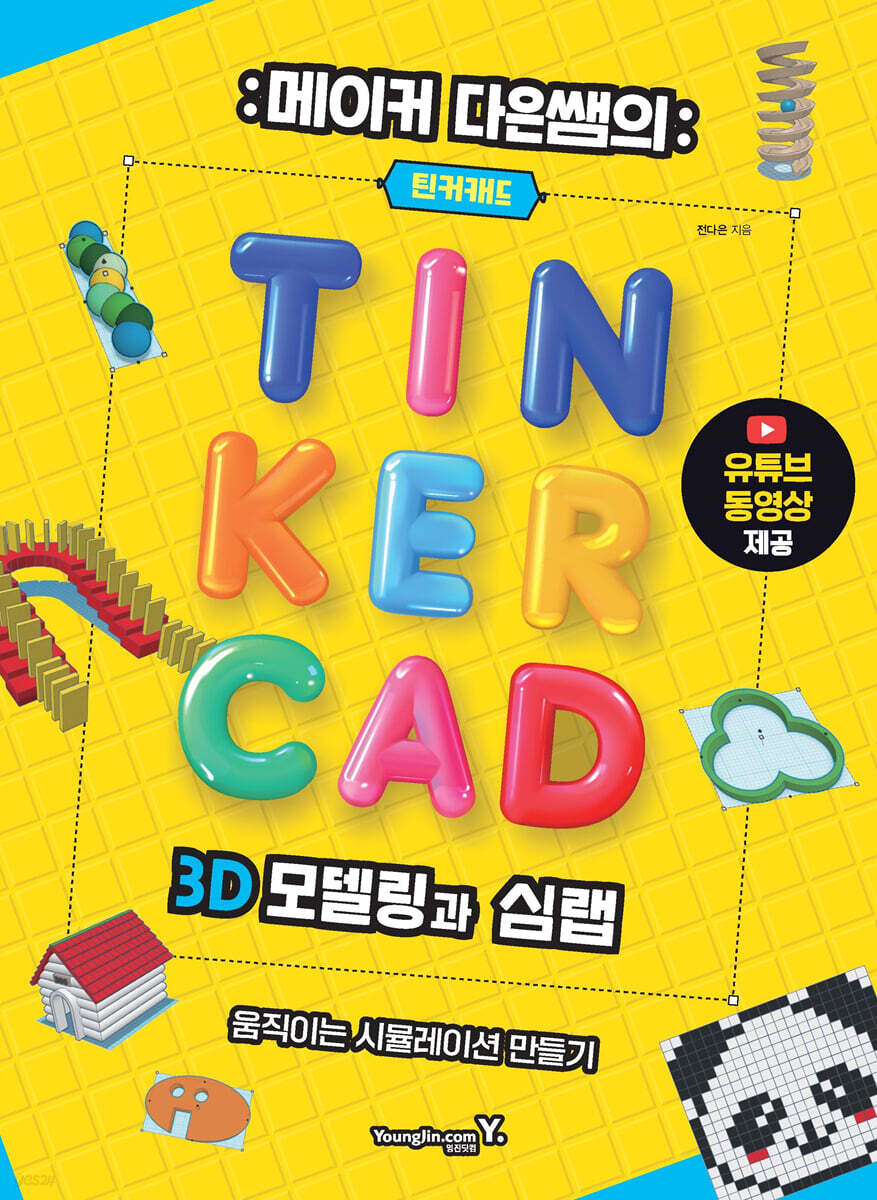
Maker Da-eun's Tinkercad 3D Modeling and SimLab Tinkercad Sim Lab
 |
Description
Book Introduction
A fun 3D digital creation time with Maker Da-eun! Even beginners can easily learn and create 3D modeling. Free video lectures provided on the YouTube channel 'Maker Daeun' A Guide to Using the Latest TinkerCAD with SimLab Features Tinkercad is a free 3D modeling program created by Autodesk. In this book, you will learn the basics of 3D modeling based on TinkerCAD and create various models yourself. You can improve your 3D modeling skills by going through basic knowledge, application methods, and fun examples. Also, in Part 4, we will apply the laws of physics to the 3D model we created using the new Sim Lab feature added in 2023. You can experience more interesting 3D modeling by simulating various movements. |
- You can preview some of the book's contents.
Preview
index
[PART 00.
Tinkercad Introduction and Registration]
01 Tinkercad
02 Sign up (general public, teachers)
03 Sign up (child member)
04 First screen and three main features
05 Dashboard
06 3D design work screen
[PART 01.
3D Design Basics]
01 Working screen operation (mouse)
02 Working screen manipulation (view box)
03 Importing and moving shapes
04 Importing shapes using the magnet function
05 Delete shape and go back
06 Creating a temporary plane
- Mini Mission -
07 Change shape size (mouse)
08 Resize shapes (self function and numbers)
09 Rotating a shape
10 Basic Units, Workspace Settings, Grid Changes
- Mini Mission -
Creating Group 11: Copying and Adding Shapes
12 Change the color of the shape
13 Creating Group 2: Hole Shapes and Subtraction
14 Hand drawings
15 Saving and Exporting Files
- Mini Mission -
[PART 02.
Applying 3D Design]
01 Modifying basic shapes
02 Shape symmetry, flipping
03 Shape Alignment
04 Rounding the corners
05 Make it like a shell (leave a certain thickness)
06 Character Modeling
07 Importing image files as modeling
08 Import and modify STL modeling files
- Mini Mission -
09 Creating a Pattern: Straight Lines
10 Creating Patterns: Rotation
11 Creating Patterns: Complex 1
12 Creating Patterns: Complex 2
- Mini Mission -
13 Share Modeling
14 Search for modeling
15 Fun Features: Blocks, Bricks
16 Exporting Models to Fusion
17 iPad and Modeling AR
[PART 03.
Creating 3D Designs]
01 Tinker Food 1: Pizza
02 Tinker Food 2: Ice Cola
03 Phrase 1: Cat Stamp
04 Stationery 2: Pineapple Pencil Holder
05 Building 1: Log Cabin
06 Building 2: Leaning Tower of Pisa
07 Pixel Art: Panda
[PART 04.
Sim Lab]
SimLab appears
Before starting SimLab
01 Throwing Activity 1: Toy Throwing
02 Throwing Activity 2: Hitting the Target
03 Tumbling Activity 1: Straight Dominoes
04 Tumbling Activity 2: Curved Dominoes
05 Falling Activity 3: Dominoes + Marbles
06 Falling Activity 4: Stair Dominoes
07 Falling Activity 5: Top Dominoes
08 Rolling Activity 1: Slopes and Bead Materials
09 Rolling Activity 2: Zigzag Bead Path
10 Rolling Activity 3: Basic Bead Track
1 1 Rolling Activity 4: Pouring Marbles
12 Rolling Activity 5: Completing the Bead Path
13 Jumping Activity 1: High Jump
14 Jumping Activity 2: Rolling, Falling, and Jumping
15. Building a SimLab Goldberg Device
16 SimLab Video Creation
Detailed image

Publisher's Review
Starting with the friendly maker, Teacher Da-eun
First 3D Modeling Lessons for Your Child
From architecture and product design to healthcare, 3D modeling is used in a wide range of fields today.
With technological advancements, 3D modeling is increasingly emerging as a promising career for the future. How can I get started?
If you're new to learning 3D modeling, join Maker Da-eun, a leader in domestic and international maker culture.
Even beginners with no prior knowledge can learn 3D modeling easily and enjoyably through Maker Da-eun's TinkerCAD 3D Modeling and SimLab.
We invite you to this 3D digital creation journey filled with Maker Da-eun's TinkerCAD know-how.
Turn your bright ideas into reality with Teacher Da-eun!
[Structure of this book]
PART 00.
Tinkercad Introduction and Registration
: TinkerCAD is a 3D design and modeling software that is easy and fun to learn for anyone.
Sign up and start using Tinkercad today!
PART 01.
3D Design Basics
: Start learning Tinkercad 3D design features.
First, let's learn the basics of using TinkerCAD for 3D modeling.
PART 02.
Applying 3D design
: Learn more advanced 3D design application methods.
Create 3D designs using complex methods, such as duplicating shapes to create patterns, mirroring models, and importing and utilizing image files.
PART 03.
Create 3D designs
: Now it's time to practice with a fun example.
Improve your skills by creating 3D models of various themes, including pizza, cat stamps, pandas, and more!
PART 04.
Sim Lab
: We can apply simple physics laws to the 3D models we create.
Enjoy an even more exciting experience by simulating various actions such as falling, stumbling, rolling, and bumping!
GOODS SPECIFICS
- Date of issue: March 18, 2024
- Page count, weight, size: 296 pages | 188*257*20mm
- ISBN13: 9788931469523
- ISBN10: 8931469527
You may also like
카테고리
korean


korean


