

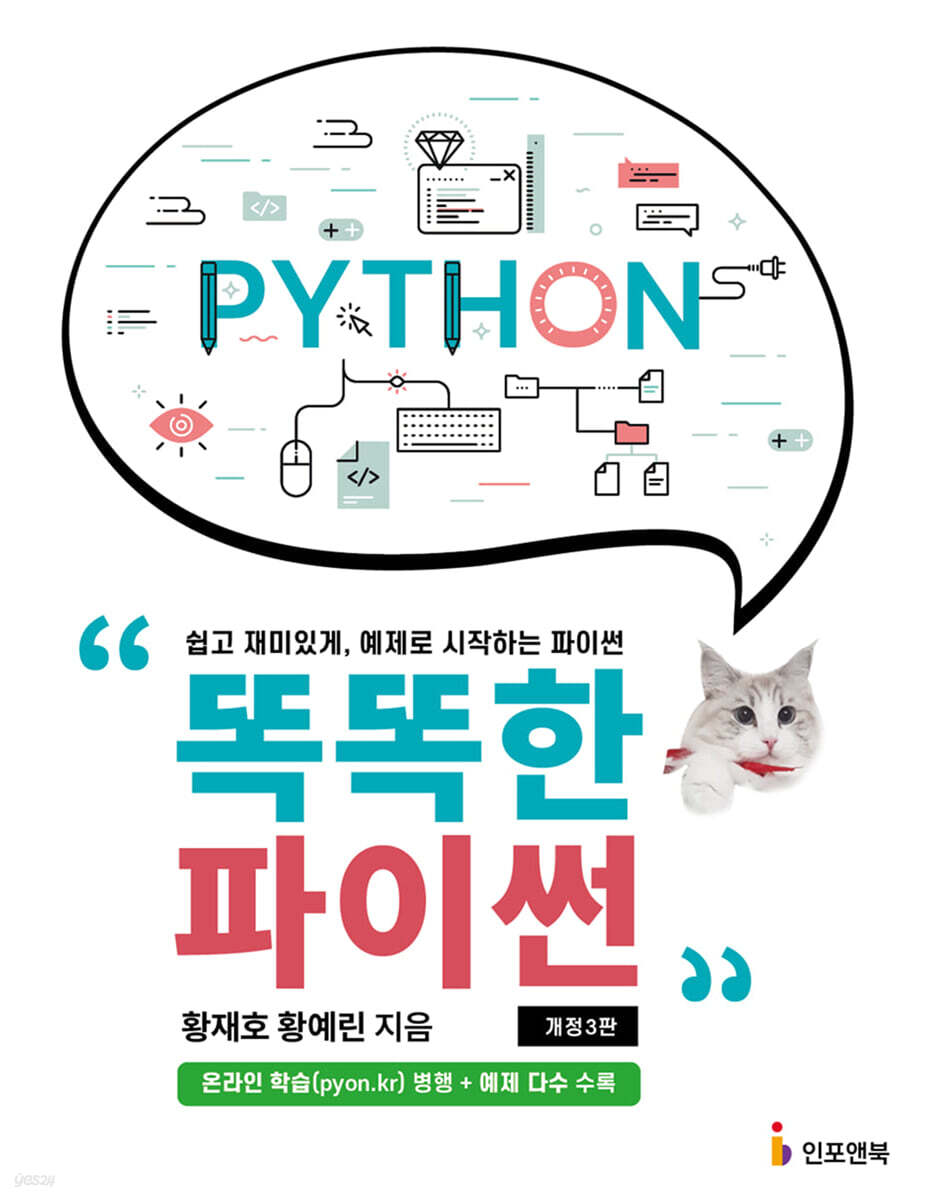
Smart Python
 |
Description
Book Introduction
This is a complete one-volume course that progresses from 'Concept → Example → Practice → Project', so even beginners and absolute beginners can follow along and build a solid foundation in Python.
In the revised third edition, the explanations have been refined to be more concise and examples and review quizzes frequently used in schools and academies have been significantly supplemented.
You can preview and review directly on the web through an online practice platform (parallel learning) linked to the book, and even young learners can grasp key concepts 'right away' with sentences and color diagrams that are easy to understand.
The content is systematically organized so that it can be used not only for self-study at home but also in classes at school or academies.
- You can preview some of the book's contents.
Preview
index
Chapter 1: Python and Practical Preparation
__01 What is Python?
____01_1 What is coding?
____01_2 Programming Language
____01_3 Python language
____01_4 Why should I start coding with Python?
__02 Installing Python Program
____02_1 Accessing the Python site
____02_2 Python program download screen
____02_3 Run the Python installation file
____02_4 Starting Python installation
____02_5 Python installation complete
____02_6 Checking Python Installation
Practice problems
Chapter 2 How to Use the IDLE Program
__01 What is IDLE?
__02 How to use IDLE shell
__03 How to use the IDLE editor
____03_1 Open the IDLE editor window
____03_2 Writing/Saving/Running Programs in the IDLE Editor
Practice problems
Chapter 3 Variables
__01 What is a variable?
__02 Data type of variable
____02_1 integer
____02_2 mistake
____02_3 Boolean
____02_4 string
__03 variable name
Practice problems
Chapter 4 Operators
__01 arithmetic operator
____01_1 Arithmetic operators
____01_2 Exponentiation operator
____01_3 remainder operator
__02 assignment operator
__03 string operator
____03_1 Concatenation operator: +
____03_2 Repetition operator: *
__04 String extraction and length
Extracting the string ____04_1
____04_2 Finding the length of a string
Practice problems
Chapter 5 Input and Output
__01 Keyboard input
Enter the string ____01_1
____01_2 Enter an integer
__02 Output screen
____02_1 Basic usage of the print() function
Output using ____02_2 sep
____02_3 Output using the concatenation operator +
Output using ____02_4%
Output using ____02_5 f
Practice problems
Chapter 6: Basic Coding: Area of Shapes, Unit Conversion, and Change
__01 Finding the area of a shape
____01_1 Finding the area of a triangle
____01_2 Finding the area of a circle
____01_3 Finding the area of a trapezoid
Convert __02 units
____02_1 Convert inches to centimeters
Convert ____02_2 kilograms to pounds
____02_3 Convert Fahrenheit to Celsius
__03 Calculating change
Practice problems
Chapter 7 Conditional Statements: if~ Statement
__01 What is a conditional statement?
__02 Comparison operators and logical operators
____02_1 Comparison Operators
____02_2 Logical Operators
__03 if~ statement
____03_1 Basic structure of the if~ statement
____03_2 Indentation in conditional statements
____03_3 Find the smallest number
__04 Find a tall person
Practice problems
Chapter 8 Conditional Statements: if~else~ Structure
__01 Basic structure of if~ else~ statement
__02 Determine even/odd numbers
__03 Pass/Fail Decision
Practice problems
Chapter 9 Conditional Statements: if~ elif~ else~ Syntax
__01 Basic structure of if~ elif~ else~ statement
Calculate the number of days in ____01_1 month
____01_2 Grade (A, B, C, D, F)
__02 Calculate payment amount based on discount rate
Practice problems
Chapter 10 Loops: While Loops
__01 What is a loop?
____01_1 If you do not use a loop
____01_2 When using a loop (while loop)
__02 Basic structure of the while loop
____02_1 Print odd numbers from 1 to 10
____02_2 Print multiples of 3 among numbers 1 to 100
__03 Finding the cumulative total
__04 Finding the sum of even numbers
__05 Creating a Fahrenheit/Celsius Conversion Table
Practice problems
Chapter 11 Loops: For Loops
__01 Basic structure of the for loop
__02 How to use the range() function
____02_1 range(end value)
____02_2 range( start value, end value)
____02_3 range( start_value, end_value, increase_decrease)
__03 Find the sum of integers 1~10
__04 Finding the sum of multiples
____04_1 Sum of multiples of 3
____04_2 Sum of numbers that are not multiples of 5
__05 String Processing
____05_1 Print sentences vertically
____05_2 Remove hyphens (-) from phone numbers
____05_3 Inserting an underscore (_) instead of a space
__06 Creating a distance unit conversion table
Practice problems
Chapter 12 List
__01 What is a list?
____01_1 Read elements of list
____01_2 Finding the length of a list
__02 Using a loop in a list
____02_1 Using a for loop in a list
____02_2 Using a while loop in a list
__03 Finding the sum and average
__04 Add/Change List Elements
__05 Delete list element
__06 Sorting the list
__07 Convert to a list of strings
Practice problems
Chapter 13 Functions
What is the __01 function?
____01_1 Types of functions
____01_2 Function definition and call
__02 function parameters
__03 function return value
__04 Determine even/odd numbers
__05 Finding the sum of integers
Practice problems
Chapter 14: Turtle Graphics: Graphics Fundamentals
__01 What is Turtle Graphics?
__02 Drawing basic shapes
____02_1 Drawing a square
____02_2 Drawing a triangle
____02_3 Draw a circle
____02_4 Drawing a regular pentagon
__03 Drawing glasses
__04 Drawing the Olympic rings
Practice problems
Chapter 15 Turtle Graphics: Graphics Applications
__01 Conditional statement usage
__02 Using loops
____02_1 Utilizing the for loop
____02_2 Using the while loop
__03 Drawing a star
__04 Drawing a duck
__05 Using the random module
Practice problems
Appendix: Turtle Graphic Color Chart
Detailed image

Publisher's Review
The standard for Python introductory books that "follow through and you'll be done" from start to finish.
"Smart Python, Revised 3rd Edition" helps everyone, from elementary school students and middle school students new to coding to adult beginners, learn on their own through a step-by-step design that progresses from concept to example to practice problems.
Rather than pushing difficult theories, we designed the book to focus on the experience of "typing and putting it into practice," with repeated small achievements. Checkpoints and challenges in each chapter naturally increase understanding.
Revised 3rd edition refined through field feedback
We've selected examples that have been repeatedly verified in school and academy classes, made explanations more concise, and significantly enhanced review quizzes.
We've completely reorganized sentences and diagrams so even young learners can quickly grasp key concepts, and we've carefully adjusted the length and difficulty curve to ensure uninterrupted learning flow, whether in the classroom or at home.
Online Practice Platform - Parallel Learning to Increase Learning Efficiency
Run examples directly on the web on our online practice platform, linked to the book, and check quizzes, errata, and additional materials all in one place.
Teachers can easily guide students through homework/reviews before and after class, and students can check their own progress, enjoying the benefits of both self-study and classwork.
At child's eye level, but in a classic way
We cover essential grammar such as variables, conditional statements, and loops, as well as lists, functions, and turtle graphics, in as much depth as necessary, while guiding you through code style and terminology usage according to established standards.
We've reinforced visual learning with result screens and color diagrams, and structured the exercises to naturally expand into smaller projects.
GOODS SPECIFICS
- Date of issue: November 1, 2025
- Page count, weight, size: 368 pages | 600g | 182*253*17mm
- ISBN13: 9791192038087
- ISBN10: 1192038088
You may also like
카테고리
korean


korean


