

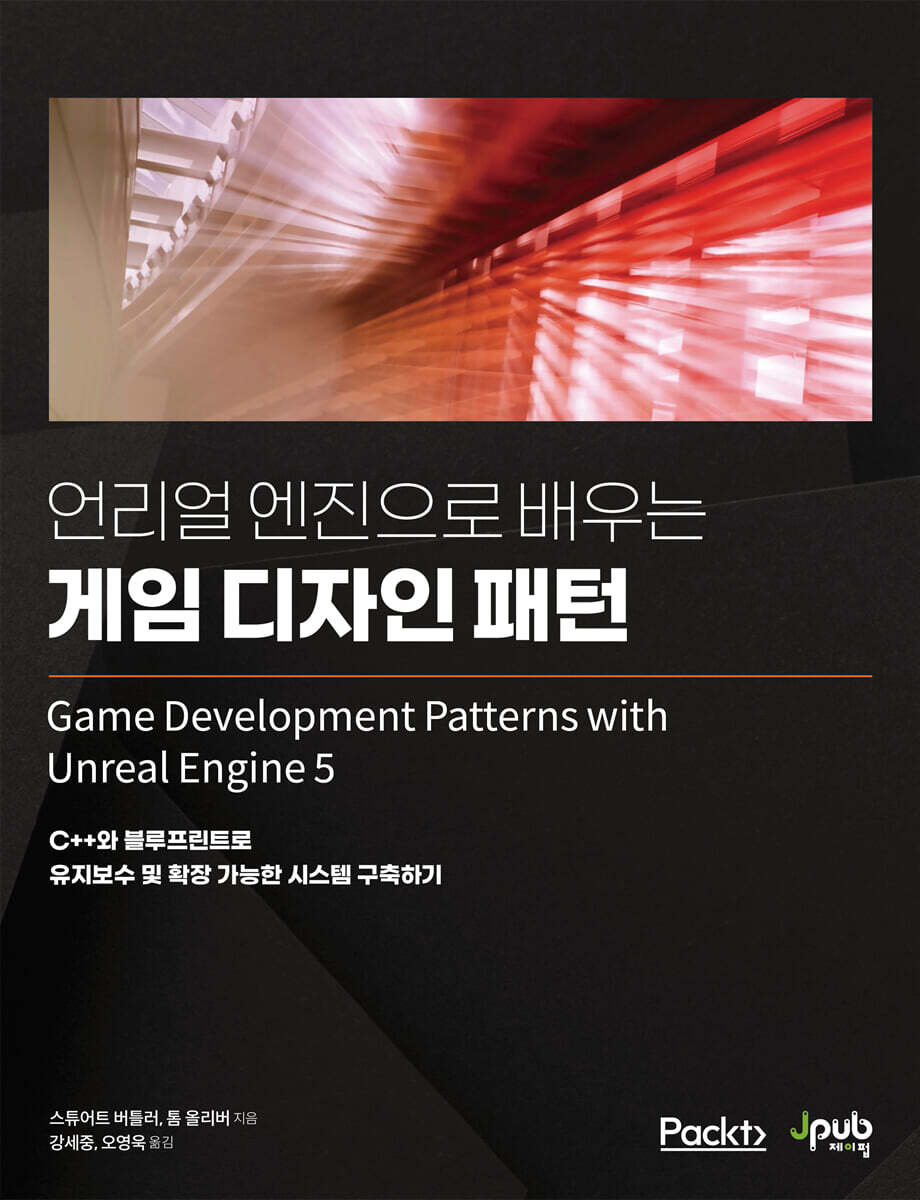
Learning Game Design Patterns with Unreal Engine
 |
Description
Book Introduction
Learn Practical Unreal 5 C++ Design Patterns from Experts
Design patterns help us write code faster and more maintainable.
This book explains various design patterns and shows you how to apply them to Unreal Engine 5 projects.
By gaining a deeper understanding of not only design patterns but also how the engine works, you can overcome the limitations you felt in your Unreal development practice.
Starting with the fundamentals of Unreal C++ coding and Blueprints, you'll build a solid understanding of the concepts and benefits you need to know when applying patterns to your code.
First, in Part 1, we will look at the patterns built into the core of Unreal Engine 5, such as double buffers, flyweights, space partitioning, components, update methods, and behavior trees.
In Part 2, we'll cover how to replace 'ticks', the interface and event observer patterns, and even UML for decoupling references, and write a gameplay example in C++.
Part 3 focuses on leveraging design patterns for pre-release performance optimization, covering behavioral patterns such as singleton, command, and state patterns, template patterns for structuring code, subclass sandboxes, implementing type objects, and finally dirty flags, data locality, and object pooling.
- You can preview some of the book's contents.
Preview
index
About the Author ix
Translator's introduction x
Introducing the Technical Reviewer xi
Translator's Preface xii
Beta Reader Review xv
Recommendation Preface xvi
Acknowledgments xviii
About this book xix
PART I Learning from Unreal Engine 5
CHAPTER 1 Understanding Unreal Engine 5 and Layers 3
1.1 Technical Requirements 4
1.2 Introducing Unreal Engine 5 4
1.3 Installing Unreal Engine 5 and Preparing the Development Environment 6
1.4 'Fuzzy' Layer: Bridging the Gap Between C++ and Blueprints 9
__1.4.1 Property Specifiers 10 / 1.4.2 Function Specifiers 11 / 1.4.3 Usefulness of Inheritance 12
1.5 Converting from Blueprints back to C++ 13
__1.5.1 Working Example 16
1.6 Summary 19
1.7 Practice Problem 19
__1.7.1 Correct answer 20
CHAPTER 2 “Hello, Pattern” 21
2.1 Technical Requirements 21
2.2 SOLID Principle 23
__2.2.1 Single Responsibility 23 / 2.2.2 Open-Closed 24 / 2.2.3 Liskov Substitution 26
__2.2.4 Interface Separation 27 / 2.2.5 Dependency Inversion 30
2.3 Exploring Solutions to Common Problems 31
__2.3.1 Moving Box Problem 32 / 2.3.2 Rotating Box Problem 40
__2.3.3 Cascading Cast Chain Problem 43
2.4 Tradeoff 48
2.5 Summary 49
CHAPTER 3 UE5 Patterns in Practice: Double Buffering, Flyweights, and Spatial Partitioning 51
3.1 Technical Requirements 52
3.2 Double Buffer 52
3.3 Flyweight 56
3.4 Spatial Division 58
__3.4.1 Introducing World Partitions 61
__3.4.2 Understanding When Objects Are Loaded 64
__3.4.3 How to ensure that required actors are loaded 67
__3.4.4 Activating World Partitions at Existing Levels 69
3.5 Summary 69
CHAPTER 4 UE5 Built-in Patterns: Components, Update Methods, and Behavior Trees 71
4.1 Technical Requirements 72
4.2 Understanding and Creating Components 72
4.3 Applying the Update Method to Gameplay Prototyping 79
4.4 Working with Behavior Trees 81
__4.4.1 Creating an AI Controller 84
__4.4.2 Creating Blackboard Assets 85
__4.4.3 Building a Behavior Tree 86
4.5 Summary 101
PART II Anonymous Modular Design
CHAPTER 5 Discarding Ticks 105
5.1 Technical Requirements 106
5.2 Before You Begin 106
World 106 returns to 5.3 ticks
5.4 Stopped Clock 110
5.5 Event-Based Systems 115
5.6 Summary 119
CHAPTER 6 Clean Communication: Interfaces and the Event Observer Pattern 121
6.1 Technical Requirements 121
6.2 Inter-class interface communication in UE5 122
__6.2.1 Blueprint Interface 122
__6.2.3 Differences between interface events and functions 126
__6.2.4 Interfaces in C++ 129
__6.2.5 Interface Communication Example Implementation 130
6.3 Implementing Event Delegate Communication in UE5 132
__6.3.1 Event Delegates in Blueprints 132
__6.3.2 Event Delegates in C++ 136
__6.3.3 Creating Useful Delegate Tools 138
6.4 Summary 142
CHAPTER 7 Completely Separated Systems 143
7.1 Technical Requirements 144
7.2 Planning a Sample Hierarchy Using UML 144
__7.2.1 Types of Class Relationships 144
__7.2.2 Sequence Diagram 146
7.3 Separating Reference Connections 147
__7.3.1 Modularization and Separation 147
__7.3.2 Infrastructure Construction 151
__7.3.3 Applying Separate Design to an Example 152
__7.3.4 Advantages of Separation 163
7.4 Summary 164
PART III Working with Unreal
CHAPTER 8 Building Design Patterns: Singletons, Commands, and State 167
8.1 Technical Requirements 167
8.2 Implementing the Singleton Pattern: Understanding Why This is Pandora's Box 168
8.3 Implementing Command Patterns for Various Use Cases 170
__8.3.1 Command Pattern for Undo Function in Editor Utility 172
__8.3.2 Command Patterns for Gameplay in C++ 177
8.4 Creating a Multi-Layer State Machine Structure 180
__8.4.1 Understanding Animation State Machines 181
__8.4.2 Enumeration/Switch Implementation 183
__8.4.3 Static State and Instanced State 185
__8.4.4 Concurrent State Machines 187
__8.4.5 Hierarchical State Machine 189
__8.4.6 Pushdown Automata 190
8.5 Summary 191
CHAPTER 9 Structuring Code Using Behavioral Patterns: Templates, Subclass Sandboxes, and Type Objects 193
9.1 Technical Requirements 194
9.2 Examining Template Patterns 194
__9.2.1 Creating a Template (Parent Class) 196
__9.2.2 Creating a Child Class 198
__9.2.3 Template Pistol 200
__9.2.4 Template Shotgun 205
9.3 Understanding the Subclass Sandbox Pattern 207
__9.3.1 Creating a Sandbox (Parent Class) 208
__9.3.2 Creating a Child Class 211
__9.3.3 Sandbox Pistol 211
__9.3.4 Sandbox Shotgun 213
9.4 Type Object Pattern 215
__9.4.1 Variants 216 / 9.4.2 Data Tables 217 / 9.4.3 Data Assets 218
9.5 Summary 222
CHAPTER 10 Optimization through Patterns 223
10.1 Technical Requirements 224
10.2 Using dirty flags to reduce unnecessary processing 224
__10.2.1 Applying the dirty flag 225
10.3 The Impact of Data Locality on Code Efficiency 226
__10.3.1 Hot/Cold Split 227
__10.3.2 Contiguous Arrays 228
10.4 Object Pooling: Resource Management to Save Time 229
__10.4.1 Implementing Object Pooling 229
__10.4.2 Creating an Object Pool 231
10.5 Summary 241
Search 244
Detailed image

Into the book
It is a good standard practice to only instantiate Blueprint classes in the world.
This makes it easier to debug classes and link references.
Because the editor has all the visual tools for execution tracing built in.
And when class names change or directories are moved, live links, not text-based ones, are applied to prevent crashes.
/ To make this inheritance strategy work well, it's helpful to think about the system from an abstract gameplay perspective.
What classes influence mechanics? Expressing these classes in C++ is efficient and allows for hierarchical design.
From there, we inherit the blueprint class at the end of each branch.
--- p.12
It's helpful to imagine a painter operating a copy machine.
The artist was commissioned to send at least two copies of every painting he created, so he cleverly decided to use a photocopier to make copies of his works.
To save time transferring your work from the easel to the copier, simply place your canvas directly on the scanner.
Then draw as fast as you can while simultaneously pressing the copy button.
Then there is a race where the artist must draw lines faster than the scanning head.
If successful, the artwork and copy will look identical and no additional time will be required.
But in most cases, the scanning head is ahead of the painter and only draws up to the point where it overtakes the painter, leaving the rest as a blank copy.
This is called frame tearing (p.frame tearing), and this is the problem that the double buffer pattern is trying to solve.
--- p.52
It's easy to handle stamina values.
All you need to do is define a float variable to track the current value and another variable to set the maximum value in the editor.
With this in mind, setting property specifiers in the UPROPERTY block is the most important part.
The damage map can also be handled very simply.
This is because Unreal Engine 5 has a damage interface system that propagates to all AActors.
To attach this hook, you need to handle the OnTakeAnyDamage event as shown in the following HealthComponent.h code snippet:
All you need is a function that shares the same signature as .
--- p.76
Now if you test the system by pressing play in the viewport, you should be able to select the green character and move it near the red character.
When the green character stops, you must find the nearest target, change direction, and generate a Shoot print string.
This will continue until the target is no longer valid, at which point it will continue forever as it will not deal any damage to the target unit.
Also, there is currently no way to get the AI out of the BTT_ShootTarget task, so once it finds the target, it cannot move the character.
/ To inflict damage on an enemy unit, you need to use the Health component you created earlier to replace the Print String node of the BP_EliteUnit Attack Target event with some logic to check the crosshair and then apply the damage.
--- p.98
The next useful piece of information to pass to the component is a signal that is emitted whenever damage is inflicted.
There are several options for the data to be transmitted.
For example, if you are developing a Call of Duty-style game, you will need to provide the player with some form of UI that identifies the direction from which damage is delivered.
The example below conveys information about the change that just occurred, the new health value, and the maximum health value.
This allows you to update UI health bars and, in some cases, generate damage figures in the world.
--- p.245
Publisher's Review
- Understanding the essence and usefulness of design patterns
- Understanding layers and how they work in Unreal Engine 5
- Understanding the relationship between Unreal Engine 5 C++ code and Blueprints
- Learn about design patterns found in existing features of Unreal Engine 5.
- Examining the purpose of design patterns applied to Unreal Engine 5
- Creatively apply design patterns to existing code to solve common problems.
GOODS SPECIFICS
- Date of issue: November 13, 2025
- Format: Paperback book binding method guide
- Page count, weight, size: 264 pages | 188*245*16mm
- ISBN13: 9791194587538
You may also like
카테고리
korean


korean


