

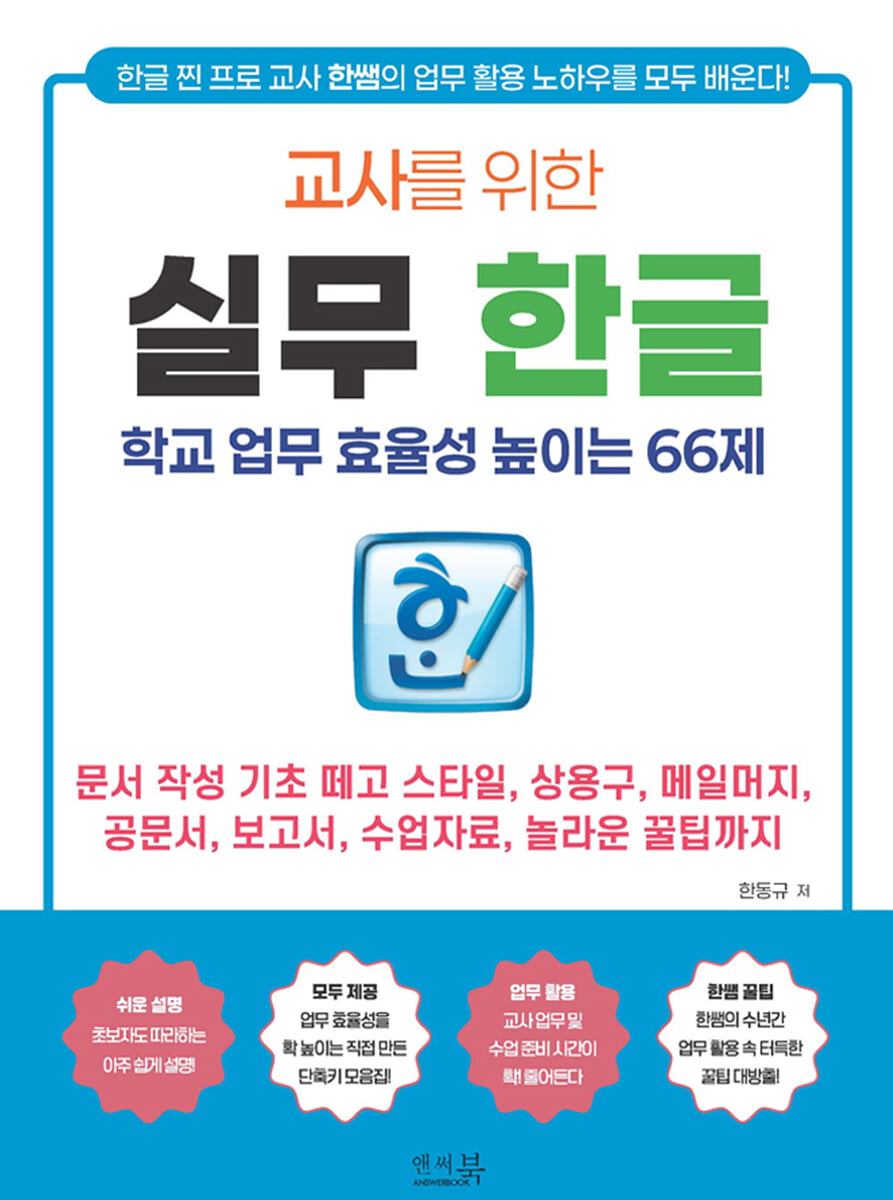
Practical Korean for Teachers - 66 Questions to Increase School Work Efficiency
 |
Description
Book Introduction
"Practical Korean for Teachers: 66 Practices to Increase School Work Efficiency" creates 66 practical examples of school work, various documents, assessment tools, and worksheets, which can increase teachers' Korean document work efficiency by 200%.
This book provides an easy and practical guide to essential functions that even novice teachers can immediately apply to school practice, from the basics of creating Korean documents to official documents, reports, and teaching materials.
This is a practical Korean language guide that can increase teachers' work efficiency by 200% with a collection of major shortcuts and useful tips created by Teacher Han himself.
This book is a must-read Korean textbook tailored to teachers who want to quickly learn the core Korean functions of document writing through practice, and can drastically improve the Korean language work-related skills of kindergarten, elementary, middle, and high school teachers through 66 subject-specific follow-up practice essential for work other than styles, common phrases, mail merge, official documents, reports, and teaching materials.
This book provides an easy and practical guide to essential functions that even novice teachers can immediately apply to school practice, from the basics of creating Korean documents to official documents, reports, and teaching materials.
This is a practical Korean language guide that can increase teachers' work efficiency by 200% with a collection of major shortcuts and useful tips created by Teacher Han himself.
This book is a must-read Korean textbook tailored to teachers who want to quickly learn the core Korean functions of document writing through practice, and can drastically improve the Korean language work-related skills of kindergarten, elementary, middle, and high school teachers through 66 subject-specific follow-up practice essential for work other than styles, common phrases, mail merge, official documents, reports, and teaching materials.
index
==========================================
Chapter 01: Getting Started with Effective Documentation
==========================================
01 Secrets to Efficient Korean Document Work
Hancom Office settings for efficient document work
Get familiar with the keyboard and learn the main shortcuts.
02 Make full use of the Ctrl key
Setting up blocks using the Ctrl key
Use the Ctrl key to shorten editing time
03 Reduce work time with effective table editing
Create a table without using the mouse
Setting up cell blocks
Create a name tag by adjusting the cell size
Edit cell borders/backgrounds
Using table/cell properties
Create a table of contents by setting the title cell and copying the cell shape to create a timetable.
Split and merge lines/columns
Add a line/column
How to utilize block calculations to fully utilize autofill
Organizing tables using captions
==========================================
Chapter 02 Drafting Official Documents Smartly
==========================================
01 Editing the font style
Easily change text color
Easily adjust font properties and create official documents using long and short spacing.
Entering special characters using the character map
Easily change font size
Find and replace specific characters at once
Copy the font style
02 Editing paragraph style
Writing official documents using paragraph format settings
Drafting K-Edufine with Indent/Outdent Settings
Easily edit paragraph alignment
Easily adjust line spacing
Find and replace specific paragraph shapes at once
Copy paragraph format
03 Creating a listing using mail merge
Creating a Mail Merge Listing Form
Create a mail merge data file and print the mail merge listing.
Create multiple listings at once with mail merge
04 Working with documents efficiently
Set and use styles
Creating a table using Hangul macros
Reviewing spelling in completed documents
==========================================
Chapter 03 Easily Edit Learning Materials
==========================================
01 Increase the efficiency of editing study materials with common phrases
Enter a phrase
Creating assessment questions using standard phrases Using standard phrases
Using overlapping character phrases
Use your own phrase file
02 Editing the composition of the study guide in various ways
Setting up editing paper
Edit page numbers
Enter the header/footer for the worksheet
Insert and edit footnotes
Creating learning materials using multi-level division
03 Using the worksheet in class
View the worksheet answers only when needed
Print the worksheet excluding the answers
Enter reference materials using the memo function
Using hyperlinks and bookmarks
==========================================
Chapter 04 Completing the Report Neatly
==========================================
01 Effective Hancom Office Picture Editing
Edit multiple pictures at once
Resize multiple images at once Add various effects to images
Crop pictures easily
Easily reduce image size
Insert a signature image
02 Editing complex documents
Display page numbers correctly
Create a table of contents by creating a dotted line and dividing the editing screen to complete the table of contents
Go to specific pages at once
03 Combine multiple documents into one file
Insert document
Delete notes and organize typesetting marks all at once
04 Practice editing documents
Practice Assignment 01: Editing Tables to Create Meeting Materials
Practice Assignment 02: Combining Multiple Files into a Single Document
Chapter 01: Getting Started with Effective Documentation
==========================================
01 Secrets to Efficient Korean Document Work
Hancom Office settings for efficient document work
Get familiar with the keyboard and learn the main shortcuts.
02 Make full use of the Ctrl key
Setting up blocks using the Ctrl key
Use the Ctrl key to shorten editing time
03 Reduce work time with effective table editing
Create a table without using the mouse
Setting up cell blocks
Create a name tag by adjusting the cell size
Edit cell borders/backgrounds
Using table/cell properties
Create a table of contents by setting the title cell and copying the cell shape to create a timetable.
Split and merge lines/columns
Add a line/column
How to utilize block calculations to fully utilize autofill
Organizing tables using captions
==========================================
Chapter 02 Drafting Official Documents Smartly
==========================================
01 Editing the font style
Easily change text color
Easily adjust font properties and create official documents using long and short spacing.
Entering special characters using the character map
Easily change font size
Find and replace specific characters at once
Copy the font style
02 Editing paragraph style
Writing official documents using paragraph format settings
Drafting K-Edufine with Indent/Outdent Settings
Easily edit paragraph alignment
Easily adjust line spacing
Find and replace specific paragraph shapes at once
Copy paragraph format
03 Creating a listing using mail merge
Creating a Mail Merge Listing Form
Create a mail merge data file and print the mail merge listing.
Create multiple listings at once with mail merge
04 Working with documents efficiently
Set and use styles
Creating a table using Hangul macros
Reviewing spelling in completed documents
==========================================
Chapter 03 Easily Edit Learning Materials
==========================================
01 Increase the efficiency of editing study materials with common phrases
Enter a phrase
Creating assessment questions using standard phrases Using standard phrases
Using overlapping character phrases
Use your own phrase file
02 Editing the composition of the study guide in various ways
Setting up editing paper
Edit page numbers
Enter the header/footer for the worksheet
Insert and edit footnotes
Creating learning materials using multi-level division
03 Using the worksheet in class
View the worksheet answers only when needed
Print the worksheet excluding the answers
Enter reference materials using the memo function
Using hyperlinks and bookmarks
==========================================
Chapter 04 Completing the Report Neatly
==========================================
01 Effective Hancom Office Picture Editing
Edit multiple pictures at once
Resize multiple images at once Add various effects to images
Crop pictures easily
Easily reduce image size
Insert a signature image
02 Editing complex documents
Display page numbers correctly
Create a table of contents by creating a dotted line and dividing the editing screen to complete the table of contents
Go to specific pages at once
03 Combine multiple documents into one file
Insert document
Delete notes and organize typesetting marks all at once
04 Practice editing documents
Practice Assignment 01: Editing Tables to Create Meeting Materials
Practice Assignment 02: Combining Multiple Files into a Single Document
Detailed image

Publisher's Review
This book's 66 topic-based exercises can drastically reduce the time spent working on Korean documents and increase teacher efficiency by 200%.
The book "Practical Korean for Teachers: 66 Questions to Increase School Work Efficiency" is highly recommended for these types of people!
- Kindergarten, elementary, middle, and high school teachers and educators who are new to Hangul in Hancom Office
- Teachers who want to learn more practical ways to use Hangul, such as document styles, common phrases, mail merge, official documents, reports, and class materials.
- Teachers who want to shorten the time spent using Hangul in Hancom Office and learn effective document editing methods.
These are reviews from teachers who have experienced the classroom applications contained in this book.
“Using the list of shortcuts you provided has cut the time it takes me to write school documents in half.”
“I can edit Korean documents more efficiently by minimizing mouse usage.”
“Even though it’s a program we use every day at school, I used to use it in a very old-fashioned way, but I’ve learned a variety of efficient methods.”
“I didn’t know that common phrases could be used in so many different ways.”
“I was deeply moved by the thought that if I had known this in advance, it wouldn’t have been so hard to include the picture in the school document.”
“I was especially grateful for the opportunity to use mail merge and share my work with other teachers.”
“It has greatly improved my efficiency in school work and report writing.”
“I feel like you’ve gathered together only the functions necessary for school work situations, so I think I’ll be able to use them in real-life situations.”
"I felt a sense of relief, and I exclaimed, 'Yes, this is it!' as I watched." "I really liked the tips, which I could immediately apply to official documents, reports, and even editing class materials!"
The main features of this book are as follows:
1.
Easy explanation: Even beginners can follow along and apply it to their work right away!
2.
All included: A collection of useful shortcuts to dramatically improve document editing efficiency, along with 66 practical materials you can immediately apply to your work!
3.
Business Use: It can be used directly in teachers' work, such as drafting and editing documents, writing various reports, creating teaching materials, and developing assessment items.
4.
Teacher Han's Tips: 20 years of teaching experience revealing tips and know-how on how to use Korean in your work!
5.
Improving Efficiency: By implementing the content and practices in this book, teachers will significantly reduce their workload and teaching material preparation time.
The book "Practical Korean for Teachers: 66 Questions to Increase School Work Efficiency" is highly recommended for these types of people!
- Kindergarten, elementary, middle, and high school teachers and educators who are new to Hangul in Hancom Office
- Teachers who want to learn more practical ways to use Hangul, such as document styles, common phrases, mail merge, official documents, reports, and class materials.
- Teachers who want to shorten the time spent using Hangul in Hancom Office and learn effective document editing methods.
These are reviews from teachers who have experienced the classroom applications contained in this book.
“Using the list of shortcuts you provided has cut the time it takes me to write school documents in half.”
“I can edit Korean documents more efficiently by minimizing mouse usage.”
“Even though it’s a program we use every day at school, I used to use it in a very old-fashioned way, but I’ve learned a variety of efficient methods.”
“I didn’t know that common phrases could be used in so many different ways.”
“I was deeply moved by the thought that if I had known this in advance, it wouldn’t have been so hard to include the picture in the school document.”
“I was especially grateful for the opportunity to use mail merge and share my work with other teachers.”
“It has greatly improved my efficiency in school work and report writing.”
“I feel like you’ve gathered together only the functions necessary for school work situations, so I think I’ll be able to use them in real-life situations.”
"I felt a sense of relief, and I exclaimed, 'Yes, this is it!' as I watched." "I really liked the tips, which I could immediately apply to official documents, reports, and even editing class materials!"
The main features of this book are as follows:
1.
Easy explanation: Even beginners can follow along and apply it to their work right away!
2.
All included: A collection of useful shortcuts to dramatically improve document editing efficiency, along with 66 practical materials you can immediately apply to your work!
3.
Business Use: It can be used directly in teachers' work, such as drafting and editing documents, writing various reports, creating teaching materials, and developing assessment items.
4.
Teacher Han's Tips: 20 years of teaching experience revealing tips and know-how on how to use Korean in your work!
5.
Improving Efficiency: By implementing the content and practices in this book, teachers will significantly reduce their workload and teaching material preparation time.
GOODS SPECIFICS
- Date of issue: August 30, 2025
- Page count, weight, size: 254 pages | 455g | 170*235*20mm
- ISBN13: 9791193059616
- ISBN10: 1193059615
You may also like
카테고리
korean


korean

![GQ KOREA Mark (Monthly): December [2025]](http://librairie.coreenne.fr/cdn/shop/files/8ef265dbbfbf186523ed75ba7319009d.jpg?v=1765340328&width=3840)


