

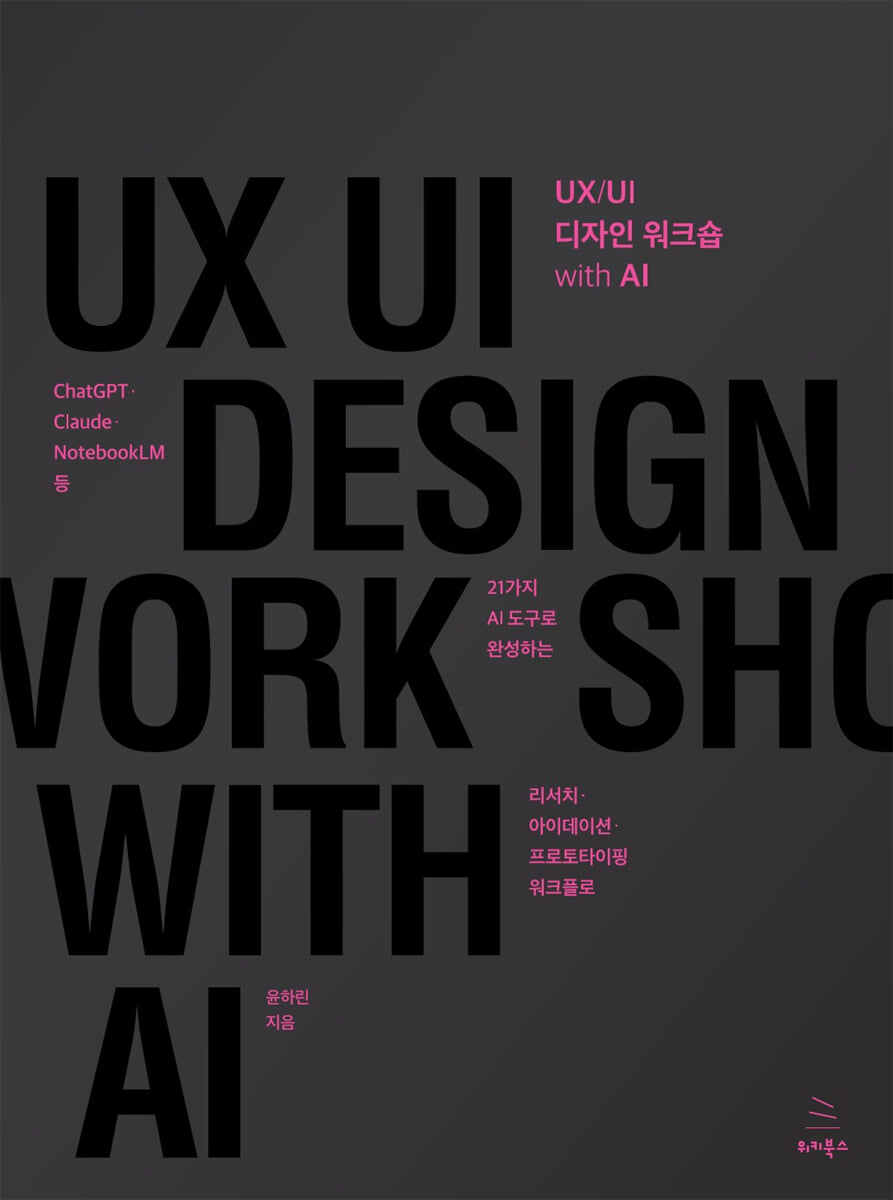
UX/UI Design Workshop with AI
 |
Description
Book Introduction
From user research and idea generation to prototyping... how far can we truly entrust AI?
This book goes beyond "how to use AI as a tool," and presents "how to define and solve design problems with AI."
We've structured the process of designers selecting, verifying, and restructuring AI's output, and utilizing it as a true collaborative partner, focusing on practical training.
- You can preview some of the book's contents.
Preview
index
▣ Chapter 1: Orientation
1.1 Artificial Intelligence and Design
__1.1.1 Why Designers Should Learn to Use AI
__1.1.2 The concept of generative AI and its application in the design field
1.2 Collaboration between AI and UX Designers
__1.2.1 UX practitioners' thoughts on collaboration with AI
__1.2.2 One thing you must know when using AI: fact checking
__1.2.3 How to Select a Project Topic for Collaboration with AI
__1.2.4 Types of AI tools to be used in the future
▣ Chapter 2: Collaboration between UX Designers and AI: Desk Research
2.1 Prompt Engineering
__2.1.1 Writing specific conditions
__2.1.2 Obtaining information about required conditions
__2.1.3 Providing context
__2.1.4 Provide definitions of technical terms in advance
__2.1.5 Tuning Hyperparameters
__2.1.6 Excluding Specific Information
__2.1.7 Enter additional prompts to get the desired answer
__2.1.8 How to Write Prompts to Effectively Utilize Deep Research
2.2 Digital Ethnography and Social Listening
__2.2.1 Ethnography
__2.2.2 Social Listening (1) - Perplexity
__2.2.3 Social Listening (2) - Listly and Claude
▣ Chapter 3: Collaboration between UX Designers and AI: AI User Interviews
3.1 Virtual AI Persona Interviews - GPTs
__3.1.1 Automatically Generating Interviews with Virtual AI Personas
__3.1.2 Conducting direct interviews with virtual AI personas
3.2 Interviewing AI Personas - Synthetic Users
__3.2.1 Log in and select interview type
__3.2.2 Entering interview background and persona information
__3.2.3 Checking the results of the virtual user interview
__3.2.4 How to Responsibly Use AI Virtual Interview Results
3.3 Clone AI Interview
__3.3.1 Creating a Clone AI with GPT Long-Term Memory Data
__3.3.2 Creating a Clone AI Through Inner Exploration Interviews
▣ Chapter 4: Collaboration between UX Designers and AI: UX Modeling
4.1 Affinity Diagram
__4.1.1 Preparing an Affinity Diagram
__4.1.2 Organizing Affinity Diagrams (1) - GPT 4o
__4.1.3 Organizing Affinity Diagrams (2) - NotebookLM
__4.1.4 Analyzing Interview Data - Lilys AI
4.2 User Modeling: User Personas
__4.2.1 Setting the final persona
__4.2.2 Creating a persona image
__4.2.3 Creating a persona based on a service link
__4.2.4 Developing a Marketing Strategy by Creating Personas
4.3 Experience Modeling: User Journey Maps
__4.3.1 Creating User Journey Map Content (1) - GPT-4o
__4.3.2 Creating User Journey Map Content (2) - GPTs
__4.3.3 Creating a table that can be edited and shared
__4.3.4 Visualizing User Journey Maps (1) - GPTs (Mermaid Chart, Diagram Show Me)
__4.3.5 Visualizing User Journey Maps (2) - GPTs (User Journey Map Maker, UX GPT)
__4.3.6 Visualizing User Journey Maps (3) - Claude
4.4 UX Modeling Template
__4.4.1 Miro
__4.4.2 Figjam
▣ Chapter 5: Collaboration between UX Designers and AI: Prototyping and Testing
5.1 Creating a Storyboard
5.2 Prototyping with AI
__5.2.1 From Solution Derivation to Visualization: Claude
__5.2.2 Web page generation AI: Relume, Readdy
__5.2.3 Mobile Prototyping AI: Galileo AI, Motiff
__5.2.4 UI Screen Duplication AI: Codia, Visily AI
__5.2.5 No-Code Web/App Development AI: Bolt.new
5.3 Prototype Enhancement: Creating Design Assets
__5.3.1 Google Extension, AIPRM: Generate prompts with text
__5.3.2 Google Extension, AIPRM: Generate prompt with image
__5.3.3 midjourney: Create design assets by combining text and image prompts
5.4 Testing Using AI
__5.4.1 Usability Testing - Klever
__5.4.2 Gaze Tracking - Attention Insight
__5.4.3 A/B Testing - GPT 4o, Rapid A/B Testing
__5.4.4 UI Improvement Feedback - ChatGPT
▣ Chapter 6: AI Trends Designers Must Know
6.1 Flattering AI and Hostile AI
__6.1.1 Intimate AI: The Dangers of Flattery
__6.1.2 Hostile AI vs.
Flattering AI
6.2 AI participating in usability testing
__6.2.1 Toss's Hugh Bot Case
__6.2.2 Prompts that make human users respond similarly
6.3 Focus Group Interviews: Collaboration Between AI Agents
__6.3.1 Communication and Collaboration Between AI Agents
__6.3.2 Discussing AI Agents
6.4 Vibe Coding: Creating an AI Agent Discussion Program
__6.4.1 Creating a CLI-based program
__6.4.2 Creating a GUI-based program
__6.4.3 Competencies required in the era of Vibe Coding
6.5 The Future of Digital Interfaces: Apps No Longer Needed
6.6 Creating a Weekly Review Service with Figma Make
__6.6.1 Basic usage of Figma Make
__6.6.2 Creating a Weekly Retrospective Program with Figma Make
__6.6.3 Limitations and Usage of Figma Make
6.7 Partnerships between AI and Designers Considering Ethical Issues
__6.7.1 Three ethical issues that arise during collaboration between UX designers and AI
__6.7.2 Three New Roles Required of UX Designers to Collaborate Ethically with AI
Detailed image

Publisher's Review
◎ AI Design Collaboration Cycle Practice
You will directly learn the collaborative process of 'input → creation → judgment → execution' that goes from problem discovery to solution derivation.
◎ Prompt Engineering Practical Training
Using ChatGPT, Claude, and Gemini, you'll practice setting specific conditions, providing context, summarizing information, and crafting deep research prompts to get the exact answers you want from AI.
◎ AI user research automation
Using GPTs and Synthetic Users, you'll create virtual users, conduct interviews, and experience the process of deriving insights just like real research.
◎ UX data analysis and modeling
Quickly analyze user data and automatically complete affinity diagrams and user journey maps using NotebookLM, Lilys AI, and GPT-4o.
◎ AI-based prototyping and testing
Create prototypes by integrating with Claude, Galileo, Motiff, Bolt.new, Attention Insight, Klever, and more, and validate designs with eye tracking and A/B testing.
◎ AI Trends and Practice Expansion
Learn the latest AI trends from a practical perspective, including automated retrospectives using Figma Make, collaboration between AI agents, and scalable design experiments based on Vibe Coding.
GOODS SPECIFICS
- Date of issue: October 28, 2025
- Page count, weight, size: 288 pages | 175*235*12mm
- ISBN13: 9791158396381
You may also like
카테고리
korean


korean


