

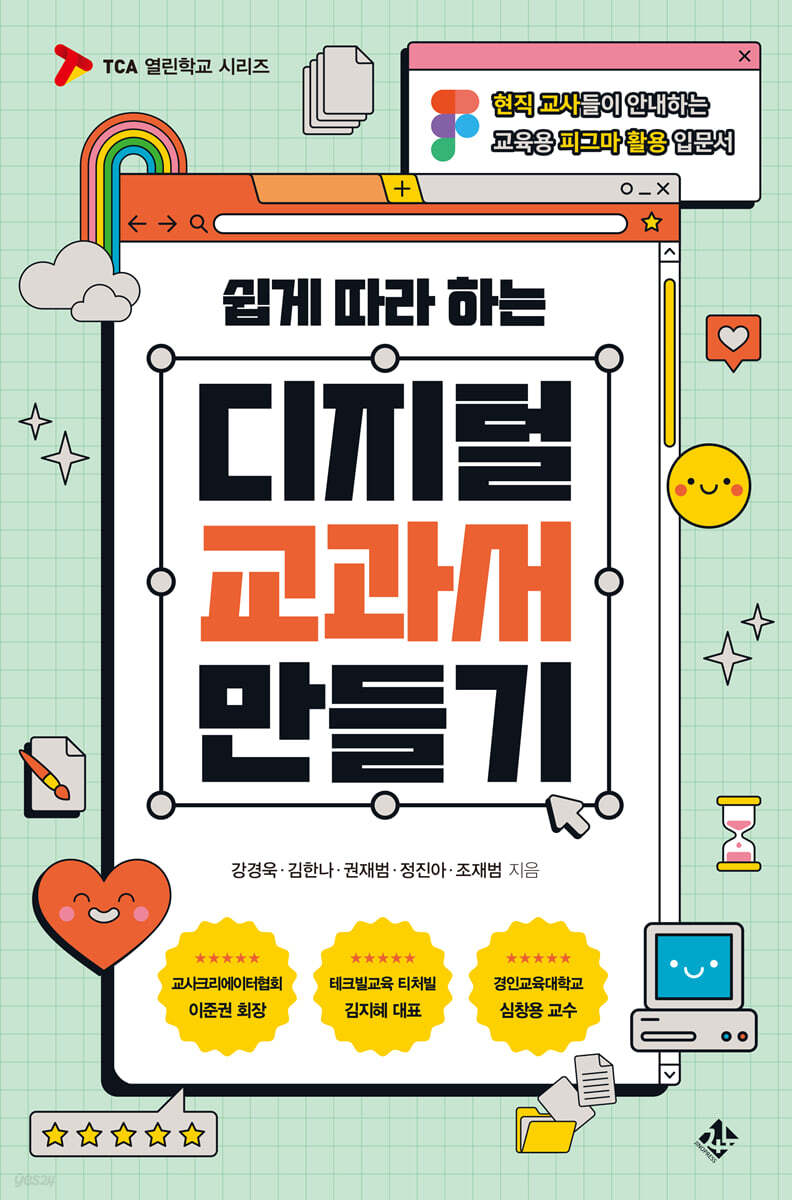
Creating an Easy-to-Follow Digital Textbook
 |
Description
Book Introduction
This book is full of ideas and practical methods for teachers to create more effective digital textbooks (digital educational materials).
From the basic usage of Figma, the core production program, to its connection to digital textbooks, examples of actual learning material production, and know-how on utilizing it in classes, it covers everything in an easy and intuitive way, allowing even novice edutech teachers to take their first steps in digital textbook production without difficulty.
The ability for teachers to create digital textbooks will not only be a powerful asset for them as professionals, but it will also facilitate collaboration between students and teachers, and among teachers themselves, thereby fostering qualitative changes in creative and collaborative classes.
Additionally, the diverse digital textbooks created through Figma will provide students with more interesting and meaningful learning experiences, stimulating their curiosity and further fostering their passion for learning.
I hope that any educator who thinks about the present and future of education will be able to take a step closer to the world of innovative digital textbooks through this book.
From the basic usage of Figma, the core production program, to its connection to digital textbooks, examples of actual learning material production, and know-how on utilizing it in classes, it covers everything in an easy and intuitive way, allowing even novice edutech teachers to take their first steps in digital textbook production without difficulty.
The ability for teachers to create digital textbooks will not only be a powerful asset for them as professionals, but it will also facilitate collaboration between students and teachers, and among teachers themselves, thereby fostering qualitative changes in creative and collaborative classes.
Additionally, the diverse digital textbooks created through Figma will provide students with more interesting and meaningful learning experiences, stimulating their curiosity and further fostering their passion for learning.
I hope that any educator who thinks about the present and future of education will be able to take a step closer to the world of innovative digital textbooks through this book.
- You can preview some of the book's contents.
Preview
index
prolog
Part 1.
Digital textbooks created by teachers
Chapter 1.
Beyond Books, Digital: The Transformation of Textbooks
What is a digital textbook?
The Current State of Digital Textbooks and Their Problems
The Future of Digital Textbooks
Implementation and Challenges of Teacher-Created Digital Textbooks
Part 2.
Creating Digital Textbooks with Figma
Chapter 2.
Introducing Figma
What is Figma?
Figma's educational utility
Chapter 3.
Sign up for a Figma Education account
Sign up for Figma membership
Benefits of a Figma Education Account
Switch to a Figma Education account
Chapter 4.
How to Use Figma in Education
Organizing learning materials (learning materials warehouse)
Digital Learning Materials
Digital textbook production
Chapter 5.
Mastering the Figma Interface
Figma home screen
Figma Design Screen - Toolbar
Figma Design Screen - Left Panel, Right Panel
Useful Key Shortcuts to Know
Chapter 6.
Understanding Layers
The concept of layers
Layer functions
Layer position
Grouping and ungrouping layers
Chapter 7.
Expand extensibility through plugin features
The concept of plugins
Autoflow
Iconify
Pixabay
Remove BG
Type Tool
PDF to Figma
Chapter 8.
Move the design! Prototype
Chapter 9.
Creating Digital Learning Materials for English with Figma
Setting up the canvas
Create a frame
Write text
Create shapes
Insert an image
Group text and shapes
Inserting a picture into a circle
Chapter 10.
Creating Social Studies Digital Learning Materials with Figma
Setting up the canvas
Create a frame
Write text
Utilizing Figma Plugin Features (1) - [Video Thumbnail Image]
Utilizing Figma Plugin Features (2) - [Iconify]
Using Figma Plugin Features (3) - [Font Preview]
Using the Prototype feature
Chapter 11.
Online Whiteboard, PigJam
PigJam interface
PigJam, Using It in the Classroom
Introducing Pigjam's various templates
Easier and more convenient with Pigjam's AI!
Chapter 12.
Creating Science and Digital Learning Materials with PigJam
Selecting and Setting Up a PigJam Template
Convert to science and learning materials
Chapter 13.
Publishing Figma/Pigjam to the community
Try publishing the Figma file I created
Create a Figma Community Profile
Check your published Figma file
Explore the Figma Community
Import or save your favorites from the Figma community
Chapter 14.
Figma/Pigjam digital textbooks created with team members and colleagues
Invite team members to collaborate on team projects
Share Figma files
Collaborate with colleagues to create digital textbooks
Epilogue
Part 1.
Digital textbooks created by teachers
Chapter 1.
Beyond Books, Digital: The Transformation of Textbooks
What is a digital textbook?
The Current State of Digital Textbooks and Their Problems
The Future of Digital Textbooks
Implementation and Challenges of Teacher-Created Digital Textbooks
Part 2.
Creating Digital Textbooks with Figma
Chapter 2.
Introducing Figma
What is Figma?
Figma's educational utility
Chapter 3.
Sign up for a Figma Education account
Sign up for Figma membership
Benefits of a Figma Education Account
Switch to a Figma Education account
Chapter 4.
How to Use Figma in Education
Organizing learning materials (learning materials warehouse)
Digital Learning Materials
Digital textbook production
Chapter 5.
Mastering the Figma Interface
Figma home screen
Figma Design Screen - Toolbar
Figma Design Screen - Left Panel, Right Panel
Useful Key Shortcuts to Know
Chapter 6.
Understanding Layers
The concept of layers
Layer functions
Layer position
Grouping and ungrouping layers
Chapter 7.
Expand extensibility through plugin features
The concept of plugins
Autoflow
Iconify
Pixabay
Remove BG
Type Tool
PDF to Figma
Chapter 8.
Move the design! Prototype
Chapter 9.
Creating Digital Learning Materials for English with Figma
Setting up the canvas
Create a frame
Write text
Create shapes
Insert an image
Group text and shapes
Inserting a picture into a circle
Chapter 10.
Creating Social Studies Digital Learning Materials with Figma
Setting up the canvas
Create a frame
Write text
Utilizing Figma Plugin Features (1) - [Video Thumbnail Image]
Utilizing Figma Plugin Features (2) - [Iconify]
Using Figma Plugin Features (3) - [Font Preview]
Using the Prototype feature
Chapter 11.
Online Whiteboard, PigJam
PigJam interface
PigJam, Using It in the Classroom
Introducing Pigjam's various templates
Easier and more convenient with Pigjam's AI!
Chapter 12.
Creating Science and Digital Learning Materials with PigJam
Selecting and Setting Up a PigJam Template
Convert to science and learning materials
Chapter 13.
Publishing Figma/Pigjam to the community
Try publishing the Figma file I created
Create a Figma Community Profile
Check your published Figma file
Explore the Figma Community
Import or save your favorites from the Figma community
Chapter 14.
Figma/Pigjam digital textbooks created with team members and colleagues
Invite team members to collaborate on team projects
Share Figma files
Collaborate with colleagues to create digital textbooks
Epilogue
Into the book
“I wrote this book to break the stereotype that ‘Figma is a tool for designers’ and to put this powerful tool in the hands of our teachers.
I wanted to share with you how using Figma has revolutionized the way we teach.
Figma makes it easy to create and store your desired educational materials, and promotes collaboration.
It also plays an important role in stimulating students' creativity and helping them to concretize their learning.
This book is not just a how-to guide.
This guidebook will help you transform from an ordinary teacher to a pioneer in creative digital education.
Have you ever felt frustrated because you received teaching materials that didn't fit your class, or because you wanted to create something but couldn't find a way to do it? This book will open the way for those who want to create clean, high-quality teaching materials using Figma.
I wanted to share with you how using Figma has revolutionized the way we teach.
Figma makes it easy to create and store your desired educational materials, and promotes collaboration.
It also plays an important role in stimulating students' creativity and helping them to concretize their learning.
This book is not just a how-to guide.
This guidebook will help you transform from an ordinary teacher to a pioneer in creative digital education.
Have you ever felt frustrated because you received teaching materials that didn't fit your class, or because you wanted to create something but couldn't find a way to do it? This book will open the way for those who want to create clean, high-quality teaching materials using Figma.
---From the text
Publisher's Review
“Even beginners in edutech can make it easily and enjoyably
“Into the world of Figma/Pigjam digital textbooks!”
For qualitative changes in creative and collaborative classes
Easy and clear step-by-step guide from the basics to application of Figma
Towards providing a more interesting and meaningful learning experience
“We are teachers from the Republic of Korea who love education.
I want to teach classes that are helpful to students' lives, and I think about today's education for their happy future.
"Creating Digital Textbooks with Ease: An Introduction to Using Figma for Education, Guided by Current Teachers" is a guidebook that can be used by educators and the general public who are completely unfamiliar with Figma.
A variety of digital textbooks created with Figma will spark students' curiosity and foster a passion for learning.
Through this book, we would like to share the changes we have experienced and the know-how that led to those changes.
I sincerely hope that this book will help teachers resolve their questions and provide some help to schools and students.” - From the author’s note
Now, we have entered an era where textbooks are changing from paper books to digital books.
Existing digital textbooks have clear limitations, such as device compatibility, limited content, and difficulties in providing personalized education. However, AI digital textbooks provide 'customized' learning content based on student data, and various attempts are being prepared to overcome the limitations of existing digital textbooks, such as introducing an LMS.
So, should teachers only use the digital textbooks provided? No.
Teachers can create digital textbooks as many times as they want.
The authors of this book found the answer in Figma.
Figma is a cloud-based web design program used for user interface (UI) and user experience (UX) design. It is gaining popularity among designers due to its ease of use and convenience.
Figma is a partially paid program, but it is practically free for personal use, making it an attractive tool for both teachers and students.
This is because most of the features offered as a partial fee can be accessed for free by using an ‘educational account.’
However, because of the preconception that it is a web design program for designers and is specialized and difficult to use, there are few teachers who actively use it in the educational field, and there are quite a few teachers who are not even aware of its existence.
Accordingly, current teachers who had already recognized the educational potential of Figma put their heads together and wrote this book, "Creating Easy-to-Follow Digital Textbooks."
“I wrote this book to break the stereotype that ‘Figma is a tool for designers’ and to put this powerful tool in the hands of our teachers.
I wanted to share with you how using Figma has revolutionized the way we teach.
Figma makes it easy to create and store your desired educational materials, and promotes collaboration.
It also plays an important role in stimulating students' creativity and helping them to concretize their learning.
This book is not just a how-to guide.
This guidebook will help you transform from an ordinary teacher to a pioneer in creative digital education.
Have you ever been frustrated by learning materials that didn't fit your class, or by not being able to find a way to create something you wanted to? This book will open the way for those people to create clean, high-quality learning materials using Figma." - Excerpt from the text
This book is full of ideas and practical methods for teachers to create more effective digital textbooks (digital educational materials).
From the basic usage of Figma, the core production program, to its connection to digital textbooks, examples of actual learning material production, and know-how on utilizing it in classes, it covers everything in an easy and intuitive way, allowing even novice edutech teachers to take their first steps in digital textbook production without difficulty.
The ability for teachers to create digital textbooks will not only be a powerful asset for them as professionals, but it will also facilitate collaboration between students and teachers, and among teachers themselves, thereby fostering qualitative changes in creative and collaborative classes.
Additionally, the diverse digital textbooks created through Figma will provide students with more interesting and meaningful learning experiences, stimulating their curiosity and further fostering their passion for learning.
I hope that any educator who thinks about the present and future of education will be able to take a step closer to the world of innovative digital textbooks through this book.
“Into the world of Figma/Pigjam digital textbooks!”
For qualitative changes in creative and collaborative classes
Easy and clear step-by-step guide from the basics to application of Figma
Towards providing a more interesting and meaningful learning experience
“We are teachers from the Republic of Korea who love education.
I want to teach classes that are helpful to students' lives, and I think about today's education for their happy future.
"Creating Digital Textbooks with Ease: An Introduction to Using Figma for Education, Guided by Current Teachers" is a guidebook that can be used by educators and the general public who are completely unfamiliar with Figma.
A variety of digital textbooks created with Figma will spark students' curiosity and foster a passion for learning.
Through this book, we would like to share the changes we have experienced and the know-how that led to those changes.
I sincerely hope that this book will help teachers resolve their questions and provide some help to schools and students.” - From the author’s note
Now, we have entered an era where textbooks are changing from paper books to digital books.
Existing digital textbooks have clear limitations, such as device compatibility, limited content, and difficulties in providing personalized education. However, AI digital textbooks provide 'customized' learning content based on student data, and various attempts are being prepared to overcome the limitations of existing digital textbooks, such as introducing an LMS.
So, should teachers only use the digital textbooks provided? No.
Teachers can create digital textbooks as many times as they want.
The authors of this book found the answer in Figma.
Figma is a cloud-based web design program used for user interface (UI) and user experience (UX) design. It is gaining popularity among designers due to its ease of use and convenience.
Figma is a partially paid program, but it is practically free for personal use, making it an attractive tool for both teachers and students.
This is because most of the features offered as a partial fee can be accessed for free by using an ‘educational account.’
However, because of the preconception that it is a web design program for designers and is specialized and difficult to use, there are few teachers who actively use it in the educational field, and there are quite a few teachers who are not even aware of its existence.
Accordingly, current teachers who had already recognized the educational potential of Figma put their heads together and wrote this book, "Creating Easy-to-Follow Digital Textbooks."
“I wrote this book to break the stereotype that ‘Figma is a tool for designers’ and to put this powerful tool in the hands of our teachers.
I wanted to share with you how using Figma has revolutionized the way we teach.
Figma makes it easy to create and store your desired educational materials, and promotes collaboration.
It also plays an important role in stimulating students' creativity and helping them to concretize their learning.
This book is not just a how-to guide.
This guidebook will help you transform from an ordinary teacher to a pioneer in creative digital education.
Have you ever been frustrated by learning materials that didn't fit your class, or by not being able to find a way to create something you wanted to? This book will open the way for those people to create clean, high-quality learning materials using Figma." - Excerpt from the text
This book is full of ideas and practical methods for teachers to create more effective digital textbooks (digital educational materials).
From the basic usage of Figma, the core production program, to its connection to digital textbooks, examples of actual learning material production, and know-how on utilizing it in classes, it covers everything in an easy and intuitive way, allowing even novice edutech teachers to take their first steps in digital textbook production without difficulty.
The ability for teachers to create digital textbooks will not only be a powerful asset for them as professionals, but it will also facilitate collaboration between students and teachers, and among teachers themselves, thereby fostering qualitative changes in creative and collaborative classes.
Additionally, the diverse digital textbooks created through Figma will provide students with more interesting and meaningful learning experiences, stimulating their curiosity and further fostering their passion for learning.
I hope that any educator who thinks about the present and future of education will be able to take a step closer to the world of innovative digital textbooks through this book.
GOODS SPECIFICS
- Date of issue: March 8, 2024
- Page count, weight, size: 244 pages | 414g | 142*215*20mm
- ISBN13: 9791190282994
- ISBN10: 1190282992
You may also like
카테고리
korean


korean

![GQ KOREA Mark (Monthly): December [2025]](http://librairie.coreenne.fr/cdn/shop/files/8ef265dbbfbf186523ed75ba7319009d.jpg?v=1765340328&width=3840)


