

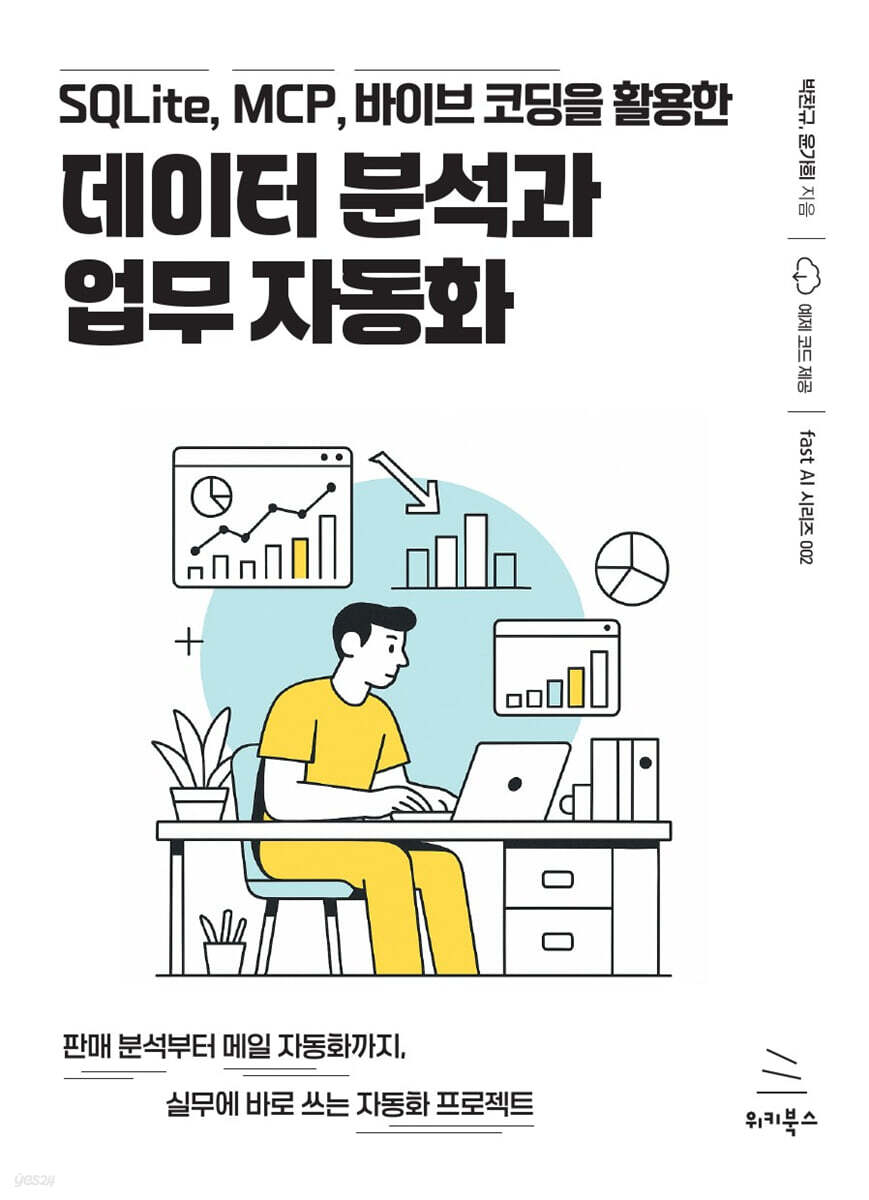
Data analysis and task automation using SQLite, MCP, and Vibe coding.
 |
Description
Book Introduction
Create your own data analysis and business automation systems without any coding knowledge!
We'll walk through the entire process of building a database from scattered Excel, PDF, and CSV data using SQLite MCP, a cutting-edge AI tool, and then querying and visualizing the desired information using only natural language.
From a publisher's sales information tracking system to an automated royalty history email system, you can maximize your data utilization capabilities by creating projects that can be applied directly to your work.
We'll walk through the entire process of building a database from scattered Excel, PDF, and CSV data using SQLite MCP, a cutting-edge AI tool, and then querying and visualizing the desired information using only natural language.
From a publisher's sales information tracking system to an automated royalty history email system, you can maximize your data utilization capabilities by creating projects that can be applied directly to your work.
index
[PART 01] Getting Started with Databases: From Basic Concepts to Setting Up a Development Environment
1.1 Exploring the Database
___1.1.1 Why you need a database instead of Excel
___1.1.2 Learn basic terminology
___1.1.3 Linking Tables: How to Make Information Richer
___1.1.4 Language for talking to databases, SQL
1.2 Getting Started with SQLite
___1.2.1 What is SQLite?
___1.2.2 Installing SQLite in a Windows Environment
___1.2.3 Installing SQLite on macOS
1.3 Getting Started with DB Browser for SQLite
___1.3.1 What is DB Browser for SQLite?
___1.3.2 Installing DB Browser for SQLite in a Windows Environment
___1.3.3 Installing DB Browser for SQLite on macOS
___1.3.4 Screen composition of DB Browser for SQLite
___1.3.5 Adding a New Database in DB Browser for SQLite
[PART 02] Automating Various Data Analysis Tasks with SQLite MCP
2.1 What is MCP?
___2.1.1 Claude MCP of Anthropic
2.2 Installing Claude MCP
___2.2.1 Installing Python in a Windows Environment
___2.2.2 Installing uv and uvx in Windows environment
___2.2.3 Installing Python on macOS
___2.2.4 Installing uv and uvx on macOS
___2.2.5 Installing the Claude Desktop App
___2.2.6 Adding environment information to the MCP settings file
2.3 Bank Transaction History Analysis
___2.3.1 Preparing the Data
___2.3.2 Entering Data
___2.3.3 Retrieving data
2.4 Income Statement Analysis
___2.4.1 Entering Data
___2.4.2 Retrieving data
2.5 Analyzing the Apartment Index
___2.5.1 Entering Data
___2.5.2 Retrieving Data
2.6 Conclusion
[PART 03] Creating a Sales Information Query System with SQLite MCP
3.1 Introduction to the Wikibooks Sales Information System
3.2 Creating a Book Sales Information Database
___3.2.1 Creating a Database
___3.2.2 Querying data in natural language
3.3 Creating a Chatbot to Display Monthly Sales History for All Books
___3.3.1 Configuring a chatbot for monthly sales history of books (all)
___3.3.2 Upgrading the monthly sales history chatbot for all books
3.4 Creating a Chatbot to Track Monthly Sales of Individual Books
___3.4.1 Configuring a chatbot to track individual book monthly sales
___3.4.2 Upgrading the individual book monthly sales history chatbot
3.5 Conclusion
[PART 04] Creating a One-Click Automation System, From Royalty History Inquiry to Email Sending
4.1 Introducing the Automatic Royalty Email Template
___4.1.1 Introduction to the mail-temp sheet
___4.1.2 Introducing royalty sheets
___4.1.3 Trying out the automatic royalty email template
4.2 Creating SQL to query royalties
___4.2.1 Obtaining monthly sales data by ISBN
___4.2.2 Converting sales data into pivot form
___4.2.3 Including royalty payment information
4.3 Creating an Automatic Email Sending Template
___4.3.1 Create a Google Spreadsheet by querying data
___4.3.2 Creating a Mail Template
___4.3.3 Implementing an automatic email sending program
4.4 Modifying the automatic email sending program
___4.4.1 Modifying HTML Code
___4.4.2 Modifying the mail sending code
4.5 In conclusion
1.1 Exploring the Database
___1.1.1 Why you need a database instead of Excel
___1.1.2 Learn basic terminology
___1.1.3 Linking Tables: How to Make Information Richer
___1.1.4 Language for talking to databases, SQL
1.2 Getting Started with SQLite
___1.2.1 What is SQLite?
___1.2.2 Installing SQLite in a Windows Environment
___1.2.3 Installing SQLite on macOS
1.3 Getting Started with DB Browser for SQLite
___1.3.1 What is DB Browser for SQLite?
___1.3.2 Installing DB Browser for SQLite in a Windows Environment
___1.3.3 Installing DB Browser for SQLite on macOS
___1.3.4 Screen composition of DB Browser for SQLite
___1.3.5 Adding a New Database in DB Browser for SQLite
[PART 02] Automating Various Data Analysis Tasks with SQLite MCP
2.1 What is MCP?
___2.1.1 Claude MCP of Anthropic
2.2 Installing Claude MCP
___2.2.1 Installing Python in a Windows Environment
___2.2.2 Installing uv and uvx in Windows environment
___2.2.3 Installing Python on macOS
___2.2.4 Installing uv and uvx on macOS
___2.2.5 Installing the Claude Desktop App
___2.2.6 Adding environment information to the MCP settings file
2.3 Bank Transaction History Analysis
___2.3.1 Preparing the Data
___2.3.2 Entering Data
___2.3.3 Retrieving data
2.4 Income Statement Analysis
___2.4.1 Entering Data
___2.4.2 Retrieving data
2.5 Analyzing the Apartment Index
___2.5.1 Entering Data
___2.5.2 Retrieving Data
2.6 Conclusion
[PART 03] Creating a Sales Information Query System with SQLite MCP
3.1 Introduction to the Wikibooks Sales Information System
3.2 Creating a Book Sales Information Database
___3.2.1 Creating a Database
___3.2.2 Querying data in natural language
3.3 Creating a Chatbot to Display Monthly Sales History for All Books
___3.3.1 Configuring a chatbot for monthly sales history of books (all)
___3.3.2 Upgrading the monthly sales history chatbot for all books
3.4 Creating a Chatbot to Track Monthly Sales of Individual Books
___3.4.1 Configuring a chatbot to track individual book monthly sales
___3.4.2 Upgrading the individual book monthly sales history chatbot
3.5 Conclusion
[PART 04] Creating a One-Click Automation System, From Royalty History Inquiry to Email Sending
4.1 Introducing the Automatic Royalty Email Template
___4.1.1 Introduction to the mail-temp sheet
___4.1.2 Introducing royalty sheets
___4.1.3 Trying out the automatic royalty email template
4.2 Creating SQL to query royalties
___4.2.1 Obtaining monthly sales data by ISBN
___4.2.2 Converting sales data into pivot form
___4.2.3 Including royalty payment information
4.3 Creating an Automatic Email Sending Template
___4.3.1 Create a Google Spreadsheet by querying data
___4.3.2 Creating a Mail Template
___4.3.3 Implementing an automatic email sending program
4.4 Modifying the automatic email sending program
___4.4.1 Modifying HTML Code
___4.4.2 Modifying the mail sending code
4.5 In conclusion
Detailed image

Publisher's Review
◎ Learn everything from database basics to environment setup.
Take your first step toward data analysis by learning about core database concepts such as tables and relationships, and installing SQLite and DB Browser for SQLite, which are necessary for practical training.
◎ Learn in detail SQLite MCP, which connects AI and databases through various examples.
Understand the concept of MCP and practice analyzing data and generating reports using only natural language, utilizing real-world data such as bank transaction records, income statements, and apartment price indices.
◎ Create your own customized chatbot for data analysis.
We build customized data analysis systems.
Build your own chatbot that retrieves data and automates repetitive reporting tasks using only natural language prompts.
◎ Learn step-by-step how to automate tasks with one click.
We're implementing a system that solves complex manual tasks, from royalties inquiries to email sending, with one click, using "Vibe Coding," a method that collaborates with AI to complete code.
◎ We provide video tutorials for beginners.
You can learn and understand the book's contents more easily by watching the video tutorials that come with the book.
Take your first step toward data analysis by learning about core database concepts such as tables and relationships, and installing SQLite and DB Browser for SQLite, which are necessary for practical training.
◎ Learn in detail SQLite MCP, which connects AI and databases through various examples.
Understand the concept of MCP and practice analyzing data and generating reports using only natural language, utilizing real-world data such as bank transaction records, income statements, and apartment price indices.
◎ Create your own customized chatbot for data analysis.
We build customized data analysis systems.
Build your own chatbot that retrieves data and automates repetitive reporting tasks using only natural language prompts.
◎ Learn step-by-step how to automate tasks with one click.
We're implementing a system that solves complex manual tasks, from royalties inquiries to email sending, with one click, using "Vibe Coding," a method that collaborates with AI to complete code.
◎ We provide video tutorials for beginners.
You can learn and understand the book's contents more easily by watching the video tutorials that come with the book.
GOODS SPECIFICS
- Date of issue: October 23, 2025
- Page count, weight, size: 280 pages | 152*210*14mm
- ISBN13: 9791158396411
You may also like
카테고리
korean


korean

![GQ KOREA Mark (Monthly): December [2025]](http://librairie.coreenne.fr/cdn/shop/files/8ef265dbbfbf186523ed75ba7319009d.jpg?v=1765340328&width=3840)


