

Tiung's typography with Procreate
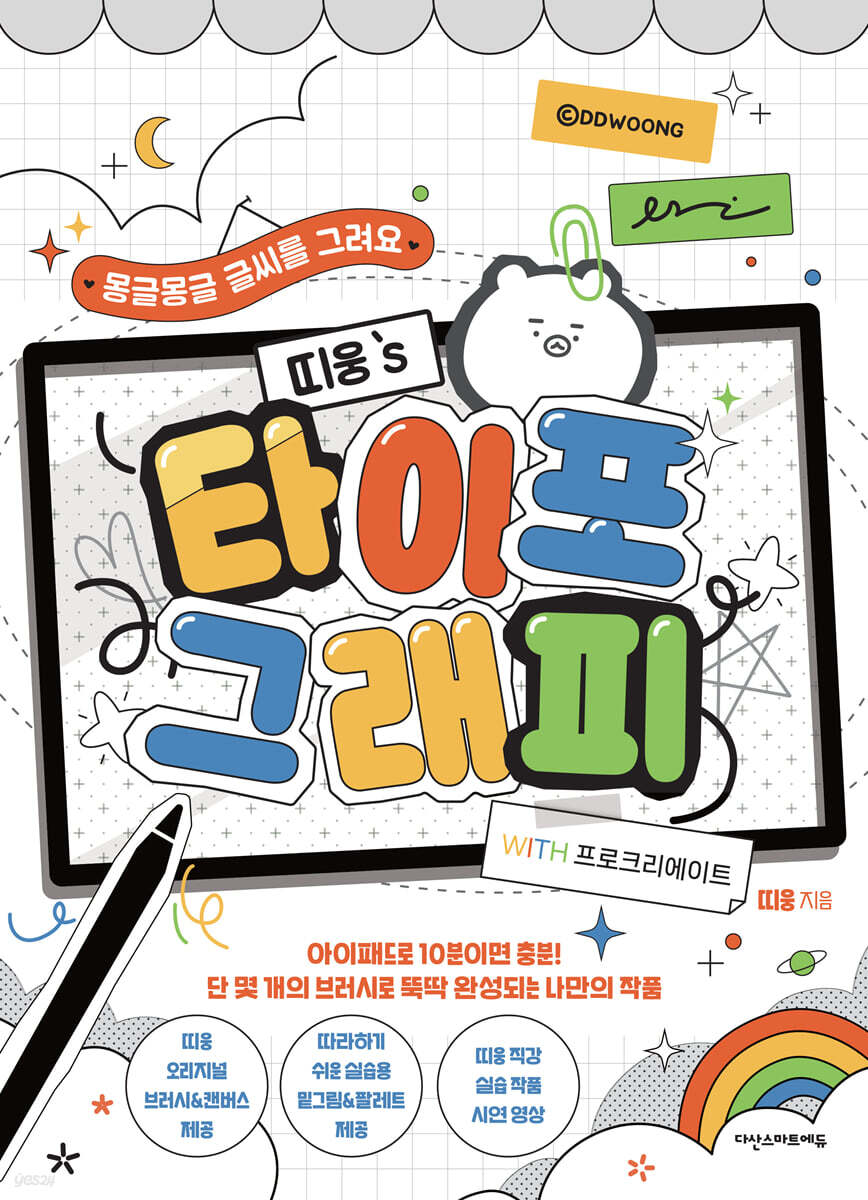 |
Description
Book Introduction
If you upload it, it gets 1 million, 10 million! It's surpassed 200 million cumulative views in just one year!
350,000 Followers (Subscribers) Illustrator DD-WOONG shares his tips for modern iPad drawing.
Have you ever tried 'drawing' a letter? A phrase that catches your eye while reading a book, the title of a song you're listening to these days, a special day you want to commemorate, or any number of words and phrases that suddenly pop into your head... To capture the image that comes to mind when you see a word and express it in words, you have to 'draw' the letter.
“Typography has a different charm from drawing.”
This is the third typography book by illustrator Tiung, who receives explosive support from women in their 20s and 30s around the world, gaining millions of views every time he uploads his work to Instagram.
Every time Ttiung uploaded his work on Instagram and YouTube, he received countless comments full of curiosity such as, "How do you do this?", "What app do you use to draw it?", and "What tools do you use?". Through this book, Ttiung introduces a method for even beginners to easily "draw" letters using Procreate, the world's most popular drawing app for iPad.
It provides all the digital drawing tools for practice, including basic Procreate usage instructions, Tiung's original brushes and canvas, easy-to-follow practice sketches and palettes, and Tiung's own demonstration videos, so anyone with an iPad can complete 'their own work of art' in just 10 minutes.
If you follow the friendly explanations that contain all of Tiwoong's know-how from A to Z, such as how to actually implement ideas on canvas and add a spoonful of 'my own sensibility', how to make digital and physical goods using practice works, and tips for increasing views on SNS, you will become more familiar with the Apple Pencil than with a pencil, and by the time you turn the last page, you will find yourself creating works that are much cooler and get more views on SNS than 'Tiwoong's' works.
- You can preview some of the book's contents.
Preview
index
Entering 2
Structure of this book 6
Preparation Guide 8
Understanding Typography 14
CHAPTER 1 Exploring Procreate Basics
LESSON 01 Entering Procreate 18
LESSON 02 Introduction to Key Features and Tools 23
LESSON 03: Mastering Frequently Used Gestures 31
LESSON 04: Drawing Clean Shapes with QuickShapes 36
LESSON 05: Creating Your Own Custom Brush 41
LESSON 06: Creating Your Own Canvas 51
CHAPTER 2 Introduction to Typography
LESSON 01: Creating using existing fonts 60
LESSON 02: Practice writing beautifully by following along 68
LESSON 03 Learning how to match colors harmoniously 79
CHAPTER 3 Learning Basic Drawing
LESSON 01: Learning Quick Shapes by Drawing Along the Sketch 84
LESSON 02 Drawing Using the Drawing Guide 99
CHAPTER 4: A Short Essay on Practical Typography
LESSON 01: Drawing a Cute "福" New Year Logo 114
LESSON 02: Drawing a "Wind" Logo Full of Analog Sensibility 134
LESSON 03: Drawing a 'POOL' Logo with a Cool Summer Feel 147
CHAPTER 5: Practical Typography Challenges: A Long Article
LESSON 01: Drawing a Cute Retro Barber Shop Sign 164
LESSON 02: Drawing a Modern-Feeling 'BRUNCH' Logo 191
LESSON 03: Drawing a Versatile and Lovely "LOVE YOU" Typography 208
CHAPTER 6: Creating Goods Using Typography
LESSON 01: Creating a Wallpaper Using Typography 222
LESSON 02: Add typography to a photo to create a beautiful poster 240
LESSON 03: Creating a Monthly Planner and Digital Stickers 255
CHAPTER 7 Showing off my work
LESSON 01 Creating a format suitable for uploading 274
LESSON 02 Posting on SNS and Exposing to a Large Number of People 285
CHAPTER 8: Useful Add-ons and Design Inspiration
LESSON 01 Creating a Convenient Work Environment with Gesture Control 292
LESSON 02 Useful Features for Drawing 298
LESSON 03: How to Embody Inspiration and Find Good Materials 307
Tiung's Gallery 312
Detailed image

Publisher's Review
· People who want to start digital drawing as a new hobby but don't know where to start
· For those who are new to iPad and Procreate and would like to get started with Procreate with detailed explanations
· People who want to create a complete work in a short period of time due to their busy daily lives
· Attention everyone who wants to try something different from elaborate drawings, such as portraits and landscapes!
The accumulated views exceeded 200 million in just one year since the SNS was launched!
Tumblbug funding reached 3,000% in just one day, and a cumulative 9,030%!
Popular illustrator Tiung presents a never-before-seen iPad drawing.
Even if you are good at drawing, or even if you are new to Procreate,
If you follow along step by step, you can complete your own wonderful work of art in a short time with just a few brushes.
Just as short-form writing and video are becoming popular, a short-form trend is now blowing in drawings as well.
Tiwoong's SNS, where he uploads short videos of his work every week through Instagram Reels and YouTube Shorts, has surpassed 200 million cumulative views in just one year since its launch, and is receiving enthusiastic responses from followers not only in Korea but also abroad.
Tiung's typography, which looks simple enough to be captured in a short video of less than a minute, is not as elaborate or flashy as traditional drawings, but it is the most sensual drawing that can be expressed in a short time, such as on a bus, subway, or during a break.
I hope this book will introduce a new world to everyone who loves drawing, from beginners unfamiliar with drawing to skilled drawers who have never encountered typography.
Features of this book
From A to Z, all of Tiung's know-how is included!
We will guide you through the settings of brushes, erasers, etc. that Tiung personally created, as well as things to be careful of or remember with contents such as 'Caution!', 'Note!', and 'Remember!'.
We provide tips on how to use Procreate to increase work speed and completion, and provide a QR code for a video of the author's direct lecture containing a practical course created by the author himself.
A structure that is easy to understand at a glance, containing only the necessary information!
From basic supplies to typography concepts and Procreate fundamentals, we'll explain everything step-by-step, making it easy for even beginners to understand.
From previews of practice pieces to practice files, palettes to use, and video materials, everything you need for practice is organized in an easy-to-understand manner, and explanations and images are numbered for easy following.
Everything from custom brushes to canvases, palettes, and sketches is provided!
We provide 5 types of practice brushes, 1 basic paper texture canvas, a palette with the colors needed for each practice piece, and a reference drawing that can be applied as a layer.
Tiung's goods production method and SNS know-how revealed!
We will reveal how to create digital and physical goods using practice work, as well as know-how to show off your work on social media and increase views.
GOODS SPECIFICS
- Date of issue: January 20, 2025
- Page count, weight, size: 316 pages | 808g | 188*256*16mm
- ISBN13: 9791130661254
- ISBN10: 1130661253
You may also like
카테고리
korean


korean


