

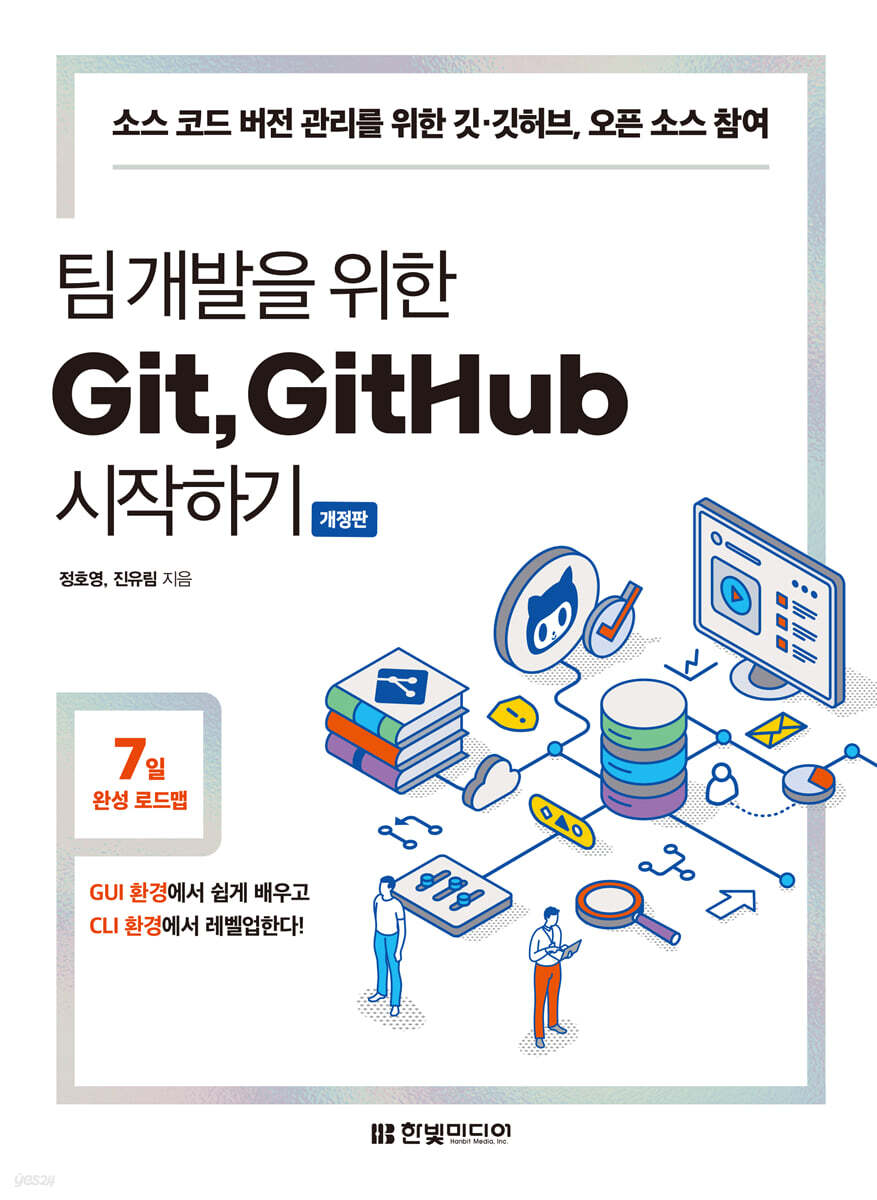
Getting Started with Git and GitHub for Team Development
 |
Description
Book Introduction
The revised edition of "Getting Started with Git and GitHub for Team Development" is packed with essential commands you'll need for practical work! The Git & GitHub bestseller, "Getting Started with Git and GitHub for Team Development," has been revised and updated with practical commands and terminology, and content that can be fully utilized for collaboration. This book is composed of practical exercises with scenarios, so even beginners to Git & GitHub can easily get started. It also contains useful content for not only beginners to Git & GitHub but also developers, designers, and planners who want to use it more in-depth, from basic commands to applied commands that will give you a developer-like feel. In CHAPTER 0, you will learn the basic usage of Git & GitHub in just one hour, and in [PART 1], you will learn the entire process of using Git and GitHub using the easy-to-use graphic tool SourceTree. [PART 2] and the free special edition are in-depth courses designed to allow you to practice in a CLI environment, allowing you to repeatedly learn and master Git & GitHub. |
- You can preview some of the book's contents.
Preview
index
CHAPTER 0: Get familiar with Git and GitHub with quick practice
__01.
Git and GitHub
__02.
Install Git and manage commits in your local repository
__03.
Uploading a commit to a GitHub remote repository
__04.
Pull commits from a GitHub remote repository to your local repository
[Basic] PART 1: Getting Started with Version Management in a GUI Environment
CHAPTER 1: SETTING UP A VERSION CONTROL ENVIRONMENT FOR THE GUI
__01.
Installing SourceTree
__02.
Installing Visual Studio Code
__03.
Explore GitHub
CHAPTER 2 Managing Versions with Git Alone
__01.
Importing local storage into SourceTree
__02.
Create a commit and push it with SourceTree
__03.
A Pictorial Exploration of Git
CHAPTER 3 Collaborating with Multiple People Using Git
__01.
Collaborating on remote repositories
__02.
Create a branch and move it
__03.
Merge: Merging Branches
__04.
Collision: Oops! They both fixed the same code.
__05.
Pull Requests: The Polite Way to Merge Branches
__06.
Release: Development is complete.
Let's launch it!
CHAPTER 4 Collaborating with More Than One Remote Repository
__01.
Fork: Create a new remote repository by copying the remote repository.
__02.
Send a pull request to the original repository and merge it.
__03.
Rebase: Manipulating history by replacing old commits with new ones.
CHAPTER 5: Working with Git with Practical Case Studies
__01.
Preparation for the practice
__02.
Amend: I have a file that I couldn't edit, and I want to add it to the commit I just made.
__03.
Cherry pick: I want to take just that one commit and stick it in my current branch.
__04.
Reset: I want to revert the branch to an old commit.
__05.
Revert: I want to revert the changes in this commit.
__06.
Stash: I want to temporarily save my changes elsewhere, but I don't want to make a commit.
CHAPTER 6: Leveraging GitHub to its Fullest
__01.
Customize your GitHub profile
__02.
Creating better pull requests
__03.
Reverting a pull request on GitHub
__04.
Protecting branches
[Advanced] PART 2: Getting Started with Version Management in a CLI Environment
CHAPTER 7: Exploring Git Commands in a CLI Environment
__01.
Why use CLI?
__02.
Getting Started with Git Bash
__03.
A look at basic Git commands
__04.
Examining Git commands related to remote repositories
CHAPTER 8 Creating and Manipulating Branches in the CLI Environment
__01.
Create a branch
__02.
Basic Branch Operations
__03.
3-way merge
__04.
Rebase
CHAPTER 9: Git's Internals
__01.
How the git add command works
__02.
How the git commit command works
__03.
Examining the commit object
__04.
How Branch Operations Work
CHAPTER 10 EXPLORING THE AUTHENTICATION FEATURE
__01.
Using authentication-related features
__02. Creating and Using SSH Keys
__Appendix A Git Cheat Sheet
__Appendix B Markdown Cheat Sheet
__Find
__01.
Git and GitHub
__02.
Install Git and manage commits in your local repository
__03.
Uploading a commit to a GitHub remote repository
__04.
Pull commits from a GitHub remote repository to your local repository
[Basic] PART 1: Getting Started with Version Management in a GUI Environment
CHAPTER 1: SETTING UP A VERSION CONTROL ENVIRONMENT FOR THE GUI
__01.
Installing SourceTree
__02.
Installing Visual Studio Code
__03.
Explore GitHub
CHAPTER 2 Managing Versions with Git Alone
__01.
Importing local storage into SourceTree
__02.
Create a commit and push it with SourceTree
__03.
A Pictorial Exploration of Git
CHAPTER 3 Collaborating with Multiple People Using Git
__01.
Collaborating on remote repositories
__02.
Create a branch and move it
__03.
Merge: Merging Branches
__04.
Collision: Oops! They both fixed the same code.
__05.
Pull Requests: The Polite Way to Merge Branches
__06.
Release: Development is complete.
Let's launch it!
CHAPTER 4 Collaborating with More Than One Remote Repository
__01.
Fork: Create a new remote repository by copying the remote repository.
__02.
Send a pull request to the original repository and merge it.
__03.
Rebase: Manipulating history by replacing old commits with new ones.
CHAPTER 5: Working with Git with Practical Case Studies
__01.
Preparation for the practice
__02.
Amend: I have a file that I couldn't edit, and I want to add it to the commit I just made.
__03.
Cherry pick: I want to take just that one commit and stick it in my current branch.
__04.
Reset: I want to revert the branch to an old commit.
__05.
Revert: I want to revert the changes in this commit.
__06.
Stash: I want to temporarily save my changes elsewhere, but I don't want to make a commit.
CHAPTER 6: Leveraging GitHub to its Fullest
__01.
Customize your GitHub profile
__02.
Creating better pull requests
__03.
Reverting a pull request on GitHub
__04.
Protecting branches
[Advanced] PART 2: Getting Started with Version Management in a CLI Environment
CHAPTER 7: Exploring Git Commands in a CLI Environment
__01.
Why use CLI?
__02.
Getting Started with Git Bash
__03.
A look at basic Git commands
__04.
Examining Git commands related to remote repositories
CHAPTER 8 Creating and Manipulating Branches in the CLI Environment
__01.
Create a branch
__02.
Basic Branch Operations
__03.
3-way merge
__04.
Rebase
CHAPTER 9: Git's Internals
__01.
How the git add command works
__02.
How the git commit command works
__03.
Examining the commit object
__04.
How Branch Operations Work
CHAPTER 10 EXPLORING THE AUTHENTICATION FEATURE
__01.
Using authentication-related features
__02. Creating and Using SSH Keys
__Appendix A Git Cheat Sheet
__Appendix B Markdown Cheat Sheet
__Find
Detailed image

Publisher's Review
First, let's learn with scenarios that are easy for even beginners to understand and follow.
It's okay if you're new to coding or Git & GitHub.
Your future collaborators will be cats, octopuses, and raccoons.
This book explains Git & GitHub in simple terms, allowing even beginners to immediately apply it, by unfolding scenarios that are likely to arise during practical collaboration.
Follow our talented collaborator, the cat, as he installs the program and walks you through the basic commands step by step.
You will soon be able to use Git & GitHub proficiently.
Second, let's understand it in a familiar graphical tool and learn it in the CLI.
In [PART 1], you will learn commands intuitively using 'SourceTree', a graphical tool for handling Git.
Graphics tools don't require source code.
Even beginners who are afraid of the black command window called 'CLI' can execute commands with just a button in SourceTree.
Additionally, you can visually check the flow of Git in a graph, so you can easily understand and practice the command functions.
If you understand the commands, you will challenge the CLI in [PART 2].
You can learn Git & GitHub through repetitive learning where you directly input source code into the CLI-based 'Git Bash' and output the results from SourceTree.
Third, let's delve into the operating principles directly through the source code.
While quickly mastering the necessary command functions is beneficial, understanding the underlying principles is crucial for becoming a true Git & GitHub user who can effectively resolve problems. Once you're comfortable entering commands in the CLI and managing source code versions, don't miss [PART 2], which delves into the underlying principles.
You can understand the operating principles of Git by implementing the functions of the basic commands you learned earlier directly in source code.
Net, we offer a free special edition for intermediate users!
Want to become more proficient with Git & GitHub in your work? The free special edition will teach you intermediate Git commands not covered in this book.
After learning the basic commands and operating principles useful for beginners in this book, if you want to learn more about Git & GitHub, read the free special edition.
This book contains useful intermediate commands, so after reading the free special edition, you too can conquer Git & GitHub!
Who is this book for?
Developers, job seekers, and students who want to manage team or personal projects with Git & GitHub
Developers who wish to participate in open source projects
ㆍDesigners and planners who want to manage source code versions while working on team projects with developers
It's okay if you're new to coding or Git & GitHub.
Your future collaborators will be cats, octopuses, and raccoons.
This book explains Git & GitHub in simple terms, allowing even beginners to immediately apply it, by unfolding scenarios that are likely to arise during practical collaboration.
Follow our talented collaborator, the cat, as he installs the program and walks you through the basic commands step by step.
You will soon be able to use Git & GitHub proficiently.
Second, let's understand it in a familiar graphical tool and learn it in the CLI.
In [PART 1], you will learn commands intuitively using 'SourceTree', a graphical tool for handling Git.
Graphics tools don't require source code.
Even beginners who are afraid of the black command window called 'CLI' can execute commands with just a button in SourceTree.
Additionally, you can visually check the flow of Git in a graph, so you can easily understand and practice the command functions.
If you understand the commands, you will challenge the CLI in [PART 2].
You can learn Git & GitHub through repetitive learning where you directly input source code into the CLI-based 'Git Bash' and output the results from SourceTree.
Third, let's delve into the operating principles directly through the source code.
While quickly mastering the necessary command functions is beneficial, understanding the underlying principles is crucial for becoming a true Git & GitHub user who can effectively resolve problems. Once you're comfortable entering commands in the CLI and managing source code versions, don't miss [PART 2], which delves into the underlying principles.
You can understand the operating principles of Git by implementing the functions of the basic commands you learned earlier directly in source code.
Net, we offer a free special edition for intermediate users!
Want to become more proficient with Git & GitHub in your work? The free special edition will teach you intermediate Git commands not covered in this book.
After learning the basic commands and operating principles useful for beginners in this book, if you want to learn more about Git & GitHub, read the free special edition.
This book contains useful intermediate commands, so after reading the free special edition, you too can conquer Git & GitHub!
Who is this book for?
Developers, job seekers, and students who want to manage team or personal projects with Git & GitHub
Developers who wish to participate in open source projects
ㆍDesigners and planners who want to manage source code versions while working on team projects with developers
GOODS SPECIFICS
- Date of issue: May 12, 2023
- Page count, weight, size: 364 pages | 746g | 188*257*15mm
- ISBN13: 9791169210607
- ISBN10: 1169210600
You may also like
카테고리
korean


korean

![GQ KOREA Mark (Monthly): December [2025]](http://librairie.coreenne.fr/cdn/shop/files/8ef265dbbfbf186523ed75ba7319009d.jpg?v=1765340328&width=3840)


