

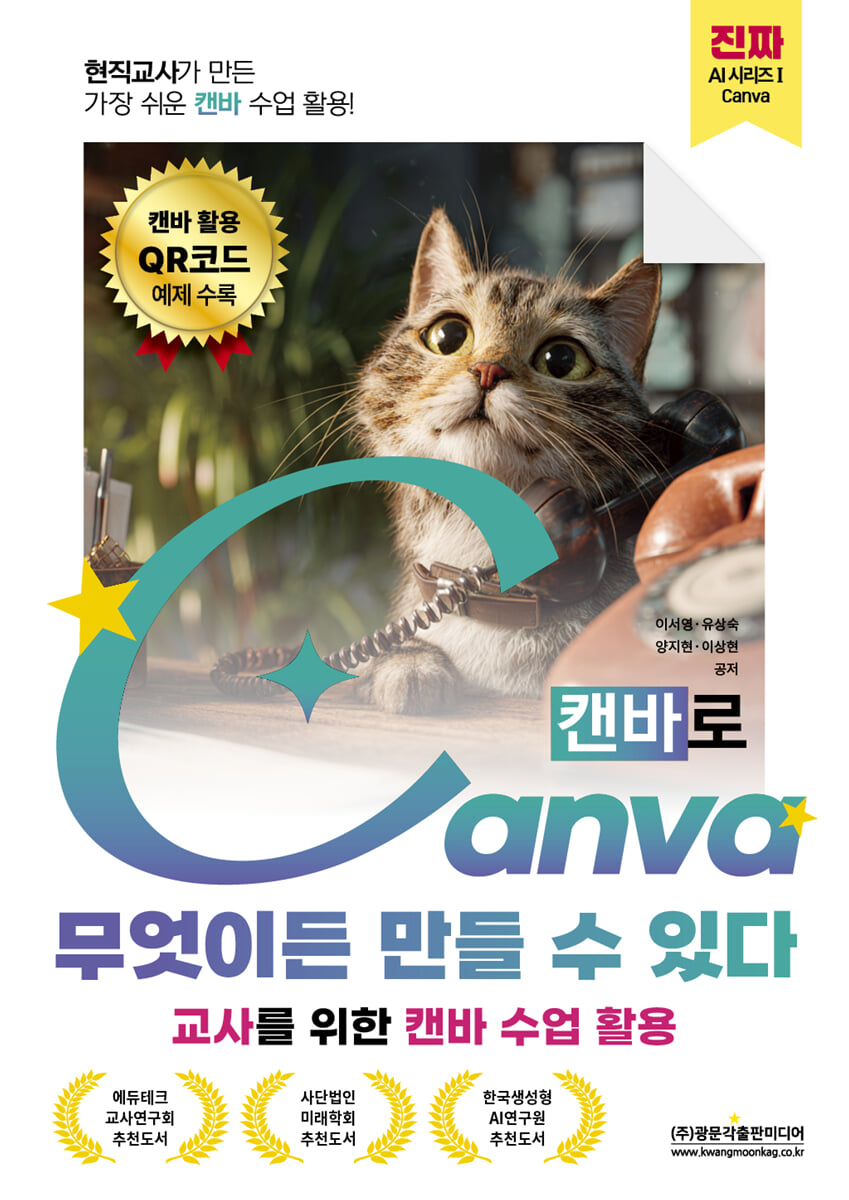
The easiest way to use Canva in a class, created by a current teacher! You can create anything with Canva.
 |
Description
Book Introduction
Beyond Tools, Designing Curriculum
Canva is more than just a tool for creating beautiful designs.
This book focuses on 'how Canva can come alive in the educational process' rather than Canva's tool functions.
Canva is a medium that fosters students' ability to learn and create independently, that is, to develop initiative and practical knowledge. It is the optimal educational tool that supports student-participatory classes and process-centered assessment.
In particular, Canva's Visual Suite organically connects designs, documents, videos, and websites, providing an integrated learning environment that allows teachers to design curricula at a glance and engage students directly in the process.
This book is not simply about learning Canva's features, but rather presents Canva as a way to manage and express educational processes.
Therefore, each chapter is rich in real-world classroom examples and templates, making it a practice-oriented book that allows you to learn by doing and immediately apply them in class, rather than just reading.
Canva is more than just a tool for creating beautiful designs.
This book focuses on 'how Canva can come alive in the educational process' rather than Canva's tool functions.
Canva is a medium that fosters students' ability to learn and create independently, that is, to develop initiative and practical knowledge. It is the optimal educational tool that supports student-participatory classes and process-centered assessment.
In particular, Canva's Visual Suite organically connects designs, documents, videos, and websites, providing an integrated learning environment that allows teachers to design curricula at a glance and engage students directly in the process.
This book is not simply about learning Canva's features, but rather presents Canva as a way to manage and express educational processes.
Therefore, each chapter is rich in real-world classroom examples and templates, making it a practice-oriented book that allows you to learn by doing and immediately apply them in class, rather than just reading.
index
preface
Chapter 1: A Look at Canva
1.1.
Say hello to Canva
1.2.
Everything You Can Do with Canva
1.3.
Connect with Canva
1.4.
Get familiar with Canva
Chapter 2: Canva AI: New Every Day
Chapter 3: Canva Docs with AI: Anything You Can Imagine
3.1.
Create a smart and stylish household newsletter
3.2.
Solve it all with one document, without switching apps
3.3.
From group collaboration to portfolio completion
Chapter 4: Sharing and Collecting: Canva's Great Sharing and Assignment Collection Features
4.1.
A closer look at Canva's sharing features
4.2.
Manage your assignments smartly with Canva
Chapter 5: Canva's Core Features with AI: Easy to Follow and Use in Class
5.1.
Learn Canva with class presentations
5.2.
Learn Canva through class event presentations
Chapter 6: Canva's Key Features for Creating Unique Classes with AI
6.1.
Learn with Canva with our Class Rules Poster
6.2.
Learn Canva with the Friends Love Campaign Video
Chapter 7 Canva Teacher Recommended Package
7.1.
Learn Canva with a Career Roadmap Whiteboard
7.2.
Learn Canva with a Math Trip Schedule Sheet
7.3.
Learn English by mass-producing one English sentence a day with Canva.
supplement
[Appendix 1] Making a Promise with Canva
[Appendix 2] Re-authenticating Canva for Education
Chapter 1: A Look at Canva
1.1.
Say hello to Canva
1.2.
Everything You Can Do with Canva
1.3.
Connect with Canva
1.4.
Get familiar with Canva
Chapter 2: Canva AI: New Every Day
Chapter 3: Canva Docs with AI: Anything You Can Imagine
3.1.
Create a smart and stylish household newsletter
3.2.
Solve it all with one document, without switching apps
3.3.
From group collaboration to portfolio completion
Chapter 4: Sharing and Collecting: Canva's Great Sharing and Assignment Collection Features
4.1.
A closer look at Canva's sharing features
4.2.
Manage your assignments smartly with Canva
Chapter 5: Canva's Core Features with AI: Easy to Follow and Use in Class
5.1.
Learn Canva with class presentations
5.2.
Learn Canva through class event presentations
Chapter 6: Canva's Key Features for Creating Unique Classes with AI
6.1.
Learn with Canva with our Class Rules Poster
6.2.
Learn Canva with the Friends Love Campaign Video
Chapter 7 Canva Teacher Recommended Package
7.1.
Learn Canva with a Career Roadmap Whiteboard
7.2.
Learn Canva with a Math Trip Schedule Sheet
7.3.
Learn English by mass-producing one English sentence a day with Canva.
supplement
[Appendix 1] Making a Promise with Canva
[Appendix 2] Re-authenticating Canva for Education
Detailed image

Publisher's Review
Chapter 1 broadly introduces the basic structure and scope of Canva, and is designed to help teachers who are new to Canva naturally get started.
Chapter 2 focuses on Canva's AI tools, presenting examples of how they support students' creative potential by leveraging various generative features, including text, images, and code.
Beyond simply learning Canva as a design tool, we help you shift your mindset to viewing AI as an educational collaborator.
Chapter 3 focuses on Canva Docs, the core of Canva's Visual Suite.
With features like Magic Write, Padlet embedding, and website extensions, Canva demonstrates its role as an integrated learning platform that goes beyond simple document creation to design and implement learning.
Teachers and students can seamlessly implement project-based learning by using Canva Docs together.
Chapter 4 delves into Canva's sharing and assignment collection features.
The most important aspects of utilizing edutech in the curriculum are sharing for collaborative communication, portfolio creation for accumulating practical knowledge, and assignment collection functions.
Chapter 4 guides you through these core elements through concrete classroom examples, presenting how to complete the entire workflow—from distributing and submitting student assignments to providing feedback and sharing—all within a single platform.
This book is unique in that it contains the author's experience and know-how accumulated through countless trials and errors with students in actual classrooms, and thus offers a deep understanding of practical application methods centered on the curriculum.
The collaborative learning structure in which teachers and students grow together, and the depth of learning that leads to portfolio-based assessment, are most clearly revealed in Chapter 4 of this book.
This chapter is the core of "You Can Create Anything with Canva" and a crucial part of making Canva a true curriculum management tool.
Chapters 5 and 6 focus on the AI capabilities built into Canva's design tools: presentations, posters, and videos.
We provide specific guidance on practical AI applications that can be used in classes, classroom events, and more.
Features like Magic Studio, Magic Media, and Magic Animate help teachers visualize students' thinking, and give students the experience of expressing their learning through design.
This chapter contains practical methods for teachers and students to design lessons together using Canva and expand practical knowledge by utilizing AI.
Chapter 7 covers practical features that can help teachers prepare for class and improve their work efficiency, focusing on Canva's whiteboard, sheets, and bulk creation features.
Learn how Canva's powerful features can save teachers time and organize their lessons, including brainstorming, mind mapping, data visualization with Magic Charts, and bulk document creation via mail merge.
This will demonstrate that Canva is more than just a lesson design tool; it's an educational platform that can be expanded to encompass school administration and educational operations.
The appendix summarizes the key points regarding copyright, privacy, and terms of use that you must know when using Canva in education.
This guide, written by an author with years of experience studying copyright and privacy law, analyzes Canva's policies and legal provisions to help teachers and students create a legally and ethically safe digital learning environment.
Canva's policies are updated regularly, so please refer to the latest policies on the official Canva website at the time of publication.
This book helps you learn by creating using Canva and use it in class and work right away.
Please open the templates using the QR codes and links provided in each chapter, and refer to the examples provided to modify and reconfigure them to suit your classroom situation.
All the power of Canva is at your fingertips, ready to transform into a new lesson.
Additionally, due to the nature of edtech, Canva's interface and button structure are updated very frequently.
Button names and locations may change shortly after the book is published, so if your screen layout is different, please refer to the official Canva manual.
To facilitate this transition, the authors will continue to provide guidance on book examples and feature changes through in-service training, YouTube live broadcasts, and more.
Please check the relevant QR codes on the back cover of the book for the latest information and practice materials.
I hope this book will serve as a catalyst for teachers to open new learning environments and practical possibilities in their classrooms.
All authors
Chapter 2 focuses on Canva's AI tools, presenting examples of how they support students' creative potential by leveraging various generative features, including text, images, and code.
Beyond simply learning Canva as a design tool, we help you shift your mindset to viewing AI as an educational collaborator.
Chapter 3 focuses on Canva Docs, the core of Canva's Visual Suite.
With features like Magic Write, Padlet embedding, and website extensions, Canva demonstrates its role as an integrated learning platform that goes beyond simple document creation to design and implement learning.
Teachers and students can seamlessly implement project-based learning by using Canva Docs together.
Chapter 4 delves into Canva's sharing and assignment collection features.
The most important aspects of utilizing edutech in the curriculum are sharing for collaborative communication, portfolio creation for accumulating practical knowledge, and assignment collection functions.
Chapter 4 guides you through these core elements through concrete classroom examples, presenting how to complete the entire workflow—from distributing and submitting student assignments to providing feedback and sharing—all within a single platform.
This book is unique in that it contains the author's experience and know-how accumulated through countless trials and errors with students in actual classrooms, and thus offers a deep understanding of practical application methods centered on the curriculum.
The collaborative learning structure in which teachers and students grow together, and the depth of learning that leads to portfolio-based assessment, are most clearly revealed in Chapter 4 of this book.
This chapter is the core of "You Can Create Anything with Canva" and a crucial part of making Canva a true curriculum management tool.
Chapters 5 and 6 focus on the AI capabilities built into Canva's design tools: presentations, posters, and videos.
We provide specific guidance on practical AI applications that can be used in classes, classroom events, and more.
Features like Magic Studio, Magic Media, and Magic Animate help teachers visualize students' thinking, and give students the experience of expressing their learning through design.
This chapter contains practical methods for teachers and students to design lessons together using Canva and expand practical knowledge by utilizing AI.
Chapter 7 covers practical features that can help teachers prepare for class and improve their work efficiency, focusing on Canva's whiteboard, sheets, and bulk creation features.
Learn how Canva's powerful features can save teachers time and organize their lessons, including brainstorming, mind mapping, data visualization with Magic Charts, and bulk document creation via mail merge.
This will demonstrate that Canva is more than just a lesson design tool; it's an educational platform that can be expanded to encompass school administration and educational operations.
The appendix summarizes the key points regarding copyright, privacy, and terms of use that you must know when using Canva in education.
This guide, written by an author with years of experience studying copyright and privacy law, analyzes Canva's policies and legal provisions to help teachers and students create a legally and ethically safe digital learning environment.
Canva's policies are updated regularly, so please refer to the latest policies on the official Canva website at the time of publication.
This book helps you learn by creating using Canva and use it in class and work right away.
Please open the templates using the QR codes and links provided in each chapter, and refer to the examples provided to modify and reconfigure them to suit your classroom situation.
All the power of Canva is at your fingertips, ready to transform into a new lesson.
Additionally, due to the nature of edtech, Canva's interface and button structure are updated very frequently.
Button names and locations may change shortly after the book is published, so if your screen layout is different, please refer to the official Canva manual.
To facilitate this transition, the authors will continue to provide guidance on book examples and feature changes through in-service training, YouTube live broadcasts, and more.
Please check the relevant QR codes on the back cover of the book for the latest information and practice materials.
I hope this book will serve as a catalyst for teachers to open new learning environments and practical possibilities in their classrooms.
All authors
GOODS SPECIFICS
- Date of issue: November 25, 2025
- Page count, weight, size: 240 pages | 174*246*20mm
- ISBN13: 9791193205761
- ISBN10: 119320576X
You may also like
카테고리
korean


korean

![GQ KOREA Mark (Monthly): December [2025]](http://librairie.coreenne.fr/cdn/shop/files/8ef265dbbfbf186523ed75ba7319009d.jpg?v=1765340328&width=3840)


