

How to Use GitHub Copilot, the AI Coding Assistant
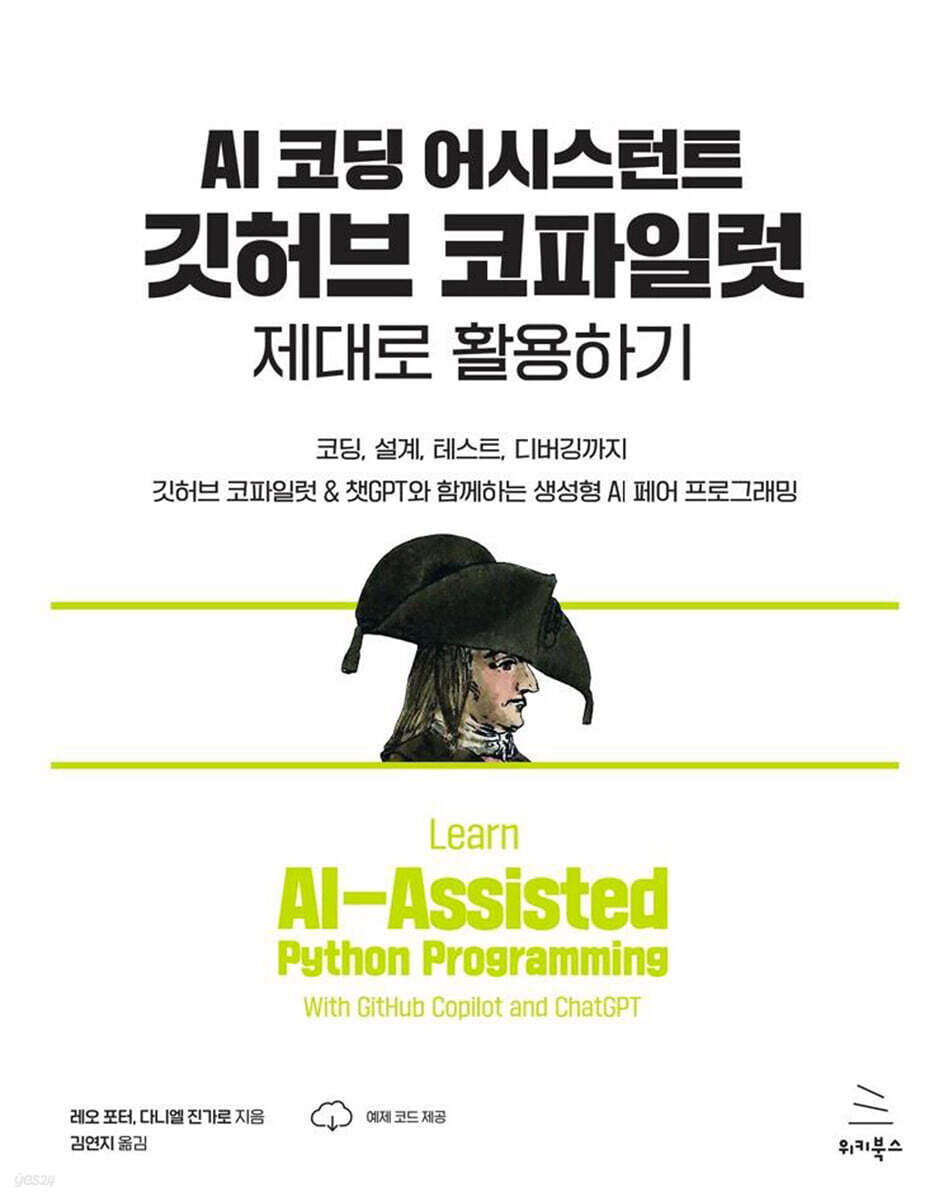 |
Description
Book Introduction
Code efficiently with AI-powered coding tools with limitless potential!
The way we write computer programs has completely changed.
GitHub Copilot lets you describe what you want a program to do in human language, and the AI instantly generates code.
This book shows how even people who have never written code can create and improve Python programs using AI.
Instead of wasting time on the minutiae of programming, learn how to bring your ideas to life instantly with AI assistants.
By following the book, you will be able to learn Python well enough to understand and improve the content generated by AI assistants.
Anyone who can move files and install new programs on a computer can learn how to write useful software!
The way we write computer programs has completely changed.
GitHub Copilot lets you describe what you want a program to do in human language, and the AI instantly generates code.
This book shows how even people who have never written code can create and improve Python programs using AI.
Instead of wasting time on the minutiae of programming, learn how to bring your ideas to life instantly with AI assistants.
By following the book, you will be able to learn Python well enough to understand and improve the content generated by AI assistants.
Anyone who can move files and install new programs on a computer can learn how to write useful software!
- You can preview some of the book's contents.
Preview
index
▣ Chapter 1: Introduction to AI Assistant Programs Using Copilot
1.1 How to talk to a computer
__1.1.1 Making it a little easier
__1.1.2 Making it much easier
1.2 Technical Information
__1.2.1 AI Assistant, Copilot
__1.2.2 How Copilot Works Behind the Scenes When Generating Code (30-Second Summary)
1.3 How Copilot Will Change How You Learn Programming
1.4 Other features provided by Copilot
1.5 Precautions and Challenges When Using Copilot
1.6 Required Skills
1.7 Social Concerns About AI Code Assistants Like Copilot
▣ Chapter 2: Getting Started with Copilot
2.1 Setting up the development environment for learning
__2.1.1 Development Environment Overview
2.2 Setting up the development environment
2.3 Working with Copilot in VS Code
__2.3.1 Setting the working folder
__2.3.2 Verify that the settings are working properly
2.4 Common problems encountered when using Copilot
2.5 First Programming Exercise
__2.5.1 Usefulness of Copilot in Data Processing Tasks
▣ Chapter 3: Functional Design
3.1 Function
__3.1.1 Components of a function
__3.1.2 Function Usage
3.2 Advantages of functions
3.3 Role of functions
3.4 What tasks are functions suitable for?
__3.4.1 Properties of a good function
__3.4.2 Examples of good (and bad) leaf functions
3.5 Function Design Cycle Using Copilot
3.6 Creating Good Functions Using Copilot
__3.6.1 Daniel's Stock Recommendations
__3.6.2 Leo's Password
__3.6.3 Setting a strong password
__3.6.4 Scrabble Scoreboard
__3.6.5 Best Words
▣ Chapter 4: Reading Python Code: Part 1
4.1 Why Code Should Be Readable
4.2 Asking Copilot for Code Explanation
4.3 10 Programming Features You Must Know: Part 1
__4.3.1 #1.
function
__4.3.2 #2.
variable
__4.3.3 #3.
Conditional statements
__4.3.4 #4.
string
__4.3.5 #5.
List
4.3.6 Conclusion
▣ Chapter 5: Reading Python Code: Part 2
5.1 10 Programming Features You Must Know: Part 2
__5.1.1 #6.
Loop
__5.1.2 #7.
Indentation
__5.1.3 #8.
Dictionary
__5.1.4 #9.
file
__5.1.5 #10.
module
▣ Chapter 6: Test and Prompt Engineering
6.1 Why Code Testing is Important
6.2 Closed and Open Testing
__6.2.1 Closed Testing
__6.2.2 What are the criteria for deciding how to write test cases?
__6.2.3 Open Testing
6.3 How to test your code
__6.3.1 Testing using the Python prompt
__6.3.2 Write test code in a Python file (this method is not used in this book)
__6.3.3 Poison Test
6.4 Revisiting the Function Design Cycle Using Copilot
6.5 Complete Test Example
__6.5.1 How many empty seats are currently left in the row with the most empty seats?
__6.5.2 Improved prompts to find better solutions
__6.5.3 Testing the new code
6.6 Another full test example - testing with files
__6.6.1 What tests should I do?
__6.6.2 Creating a function
__6.6.3 Function Testing
__6.6.4 Things to watch out for when using doctest
▣ Chapter 7: Problem Decomposition
7.1 Problem Decomposition
7.2 Top-down design example
7.3 Identifying the Author of a Novel
7.4 Author Identification Using Top-Down Design Methods
7.5 Analysis of sub-problems in process steps
__7.5.1 Finding the signature of an unknown book
7.6 Top-down Design Summary
7.7 Feature Implementation
__7.7.1 clean_word
__7.7.2 average_word_length
__7.7.3 different_to_total
__7.7.4 exactly_once_to_total
__7.7.5 split_string
__7.7.6 get_sentences
__7.7.7 average_sentence_length
__7.7.8 get_phrases
__7.7.9 average_sentence_complexity
__7.7.10 make_signature
__7.7.11 get_all_signatures
__7.7.12 get_score
__7.7.13 lowest_score
__7.7.14 process_data
__7.7.15 make_guess
7.8 Going further
▣ Chapter 8: Debugging and Improving Code Understanding
8.1 What causes errors (bugs)?
8.2 How to Find Bugs
__8.2.1 Examining code behavior using the print statement
__8.2.2 Understanding code behavior with VS Code's debugger feature
8.3 How to fix bugs you find
__8.3.1 Requesting bug fixes from copilots via chat
__8.3.2 Provide a new prompt to copilot to rewrite the entire function.
__8.3.3 Providing targeted prompts for parts of a function to copilots
__8.3.4 Fixing bugs in the code directly
8.4 Modifying the Function Design Cycle Using New Technologies
8.5 Applying Debugging Techniques to New Problems
8.6 Understanding Code Using the Debugger
8.7 Things to watch out for when debugging
▣ Chapter 9: Automation of Repetitive Tasks
9.1 Why program tools?
9.2 Writing Tools Using Copilot
9.3 Example 1: Cleaning up email text
__9.3.1 Talking to the Co-Pilot
__9.3.2 Creating a Tool for Organizing Emails
9.4 Example 2: Adding a Cover Page to a PDF File
__9.4.1 Talking to the Co-Pilot
__9.4.2 Writing a Tool
9.5 Example 3: Merging photos from your phone
__9.5.1 Talking to the Co-Pilot
__9.5.2 Top-down design
__9.5.3 Writing a Tool
▣ Chapter 10: Creating a Game
10.1 Game Program
10.2 Added randomness
__10.3 Example 1: Bulls and Cows
__10.3.1 How the game works
__10.3.2 Top-down design
__10.3.3 Data types of parameters and return values
__10.3.4 Function Implementation
__10.3.5 Adding a graphical interface for bulls and cows
10.4 Example 2: Bogart
__10.4.1 How the game works
__10.4.2 Top-down design
__10.4.3 Function Implementation
▣ Chapter 11: Future Directions
11.1 Prompt Patterns
__11.1.1 Inverted Interaction Patterns
__11.1.2 Persona Pattern
11.2 Limitations and Future Directions
__11.2.1 Current difficulties faced by Copilot
__11.2.2 Is Copilot a new programming language?
1.1 How to talk to a computer
__1.1.1 Making it a little easier
__1.1.2 Making it much easier
1.2 Technical Information
__1.2.1 AI Assistant, Copilot
__1.2.2 How Copilot Works Behind the Scenes When Generating Code (30-Second Summary)
1.3 How Copilot Will Change How You Learn Programming
1.4 Other features provided by Copilot
1.5 Precautions and Challenges When Using Copilot
1.6 Required Skills
1.7 Social Concerns About AI Code Assistants Like Copilot
▣ Chapter 2: Getting Started with Copilot
2.1 Setting up the development environment for learning
__2.1.1 Development Environment Overview
2.2 Setting up the development environment
2.3 Working with Copilot in VS Code
__2.3.1 Setting the working folder
__2.3.2 Verify that the settings are working properly
2.4 Common problems encountered when using Copilot
2.5 First Programming Exercise
__2.5.1 Usefulness of Copilot in Data Processing Tasks
▣ Chapter 3: Functional Design
3.1 Function
__3.1.1 Components of a function
__3.1.2 Function Usage
3.2 Advantages of functions
3.3 Role of functions
3.4 What tasks are functions suitable for?
__3.4.1 Properties of a good function
__3.4.2 Examples of good (and bad) leaf functions
3.5 Function Design Cycle Using Copilot
3.6 Creating Good Functions Using Copilot
__3.6.1 Daniel's Stock Recommendations
__3.6.2 Leo's Password
__3.6.3 Setting a strong password
__3.6.4 Scrabble Scoreboard
__3.6.5 Best Words
▣ Chapter 4: Reading Python Code: Part 1
4.1 Why Code Should Be Readable
4.2 Asking Copilot for Code Explanation
4.3 10 Programming Features You Must Know: Part 1
__4.3.1 #1.
function
__4.3.2 #2.
variable
__4.3.3 #3.
Conditional statements
__4.3.4 #4.
string
__4.3.5 #5.
List
4.3.6 Conclusion
▣ Chapter 5: Reading Python Code: Part 2
5.1 10 Programming Features You Must Know: Part 2
__5.1.1 #6.
Loop
__5.1.2 #7.
Indentation
__5.1.3 #8.
Dictionary
__5.1.4 #9.
file
__5.1.5 #10.
module
▣ Chapter 6: Test and Prompt Engineering
6.1 Why Code Testing is Important
6.2 Closed and Open Testing
__6.2.1 Closed Testing
__6.2.2 What are the criteria for deciding how to write test cases?
__6.2.3 Open Testing
6.3 How to test your code
__6.3.1 Testing using the Python prompt
__6.3.2 Write test code in a Python file (this method is not used in this book)
__6.3.3 Poison Test
6.4 Revisiting the Function Design Cycle Using Copilot
6.5 Complete Test Example
__6.5.1 How many empty seats are currently left in the row with the most empty seats?
__6.5.2 Improved prompts to find better solutions
__6.5.3 Testing the new code
6.6 Another full test example - testing with files
__6.6.1 What tests should I do?
__6.6.2 Creating a function
__6.6.3 Function Testing
__6.6.4 Things to watch out for when using doctest
▣ Chapter 7: Problem Decomposition
7.1 Problem Decomposition
7.2 Top-down design example
7.3 Identifying the Author of a Novel
7.4 Author Identification Using Top-Down Design Methods
7.5 Analysis of sub-problems in process steps
__7.5.1 Finding the signature of an unknown book
7.6 Top-down Design Summary
7.7 Feature Implementation
__7.7.1 clean_word
__7.7.2 average_word_length
__7.7.3 different_to_total
__7.7.4 exactly_once_to_total
__7.7.5 split_string
__7.7.6 get_sentences
__7.7.7 average_sentence_length
__7.7.8 get_phrases
__7.7.9 average_sentence_complexity
__7.7.10 make_signature
__7.7.11 get_all_signatures
__7.7.12 get_score
__7.7.13 lowest_score
__7.7.14 process_data
__7.7.15 make_guess
7.8 Going further
▣ Chapter 8: Debugging and Improving Code Understanding
8.1 What causes errors (bugs)?
8.2 How to Find Bugs
__8.2.1 Examining code behavior using the print statement
__8.2.2 Understanding code behavior with VS Code's debugger feature
8.3 How to fix bugs you find
__8.3.1 Requesting bug fixes from copilots via chat
__8.3.2 Provide a new prompt to copilot to rewrite the entire function.
__8.3.3 Providing targeted prompts for parts of a function to copilots
__8.3.4 Fixing bugs in the code directly
8.4 Modifying the Function Design Cycle Using New Technologies
8.5 Applying Debugging Techniques to New Problems
8.6 Understanding Code Using the Debugger
8.7 Things to watch out for when debugging
▣ Chapter 9: Automation of Repetitive Tasks
9.1 Why program tools?
9.2 Writing Tools Using Copilot
9.3 Example 1: Cleaning up email text
__9.3.1 Talking to the Co-Pilot
__9.3.2 Creating a Tool for Organizing Emails
9.4 Example 2: Adding a Cover Page to a PDF File
__9.4.1 Talking to the Co-Pilot
__9.4.2 Writing a Tool
9.5 Example 3: Merging photos from your phone
__9.5.1 Talking to the Co-Pilot
__9.5.2 Top-down design
__9.5.3 Writing a Tool
▣ Chapter 10: Creating a Game
10.1 Game Program
10.2 Added randomness
__10.3 Example 1: Bulls and Cows
__10.3.1 How the game works
__10.3.2 Top-down design
__10.3.3 Data types of parameters and return values
__10.3.4 Function Implementation
__10.3.5 Adding a graphical interface for bulls and cows
10.4 Example 2: Bogart
__10.4.1 How the game works
__10.4.2 Top-down design
__10.4.3 Function Implementation
▣ Chapter 11: Future Directions
11.1 Prompt Patterns
__11.1.1 Inverted Interaction Patterns
__11.1.2 Persona Pattern
11.2 Limitations and Future Directions
__11.2.1 Current difficulties faced by Copilot
__11.2.2 Is Copilot a new programming language?
Detailed image

Publisher's Review
★ What this book covers ★
◎ Prompt for task code
◎ Manually modifying code with the help of AI
◎ AI testing for programs
◎ Leave tedious, detailed tasks to AI.
◎ Prompt for task code
◎ Manually modifying code with the help of AI
◎ AI testing for programs
◎ Leave tedious, detailed tasks to AI.
GOODS SPECIFICS
- Date of issue: May 21, 2024
- Page count, weight, size: 360 pages | 188*240*15mm
- ISBN13: 9791158395209
You may also like
카테고리
korean


korean

![GQ KOREA Mark (Monthly): December [2025]](http://librairie.coreenne.fr/cdn/shop/files/8ef265dbbfbf186523ed75ba7319009d.jpg?v=1765340328&width=3840)


