

ABAP ALV Basics
 |
Description
Book Introduction
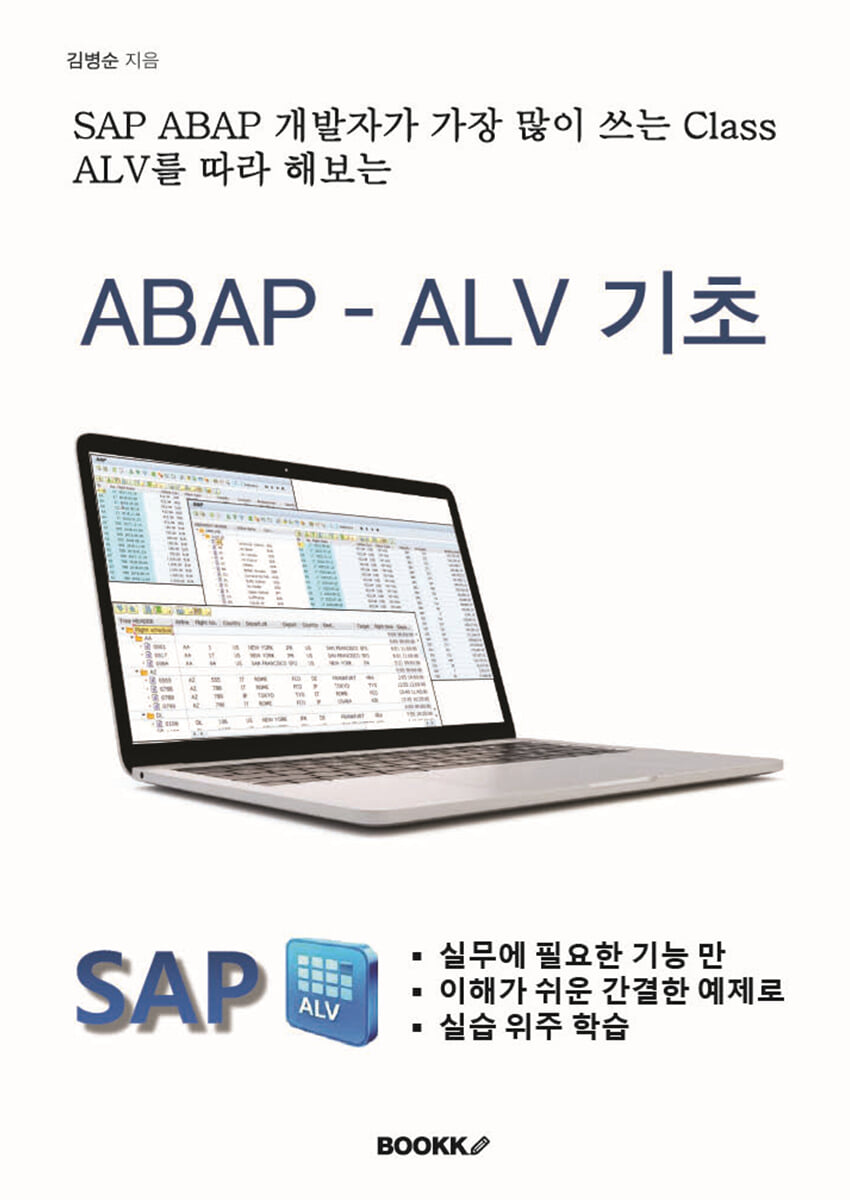
This book is a practical study guide that allows those who have just started studying ABAP and have some basic knowledge to study by following Class ALV, which is most commonly used in practice.
The ABAP SOURCE included in the book is posted on https://bskim70.tistory.com (ABAP uncle's blog), so please use it.
The ABAP SOURCE included in the book is posted on https://bskim70.tistory.com (ABAP uncle's blog), so please use it.
- You can preview some of the book's contents.
Preview
index
Chapter 01. Introduction to ALV
1. What is ALV (ABAP List Viewer)?
2.
ALV created with Function
3.
ALV created with Class
4.
ALV Object (GRID) placement concept on the screen
Chapter 02. ALV Preview
1.
Class ALV Preview
2.
Tasting Program Description
Chapter 03.
Field Catalog
1.
Field Catalog Description
2.
Field Catalog Practice
3.
Form formatting of Field Catalog creation
Chapter 04.
Layout
1.
Layout Description
2.
Layout practice
Chapter 05.
Edit and Save
1.
Create a table and create data for editing practice
2.
Edit function practice
3.
Data Modification Function Test
Chapter 06.
Event
1.
What does the event do?
2. DOUBLE_CLICK Event Practice
3. ONF4 Event Practice
4. DATA_CHANGED Event Practice
Chapter 07.
Header and Detail list
1.
Implementation Program Overview
2.
Header and Detail List Practice
Chapter 08.
Dropdown List Box
1.
Dropdown List Box Overview and Practice Objectives
2.
Dropdown List Box Practice
Chapter 09.
Simple Tree
1.
Tree Description and Types
2.
Simple Tree Practice (Basic)
3.
Simple Tree Practice (Event and Icon)
4.
Simple Tree Practice (Event and Grid ALV)
Chapter 10.
Column Tree, ALV Tree
1.
Column Tree Practice (Basic)
2.
Column Tree Practice (Event and Grid ALV)
3. ALV Tree Practice (Basic)
4. ALV Tree Practice (Field Catalog)
Chapter 11.
Grid Color
1.
Column Color
2.
Row Color
3.
Cell Color
Chapter 12.
Automatically generate Field Catalog
1.
Just try following along
2.
Detailed description of automatic field catalog generation
Chapter 13.
Docking and Splitter Container
1.
Docking Container
2.
Splitter Container in Custom Container
3.
Splitter Container in Docking Container
Chapter 14.
Sort, Total, Hide, Filter
1.
Sort, Subtotal, and Total
2.
Hide Field
3.
Filter
Chapter 15.
Tool Bar
1.
Tool Bar Classification
2.
Hide Application Toolbar
3. Hide the menu button on the ALV Toolbar
4. Add a menu button to the ALV Toolbar and code the logic.
Chapter 16.
Control the scope of data modification
1.
No new/delete, only allow field value modification
2.
Allow modification of cell unit values
1. What is ALV (ABAP List Viewer)?
2.
ALV created with Function
3.
ALV created with Class
4.
ALV Object (GRID) placement concept on the screen
Chapter 02. ALV Preview
1.
Class ALV Preview
2.
Tasting Program Description
Chapter 03.
Field Catalog
1.
Field Catalog Description
2.
Field Catalog Practice
3.
Form formatting of Field Catalog creation
Chapter 04.
Layout
1.
Layout Description
2.
Layout practice
Chapter 05.
Edit and Save
1.
Create a table and create data for editing practice
2.
Edit function practice
3.
Data Modification Function Test
Chapter 06.
Event
1.
What does the event do?
2. DOUBLE_CLICK Event Practice
3. ONF4 Event Practice
4. DATA_CHANGED Event Practice
Chapter 07.
Header and Detail list
1.
Implementation Program Overview
2.
Header and Detail List Practice
Chapter 08.
Dropdown List Box
1.
Dropdown List Box Overview and Practice Objectives
2.
Dropdown List Box Practice
Chapter 09.
Simple Tree
1.
Tree Description and Types
2.
Simple Tree Practice (Basic)
3.
Simple Tree Practice (Event and Icon)
4.
Simple Tree Practice (Event and Grid ALV)
Chapter 10.
Column Tree, ALV Tree
1.
Column Tree Practice (Basic)
2.
Column Tree Practice (Event and Grid ALV)
3. ALV Tree Practice (Basic)
4. ALV Tree Practice (Field Catalog)
Chapter 11.
Grid Color
1.
Column Color
2.
Row Color
3.
Cell Color
Chapter 12.
Automatically generate Field Catalog
1.
Just try following along
2.
Detailed description of automatic field catalog generation
Chapter 13.
Docking and Splitter Container
1.
Docking Container
2.
Splitter Container in Custom Container
3.
Splitter Container in Docking Container
Chapter 14.
Sort, Total, Hide, Filter
1.
Sort, Subtotal, and Total
2.
Hide Field
3.
Filter
Chapter 15.
Tool Bar
1.
Tool Bar Classification
2.
Hide Application Toolbar
3. Hide the menu button on the ALV Toolbar
4. Add a menu button to the ALV Toolbar and code the logic.
Chapter 16.
Control the scope of data modification
1.
No new/delete, only allow field value modification
2.
Allow modification of cell unit values
GOODS SPECIFICS
- Date of issue: September 22, 2025
- Page count, weight, size: 310 pages | 182*257*30mm
- ISBN13: 9791112062253
You may also like
카테고리
korean


korean

![GQ KOREA Mark (Monthly): December [2025]](http://librairie.coreenne.fr/cdn/shop/files/8ef265dbbfbf186523ed75ba7319009d.jpg?v=1765340328&width=3840)


