

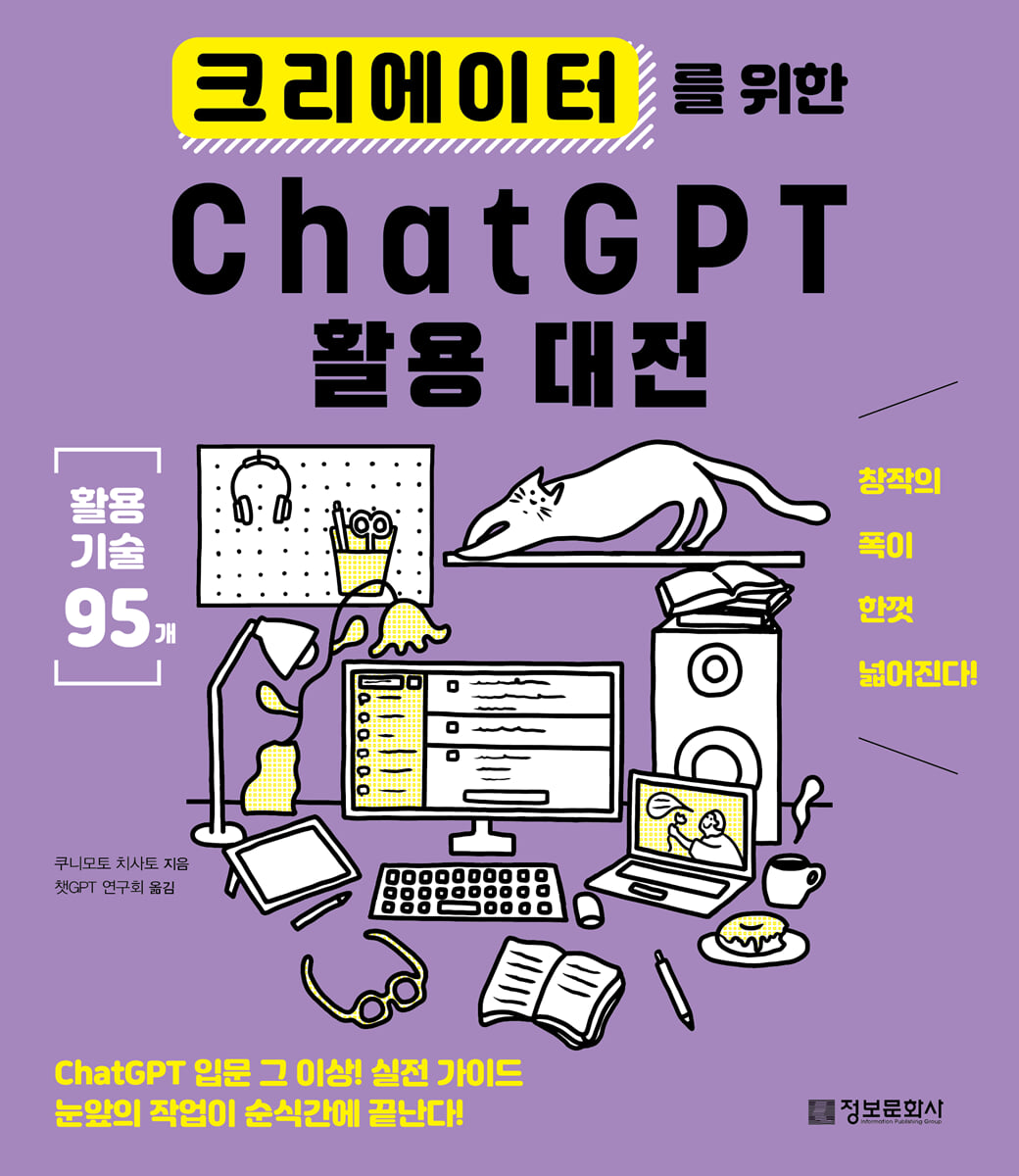
ChatGPT Utilization Competition for Creators
 |
Description
Book Introduction
ChatGPT as a Creator Collaborator
This book covers ChatGPT's unique use cases, from simple office tasks to creative endeavors. It covers 95 diverse creative uses, from social media management and design to illustration production, scenario writing (including plotting and expression modifications), to songwriting, video script writing, and game concept development.
We've also compiled instructions for creators' unique office tasks, such as writing proposals or emails, and providing permission instructions, so that creators can focus on their work.
In particular, rather than just listing the prompts, we introduce the points of prompt writing in all usage methods.
It is structured in the order that you learn the core of writing prompts, put them into practice with real-life examples, and then learn additional prompt examples that can add depth to the conversation.
Each prompt includes answers, key explanations, and additional information, allowing for a variety of applications with one method.
Let's use ChatGPT not just as a simple assistant, but as a creative colleague who helps build the world of your work, provides motivation, and even writes sentences!
This book covers ChatGPT's unique use cases, from simple office tasks to creative endeavors. It covers 95 diverse creative uses, from social media management and design to illustration production, scenario writing (including plotting and expression modifications), to songwriting, video script writing, and game concept development.
We've also compiled instructions for creators' unique office tasks, such as writing proposals or emails, and providing permission instructions, so that creators can focus on their work.
In particular, rather than just listing the prompts, we introduce the points of prompt writing in all usage methods.
It is structured in the order that you learn the core of writing prompts, put them into practice with real-life examples, and then learn additional prompt examples that can add depth to the conversation.
Each prompt includes answers, key explanations, and additional information, allowing for a variety of applications with one method.
Let's use ChatGPT not just as a simple assistant, but as a creative colleague who helps build the world of your work, provides motivation, and even writes sentences!
- You can preview some of the book's contents.
Preview
index
Chapter 0: Basics of ChatGPT
Introduction 01 What is AI and OpenAI?
Introduction 02 What can you do with ChatGPT?
Introduction 03 How to sign up for ChatGPT
Introduction 04 What is a 'prompt'?
Introduction 05 Want to get a better answer?
Introduction 06 Using “Assistant” instead of “Teacher”
Introduction 07 Things to Consider When Using ChatGPT for Business
Introduction 08 How to Use Plugins (GPTs)
column? Pros and Cons of the App Version
Chapter 1: How to Use Web Articles, Blogs, and Social Media
Usage 01 Think of a title for the article
How to use 02 Write a blog post
Usage 03: Changing the tone or mood of a sentence
Usage 04 Write a post using keywords
Usage 05 Translate sentences for foreigners
Usage 06 Give me an idea for a picture that matches the content of the text.
Usage 07 Summarize the notes you took.
Usage 08 Suggest content ideas to post on social media
Usage 09 Think of a SNS posting phrase
How to Use 10: Edit your post to attract attention on social media.
How to Use 11 Tips to Increase Your Followers
How to Use 12 Create a structure and table of contents for the article
How to Use 13 Helping You Prepare for Interviews
Usage 14: Analyze the data
How to Use 15 SEO Optimization
Usage 16: Organize bullet points into a single paragraph
Summarize the 17 sentences
Correct sentence 18
Usage 19 Organize sentences or data into a list
How to Use 20 Write a Product Review
Usage 21: Modify stiff sentences to make them easier to understand.
How to Use 22 Create a Mind Map
Column ① Get the latest information with ChatGPT
Chapter 2: How to Use Design and Illustration Production
How to Use 23 Give me design ideas
How to Use 24 Design Color Ideas
How to Use 25 Suggest Inspiring Ideas
Tip 26: Give me ideas to improve the design.
Usage 27 Suggest ideas for foreign language phrases that can be used in designs.
How to Use 28 Write Code for Web Design
Usage 29 Create a sitemap
30 Website Design Ideas to Use
Usage 31 Write the text for the content to be posted on the website.
How to Use 32 Give me character design ideas
Usage 33: Provide the necessary elements for illustration.
Usage 34 Create an image directly in ChatGPT ①
How to Use 35 Create an Image Directly in ChatGPT ②
Usage 36 Document the image
Usage 37 Create a prompt to create an image using Stable Diffusion
Usage 38 Create a prompt to create an image with Midjourney
How to Use 39 Make a GIF
Column ② Creating content materials
Chapter 3: How to Use It for Story Creation and Screenplay Writing
Usage 40: Give the topic of the story
Usage 41 Think of a title for a novel
Usage 42 Think of a catchphrase for your work.
Usage 43: Tell me about a work that I can refer to when writing a story.
Usage 44 Think of a plot for the story.
Usage 45 Write a specific scene
Usage 46 Think of a natural line that fits the situation.
Usage 47 Think of a memorable first sentence.
Usage 48 Think of a sentence that explains something using a metaphor.
Usage 49: Let ChatGPT play a role in the story and use the conversation.
How to Use 50 Set the worldview of the story
Usage 51 Think of a character setting
Usage 52 Think of a character's name
Usage 53: Gather words related to the topic
Usage 54 Give various expressions
Usage 55 Expand sentence
Usage 56 Change the point of view and change the sentence.
Usage 57: Tell me about the characteristics of the author's writing style.
Usage 58 Tell me what you think of the writing you created.
Usage 59 Analyze the personality of the characters in this article.
Usage 60 As an editor, let me know how to improve the sentence.
Column ③ Create more natural sentences
Chapter 4: How to Use Various Creative Genres
Usage 61 Write lyrics for me
How to use 62 Write rap lyrics
How to use 63 Give a title to the song
How to use 64 chord progressions and create melodies
Usage 65 Convert the melody of the text to an audio file
Usage 66 Come up with an idea that can be used for video streaming.
How to Use 67 Give Your Videos an Eye-Catching Title
How to use 68 Automatically generate image videos
How to Use 69 Create a scenario for the video
How to Use 70 Write a Video Script
Usage 71 Create a voice file from text
Usage 72 Summarize and interpret the video
How to use 73 Generate subtitles for a video
Usage 74 Automatically generate a video that reads the text.
How to Use 75 Give me a concept idea for the game.
Usage 76 Set the rules of the game
How to Use 77 Write a story or quest for the game
Usage 78 Write the name and description of an in-game item.
Usage 79 Write dialogue or lines for your character companions.
How to Use 80 Write Game Development Code
Fix the error in code 81
Column ④ Personalization with tailored instructions
Chapter 5 How Creators Use Office Work
Usage 82 Write an email to send to a client
Usage 83 Write a thank you email
Usage 84 Write an apology email
How to Use 85 Write a Guarantee Negotiation Email
Usage 86 Write an invoice for me
How to Use 87 Create a daily schedule
Usage 88 Write a guide text about the usage rights.
Usage 89: Tell me what to watch out for when contacting new business partners.
Column ⑤ Connect with Slack to facilitate communication
Chapter 6 Other Uses
Usage 90: Make ChatGPT ask questions in reverse
Tip 91: Give me some creative cooking ideas
Please edit to avoid controversy over usage method 92.
Usage 93: Motivate yourself
Usage 94 Become a counselor
Usage 95: Create ChatGPT with a Specific Speech Tone
Introduction 01 What is AI and OpenAI?
Introduction 02 What can you do with ChatGPT?
Introduction 03 How to sign up for ChatGPT
Introduction 04 What is a 'prompt'?
Introduction 05 Want to get a better answer?
Introduction 06 Using “Assistant” instead of “Teacher”
Introduction 07 Things to Consider When Using ChatGPT for Business
Introduction 08 How to Use Plugins (GPTs)
column? Pros and Cons of the App Version
Chapter 1: How to Use Web Articles, Blogs, and Social Media
Usage 01 Think of a title for the article
How to use 02 Write a blog post
Usage 03: Changing the tone or mood of a sentence
Usage 04 Write a post using keywords
Usage 05 Translate sentences for foreigners
Usage 06 Give me an idea for a picture that matches the content of the text.
Usage 07 Summarize the notes you took.
Usage 08 Suggest content ideas to post on social media
Usage 09 Think of a SNS posting phrase
How to Use 10: Edit your post to attract attention on social media.
How to Use 11 Tips to Increase Your Followers
How to Use 12 Create a structure and table of contents for the article
How to Use 13 Helping You Prepare for Interviews
Usage 14: Analyze the data
How to Use 15 SEO Optimization
Usage 16: Organize bullet points into a single paragraph
Summarize the 17 sentences
Correct sentence 18
Usage 19 Organize sentences or data into a list
How to Use 20 Write a Product Review
Usage 21: Modify stiff sentences to make them easier to understand.
How to Use 22 Create a Mind Map
Column ① Get the latest information with ChatGPT
Chapter 2: How to Use Design and Illustration Production
How to Use 23 Give me design ideas
How to Use 24 Design Color Ideas
How to Use 25 Suggest Inspiring Ideas
Tip 26: Give me ideas to improve the design.
Usage 27 Suggest ideas for foreign language phrases that can be used in designs.
How to Use 28 Write Code for Web Design
Usage 29 Create a sitemap
30 Website Design Ideas to Use
Usage 31 Write the text for the content to be posted on the website.
How to Use 32 Give me character design ideas
Usage 33: Provide the necessary elements for illustration.
Usage 34 Create an image directly in ChatGPT ①
How to Use 35 Create an Image Directly in ChatGPT ②
Usage 36 Document the image
Usage 37 Create a prompt to create an image using Stable Diffusion
Usage 38 Create a prompt to create an image with Midjourney
How to Use 39 Make a GIF
Column ② Creating content materials
Chapter 3: How to Use It for Story Creation and Screenplay Writing
Usage 40: Give the topic of the story
Usage 41 Think of a title for a novel
Usage 42 Think of a catchphrase for your work.
Usage 43: Tell me about a work that I can refer to when writing a story.
Usage 44 Think of a plot for the story.
Usage 45 Write a specific scene
Usage 46 Think of a natural line that fits the situation.
Usage 47 Think of a memorable first sentence.
Usage 48 Think of a sentence that explains something using a metaphor.
Usage 49: Let ChatGPT play a role in the story and use the conversation.
How to Use 50 Set the worldview of the story
Usage 51 Think of a character setting
Usage 52 Think of a character's name
Usage 53: Gather words related to the topic
Usage 54 Give various expressions
Usage 55 Expand sentence
Usage 56 Change the point of view and change the sentence.
Usage 57: Tell me about the characteristics of the author's writing style.
Usage 58 Tell me what you think of the writing you created.
Usage 59 Analyze the personality of the characters in this article.
Usage 60 As an editor, let me know how to improve the sentence.
Column ③ Create more natural sentences
Chapter 4: How to Use Various Creative Genres
Usage 61 Write lyrics for me
How to use 62 Write rap lyrics
How to use 63 Give a title to the song
How to use 64 chord progressions and create melodies
Usage 65 Convert the melody of the text to an audio file
Usage 66 Come up with an idea that can be used for video streaming.
How to Use 67 Give Your Videos an Eye-Catching Title
How to use 68 Automatically generate image videos
How to Use 69 Create a scenario for the video
How to Use 70 Write a Video Script
Usage 71 Create a voice file from text
Usage 72 Summarize and interpret the video
How to use 73 Generate subtitles for a video
Usage 74 Automatically generate a video that reads the text.
How to Use 75 Give me a concept idea for the game.
Usage 76 Set the rules of the game
How to Use 77 Write a story or quest for the game
Usage 78 Write the name and description of an in-game item.
Usage 79 Write dialogue or lines for your character companions.
How to Use 80 Write Game Development Code
Fix the error in code 81
Column ④ Personalization with tailored instructions
Chapter 5 How Creators Use Office Work
Usage 82 Write an email to send to a client
Usage 83 Write a thank you email
Usage 84 Write an apology email
How to Use 85 Write a Guarantee Negotiation Email
Usage 86 Write an invoice for me
How to Use 87 Create a daily schedule
Usage 88 Write a guide text about the usage rights.
Usage 89: Tell me what to watch out for when contacting new business partners.
Column ⑤ Connect with Slack to facilitate communication
Chapter 6 Other Uses
Usage 90: Make ChatGPT ask questions in reverse
Tip 91: Give me some creative cooking ideas
Please edit to avoid controversy over usage method 92.
Usage 93: Motivate yourself
Usage 94 Become a counselor
Usage 95: Create ChatGPT with a Specific Speech Tone
Detailed image
.jpg)
Publisher's Review
ChatGPT, are you still using it as just a simple search engine?
ChatGPT surpassed 1 million users within 5 days of its launch and 100 million users within 2 months.
But how many users are truly utilizing ChatGPT for their own purposes? Unlike the commonly known usage methods for ChatGPT, this book introduces customized usage methods specifically for creators.
Not only does it cover sentence editing and programming code writing, but it also includes scenario planning, world building, writing trendy social media post text, and even catchphrases that complement design proposals.
Using the methods in this book, you'll use ChatGPT not just as a secretary or assistant, but as a creative companion.
To use ChatGPT satisfactorily, you must write accurate prompts.
This book explains all the usage methods by dividing them into 11 key elements so that even beginners can fully utilize ChatGPT.
First, we expressed the actual application situation with scenes and hashtags (#) to make it easier for users to find related usage methods.
It outlines the key steps for writing prompts step by step and shows how each step is applied in an actual prompt, helping users go beyond simply following along and fully understand the prompt writing method.
Additionally, ChatGPT's answers are included, making it easy for users to find appropriate usage methods in the book without having to go through the trouble of entering and checking them one by one.
The Next Step provides examples that can be used to deepen the question based on the responses on the previous page, and additional prompts related to usage are presented to suggest as many directions as possible for the user to use the example.
Lastly, the +α corner helps users understand how to use ChatGPT more effectively than anyone else.
This book will be helpful to creators of all genres, including writers, screenwriters, and cartoonists who need to develop and review stories, content creators who need new ideas, and social media operators.
ChatGPT surpassed 1 million users within 5 days of its launch and 100 million users within 2 months.
But how many users are truly utilizing ChatGPT for their own purposes? Unlike the commonly known usage methods for ChatGPT, this book introduces customized usage methods specifically for creators.
Not only does it cover sentence editing and programming code writing, but it also includes scenario planning, world building, writing trendy social media post text, and even catchphrases that complement design proposals.
Using the methods in this book, you'll use ChatGPT not just as a secretary or assistant, but as a creative companion.
To use ChatGPT satisfactorily, you must write accurate prompts.
This book explains all the usage methods by dividing them into 11 key elements so that even beginners can fully utilize ChatGPT.
First, we expressed the actual application situation with scenes and hashtags (#) to make it easier for users to find related usage methods.
It outlines the key steps for writing prompts step by step and shows how each step is applied in an actual prompt, helping users go beyond simply following along and fully understand the prompt writing method.
Additionally, ChatGPT's answers are included, making it easy for users to find appropriate usage methods in the book without having to go through the trouble of entering and checking them one by one.
The Next Step provides examples that can be used to deepen the question based on the responses on the previous page, and additional prompts related to usage are presented to suggest as many directions as possible for the user to use the example.
Lastly, the +α corner helps users understand how to use ChatGPT more effectively than anyone else.
This book will be helpful to creators of all genres, including writers, screenwriters, and cartoonists who need to develop and review stories, content creators who need new ideas, and social media operators.
GOODS SPECIFICS
- Date of issue: June 25, 2025
- Page count, weight, size: 208 pages | 183*210*20mm
- ISBN13: 9791199158368
- ISBN10: 1199158364
You may also like
카테고리
korean


korean

![GQ KOREA Mark (Monthly): December [2025]](http://librairie.coreenne.fr/cdn/shop/files/8ef265dbbfbf186523ed75ba7319009d.jpg?v=1765340328&width=3840)


