

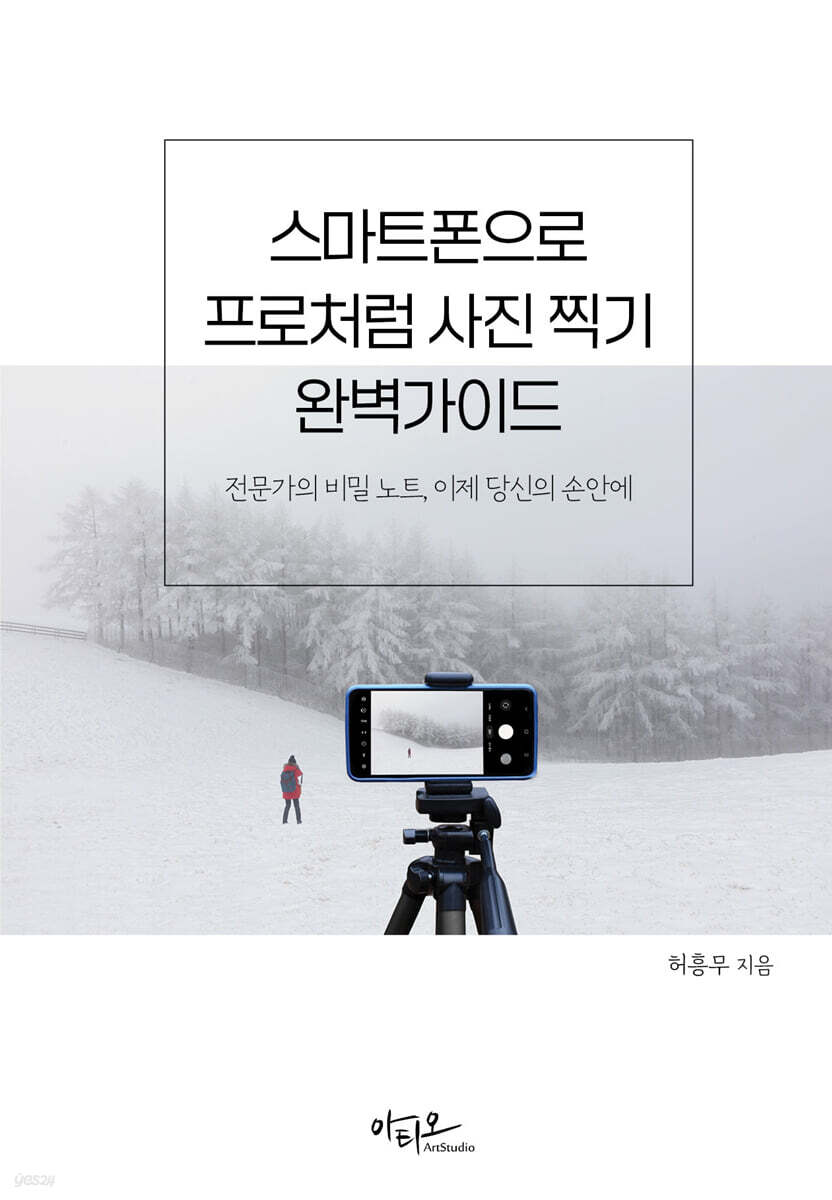
The Complete Guide to Taking Pro-Like Photos with Your Smartphone
 |
Description
Book Introduction
The expert's secret notes, now in your hands!
As smartphones become more common, anyone can easily take pictures.
As a result, the desire to take better photos arises.
This book will help professional photographers easily capture everyday records and even professional-level photos using simple controls.
As smartphones become more common, anyone can easily take pictures.
As a result, the desire to take better photos arises.
This book will help professional photographers easily capture everyday records and even professional-level photos using simple controls.
- You can preview some of the book's contents.
Preview
index
PPART 01 Basic Smartphone Usage and Camera Settings
1.
Basic smartphone camera usage
1) Clean the camera lens
2) How to hold your smartphone camera correctly
3) Set the image orientation
4) Understanding Distortion and Perspective
5) Using the optical zoom function
6) Setting focus and exposure
2.
Smartphone camera features and settings (Galaxy)
1) Key features of smartphone cameras
Useful features to know: Turn off the flash
2) Smartphone camera settings for taking great photos
3.
Smartphone camera features and settings (iPhone only)
1) Key features of smartphone cameras
2) Basic settings
3) Keep settings
4) High resolution photo shooting settings
5) View outside the frame area
PART 02 Smartphone Camera Shooting Modes and Photography Terminology
1.
Smartphone camera shooting mode
1) Expert RAW mode
2) Pro Mode
3) Portrait Mode
4) Night Mode
5) Food Mode
6) Panorama Mode
7) Monochrome Mode
8) Macro Mode
2.
Photography Terms You Need to Know for Smartphone Camera Shooting
1) Aperture
2) Shutter Speed
3) ISO sensitivity
4) Focus
5) White Balance (WB)
6) Light Metering
Useful features to know Portrait photography settings are Spot Metering
7) Correct Exposure
8) ND filter (Neutral Density Filter)
9) RAW file
10) Dynamic Range
PART 03 How to Take Photos Like a Pro with Your Smartphone
1.
Taking and Retouching Portrait Photos
1) Composition of portraits
2) Use Portrait Mode
3) Portrait framing technique
4) Use natural light.
5) Choose a simple background
6) Make natural facial expressions
7) How to take a selfie with your smartphone
8) Naturally retouching portrait photos (using the Snapseed app)
Useful Features to Know: Curve Adjustment Tips for Portrait Correction
2.
Taking and editing sunrise and sunset photos
1) How to compose sunrise and sunset photos
2) Setting the exposure
3) Save as a RAW file
4) Using a tripod
5) Warm up the colors of sunrise and sunset photos (using the Lightroom mobile app?)
3.
Taking pictures of the Milky Way, stars, and aurora
1) Milky Way Photography Guide
2) Star Photography Guide
Useful Features to Know: Composite Star Trails with Photoshop Image Stacking
Useful Features to Know: Synthesizing Star Trails with StarStaX
3) Aurora Photography Guide
4.
Winter Photography, Taking Snowy Photos
1) Secure the shutter speed
ㅍ2) Exposure compensation
3) Use a telephoto lens
4) White Balance Setting
5) Setting the composition
6) Portraits that capture the emotion of winter
7) Night photography (taking clear pictures in low-light environments)
8) Keeping Your Smartphone Safe in Cold Weather
9) Winter Photography Checklist
5.
Taking pictures of car tracks
1) Camera settings for taking pictures of car tracks
2) The charm of long exposure, shooting long exposure trails
6.
How to take and edit food photos to make them taste better
1) Take clear pictures with natural light
2) Focusing on food photos
3) Take atmospheric photos in food mode
4) Stable composition to highlight food
5) Close-up of delicious food
6) Correcting food color with white balance
7) How to make food photos look more delicious
8) Food Photography Post-Processing Checklist
PART 04 How to Edit Smartphone Photos Like a Pro
1.
Retouching photos with smartphone editing apps
2.
Smartphone photo editing using Lightroom Mobile
1) Crop
2) Vertical/horizontal alignment
3) Adjust brightness
Basic usage of Curves, a useful feature to know
4) Color correction
Useful Features to Know: The Difference Between Saturation and Vividness
5) Add effects (texture, vignetting, etc.)
6) Sharpening effect (emphasize sharpness)
Useful Features to Know: The Difference Between Clarity and Clarity
7) Using the Auto Correction function
8) Using the Preset function
1.
Basic smartphone camera usage
1) Clean the camera lens
2) How to hold your smartphone camera correctly
3) Set the image orientation
4) Understanding Distortion and Perspective
5) Using the optical zoom function
6) Setting focus and exposure
2.
Smartphone camera features and settings (Galaxy)
1) Key features of smartphone cameras
Useful features to know: Turn off the flash
2) Smartphone camera settings for taking great photos
3.
Smartphone camera features and settings (iPhone only)
1) Key features of smartphone cameras
2) Basic settings
3) Keep settings
4) High resolution photo shooting settings
5) View outside the frame area
PART 02 Smartphone Camera Shooting Modes and Photography Terminology
1.
Smartphone camera shooting mode
1) Expert RAW mode
2) Pro Mode
3) Portrait Mode
4) Night Mode
5) Food Mode
6) Panorama Mode
7) Monochrome Mode
8) Macro Mode
2.
Photography Terms You Need to Know for Smartphone Camera Shooting
1) Aperture
2) Shutter Speed
3) ISO sensitivity
4) Focus
5) White Balance (WB)
6) Light Metering
Useful features to know Portrait photography settings are Spot Metering
7) Correct Exposure
8) ND filter (Neutral Density Filter)
9) RAW file
10) Dynamic Range
PART 03 How to Take Photos Like a Pro with Your Smartphone
1.
Taking and Retouching Portrait Photos
1) Composition of portraits
2) Use Portrait Mode
3) Portrait framing technique
4) Use natural light.
5) Choose a simple background
6) Make natural facial expressions
7) How to take a selfie with your smartphone
8) Naturally retouching portrait photos (using the Snapseed app)
Useful Features to Know: Curve Adjustment Tips for Portrait Correction
2.
Taking and editing sunrise and sunset photos
1) How to compose sunrise and sunset photos
2) Setting the exposure
3) Save as a RAW file
4) Using a tripod
5) Warm up the colors of sunrise and sunset photos (using the Lightroom mobile app?)
3.
Taking pictures of the Milky Way, stars, and aurora
1) Milky Way Photography Guide
2) Star Photography Guide
Useful Features to Know: Composite Star Trails with Photoshop Image Stacking
Useful Features to Know: Synthesizing Star Trails with StarStaX
3) Aurora Photography Guide
4.
Winter Photography, Taking Snowy Photos
1) Secure the shutter speed
ㅍ2) Exposure compensation
3) Use a telephoto lens
4) White Balance Setting
5) Setting the composition
6) Portraits that capture the emotion of winter
7) Night photography (taking clear pictures in low-light environments)
8) Keeping Your Smartphone Safe in Cold Weather
9) Winter Photography Checklist
5.
Taking pictures of car tracks
1) Camera settings for taking pictures of car tracks
2) The charm of long exposure, shooting long exposure trails
6.
How to take and edit food photos to make them taste better
1) Take clear pictures with natural light
2) Focusing on food photos
3) Take atmospheric photos in food mode
4) Stable composition to highlight food
5) Close-up of delicious food
6) Correcting food color with white balance
7) How to make food photos look more delicious
8) Food Photography Post-Processing Checklist
PART 04 How to Edit Smartphone Photos Like a Pro
1.
Retouching photos with smartphone editing apps
2.
Smartphone photo editing using Lightroom Mobile
1) Crop
2) Vertical/horizontal alignment
3) Adjust brightness
Basic usage of Curves, a useful feature to know
4) Color correction
Useful Features to Know: The Difference Between Saturation and Vividness
5) Add effects (texture, vignetting, etc.)
6) Sharpening effect (emphasize sharpness)
Useful Features to Know: The Difference Between Clarity and Clarity
7) Using the Auto Correction function
8) Using the Preset function
Publisher's Review
Everyone takes pictures, but not everyone takes good pictures.
From shooting to editing, a smartphone photography guide that captures the perspective and sensibility of a professional.
This guide is designed so that anyone can easily follow it, from the basic concepts of photography to practical know-how.
The author intuitively explains the photography techniques and correction processes for various genres, including people, food, landscapes, sunrises and sunsets, the Milky Way and stars, city night views, winter landscapes, and photo composition, as if he were teaching them directly on site.
With this one book, you can go beyond simple snapshots and create photos that convey your own emotions and stories.
From shooting to editing, a smartphone photography guide that captures the perspective and sensibility of a professional.
This guide is designed so that anyone can easily follow it, from the basic concepts of photography to practical know-how.
The author intuitively explains the photography techniques and correction processes for various genres, including people, food, landscapes, sunrises and sunsets, the Milky Way and stars, city night views, winter landscapes, and photo composition, as if he were teaching them directly on site.
With this one book, you can go beyond simple snapshots and create photos that convey your own emotions and stories.
GOODS SPECIFICS
- Date of issue: October 30, 2025
- Page count, weight, size: 248 pages | 152*225*20mm
- ISBN13: 9791192991924
- ISBN10: 1192991923
You may also like
카테고리
korean


korean

![GQ KOREA Mark (Monthly): December [2025]](http://librairie.coreenne.fr/cdn/shop/files/8ef265dbbfbf186523ed75ba7319009d.jpg?v=1765340328&width=3840)


