

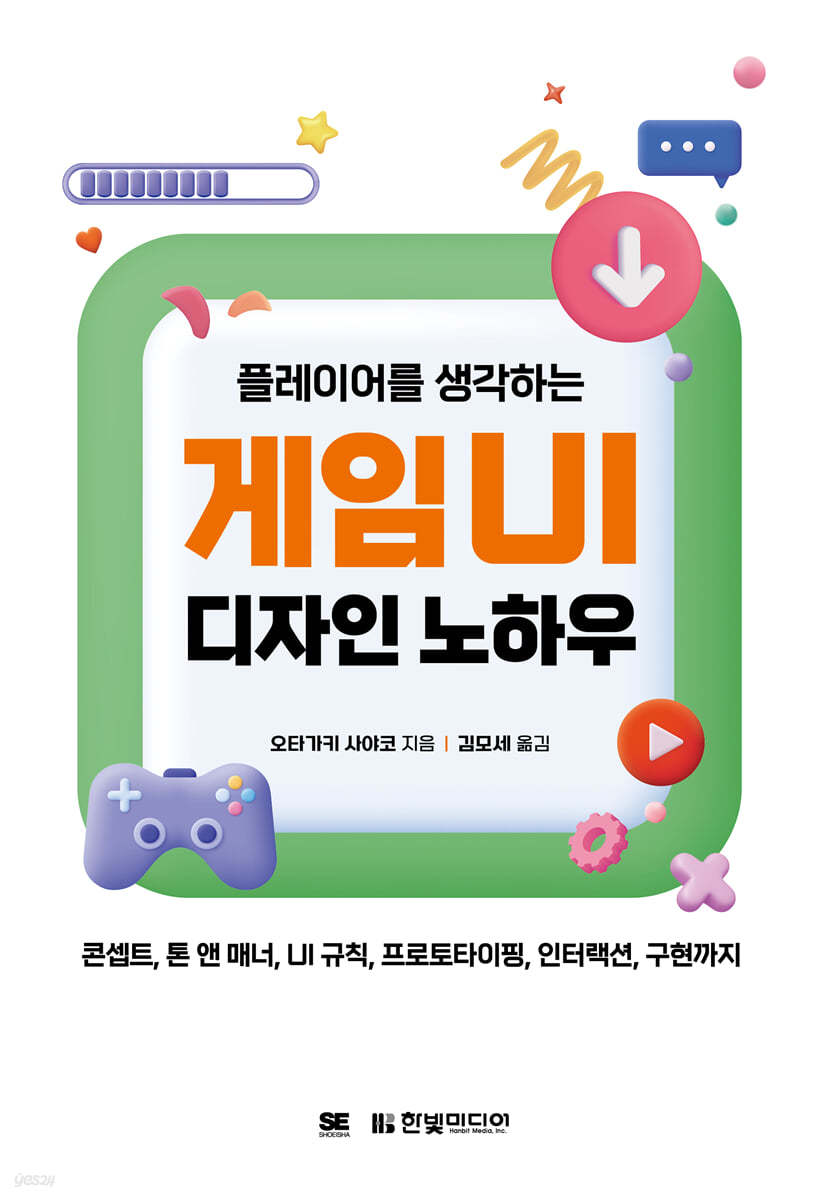
Game UI design know-how that considers players
 |
Description
Book Introduction
A message from Bandai Namco Online visual designer
Game UI Design Know-How for Players
UI concepts, tone and manner, UI rules, prototyping, interactions, and UI implementation—all in one book!
Service/product UI and game UI are different.
While service and product UIs have purposes such as conveying information and selling products, game UIs must be designed to allow players to immerse themselves in the world, complete missions, and experience pleasure.
This book will teach you how to design game UI from an omniscient player perspective.
We impart game UI design know-how gained from the experience of an active visual designer.
It reflects the opinions of practitioners in various fields and contains abundant examples so that even beginners can immediately apply it in practice.
Learn the systematic and organized game UI design process and reduce trial and error right now.
Game UI Design Know-How for Players
UI concepts, tone and manner, UI rules, prototyping, interactions, and UI implementation—all in one book!
Service/product UI and game UI are different.
While service and product UIs have purposes such as conveying information and selling products, game UIs must be designed to allow players to immerse themselves in the world, complete missions, and experience pleasure.
This book will teach you how to design game UI from an omniscient player perspective.
We impart game UI design know-how gained from the experience of an active visual designer.
It reflects the opinions of practitioners in various fields and contains abundant examples so that even beginners can immediately apply it in practice.
Learn the systematic and organized game UI design process and reduce trial and error right now.
- You can preview some of the book's contents.
Preview
index
CHAPTER 1 Getting Started
1.1 Game UI Designer's Duties
[COLUMN] The Right Person to Be a Game UI Designer
1.2 Perspectives needed for game UI
CHAPTER 2 CONCEPT
2.1 Project Story
[COLUMN] The term 'UI'
2.2 Tone and Manner
[COLUMN] I can't find inspiration!
[COLUMN] Let's learn presentation skills!
2.3 UI Rules
Concept organization
CHAPTER 3 PROTOTYPING
3.1 Getting Started with Prototyping
[COLUMN] Adobe XD Recommendations
3.1 Identifying Planning Requirements
3.3 Game Flow
3.4 Layout
3.5 UI Expression
3.6 Element placement
[COLUMN] Purchase component source code
3.7 Motion and Directional Images
[COLUMN UI] Are designers omnipotent?
Prototyping Summary
CHAPTER 4 DESIGN
4.1 Starting the Design
4.2 Tool Selection
[COLUMN] So, which tool is good?
4.3 File Rules
[COLUMN] I hate names like this!
[COLUMN] The Advantages of Photoshop
4.4 Rough Design
[COLUMN] Fonts in Games
4.5 Actual Design
[COLUMN] About the program version
4.6 Movement and Direction
4.7 UI Visual Checklist
Design cleanup
CHAPTER 5 Implementation
5.1 Starting the implementation
[COLUMN] Do you need math knowledge?
5.2 Pre-learning
5.3 Check the rules
[COLUMN] Data capacity that can be used to implement games
5.4 Creating implementation data
[COLUMN] UI Implementation in the Age of GUI Tools
5.5 Data Passing and Implementation Verification
5.6 Polishing
[COLUMN] Designers Need a Debugger Too!
Implementation Summary
CHAPTER 6 Leveling Up
6.1 Leveling up begins!
[COLUMN] Let's master search skills!
6.2 Development Technology
6.3 Human Resources Management
6.4 Business
[COLUMN] Career Introduction
Level Up Summary
CHAPTER 7 Conclusion
7.1 Who is the game for?
7.2 And with UX design...
1.1 Game UI Designer's Duties
[COLUMN] The Right Person to Be a Game UI Designer
1.2 Perspectives needed for game UI
CHAPTER 2 CONCEPT
2.1 Project Story
[COLUMN] The term 'UI'
2.2 Tone and Manner
[COLUMN] I can't find inspiration!
[COLUMN] Let's learn presentation skills!
2.3 UI Rules
Concept organization
CHAPTER 3 PROTOTYPING
3.1 Getting Started with Prototyping
[COLUMN] Adobe XD Recommendations
3.1 Identifying Planning Requirements
3.3 Game Flow
3.4 Layout
3.5 UI Expression
3.6 Element placement
[COLUMN] Purchase component source code
3.7 Motion and Directional Images
[COLUMN UI] Are designers omnipotent?
Prototyping Summary
CHAPTER 4 DESIGN
4.1 Starting the Design
4.2 Tool Selection
[COLUMN] So, which tool is good?
4.3 File Rules
[COLUMN] I hate names like this!
[COLUMN] The Advantages of Photoshop
4.4 Rough Design
[COLUMN] Fonts in Games
4.5 Actual Design
[COLUMN] About the program version
4.6 Movement and Direction
4.7 UI Visual Checklist
Design cleanup
CHAPTER 5 Implementation
5.1 Starting the implementation
[COLUMN] Do you need math knowledge?
5.2 Pre-learning
5.3 Check the rules
[COLUMN] Data capacity that can be used to implement games
5.4 Creating implementation data
[COLUMN] UI Implementation in the Age of GUI Tools
5.5 Data Passing and Implementation Verification
5.6 Polishing
[COLUMN] Designers Need a Debugger Too!
Implementation Summary
CHAPTER 6 Leveling Up
6.1 Leveling up begins!
[COLUMN] Let's master search skills!
6.2 Development Technology
6.3 Human Resources Management
6.4 Business
[COLUMN] Career Introduction
Level Up Summary
CHAPTER 7 Conclusion
7.1 Who is the game for?
7.2 And with UX design...
Detailed image

Publisher's Review
Game UI? Aren't all UIs the same?
We encounter a variety of interfaces, including websites, smartphone applications, kiosks, and navigation systems.
What's the difference between the UI found in services and products and the UI of games? Games are entertainment.
Unlike the purpose of conveying information, selling products, and providing convenience, games are often enjoyed for their own sake.
Therefore, the game UI must be designed to immerse players in the game world or provide a sense of pleasure while completing missions.
This is something that should only be considered when designing game UI.
“When I actually implemented it, it was different from what I had planned!”
“It takes too much time to fix and repeat tests!”
“It’s the final stage, but there’s no sense of unity!”
It's a common saying in the field. Even if UI designers pour all their skills and knowledge into it, they're bound to encounter obstacles.
Therefore, the "workflow" discussed in this book is crucial. Systematizing UI design tasks allows you to prevent problems in advance and respond more quickly to new ones. UI is particularly susceptible to external factors and often clashes with other departments.
Let's take a look at the overall game UI development workflow and learn design know-how.
★ Game UI Development Workflow
[Concept Decision] → [Prototyping] → [Visual Design] → [Implementation] → [Polishing + α]
* Concept Decision: Decide on project story, tone and manner, and UI rules.
* Prototyping: Understanding the overall game flow, planning, and determining detailed elements.
* Visual Design: Rough Design, Actual Design, Motion and Direction
* Implementation: data rules, creating implementation data, and testing behavior.
* Polishing + α: Full inspection, platform support, multilingual support, etc.
★ Target audience
* New UI designer
* Lead UI Designer
* Game UI planner
* Game UI Engineer
* Project Manager
We encounter a variety of interfaces, including websites, smartphone applications, kiosks, and navigation systems.
What's the difference between the UI found in services and products and the UI of games? Games are entertainment.
Unlike the purpose of conveying information, selling products, and providing convenience, games are often enjoyed for their own sake.
Therefore, the game UI must be designed to immerse players in the game world or provide a sense of pleasure while completing missions.
This is something that should only be considered when designing game UI.
“When I actually implemented it, it was different from what I had planned!”
“It takes too much time to fix and repeat tests!”
“It’s the final stage, but there’s no sense of unity!”
It's a common saying in the field. Even if UI designers pour all their skills and knowledge into it, they're bound to encounter obstacles.
Therefore, the "workflow" discussed in this book is crucial. Systematizing UI design tasks allows you to prevent problems in advance and respond more quickly to new ones. UI is particularly susceptible to external factors and often clashes with other departments.
Let's take a look at the overall game UI development workflow and learn design know-how.
★ Game UI Development Workflow
[Concept Decision] → [Prototyping] → [Visual Design] → [Implementation] → [Polishing + α]
* Concept Decision: Decide on project story, tone and manner, and UI rules.
* Prototyping: Understanding the overall game flow, planning, and determining detailed elements.
* Visual Design: Rough Design, Actual Design, Motion and Direction
* Implementation: data rules, creating implementation data, and testing behavior.
* Polishing + α: Full inspection, platform support, multilingual support, etc.
★ Target audience
* New UI designer
* Lead UI Designer
* Game UI planner
* Game UI Engineer
* Project Manager
GOODS SPECIFICS
- Date of issue: October 27, 2023
- Page count, weight, size: 232 pages | 426g | 153*235*12mm
- ISBN13: 9791169211581
- ISBN10: 1169211585
You may also like
카테고리
korean


korean

![GQ KOREA Mark (Monthly): December [2025]](http://librairie.coreenne.fr/cdn/shop/files/8ef265dbbfbf186523ed75ba7319009d.jpg?v=1765340328&width=3840)


