

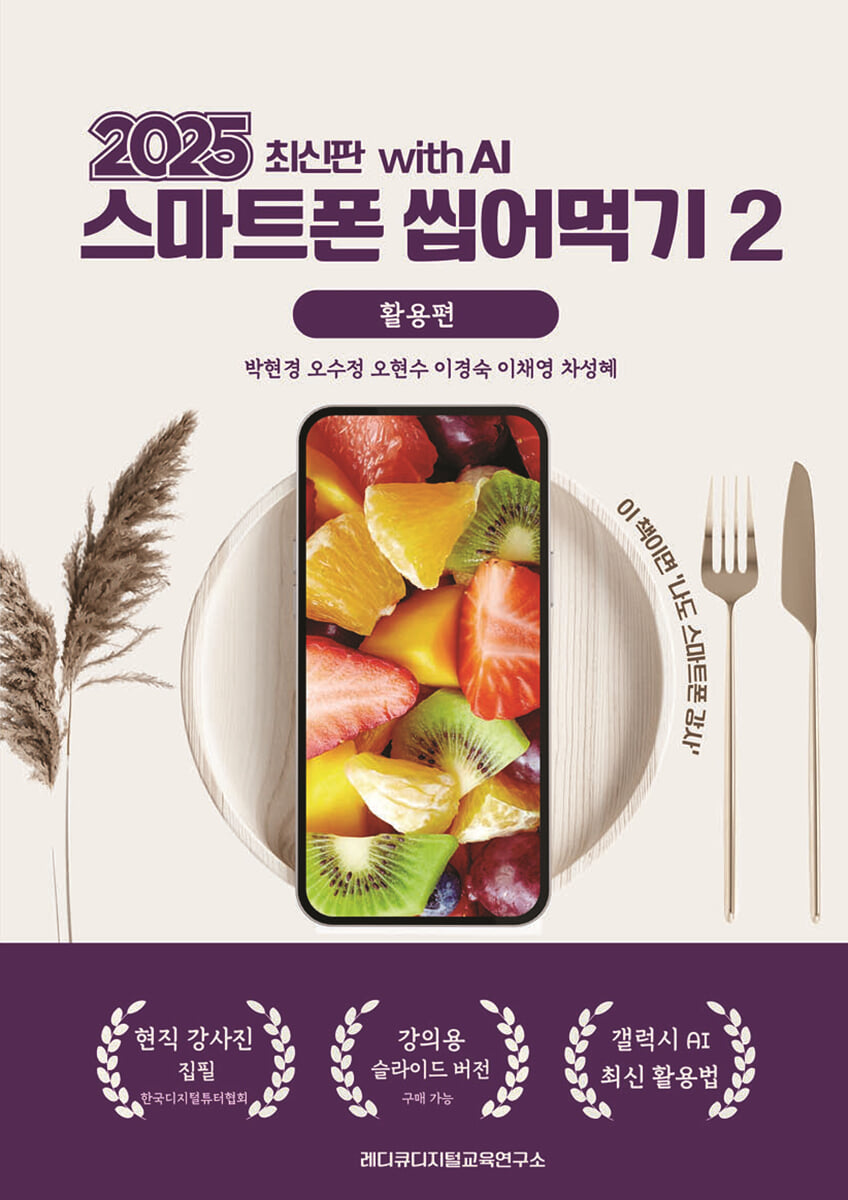
2025 Smartphone Devouring 2 - Utilization (with AI)
 |
Description
Book Introduction
By 2025, the smartphone usage environment will change rapidly, making it essential to use smartphones equipped with on-device artificial intelligence (AI).
Through the first edition of "Smartphone Chew Utilization Guide for 2024," many people learned how to master the basic smartphone apps and utilize them effectively in their daily lives.
This 2025 revised edition has been reconfigured to include AI features added to the basic app.
Now, your smartphone is no longer just a tool; it will become your best secretary and reliable companion.
Through the first edition of "Smartphone Chew Utilization Guide for 2024," many people learned how to master the basic smartphone apps and utilize them effectively in their daily lives.
This 2025 revised edition has been reconfigured to include AI features added to the basic app.
Now, your smartphone is no longer just a tool; it will become your best secretary and reliable companion.
index
Chapter 1 Camera
1.
Launch the camera app
2. Take a photo
1) Learn how to compose a photo shoot screen
2) Various photo shooting methods
3) Collected functions can be activated in the camera app settings
3.
Video recording
4.
Portrait photography
5. Create emoji stickers in the AR zone
Chapter 2 Gallery
1.
Launch the Gallery app and configure the screen
2.
Photo Management
1) Share
2) Using the Favorites feature
3) Delete
4) Restore deleted photos
5) Create an album and move photos to it.
6) View details
3.
Photo editing
1) Enter the photo editing screen
2) Photo editing function
3) Draw on photos, decorate with stickers, write
4) Gallery AI function
4.
Create function
1) Create a GIF
2) Making a collage
3) Making a movie
Chapter 3: Clock
1.
Launch the Clock app
2.
Set an alarm
1) Set an alarm
2) Delete alarm
3. World Time
4.
stopwatch
1) Start the stopwatch
2) Using interval recording
5.
Timer
1) Use a timer
2) Add, delete, and edit basic timers
6.
Clock settings
Chapter 4 Calendar
1.
Launch the calendar app
2.
Explore the Calendar Menu
3.
Add a schedule
4.
Set up a schedule reminder
5.
Find, share, edit, and delete schedules
Chapter 5 Bixby
1.
Setting up Bixby Basics
2.
Using Bixby
3.
Utilizing everyday features
1) Set sound, vibration, and silence
2) Set an alarm
3) Write a note
4) Using the camera and gallery
4.
Manage calls and messages
5.
Search the Internet and check information
1) Check the news
2) Check the weather information
3) Listen to the summary
Chapter 6 Samsung Notes
1.
Running the Samsung Notes app and familiarizing yourself with its screen layout
2.
Using Samsung Notes
1) Create a new note
2) Get familiar with the input tool menu
3) Write notes by hand
4) Draw and save - Convert to sketch
5) Using checkboxes
6) Inserting an image
7) More menu
3.
Managing Samsung Notes
1) Create a folder
2) Move the data to a folder
3) Search notes
4) Share in various file formats
5) Favorites
4.
Using Samsung Notes AI
1) Voice recording AI function
2) Document AI function
Chapter 7 KakaoTalk
1 KakaoTalk Settings
2.
Change your profile
1) Go to the profile editing screen
2) Change your profile picture
3) Set profile background
4) Name / Status Message
5) Decorate your profile background
3.
Chat room types
1) General chat team
2) Team Chat
3) Secret Chat
4) Open Chat
4.
Chat room management
1) Set the chat room name
2) Add to sortie search
3) Pin to top of chat room
4) Turn off chat room notifications
5) Add shortcut to home screen
6) Store in a quiet chat room
7) Leave the chat room
5.
Use of chat rooms
1) + button function
2) Chat room function
3) AI function
6. Giving a gift
7.
lock drawer
8.
Fun features
1) Climbing the ladder
2) Lottery
3) Textcone
Chapter 8: Boarding Houses
1.
Add Asukup channel
2.
Information search function
1) General search
2) Question mark? Search (Google search results)
3) Exclamation mark! Search (ChatGPT4 search results)
4) Various use cases
3.
Image recognition function
1) Reading text in photos (OCR)
2) Summarize and translate the content
3) Food information and recipes in the photo
4 URL function (content summary translation function)
1.
Launch the camera app
2. Take a photo
1) Learn how to compose a photo shoot screen
2) Various photo shooting methods
3) Collected functions can be activated in the camera app settings
3.
Video recording
4.
Portrait photography
5. Create emoji stickers in the AR zone
Chapter 2 Gallery
1.
Launch the Gallery app and configure the screen
2.
Photo Management
1) Share
2) Using the Favorites feature
3) Delete
4) Restore deleted photos
5) Create an album and move photos to it.
6) View details
3.
Photo editing
1) Enter the photo editing screen
2) Photo editing function
3) Draw on photos, decorate with stickers, write
4) Gallery AI function
4.
Create function
1) Create a GIF
2) Making a collage
3) Making a movie
Chapter 3: Clock
1.
Launch the Clock app
2.
Set an alarm
1) Set an alarm
2) Delete alarm
3. World Time
4.
stopwatch
1) Start the stopwatch
2) Using interval recording
5.
Timer
1) Use a timer
2) Add, delete, and edit basic timers
6.
Clock settings
Chapter 4 Calendar
1.
Launch the calendar app
2.
Explore the Calendar Menu
3.
Add a schedule
4.
Set up a schedule reminder
5.
Find, share, edit, and delete schedules
Chapter 5 Bixby
1.
Setting up Bixby Basics
2.
Using Bixby
3.
Utilizing everyday features
1) Set sound, vibration, and silence
2) Set an alarm
3) Write a note
4) Using the camera and gallery
4.
Manage calls and messages
5.
Search the Internet and check information
1) Check the news
2) Check the weather information
3) Listen to the summary
Chapter 6 Samsung Notes
1.
Running the Samsung Notes app and familiarizing yourself with its screen layout
2.
Using Samsung Notes
1) Create a new note
2) Get familiar with the input tool menu
3) Write notes by hand
4) Draw and save - Convert to sketch
5) Using checkboxes
6) Inserting an image
7) More menu
3.
Managing Samsung Notes
1) Create a folder
2) Move the data to a folder
3) Search notes
4) Share in various file formats
5) Favorites
4.
Using Samsung Notes AI
1) Voice recording AI function
2) Document AI function
Chapter 7 KakaoTalk
1 KakaoTalk Settings
2.
Change your profile
1) Go to the profile editing screen
2) Change your profile picture
3) Set profile background
4) Name / Status Message
5) Decorate your profile background
3.
Chat room types
1) General chat team
2) Team Chat
3) Secret Chat
4) Open Chat
4.
Chat room management
1) Set the chat room name
2) Add to sortie search
3) Pin to top of chat room
4) Turn off chat room notifications
5) Add shortcut to home screen
6) Store in a quiet chat room
7) Leave the chat room
5.
Use of chat rooms
1) + button function
2) Chat room function
3) AI function
6. Giving a gift
7.
lock drawer
8.
Fun features
1) Climbing the ladder
2) Lottery
3) Textcone
Chapter 8: Boarding Houses
1.
Add Asukup channel
2.
Information search function
1) General search
2) Question mark? Search (Google search results)
3) Exclamation mark! Search (ChatGPT4 search results)
4) Various use cases
3.
Image recognition function
1) Reading text in photos (OCR)
2) Summarize and translate the content
3) Food information and recipes in the photo
4 URL function (content summary translation function)
Publisher's Review
The apps covered in this textbook are:
Camera App: Turn every moment into a work of art with smarter features and a variety of AI filters.
Gallery App: Learn various editing techniques and manage photos and videos efficiently.
Experience an amazing new world with enhanced AI editing features.
Clock App: Manage your time healthily and efficiently with the smart alarm function.
Calendar App: Manage your schedule by organizing important appointments and tasks more systematically.
Bixby App: Manage your schedule and information with a single voice command using the AI voice assistant Bixby.
Samsung Notes App: Learn how to use your notes smarter, with features like voice recognition handwriting and AI summary.
KakaoTalk App and Asukup: KakaoTalk's AI chatbot and translation function allow for smart communication.
Feel confident with your AI friend Asukup!
Scoreboard App: The ultimate tool to cheer on your passion at concerts, sporting events, and other events.
The 2025 Revised Edition is a personalized guide to help you use your smartphone smarter.
Let's start a smarter everyday life with AI, right now!
March 2025
All researchers at the RediQ Digital Education Research Institute
Camera App: Turn every moment into a work of art with smarter features and a variety of AI filters.
Gallery App: Learn various editing techniques and manage photos and videos efficiently.
Experience an amazing new world with enhanced AI editing features.
Clock App: Manage your time healthily and efficiently with the smart alarm function.
Calendar App: Manage your schedule by organizing important appointments and tasks more systematically.
Bixby App: Manage your schedule and information with a single voice command using the AI voice assistant Bixby.
Samsung Notes App: Learn how to use your notes smarter, with features like voice recognition handwriting and AI summary.
KakaoTalk App and Asukup: KakaoTalk's AI chatbot and translation function allow for smart communication.
Feel confident with your AI friend Asukup!
Scoreboard App: The ultimate tool to cheer on your passion at concerts, sporting events, and other events.
The 2025 Revised Edition is a personalized guide to help you use your smartphone smarter.
Let's start a smarter everyday life with AI, right now!
March 2025
All researchers at the RediQ Digital Education Research Institute
GOODS SPECIFICS
- Page count, weight, size: 150 pages | 210*297*20mm
- ISBN13: 9791198750181
- ISBN10: 1198750189
You may also like
카테고리
korean


korean

![GQ KOREA Mark (Monthly): December [2025]](http://librairie.coreenne.fr/cdn/shop/files/8ef265dbbfbf186523ed75ba7319009d.jpg?v=1765340328&width=3840)


