

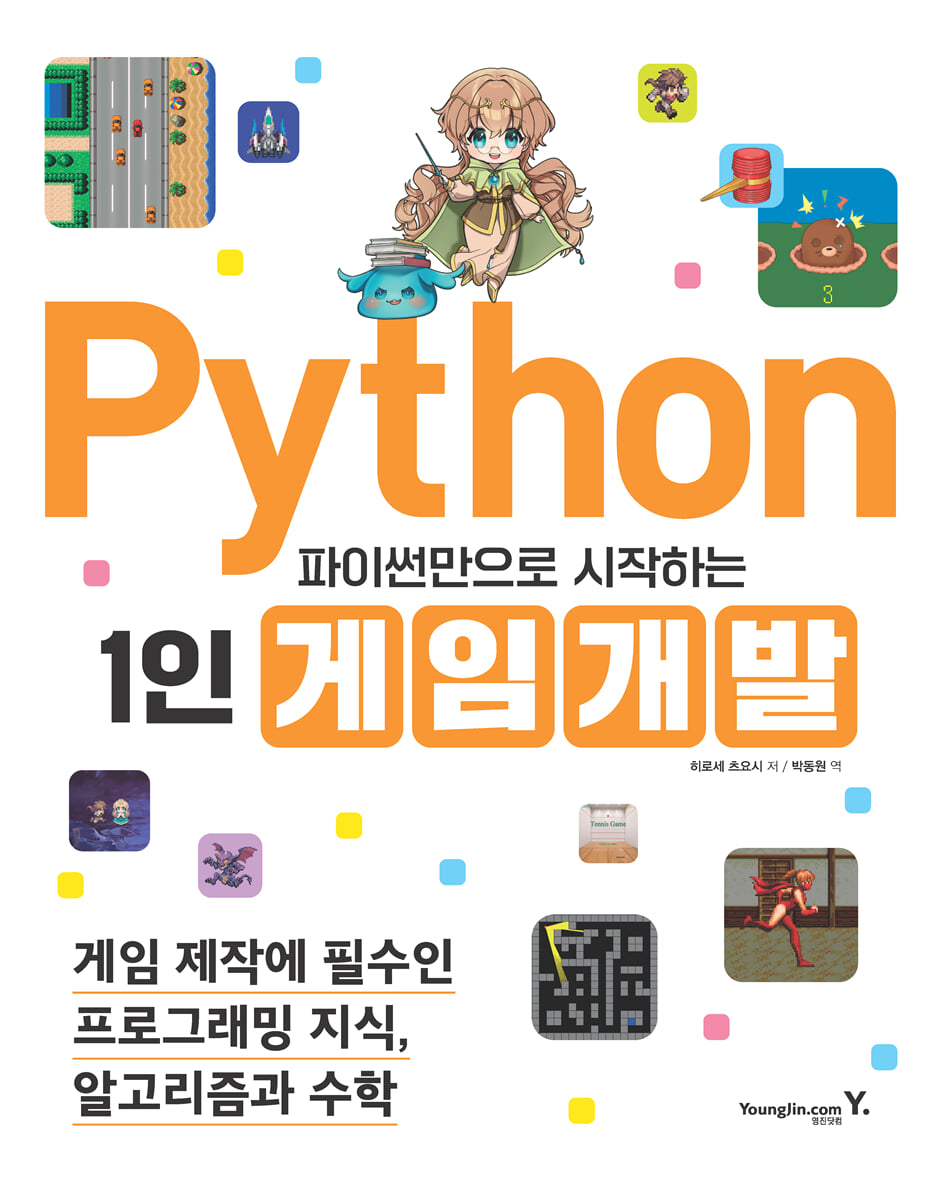
One-person game development using only Python
 |
Description
Book Introduction
Game creation and programming possible even with no background
This book is an introductory guide to game development and programming, written in an easy-to-understand manner by a professional game developer.
To create a game, you need not only knowledge of programming and game production, but also mathematical thinking skills to construct the game's algorithm.
So, I prepared this book so that even people who are new to game development or programming can create games on their own.
It is structured so that you can easily learn the basics of programming, game production methods, and algorithms and mathematics required for game production, such as collision detection, while creating games using only Python.
Chapters 1-4 are chapters where you learn what you need to know before creating a game.
We'll give a brief introduction to the game and the math required, and set up the programming development environment.
After that, before game development, you will learn simple Python grammar, learn the algorithms required for game production, and develop functions.
Chapters 5-8 in the latter half are chapters where you create one game for each chapter.
By developing games of various genres, such as whack-a-mole, racing games, and shooting games, you will naturally learn how to create and apply the functions and algorithms used in games.
For those who want to learn more complex algorithms and functions, there are additional sections on developing a jump action game and a 3D dungeon exploration program.
- You can preview some of the book's contents.
Preview
index
[Chapter 1] Let's learn about the structure of game production.
Let's find out the identity of the 1-1 game.
(1) Computer devices are operated by programs.
(2) What is the inside of the game like?
(3) What is a program?
(4) The CPU understands the program's instructions.
(5) Basic functions of a computer: input, calculation, output
(6) Another important function of a computer - memory
1-2 Let's learn about the relationship between game production and mathematics.
(1) Variables that decrease or increase stamina
(2) The enemy is chasing - where is the object? (coordinates)
(3) Is it close? Is it far? - The world unfolding within the game (2D plane)
(4) Let’s utilize various mathematical knowledge.
1-3 Programming Preparation
(1) Let's display the extension
(2) Create a working folder
1-4 Installing Python
(1) How to install on a Windows PC
(2) How to install on Mac
1-5 Let's use IDLE ① - Shell Window
(1) What is IDLE?
(2) Let's run IDLE
(3) Let's try calculating or displaying a calendar with IDLE.
1-6 Let's use IDLE ② - Editor window
(1) Launch the editor window
(2) Enter the program
(3) Save the program
(4) Running the program
(5) Summary of program input methods
[Chapter 2] Programming Basics
2-1 What you will learn in this chapter
2-2 Input and Output
(1) Basic functions of a computer
(2) How to use print()
(3) Let's print the value of the calculation formula.
(4) How to use input()
(5) Note
2-3 variables
(1) What is a variable?
(2) Assignment operator
(3) Naming variables
(4) Change the variable value into a calculation formula
(5) Operator
(6) Type (data type)
(7) Strings and numbers are different types of data.
(8) Type conversion
2-4 array
(1) Python's list (a box containing data)
(2) What is an array?
(3) Array declaration
(4) Programming using arrays
(5) Two-dimensional array
2-5 conditional branch
(1) Conditional branching
(2) Three ways to write if
(3) How to use if
(4) Indentation
(5) Programming using if
(6) Conditional expression
(7) True and False
(8) How to use if~else
(9) How to use if~elif~else
(10) and and or (logical operators)
2-6 repetitions
(1) Repeat
(2) Two types of repetition commands
(3) Usage of for
(4) Specifying a range with range()
(5) Programming using for - Basics
(6) Programming using for - Specifying a range using range()
(7) Iteration to reduce the value
(8) break and continue
(9) How to use while
2-7 function
(1) Functions in the game
(2) Concept of function
(3) How to define a function
(4) A function with no parameters or return value
(5) Functions with parameters and no return value
(6) Function with return value
(7) Global variables, local variables, and variable scope
Chapter 2 Summary
[Chapter 3] Let's display the graphics
3-1 What you will learn in this chapter
3-2 Let's display a window with tkinter
(1) Windows, essential for game production
(2) Module
(3) Let's display the window with Python
(4) Specify the title and window size.
3-3 Let's draw lines on the canvas
(1) What is Canvas?
(2) Let's learn about computer coordinates.
(3) Let's use canvas
(4) Let's draw a line that will become the axis.
3-4 Let's draw various shapes
(1) Command to display shapes
(2) Let's use the command to display the shape.
(3) Let's display a string on the canvas.
Let's display images 3-5
(1) Prepare image files
(2) Program verification
(3) PhotoImage() - Load image
(4) create_image() - Display an image
(5) Let's display the image files I have.
Let's handle colors in 3-6 arrays
(1) Let's assign the color string to an array.
3-7 Let's use a two-dimensional array
(1) Let's define colors as a two-dimensional array.
(2) Nested for loop
[Chapter 4] Basic Knowledge for Game Production
4-1 What is real-time processing?
(1) Real-time processing with Python
(2) Let's count the numbers
(3) Declaration of global variables
(4) Displaying strings
(5) Another reason why delete(“all”) is necessary
(6) Real-time processing process
(7) Global and local variables
4-2 Let's bring the mouse movement
(1) What is an event?
(2) Let's find out that an event has occurred.
(3) How to use bind()
(4) Program to find out mouse cursor coordinates
(5) How to use format()
(6) How to find out that the mouse was clicked?
4-3 Let's move the shape with the mouse.
(1) How to move a shape?
(2) Program that follows the cursor
(3) Function called when the mouse cursor is moved
(4) Function that performs real-time processing
(5) Coordinate calculation
(6) resizable() command
4-4 Let's get the entered key value
(1) Let's find out which key was pressed
(2) Program that displays key values
(3) Key codes and symbols
Let's display colors using the 4-5 number keys.
(1) What kind of program are you creating?
(2) Program verification
(3) Change background color when a key is pressed
(4) Case relationship of strings
(5) and usage
(6) Converting a string to a number
4-6 Let's calculate the collision judgment ① - Calculation method using a circle
(1) Collision determination
(2) Formula for finding the distance between two circles
(3) Let's input the mathematical formula into the program.
(4) Program verification
(5) Tags
4-7 Let's calculate the collision detection ② - Calculation method using a rectangle
(1) Collision detection using squares
(2) Let's find out the conditions for overlapping squares.
(3) Let's find the distance in the x-axis direction and the distance in the y-axis direction.
(4) Let us express the condition for overlapping squares as an equation.
(5) Let's use absolute values
(6) Let's input the formula into the program.
(7) Program verification
(8) How to display a square
(9) Processing of moving a square with the mouse
(10) if statement to determine collision
[Chapter 5] Let's Make a Mole-Catching Game
5-1 Games to be created in this chapter
(1) What is Whack-a-Mole?
(2) Reasons for creating a mole game
(3) Rules of the game to be created in this chapter
(4) Image file to use
(5) In what order should I complete them?
5-2 Let's use random numbers in Python.
(1) Let's use the random module
(2) Command to generate random numbers
(3) Program verification
(4) Default value of random number
5-3 STEP 1 Let's load and display an image.
(1) Load and display an image file
5-4 STEP 2 Manage 5 pits in an array
(1) Using arrays
(2) Program verification
(3) Let's change the values assigned to the array.
5-5 STEP 3 Let's make moles appear in real time.
(1) Let's add real-time processing
(2) Program verification
5-6 STEP 4 Let's hit the mole with the key input.
(1) Add key input
(2) Program verification
(3) Assign the key value to the variable key.
(4) Let's hit the mole that sticks its face out.
(5) Let's make the mole hit with a hammer go back to the hole.
(6) Release of key value
5-7 STEP 5 Complete the game by creating a title screen and a game over screen.
(1) Screen transition
(2) Screen transition of Mole Catcher
(3) Let's use variables to manage the scene.
(4) Check the completed program
(5) Let's modify the game!
[Chapter 6] Let's Make a Tennis Game
6-1 Games to be created in this chapter
(1) What is a tennis game?
(2) Why create a tennis game?
(3) Rules of the game to be created in this chapter
(4) Image files used
(5) In what order should I complete them?
6-2 Let's learn about vectors
(1) A vector has magnitude and direction.
(2) Speed and velocity
(3) How to calculate the movement of an object using a program?
(4) Variables for moving the ball
6-3 STEP 1 Let's display the background, ball, and bar.
(1) Variables that deal with what to display and where to display it
(2) Create a game screen by displaying images and shapes.
(3) Let's assign initial values to variables.
(4) int() function
(5) Image loading and display
6-4 STEP 2 Let's make the ball move automatically.
(1) Variable to input the speed of the ball
(2) Calculation that changes coordinates
(3) Let's make it bounce off the edge of the screen
(4) A program that moves the ball automatically
(5) How to bounce off the edge of the screen
(6) Don't forget the global declaration
(7) Repeat calculations and displays in real time.
(8) Algorithm for expressing the movement of an object
6-5 STEP 3 Let's make the bar move in sync with the movement of the mouse.
(1) Add mouse events
(2) How to change the coordinates of the bar?
(3) Check the program that moves the bar
6-6 STEP 4 Let's make the ball bounce right away.
(1) Collision determination
(2) Let's determine the collision between a circle and a square.
(3) Confirmation of collision between ball and bar
6-7 STEP 5 Let's calculate the score and high score.
(1) Let's assign a score to a variable and display the string.
(2) Program verification
(3) Structure of the text() function
6-8 STEP 6 Complete the game by adding a title screen and a game over screen.
(1) Variables that manage screen transitions
(2) Check the completed program
(3) click() function
(4) Let's modify the game!
[Chapter 7] Let's Make a Racing Game
7-1 Games to be created in this chapter
(1) What is a racing game?
(2) Why make a racing game?
(3) Rules of the game to be created in this chapter
(4) Image files used
(5) In what order should I complete them?
7-2 STEP 1 Scroll through the background
(1) Background image
(2) How to scroll the screen
(3) Check background scroll processing
(4) Define a value that is continuously used as a constant
(5) Real-time calculation and image display
(6) Enter the calculation of bg_y in one line
7-3 STEP 2 Let's make it possible for the player to control the car.
(1) Variable to input the coordinates of the car
(2) Move the car when you move the mouse
(3) Check the program that moves the car
(4) Change the coordinates when the mouse cursor is moved
(5) Formula for finding the internal division point of a line segment
(6) Let's make the formula into a program formula.
(7) If you directly enter the coordinates of the mouse cursor…
7-4 STEP 3 Let's move one enemy vehicle.
(1) Variable to input the coordinates of the enemy vehicle
(2) Verification of the program that moves the enemy vehicle
(3) Processing of moving enemy vehicles
7-5 STEP 4 Let's check if the player and the enemy vehicle collided.
(1) Collision determination
(2) Program verification
(3) Collision judgment range
7-6 STEP 5 Let's move several enemy vehicles.
(1) Let's use an array
(2) Program verification
(3) Change the values of an array repeatedly using a for loop
(4) Function to input the initial coordinates of the car
7-7 STEP 6 Complete the game by adding a title screen and a game over screen.
(1) Variables that manage screen transitions
(2) Let's add score calculation
(3) Check the completed program
(4) Collision detection and game over screen transition
(5) click() function
(6) Other additional information
(7) Let's try remodeling it
[Chapter 8] Let's review with a shooting game.
8-1 Programs to be created and review in this chapter
(1) What is a shooting game?
(2) Let's try it
(3) Image file to use
(4) Contents to review
8-2 Let's take a look at the program contents.
(1) Check galaxy_defender.py
(2) You cannot create software without basic knowledge.
Let's take a look at the 8-3 program as a whole.
(1) Sequence of actions
(2) Variables and arrays
(3) Defined function
Let's understand the details of the 8-4 movement.
(1) Mathematical calculations
(2) Manage enemies using a two-dimensional array
(3) Review of how to process images, how to get events, and real-time processing
(4) Role of each function
(5) Let's try remodeling it
[APPENDIX A] Let's learn with a jump action game.
A-1 Game Content
(1) What is an action game?
(2) Let's try it
(3) Image files used
Let's take a look at the A-2 program.
(1) Check help_princess.py
Let's take a look at the A-3 program as a whole.
(1) Sequence of actions during game play
(2) Variables and arrays
(3) Defined function
Let's take a closer look at the A-4 function ① The protagonist's movements
(1) Mathematical calculations
(2) Main character animation
Let's take a closer look at the A-5 function ② Scrolling the floor and holes
(1) Let's create a floor using an array
(2) Let's scroll the bottom by deleting and adding elements.
(3) Place a hole in the floor
[APPENDIX B] Let's learn with a 3D dungeon exploration program.
B-1 Game Content
(1) 3D games
(2) 3D expression method of Labyrinth Explorer
(3) Let's try it
B-2 Raycasting
(1) What is raycasting?
(2) How to create a 3D maze
Let's take a look at the B-3 program.
(1) py file in the AppendixB folder
(2) Program verification ①-labyrinth_explorer.py
(3) Program verification ②-maze_data1.py
(4) Import maze_data1.py
Let's take a look at the B-4 program as a whole.
(1) Sequence of actions
(2) Variables and arrays
(3) Defined function
(4) Trigonometric functions
Let's take a closer look at the B-5 movement.
(1) Load data from maze_data1.py
(2) Functions in maze_data1.py
(3) Function defined in labyrinth_explorer.py
B-6 Let's understand how to express three-dimensional space.
(1) Let's check draw_3d_space()
(2) Parameters of the draw_3d_space() function
(3) Raycasting algorithm
(4) Formula for calculating the distance to the wall
(5) Determine the height of the wall by distance
(6) Let's include a calculation to prevent distortion of the wall.
Detailed image

Publisher's Review
■ Main contents
Chapter 1: Let's learn about the structure of game production.
A simple example explains what a game is, how a computer runs a program, and the relationship between games and mathematics.
Next, we will install and run Python and IDLE, and experience the very basic process of writing, saving, and running code.
Chapter 2 Programming Basics
Learn the basic grammar of Python programming, including input/output, variables, arrays, conditional statements, loops, and functions.
We will practice “how to turn thoughts into code,” which is essential for game production, with a simple example program.
Chapter 3 Let's display the graphics
Learn how to create windows and canvases using tkinter and draw lines, shapes, text, images, etc. on the screen.
Practice graphic expressions that form the basis of game screens, such as controlling color and layout using coordinates and two-dimensional arrays.
Chapter 4: Basic Knowledge for Game Production
Learn how to update the screen in real time and process mouse and keyboard input as events.
Understand the fundamental structure of a “move and collide” game through global variables, coordinate calculations, and collision detection (circle/square).
Chapter 5 Let's Make a Mole Catcher
Complete the whack-a-mole game by combining random, array, real-time processing, and key input.
Experience the process of designing, implementing, and modifying a complete mini-game, including implementing transitions from the title screen to the game over screen.
Chapter 6 Let's Make a Tennis Game
Learn simple physics representations of ball movement and bounce using vectors and velocity, and create a tennis game using a ball, bar, and background.
Implements a more complex game structure, including scoring, high scores, screen transitions, and collision detection.
Chapter 7 Let's Make a Racing Game
Create racing games by arranging and managing scrolling backgrounds, player cars, and enemy vehicles in real-time.
Learn the game structure of “multiple objects moving simultaneously” with multiple enemy vehicles, scores, game overs, etc.
Chapter 8 Let's review with a shooting game
We will take a comprehensive look at the shooting game example (galaxy_defender.py) and comprehensively review the variables, arrays, functions, events, real-time processing, and mathematical calculations we have learned so far.
We practice analyzing the code by structure and modifying it ourselves.
Appendix A: Let's learn with a jumping action game.
Through the jump action game example (help_princess.py), we will see how to express the protagonist's jump, movement, and animation using mathematics and arrays.
Learn how to construct maps by scrolling through floors and holes, and adding and deleting elements.
Appendix B: Learn with a 3D Dungeon Exploration Program
We analyze programs (labyrinth_explorer.py and maze_data1.py) that represent 3D dungeons (mazes) using raycasting.
Understand the fundamentals of 3D representation through 3D spatial data structures, trigonometry and distance calculations, wall height compensation, and more.
■ Author's Note
This book is an introductory book on game production and programming, written in an easy-to-understand manner by a professional game developer.
To create a game, you need not only programming and game development knowledge, but also mathematical knowledge to create game algorithms.
So I wrote this book for anyone who is new to game development or programming.
This book contains content that teaches the basics of programming, game creation methods, and the algorithms and mathematics required for game creation while creating games using the easy-to-learn programming language called Python.
When the word math comes up, some of you might think, "It looks difficult," or "I don't think I can do it," but there's no need to worry.
We will use the knowledge necessary for game creation among the math learned in middle and high school to help you create games that are easy to make and gradually become more difficult.
To that end, this book is structured so that even those who dislike math can learn it enjoyably and understand it naturally.
This book can also be used as an introduction to programming.
In Japan, programming has become mandatory in compulsory and higher education.
Programming has become a required subject at many universities, and some are even teaching AI and data science to all students, regardless of their major.
Programming courses for working professionals are also gaining popularity, and more and more companies are trying to level up their employees' IT knowledge by teaching them programming.
In this day and age, no one would doubt that programming is worth learning.
If you are a student, you can enjoy learning programming (or algorithms or mathematics) by reading this book.
As a working adult, you can definitely learn the knowledge and skills of Python, which is widely used in software development.
After reading this book, your skills will definitely improve.
GOODS SPECIFICS
- Date of issue: December 5, 2025
- Page count, weight, size: 296 pages | 182*232*20mm
- ISBN13: 9788931481693
- ISBN10: 8931481691
You may also like
카테고리
korean


korean


