

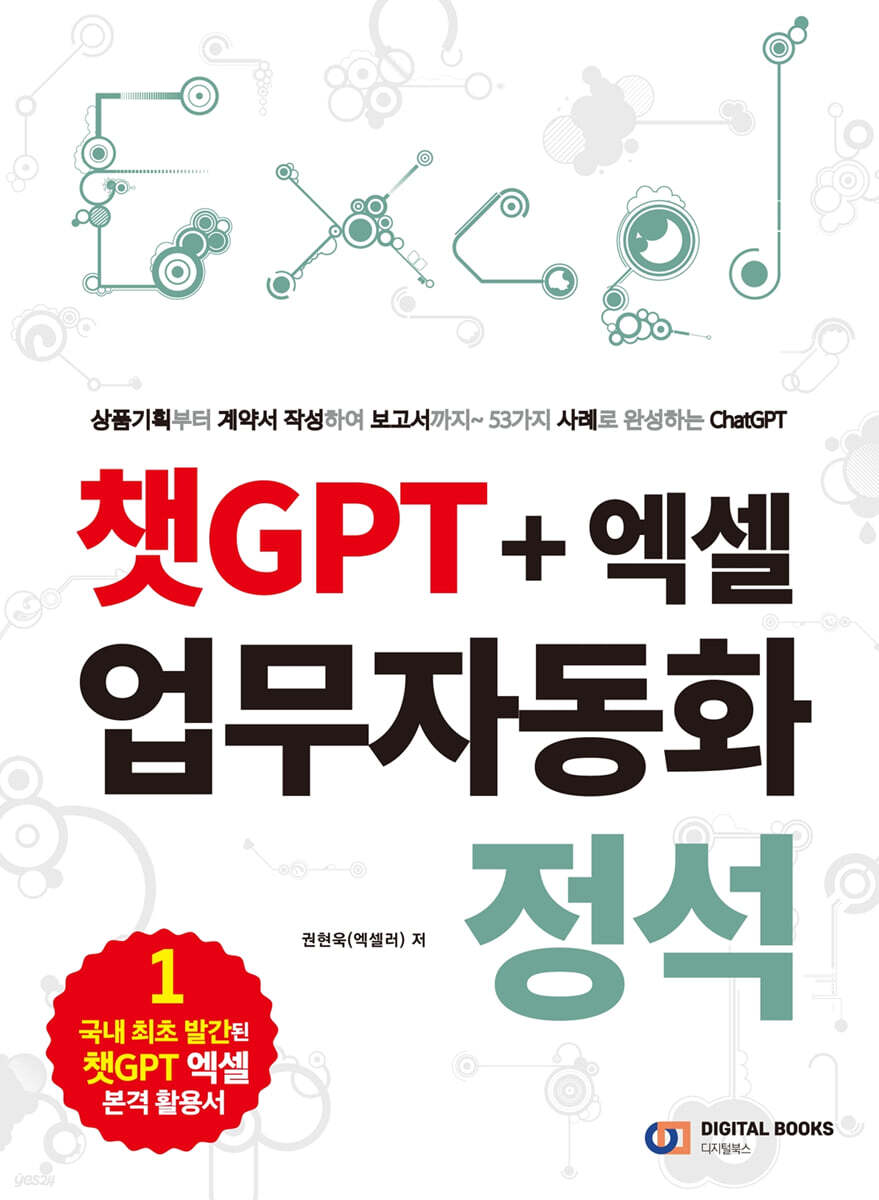
ChatGPT + Excel Task Automation Essentials
 |
Description
Book Introduction
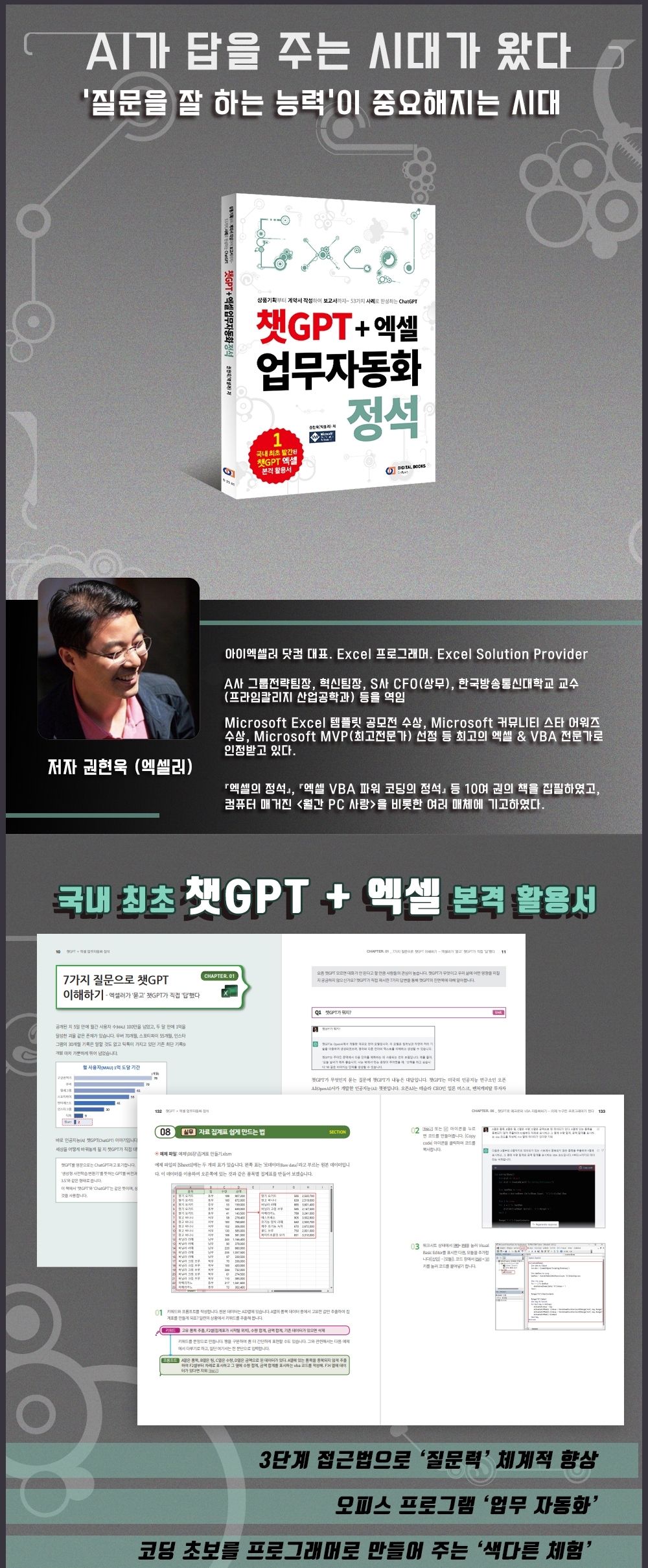
In the Google era, the key was how well you could select and process relevant information from search results into content. In the coming age of artificial intelligence, the ability to organize problems and ask good questions will become increasingly important.
This book presents a suitable method for efficiently implementing work automation using ChatGPT and office programs.
By following the "step-by-step approach" introduced in the book, you can easily automate not only Excel tasks but also various other tasks such as product planning, contract writing, and presentation material formatting.
This book is full of know-how on how to organize your thoughts and instruct ChatGPT to get the answers you want.
This book will help you improve your work efficiency and seize the opportunity to move one step ahead in the age of artificial intelligence.
- You can preview some of the book's contents.
Preview
index
Chapter 01: Understanding ChatGPT with 7 Questions - Exceler Asks, ChatGPT Answers
Chapter 02 How to Use ChatGPT
01 Sign up
02 ChatGPT screen configuration and basic usage
Chapter 03: 5 Techniques for Writing ChatGPT Prompts
Chapter 04 Using ChatGPT in Excel - Leave the tedious tasks to ChatGPT.
01 [Basic] Display only data that meets the desired conditions
02 [Basic] Creating a Practice Data Table with ChatGPT
03 [Basic] How to merge multiple lines into one line or vice versa
04 [Basic] How to use Excel functions you don't know
05 [Basic] How to find the information you want in a large table
06 [Basic] How to find the answer to the previous question
07 [Basic] Extracting only the desired part from a long string
08 [Practice] Finding a sum that satisfies multiple conditions
09 [Practice] How to Easily Find Duplicate Data in Two Data Sources
10 [Practice] Only accept capital letters in certain areas.
11 [Basic] Say goodbye to confusing multiple IF formulas - Displaying grades in evaluation results
12 [Basic] Can file and sheet names be displayed in cells?
13 [Application] How to Easily Identify Outliers in Unseen Data
14 [Practice] Calculating Incentives by Sales Amount
15 [Practice] Sorting Data Based on Your Own Criteria
16 [Application] Merging subcategories into a parent category
17 [Practice] Calculating Special Averages
18 [Practice] Adding specific characters to the front/back of data
19 [Practice] Positive numbers are represented in blue, negative numbers in red
20 [Practice] Marking *** on the last digits of the resident registration number
21 [Practice] Finding gender and age using resident registration number
22 [Application] How to extract eigenvalues using a formula
Chapter 05: Creating a Financial Calculator with ChatGPT - ChatGPT Makes You Money
01 [Practice] Calculating the Present Value of a Future Amount
02 [Practical] Loan Repayment Calculator
03 [Practice] Future Value Calculator for Investment Funds
04 [Application] Purchase Condition Comparison Calculator
05 [Basic] Seed Money Calculator
Chapter 06: Automating Macros and VBA with ChatGPT - Now Anyone Can Become a Programmer
01 [Basic] Warming up for VBA coding with ChatGPT
02 [Practice] Deleting blank rows all at once
03 [Practice] How to insert a specified number of rows
04 [Basic] Formatting all tables in a document
05 [Basic] How to prevent editing of cells containing formulas
06 [Practice] Renaming multiple files at once
07 [Basic] How to sort sheets by name and color
08 [Practice] How to Easily Create a Data Summary Table
09 [Application] Inserting a break row when the value changes
10 [Application] Merging cells with the same value
11 Create an [Application] button and swap the data location
12 [Application] How to insert a sheet by pressing 〈Enter〉
13 [Application] Creating Sheet Navigation
14 [Application] Creating a function to check promotional events
15 [Application] Automatically Summarizing Weekly Performance
16 [Application] Consolidating data from multiple sheets into one
Chapter 07 From product planning to contract writing and PowerPoint editing with ChatGPT
01 Identifying trend keywords and naming new products using Practical Chat GPT
02 Creating promotional materials for new products
03 Writing a Practical Advertising Script
04 Creating a Practical Customer Response Questionnaire
05 Creating a Practical Contract
06 Adjusting the format of applied Word documents at once
07 Formatting a Word table by setting application conditions
08 Highlight the titles of all clauses in the application agreement.
09 Unifying the Title Format of Application PowerPoint Slides
10. Align the titles of all slides
Chapter 08: 4 Essential ChatGPT Extensions
01 Quick and convenient use of Korean/English
02 View information search and ChatGPT results on one screen.
03 Collection of Prompt Model Answers
04 Get the latest information on ChatGPT
05 3 Tips for Finding Safe Extensions
Detailed image
GOODS SPECIFICS
- Date of issue: April 20, 2023
- Page count, weight, size: 200 pages | 188*257*20mm
- ISBN13: 9788960884243
- ISBN10: 8960884243
You may also like
카테고리
korean


korean


