

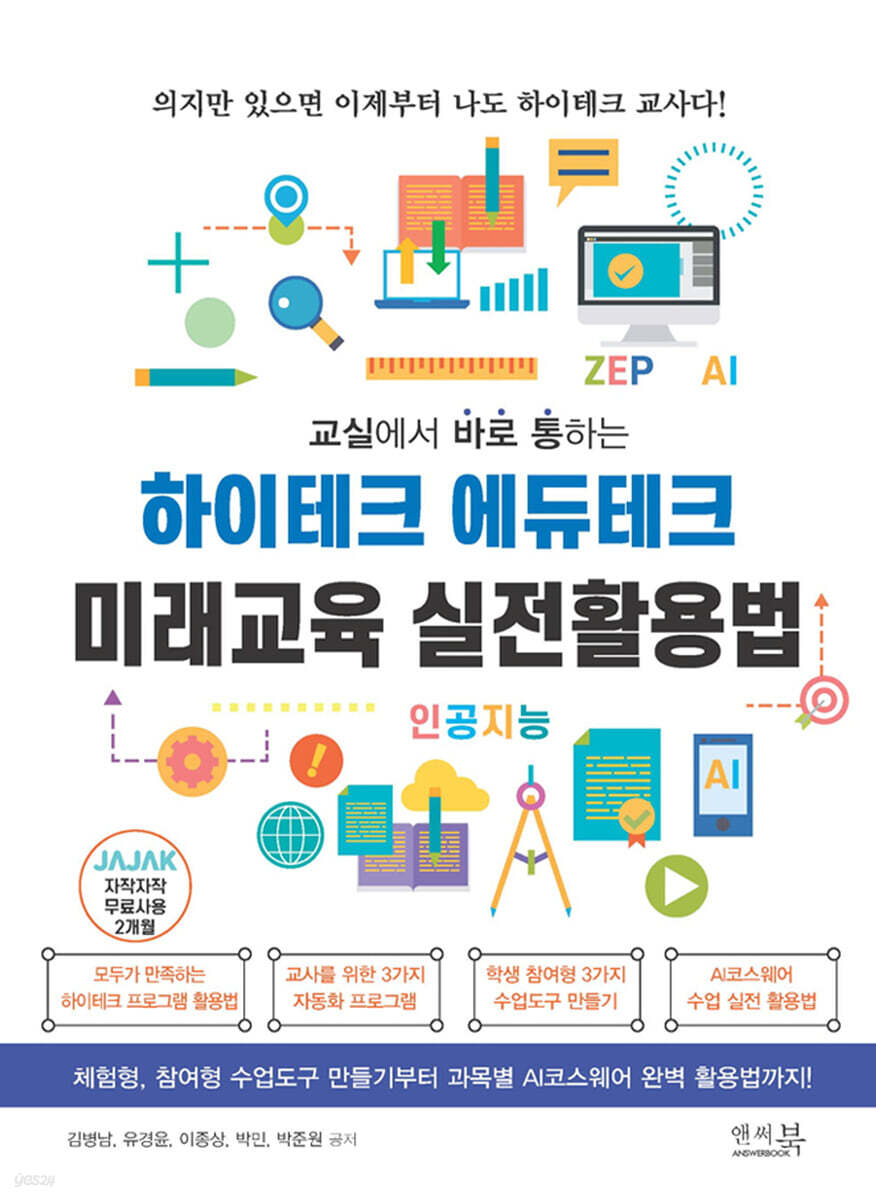
Practical Applications of High-Tech EdTech for Future Education, Delivered Right in the Classroom
 |
Description
Book Introduction
This book is a teacher-led, AI-based digital future classroom utilization guide that covers everything from creating experiential, participatory teaching tools to fully utilizing subject-specific AI courseware.
It includes creating and utilizing high-tech programs that satisfy students more than teachers, creating three automated programs for teachers that significantly reduce the time spent creating teaching and learning materials, creating three interactive teaching tools that increase student participation and satisfaction, and practical application methods for subject-specific classes using AI courseware.
index
PART 01 Creating a Playground Using the Metaverse
01 Motivation for production
01_1 Social Studies Teaching and Learning Curriculum
01_2 Learn about ZEP
02 Creating a Running Quiz Map
02_1 Creating a Running Quiz Space
Creating a ZEP Space
02_2 Preparing the Running Quiz Playground
Prepare for the problem
02_3 Using the Running Quiz Playground
Check out the Running Quiz Playground
02_4 Expanding the Running Quiz Playground
Expand to quizzes on various topics
Understanding Host Commands
Delete space
02_5 Finishing up
03 Creating a Treasure Hunt Map
03_1 Preparing the Treasure Hunt Space
Distinguishing ZEP OFFICIAL
Creating a ZEP Space
Customizing Your ZEP Space
Learn how to use the Stamp App
03_2 Preparing the Treasure Hunt Playground
Explore the map editor features
Creating Hidden Treasures
03_3 Creating a Treasure Hunt Playground
Creating a classroom environment
Explore the entire Treasure Hunt map
Place treasures on the treasure hunt map
03_4 Using the Treasure Hunt Playground
Expand the Treasure Hunt Map
03_5 Finishing up
04 Creating a Maze Escape Map
04_1 Creating a Maze Escape Space
Learn about the official ZEP map
Customizing Your ZEP Space
04_2 Preparing the Maze Escape Playground
Take a look at the overall layout of the maze escape room.
04_3 Creating a Maze Escape Playground
Prepare for the problem
Using the object password input pop-up function
Using the Object Multiple Choice Input Pop-up Feature
Check the map
04_4 Using the Maze Escape Playground
Expand the maze escape map
04_5 Finishing up
05 Creating an Escape Room Map
05_1 Creating an Escape Room Space
Create space
Setting up space
Create a notice to install the stamp app
05_2 Creating an Escape Room Map
Adding new objects to the school escape room map
Placing stamps on the school escape room map
05_3 Using the Escape Room Playground
Minigame activities using escape room maps
05_4 Finishing up
PART 02 Creating a Program to Automate Three Teaching and Learning Materials
01 Motivation for production
01_1 Social Studies Teaching and Learning Curriculum
02 Creating an automated program to create computational problems
02_1 Program Description
02_2 Preparing to produce a program
Learn VBA
Running the Excel program
Setting up your computer
02_3 Examining the program code for creating arithmetic problems
Home screen sheet
Custom Form
Add a module
Automatic problem generation
Automatically generate ppt
02_4 Using the calculation problem creation program
Userform execution screen
Run
Create PPT button
02_5 View the entire program code at a glance
Custom Form Code
02_6 Finishing up
03 Creating an automated program to create a PPT picture quiz
03_1 Program Description
03_2 Preparing to produce a program
Prepare files
Example images used
03_3 Picture Matching Quiz Program Code Review
How it works
Home screen
Understanding the Structure of a Picture Matching Quiz Program
Variable declaration
Run ppt
Set route
Return file name
Counting the number of image files
PPT image automatic insertion code
Using 03_4
03_5 View the entire program code at a glance
PPT Creation_4-Quarter Module Code
PPT Creation_8-Equipment Module Code
PPT Creation_16-Equipment Module Code
03_6 Finishing up
04 Creating an automated program to create student presentation materials
04_1 Program Description
04_2 Preparing to produce a program
Prepare files
Example images used
04_3 Examining the Student Presentation Material Production Program
How it works
Home screen
Variable declaration
Run ppt
Set route
Add directory
Counting the number of image files
Insert image file
04_4 Using the Student Presentation Material Creation Program
04_5 View the entire program code at a glance
Full code
04_6 Finishing up
PART 03: Creating a Student-Involved Classroom Tool with Google Spreadsheets
01 Motivation for production
01_1 Science and Teaching and Learning Curriculum
01_2 Preparation
02 Creating a Speed Quiz Program
02_1 Pre-production preparation
Learn about Google Spreadsheets
02_2 Setting up Google Spreadsheets
Sign in with your Google account and create a Google Spreadsheet
Writing Code with Google AppsScript
02_3 Deploy
Results screen
02_4 Analyzing the code
Code.gs code
student.html code
teacher.html code
02_5 Finishing up
03 Learn key sentences through Korean typing practice
03_1 Learn Google AppsScript
03_2 Setting up Google Spreadsheets
Create a Google Spreadsheet
Writing Google AppsScript Code
03_3 Deploy
Screen distributed to students
03_4 Analyzing the code
Code.gs code
index.html code
03_5 Finishing up
04 Creating a program for calculating the four basic arithmetic operations
04_1 Understanding JavaScript
04_2 Setting up Google Spreadsheets
Sign in with your Google account and create a Google Spreadsheet
04_3 Deploy
Distribution method screen
04_4 Analyzing the code
Code.gs code
index.html code
4_5 Finishing
PART 04 Creating personalized lessons with AI courseware
01 Motivation for production
02 Learn about AI courseware for teachers
02_1 What is AI Courseware?
02_2 Mastering Seven AI Courseware Features and Using Them in Real Classrooms
Ask Edutech
Rutton Training
Lighting gel
Kiwi Tea
Self-made self-made
Classing AI
Mathflat
Stepping stone
03 AI Courseware Customized Classes / Teaching and Learning Curriculum
03_1 Korean Language Teaching and Learning Curriculum Using AI Courseware
Evaluation Plan
03_2 Mathematics Teaching and Learning Curriculum Using AI Courseware
Evaluation Plan
03_3 Physical Education and Teaching/Learning Curriculum Using AI Courseware
Evaluation Plan
03_4 Finishing up
Detailed image

Publisher's Review
The content of this book is immediately applicable to the classroom, and the following is a summary of key points for each unit.
1.
High-tech tools that can create engaging, experiential teaching and learning materials that satisfy students more than teachers.
By creating a 'Metaverse Teaching and Learning Materials Playground', students can directly create high-tech programs that create experiential teaching and learning materials that allow them to solve problems, find stamps, and confirm their learning, and can be used directly in school classrooms.
2. 3 automated programs that dramatically reduce the time it takes to create teaching and learning materials using Excel VBA.
First, we create a program that automatically generates computational problems and can also create PowerPoint presentations that students can use to solve the problems in an actual classroom.
Second, it is a program that automatically generates picture quizzes and uses PowerPoint's animation function to find pictures hidden behind shapes. By simply changing the data of the picture quiz, it can be used in various classes.
Third, it is a program that automatically inserts text and image files into PowerPoint, and can be used to create materials that can be used to show individual student photos in a slide show at a graduation ceremony or to view photos from field trips or events.
3. Creating three student-engaged teaching tools that both increase student participation and satisfaction.
You can use Google Spreadsheets as a single server to record students' learning outcomes, assessment results, and participation levels.
Additionally, you can create teaching and learning materials such as speed quizzes and provide them as a single web page such as HTML.
4. Practical application of AI courseware for each subject, from lesson planning to assessment methods.
Based on real-world experience, you can apply AI courseware to subjects like Korean, math, and physical education, as well as lesson planning and assessment methods, all of which can be applied directly in the classroom.
This book will be of great help in applying high-tech edutech to actual classes, as it specifically explains how elementary school teachers can utilize it in their classes and how AI courseware can be customized for each subject.
GOODS SPECIFICS
- Date of issue: June 10, 2024
- Page count, weight, size: 296 pages | 491g | 170*225*13mm
- ISBN13: 9791193059272
- ISBN10: 1193059275
You may also like
카테고리
korean


korean


