

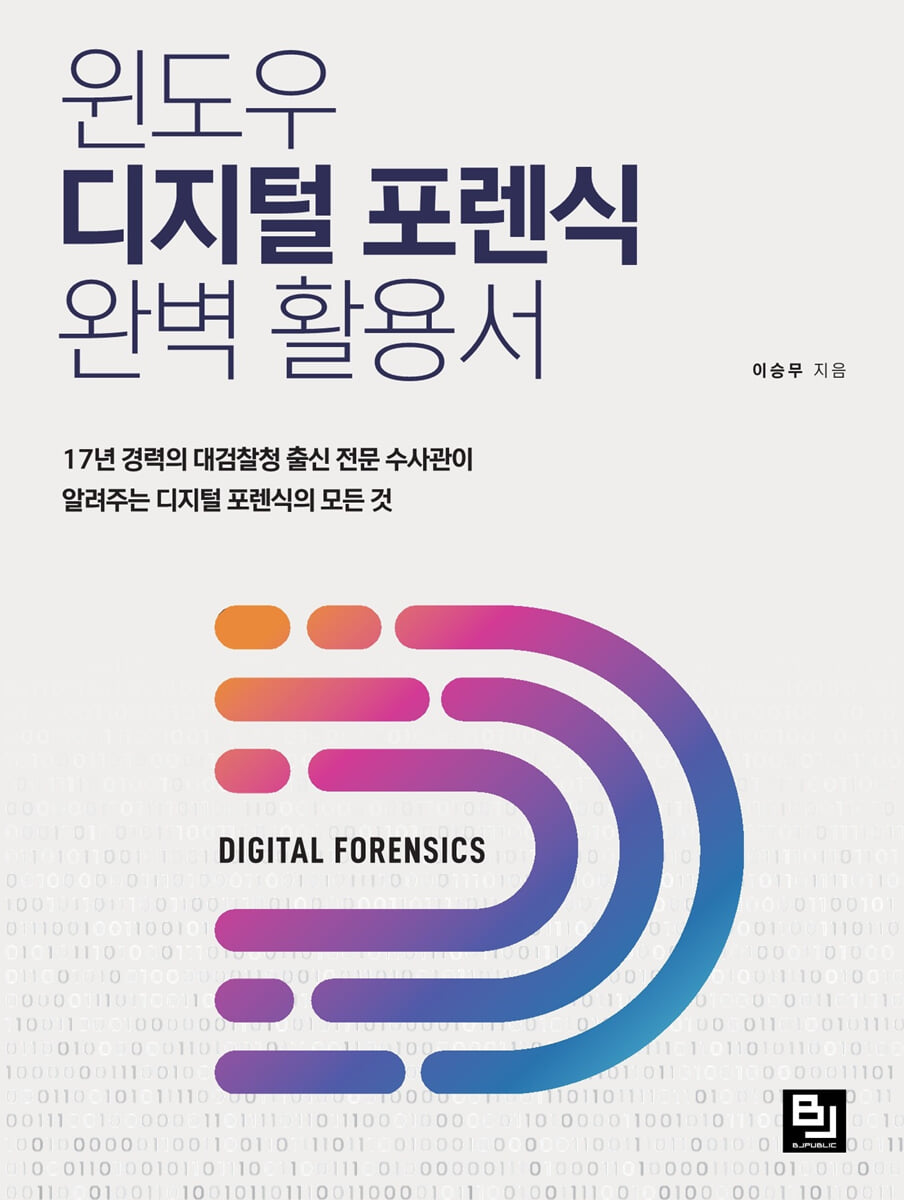
The Complete Guide to Windows Digital Forensics
 |
Description
Book Introduction
The author, a digital forensics expert with 17 years of experience, tells the story.
Digital Evidence and Windows Digital Forensics in Practice
Digital forensics is a field of scientific investigation that searches for evidence related to crimes in digital devices to uncover the truth.
Digital forensic analysts use specialized tools to obtain and analyze digital evidence in the field.
In field-oriented digital forensics, theory is important, but practical experience is paramount.
In this book, the author vividly depicts the process of analyzing digital forensic evidence by creating a hypothetical crime scenario and finding clues in digital devices to prove their connection to the crime.
- You can preview some of the book's contents.
Preview
index
Introduction
Recommendation
Beta Reader Review
About the Author
Book Introduction
Part 1: Digital Evidence and Digital Forensics
Chapter 1 Digital Evidence
Chapter 2 Digital Forensics Procedures
Chapter 3 Digital Forensic Analysis Techniques
Chapter 4: Triage Forensics and the Puzzle of Substantive Truth
Part 2: Windows Forensics in Practice (1) User Environment Analysis
Chapter 1: Analysis of Information on Windows Operating System Installation
Chapter 2 Disks and Partitions
Chapter 3: User Analysis
Chapter 4: Analyzing External Devices Connected to Your Computer
Chapter 5 Analysis of major programs installed or used
Chapter 6: Analyzing Network Connection Information
Chapter 7: Detection and Analysis of Virtual Volumes
Chapter 8: Detection and Analysis of Virtual Machines
Part 3: Windows Forensics in Practice (2) User Activity Traces Analysis
Chapter 1: Analyzing Smartphone Connection Traces
Chapter 2: Analyzing Smartphone Backup Traces
Chapter 3: Analysis of traces of printer use, etc.
Chapter 4: Analyzing Internet Search Traces
Chapter 5: Analysis of Email and Messenger Usage Traces
Chapter 6: Analyzing Windows Shortcuts (Link Files)
Chapter 7 Jump List Analysis
Chapter 8: Analysis of Computer Vision and the Manipulation of Time Information
Part 4: Windows Forensics in Practice (3) Data Recovery and In-Depth Analysis
Chapter 1 Partition Recovery
Chapter 2 File Recovery
Chapter 3: Analyzing Windows Recycle Bin and Journaling Data
Chapter 4 Timeline Analysis Techniques
Chapter 5: Analyzing CCleaner Usage Traces
Chapter 6: Analyzing BitLocker Volumes and EFS Files
Chapter 7: Reinstalling the Windows Operating System and Recovering Data
Chapter 8: Writing an Analysis Report
supplement
A sample analysis report
B Window Artifact List
Going out words
References
Search
Detailed image

Publisher's Review
"This book was written by an author who has been with me since the early days of introducing digital forensics in Korea. It will help you develop a comprehensive understanding and practical acumen for digital forensics, especially on Windows systems, which are most frequently encountered in the field."
- 42nd Prosecutor General Moon Moo-il
Features of this book
- Introduced basic concepts of digital forensics and recent technologies and issues.
- Explained the techniques used to analyze actual evidence through a hypothetical crime scenario.
- We provide free tools and example images so you can practice on your own for each case.
Readers who need this book
- Students or beginners planning a career in digital forensics
- Digital forensic analysts for law enforcement agencies such as the prosecution, police, National Tax Service, and Fair Trade Commission
- Digital forensics professionals, such as law firms, private investigation firms, and corporate internal audit departments
Download source code
https://github.com/bjpublic/winsecurity
Digital forensics is a branch of scientific investigation that searches for evidence related to crimes in digital devices to uncover the truth.
In field-oriented digital forensics, theory is important, but practical experience is paramount.
The fastest way to learn digital forensics skills is to actually take on a case and experience the entire process firsthand, from on-site investigation to report writing and court testimony.
Part 1 of this book covers digital evidence and digital forensics techniques, while Parts 2 through 4 focus on key artifacts from Windows 10 systems and introduce a variety of practical techniques that can be immediately applied in practice.
In particular, this book is designed to be of great help in learning digital forensics in a Windows environment, as it includes practice problems for each chapter, allowing readers to practice the analysis topics in the text using example image data.
GOODS SPECIFICS
- Publication date: October 26, 2022
- Page count, weight, size: 648 pages | 173*230*35mm
- ISBN13: 9791165921750
- ISBN10: 1165921758
You may also like
카테고리
korean


korean


