

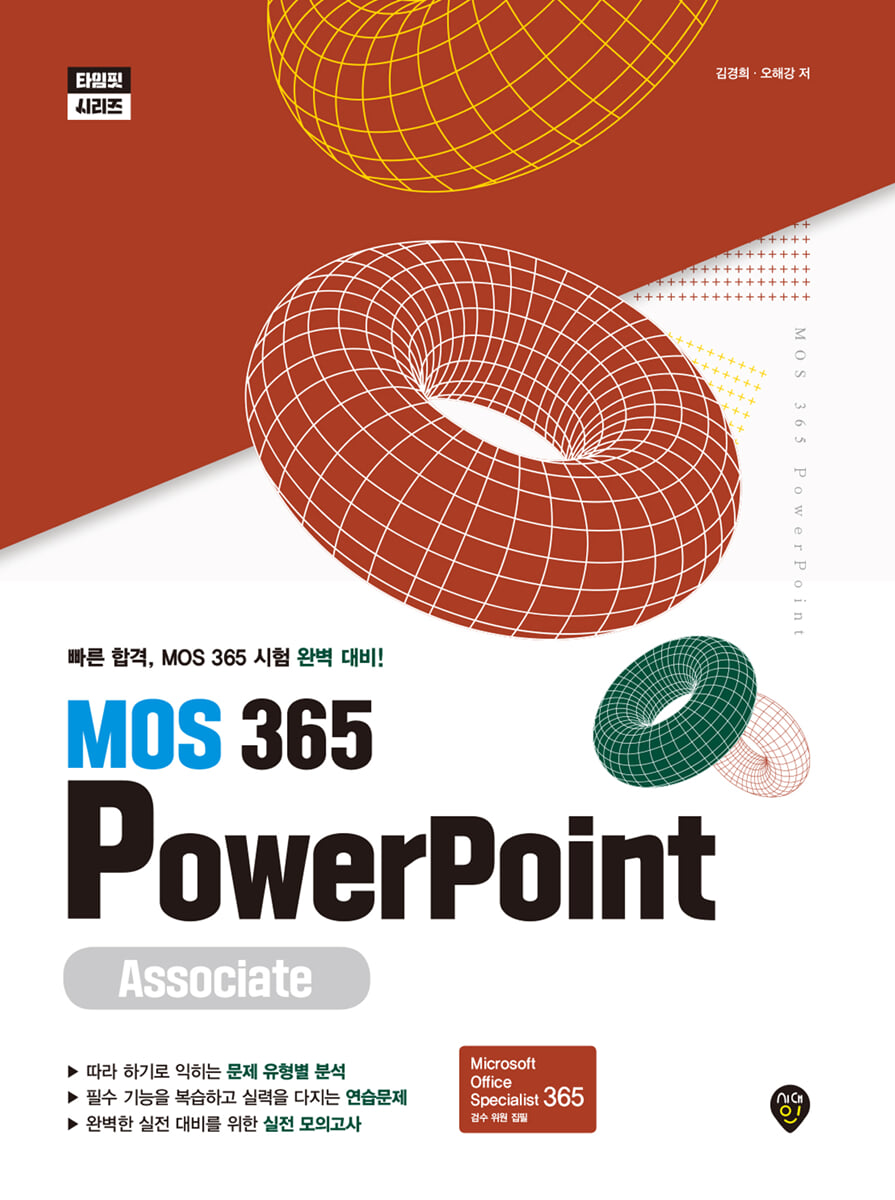
MOS 365 PowerPoint Associate
 |
Description
Book Introduction
From the latest analysis of past exam questions to actual mock exams,
The ultimate pass guide, written by MOS 365 reviewers!
The Microsoft Office Specialist (MOS) certification validates proficiency in Microsoft Office programs. Recognized in over 150 countries, it's an international certification officially endorsed by Microsoft. The MOS 365 exam goes beyond memorizing basic Office program functions and assesses how to utilize the programs in real-world work scenarios.
Through this book, you can quickly learn the basic concepts of PowerPoint as well as the core functions of MOS 365 PowerPoint that are likely to appear on the exam.
It will be your most reliable guide to ensure that your time and effort are not wasted.
- You can preview some of the book's contents.
Preview
index
PART 1 TYPE ANALYSIS
Chapter 01 Presentation Management
Section 01 Editing Slides, Handouts, and Slide Note Masters
Section 02 Changing Presentation Options and Views
Section 03 Configuring print settings for presentations
Section 04 Configuring and Displaying Slideshows
Section 05 Preparing a Presentation for Collaboration and Distribution
Chapter 02 Slide Management
Section 01 Inserting Slides
Section 02 Slide Editing
Section 03 Reordering and Grouping Slides
Chapter 03 Inserting and Formatting Text, Shapes, and Images
Section 01 Text Formatting
Section 02 Inserting a Link
Section 03 Inserting and Formatting Images
Section 04 Inserting and Formatting Graphic Elements
Section 05 Ordering, Aligning, and Grouping Slide Content
Chapter 04 Inserting Tables, Charts, SmartArt, 3D Models, and Media
Section 01 Inserting and Formatting Tables
Section 02 Inserting and Editing Charts
Section 03 Inserting and Formatting SmartArt
Section 04 Inserting and Modifying 3D Models
Section 05 Media Insertion and Management
Chapter 05 Applying Slide Transitions and Animations
Section 01 Applying and Configuring Slide Transition Effects
Section 02 Applying animation to slide content
PART 2 PRACTICE PROBLEMS
Chapter 01 Practice Exam
1st mock exam
2nd mock exam
PART 3 PROBLEM EXPLANATION
Chapter 01: Practice Questions and Mock Exams
Practice Problem Explanation
Mock Exam Explanation
Detailed image

Publisher's Review
MOS 365 PowerPoint Associate Exam Preparation,
Practice the exam format as if it were the real thing and pass on the first try!
From job seekers to office workers dreaming of career growth
Anyone can obtain MOS 365 certification quickly and easily.
This is the first textbook to reflect the latest features of Microsoft 365, and our team of experienced instructors has thoroughly analyzed the exam structure and trends.
You can quickly learn the core features of PowerPoint that are likely to appear on the exam, such as slide management, various insertion functions such as text, shapes, images, charts, SmartArt, and media, as well as slide transition and animation functions, through practice problems and exercises. You can also check your skills through two mock exams similar to the actual exam.
Learning Support
The textbook source files can be downloaded from Sidae Edu (https://www.edusd.co.kr) [Program].
GOODS SPECIFICS
- Date of issue: June 30, 2025
- Page count, weight, size: 184 pages | 190*260*20mm
- ISBN13: 9791138394994
You may also like
카테고리
korean


korean


