

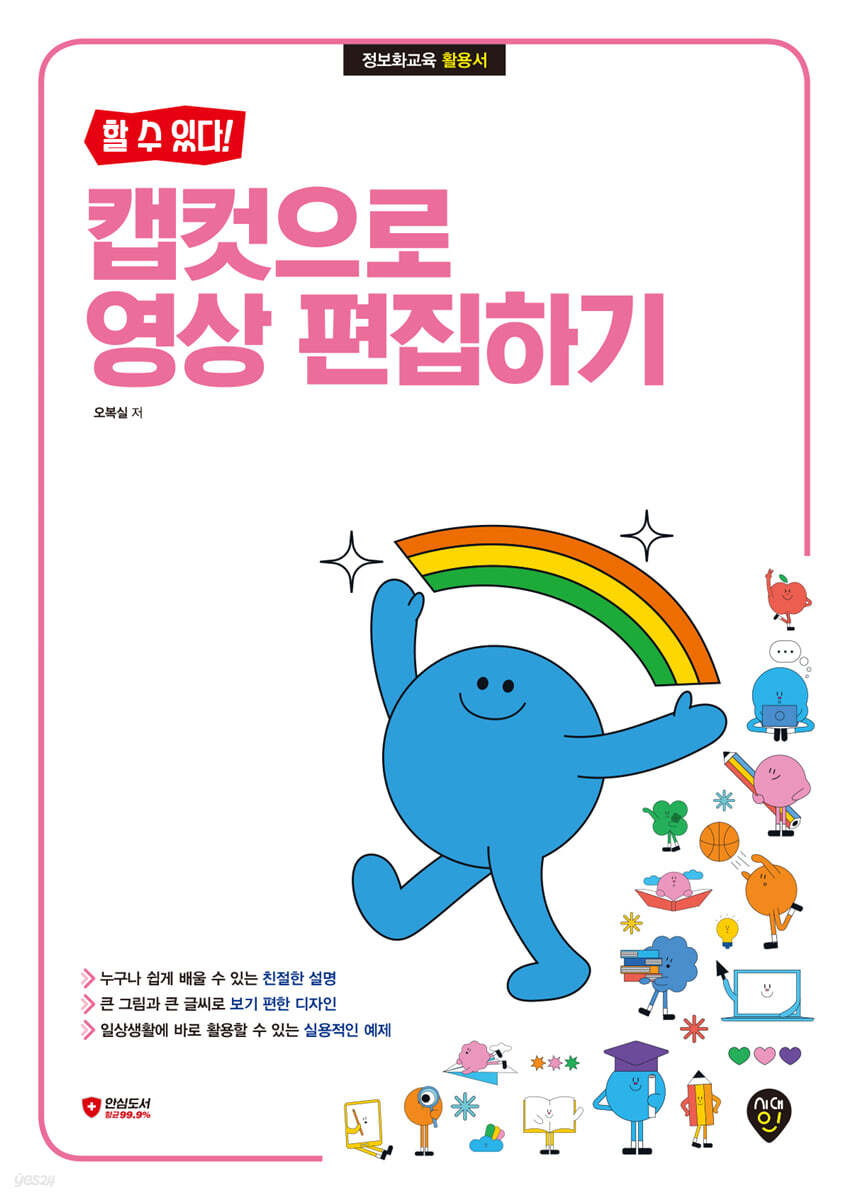
You can do it! Edit videos with CapCut!
 |
Description
Book Introduction
#1 in video editing app downloads
Edit videos quickly and easily with 'CapCut'!
With friendly explanations and practical examples
Capcut Utilization Guide: A Fun Learning Tool Even for Beginners
This book is a guide to using the video editing app 'CapCut' and includes various functions and methods of using CapCut.
This guide provides a friendly and step-by-step guide on how to shoot a video with your smartphone, edit it in CapCut, and upload it to YouTube.
You can learn the basics of video editing using CapCut, including how to install CapCut, add text to videos, apply filters to videos, and composite multiple videos.
You can also learn various editing techniques that can help you use CapCut more effectively, such as how to retouch people in photos or videos and how to change the background using chroma key photos.
index
01 | Video Editing Basics! Preparing Your Video for Editing
_01.
Explore the Camera app's tools panel
_02.
Take a picture with your smartphone
_03.
Download free videos from the site
_04.
Developing application skills
02 | Getting Started with CapCut
_01.
Setting up the CapCut app after installing it
_02.
Take a look at the CapCut home screen and editing space layout.
_03.
Edit videos easily with templates
_04.
Developing application skills
03 | Learn the Basics of Video Editing
_01.
Set aspect ratio and delete and add videos
_02.
Editing video scenes with editing features
_03.
Developing application skills
04| Adding Text to a Video
_01.
Add text to your video and apply various effects.
_02.
Editing a text clip
_03. Automatically create and edit captions with AI features
_04.
Developing application skills
05| Adding Music to a Video
_01.
Add background music and sound effects
_02.
Download free music and edit it with CapCut
_03.
Add real-time voice recording to your video
_04.
Developing application skills
06| Applying filters and changing colors to a video
_01.
Apply filters to videos and search
_02.
Edit Filter
_03.
Adjust the color of the video and export it
_04.
Developing application skills
07 | Retouching a Person and Removing the Background
_01.
Retouching and restyling portrait photos
_02.
Remove background
_03.
Change the background using a chroma key photo
_04.
Developing application skills
08| Adding Effects to a Video
_01.
Add effects and edit your video
_02.
Add and export body effects
_03.
Editing scene transition effects and project names
_04.
Developing application skills
09|Compositing Multiple Videos
_01.
Compositing video with overlay and splitting the screen
_02.
Learn about the mask's features
_03.
Developing application skills
10| Uploading a video to YouTube
_01.
Set the resolution and export the project
_02.
Custom shopping
_03.
Developing application skills
Detailed image

Publisher's Review
Using the popular video editing app 'Capcut'
Create your own attractive video!
CapCut is the world's most popular video editing app with over 500 million downloads. Its intuitive screen layout makes it easy for even beginners to use.
This book is a guide to using CapCut that explains the basic video editing functions and usage of CapCut step by step.
For beginners who are not familiar with smartphones, we will explain in detail how to shoot with a smartphone and how to edit videos in CapCut.
You can learn how to use CapCut easily and enjoyably, from basic video editing such as adding text to videos, adding background music, applying filters, and adjusting colors, to retouching people, changing the background using chroma key photos, and compositing multiple videos.
We've included QR codes for easy downloading of example files, and we've also included a one-hour video lecture that condenses the editing features of CapCut described in the textbook into one easy-to-follow example.
The main text is composed of essential theories and examples that even beginners can easily follow, and application problems are included for each unit so that you can review what you have learned.
GOODS SPECIFICS
- Date of issue: August 8, 2024
- Page count, weight, size: 164 pages | 210*297*20mm
- ISBN13: 9791138374873
- ISBN10: 1138374873
You may also like
카테고리
korean


korean


