

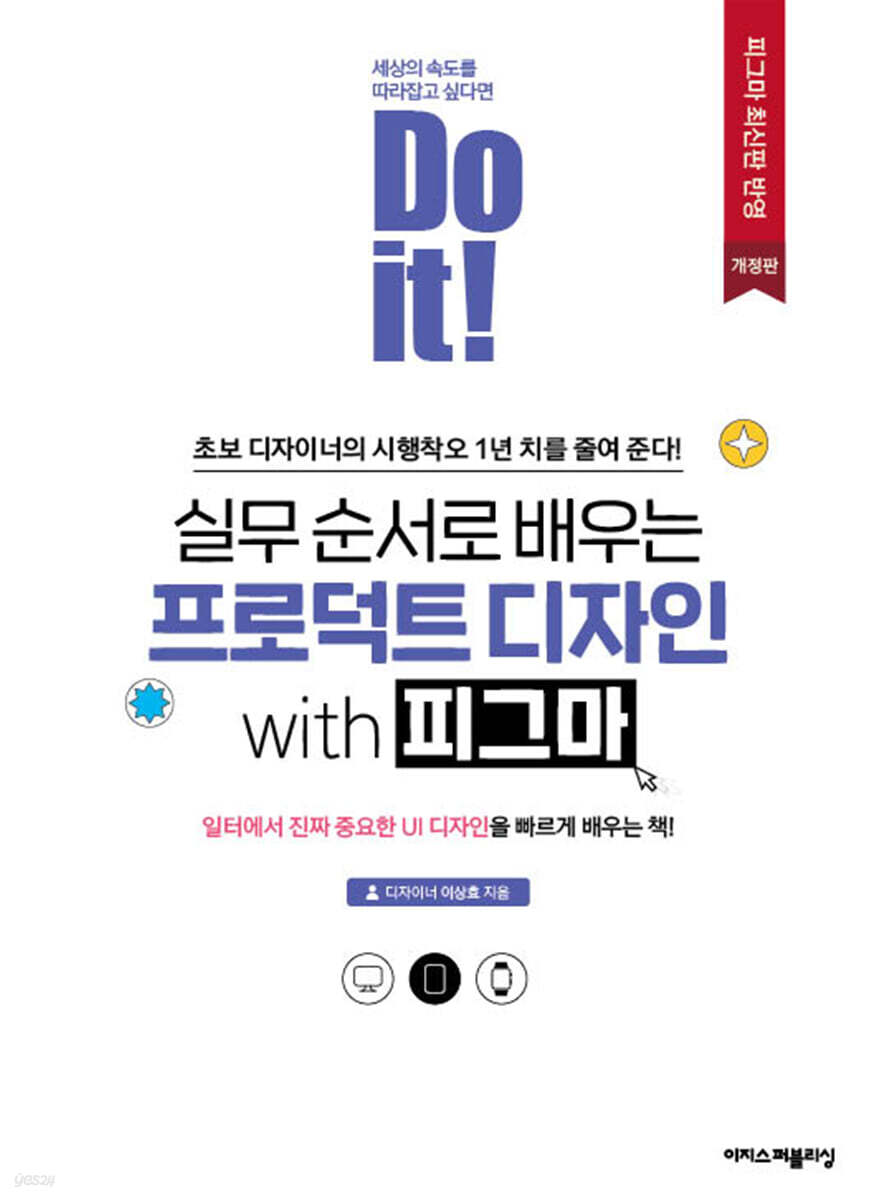
Do it! Learn product design with Figma in a practical way.
 |
Description
Book Introduction
It saves a year's worth of trial and error for beginner designers!
A book that will help you quickly learn UI design, which is really important in the workplace!
Want to cut your design work time in half? Then read "Do It! Learn Product Design with Figma in Practical Steps."
Author Lee Sang-hyo, who began his design career by starting his own business, has compiled in this book the fundamentals and know-how of UI design that he gained through diverse reflections and experiences in the business field.
And we will explain in detail how to freely use 'Figma', an essential UI/UX tool, and how to use it wisely in practice.
Plus, it's so realistic that you'll feel like you're working on a project with an actual design team, and it even includes collaboration tips.
This book will serve as a compass for those who want to learn the fundamentals of product design and UI/UX to help users and solve problems, as well as for practical designers, planners, developers, and other professionals who value collaboration.
A book that will help you quickly learn UI design, which is really important in the workplace!
Want to cut your design work time in half? Then read "Do It! Learn Product Design with Figma in Practical Steps."
Author Lee Sang-hyo, who began his design career by starting his own business, has compiled in this book the fundamentals and know-how of UI design that he gained through diverse reflections and experiences in the business field.
And we will explain in detail how to freely use 'Figma', an essential UI/UX tool, and how to use it wisely in practice.
Plus, it's so realistic that you'll feel like you're working on a project with an actual design team, and it even includes collaboration tips.
This book will serve as a compass for those who want to learn the fundamentals of product design and UI/UX to help users and solve problems, as well as for practical designers, planners, developers, and other professionals who value collaboration.
- You can preview some of the book's contents.
Preview
index
Chapter 1: Getting Started with UI Design
__01-1 The Work of a UI Designer
__01-2 The Expanded Role of Product Designers
__01-3 Understanding the Mobile Device Design Environment
Chapter 2 Getting Closer to Figma
__02-1 Understanding the design tool Figma
__02-2 Getting Started with Figma
Chapter 3: Mastering Figma's Core Interface
__03-1 Nine basic interfaces for freely manipulating tools
Copy and paste to a higher level with __03-2 components
__03-3 UI Designer's Bookshelf, Left Sidebar
__03-4 Contextual tools that instantly show you the features you need
Chapter 4: Drawing Colorfully with Figma
__04-1 Take a look at the right panel
__04-2 Setting rules for the spacing and position of objects
__04-3 Explore the various graphic options
__04-4 Export Design
__04-5 Trying out the real-time save and version management features
__04-6 Create a link and share it
Chapter 5: Designing New Services
__05-1 Service Logo, Designing It Strategically
__05-2 Capturing a Concept UI that Guides App Design
__05-3 Creating a Recipe Content UI
__05-4 Completing the concept UI
Chapter 6: Specifying Services
__06-1 Planning Services for Customers
__06-2 Reconfiguring the screen to fit the information structure
__06-3 Creating a wireframe to capture the plan on screen
__06-4 Designing the Service UI
__06-5 Creating a prototype that implements the user experience
Chapter 7: Creating a Design System
__07-1 Design system that maximizes work efficiency
__07-2 Laying the Foundation of a Design System
__07-3 Creating Components Quickly
__07-4 Evangelizing Design Systems for Planners, Designers, and Developers
Chapter 8: Collaborating Outside the Design Tool
__08-1 Collaborating with Shape Management
__08-2 Search Methods for Designers
__08-3 Effectively Communicating Designs to Developers
Search
__01-1 The Work of a UI Designer
__01-2 The Expanded Role of Product Designers
__01-3 Understanding the Mobile Device Design Environment
Chapter 2 Getting Closer to Figma
__02-1 Understanding the design tool Figma
__02-2 Getting Started with Figma
Chapter 3: Mastering Figma's Core Interface
__03-1 Nine basic interfaces for freely manipulating tools
Copy and paste to a higher level with __03-2 components
__03-3 UI Designer's Bookshelf, Left Sidebar
__03-4 Contextual tools that instantly show you the features you need
Chapter 4: Drawing Colorfully with Figma
__04-1 Take a look at the right panel
__04-2 Setting rules for the spacing and position of objects
__04-3 Explore the various graphic options
__04-4 Export Design
__04-5 Trying out the real-time save and version management features
__04-6 Create a link and share it
Chapter 5: Designing New Services
__05-1 Service Logo, Designing It Strategically
__05-2 Capturing a Concept UI that Guides App Design
__05-3 Creating a Recipe Content UI
__05-4 Completing the concept UI
Chapter 6: Specifying Services
__06-1 Planning Services for Customers
__06-2 Reconfiguring the screen to fit the information structure
__06-3 Creating a wireframe to capture the plan on screen
__06-4 Designing the Service UI
__06-5 Creating a prototype that implements the user experience
Chapter 7: Creating a Design System
__07-1 Design system that maximizes work efficiency
__07-2 Laying the Foundation of a Design System
__07-3 Creating Components Quickly
__07-4 Evangelizing Design Systems for Planners, Designers, and Developers
Chapter 8: Collaborating Outside the Design Tool
__08-1 Collaborating with Shape Management
__08-2 Search Methods for Designers
__08-3 Effectively Communicating Designs to Developers
Search
Detailed image

Publisher's Review
"A book that lets you experience the vivid, first-hand experience of a design senior with 10 years of experience."
A senior clearly explains product design!
Now, not only designers, but also planners and developers, all makers who create products are working to improve the user experience and solve problems.
UI/UX plays the most important role at this time, and this book clearly and easily explains what product design and UI design are and how to implement them in practice.
The author, Lee Sang-hyo, started out majoring in 'textile design', a field completely unrelated to his current job, and is currently working as a product designer, even teaching classes using Figma.
All the trials and errors I experienced along the way are included in this book.
Whether you're just starting out as a product designer or want to learn the fundamentals of UI/UX, this book will help you find the answers to your product design challenges, drawing on the author's extensive practical experience and expertise.
“Figma is now a well-established tool in the design profession!”
Try it properly with this book!
Take advantage of Figma, which is optimized for collaboration.
Figma allows you to efficiently manage and utilize the assets required for design work.
It's also very easy to share real-time mouse cursors for collaboration, share opinions, share materials, etc.
However, there are limitations to using Internet searches to properly utilize these useful features.
So, Teacher Lee Sang-hyo prepared a study guide to help you use Figma properly.
This book explains the knowledge necessary to excel in design practice and how to create a robust UI using Figma, with practical examples.
Additionally, while preparing this revised edition, we carefully reviewed and reflected the features changed by the Figma update.
Professor Lee Sang-hyo used Figma both when writing manuscripts and working with his editor, and through this process, he had the surprising experience of discovering that Figma is truly a tool optimized for collaboration.
How to design, materialize, create, and collaborate on new services
Learn in the order in which it is done in the actual workplace!
Don't be fooled into thinking this book simply teaches you how to use Figma! It not only teaches you nine core interfaces for mastering Figma, an essential UX/UI tool, but also covers the entire product design process in detail, in four stages.
Design a new service, look at competitor logos, design a logo for your service, and conceptualize and create UI concepts.
That's not all.
We also cover how to evangelize your design system to better work with planners, designers, and developers, and how to effectively communicate designs to developers.
Popular not only for self-study but also as a textbook!
Practice materials and learning progress chart provided!
All the materials needed for the exercises covered in this book are also provided in Figma.
You can search for book titles in Figma to find practical materials so you can start practicing right away.
We also provide a study plan for 15 lessons.
If you are a self-taught reader, please actively use it when creating your own study plan, and if you are an instructor who will use it as a textbook, please actively use it when creating your lecture plan.
- Practical materials: Search "Do it! Learn Product Design with Figma in Practical Steps" in Figma.
- Author-run community: https://www.figma.com/@hyo_yee
- Author email for Q&A: artpen90@gmail.com
Come to the 'Do it! Study Room' where we learn, share, and grow together!
If you plan and study alone, you will quickly become tired.
Let's meet readers who have similar concerns and share difficult content.
Studying while helping each other is more rewarding.
If you want to go far, go with a friend.
- Do it! Study Room: cafe.naver.com/doitstudyroom
A senior clearly explains product design!
Now, not only designers, but also planners and developers, all makers who create products are working to improve the user experience and solve problems.
UI/UX plays the most important role at this time, and this book clearly and easily explains what product design and UI design are and how to implement them in practice.
The author, Lee Sang-hyo, started out majoring in 'textile design', a field completely unrelated to his current job, and is currently working as a product designer, even teaching classes using Figma.
All the trials and errors I experienced along the way are included in this book.
Whether you're just starting out as a product designer or want to learn the fundamentals of UI/UX, this book will help you find the answers to your product design challenges, drawing on the author's extensive practical experience and expertise.
“Figma is now a well-established tool in the design profession!”
Try it properly with this book!
Take advantage of Figma, which is optimized for collaboration.
Figma allows you to efficiently manage and utilize the assets required for design work.
It's also very easy to share real-time mouse cursors for collaboration, share opinions, share materials, etc.
However, there are limitations to using Internet searches to properly utilize these useful features.
So, Teacher Lee Sang-hyo prepared a study guide to help you use Figma properly.
This book explains the knowledge necessary to excel in design practice and how to create a robust UI using Figma, with practical examples.
Additionally, while preparing this revised edition, we carefully reviewed and reflected the features changed by the Figma update.
Professor Lee Sang-hyo used Figma both when writing manuscripts and working with his editor, and through this process, he had the surprising experience of discovering that Figma is truly a tool optimized for collaboration.
How to design, materialize, create, and collaborate on new services
Learn in the order in which it is done in the actual workplace!
Don't be fooled into thinking this book simply teaches you how to use Figma! It not only teaches you nine core interfaces for mastering Figma, an essential UX/UI tool, but also covers the entire product design process in detail, in four stages.
Design a new service, look at competitor logos, design a logo for your service, and conceptualize and create UI concepts.
That's not all.
We also cover how to evangelize your design system to better work with planners, designers, and developers, and how to effectively communicate designs to developers.
Popular not only for self-study but also as a textbook!
Practice materials and learning progress chart provided!
All the materials needed for the exercises covered in this book are also provided in Figma.
You can search for book titles in Figma to find practical materials so you can start practicing right away.
We also provide a study plan for 15 lessons.
If you are a self-taught reader, please actively use it when creating your own study plan, and if you are an instructor who will use it as a textbook, please actively use it when creating your lecture plan.
- Practical materials: Search "Do it! Learn Product Design with Figma in Practical Steps" in Figma.
- Author-run community: https://www.figma.com/@hyo_yee
- Author email for Q&A: artpen90@gmail.com
Come to the 'Do it! Study Room' where we learn, share, and grow together!
If you plan and study alone, you will quickly become tired.
Let's meet readers who have similar concerns and share difficult content.
Studying while helping each other is more rewarding.
If you want to go far, go with a friend.
- Do it! Study Room: cafe.naver.com/doitstudyroom
GOODS SPECIFICS
- Date of issue: December 11, 2023
- Page count, weight, size: 304 pages | 652g | 188*257*13mm
- ISBN13: 9791163035336
You may also like
카테고리
korean


korean

![GQ KOREA Mark (Monthly): December [2025]](http://librairie.coreenne.fr/cdn/shop/files/8ef265dbbfbf186523ed75ba7319009d.jpg?v=1765340328&width=3840)


