

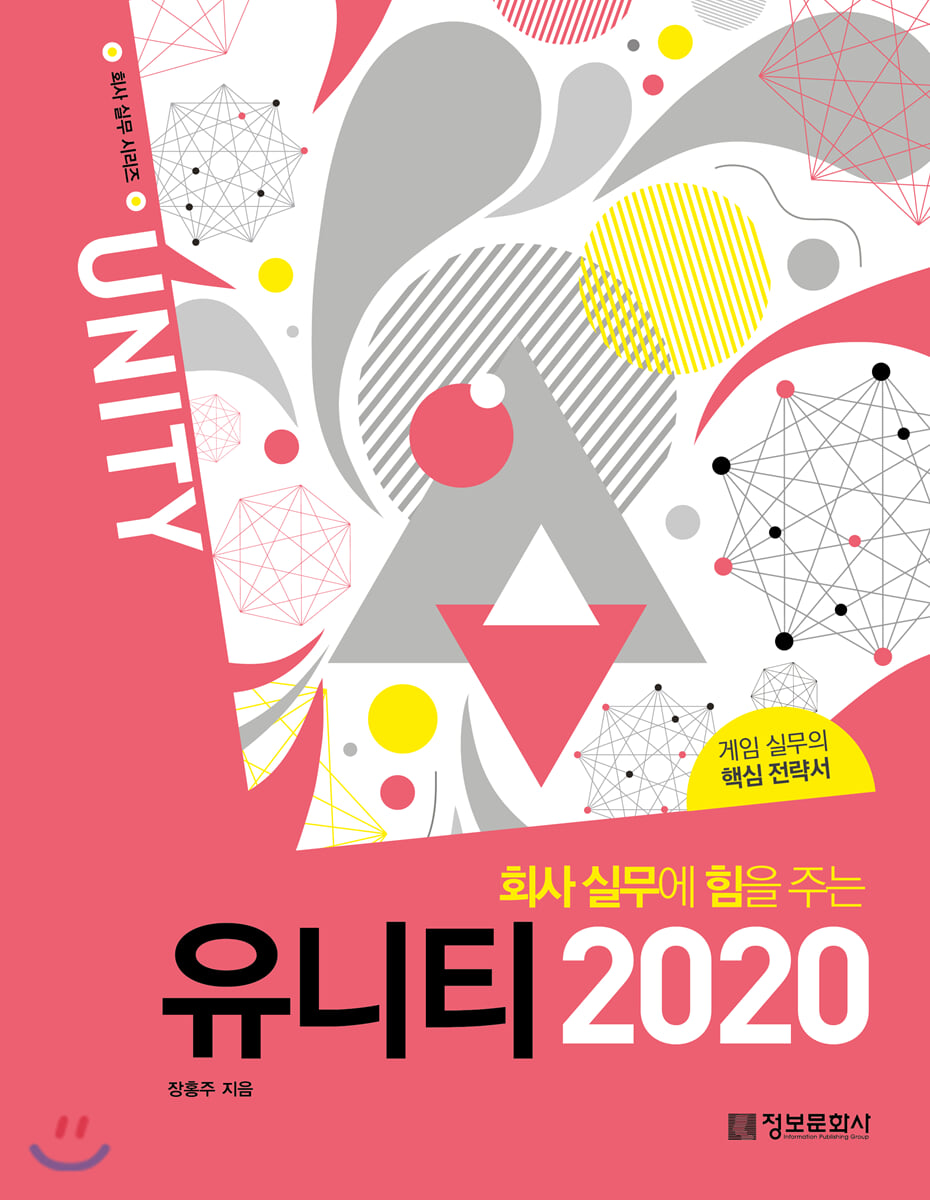
Unity 2020 Empowers Business Practices
 |
Description
Book Introduction
A manual book that even beginners can get started with right away! Unity offers a very intuitive UI, allowing you to build the service you want with just a few clicks of a button. That's why it's easily accessible to indie developers and beginners. This book begins with a detailed guide from installation to menus based on the latest version of Unity, 2020. In particular, parts that could be missed while explaining were added as Points, and additional information that would be good to know was classified as Level Up. You will be able to experience the field in advance because we introduce useful functions that are directly experienced and taught by practitioners as Special TIPs. Additionally, the example files used in this book can be downloaded from the data room on the Information Culture Publishing website (infopub.co.kr), and any questions you may have while studying can be answered on the author's website (blog.naver.com/ateliersera). |
- You can preview some of the book's contents.
Preview
index
PART 01 Getting Started with Unity
01.
Download Unity
02.
Explore Unity Hub
03.
Running Unity
04.
Unity workspace
05.
Explore the Tool Bar
06.
Explore Scene View
07.
Hierarchy and Project
08.
Game View and Inspector
09.
Creating a Menu Bar and Assets
PART 02 Unity UI and Scripting
01. UGUI and Rect Transform
02.
Canvas and Camera
03. Learning UI Features
04. UGUI and Script Control
05. Using the UI Joystick
06.
Using TextMesh Pro
PART 03 Utilizing 2D Features and Development Tools
01.
Unity's 2D game features
02.
Creating a 2D tile map
03.
Using Sprite Shapes
04.
Joint 2D and Physics 2D
05.
Creating a Joint 2D Car Game
06.
Using 2D Light
07.
2D Animation features and Photoshop
08.
Creating 2D motion
09.
Controlling 2D character scripts
PART 04 Utilizing 3D Features and Development Tools
01.
Unity's 3D game features
02.
Unity's Effect feature
03.
Light and Light Map
04.
Creating a 3D map
05.
Navigation and route finding features
06.
Joints and Physics
07.
Cinemachine and Timeline
PART 05 Render Pipeline and Shader Graph
01.
Introducing the Universal Render Pipeline (URP)
02. URP Renderer and Camera Stack
03. Using HDRP (High Definition Render Pipeline)
04.
Using Shader Graph
01.
Download Unity
02.
Explore Unity Hub
03.
Running Unity
04.
Unity workspace
05.
Explore the Tool Bar
06.
Explore Scene View
07.
Hierarchy and Project
08.
Game View and Inspector
09.
Creating a Menu Bar and Assets
PART 02 Unity UI and Scripting
01. UGUI and Rect Transform
02.
Canvas and Camera
03. Learning UI Features
04. UGUI and Script Control
05. Using the UI Joystick
06.
Using TextMesh Pro
PART 03 Utilizing 2D Features and Development Tools
01.
Unity's 2D game features
02.
Creating a 2D tile map
03.
Using Sprite Shapes
04.
Joint 2D and Physics 2D
05.
Creating a Joint 2D Car Game
06.
Using 2D Light
07.
2D Animation features and Photoshop
08.
Creating 2D motion
09.
Controlling 2D character scripts
PART 04 Utilizing 3D Features and Development Tools
01.
Unity's 3D game features
02.
Unity's Effect feature
03.
Light and Light Map
04.
Creating a 3D map
05.
Navigation and route finding features
06.
Joints and Physics
07.
Cinemachine and Timeline
PART 05 Render Pipeline and Shader Graph
01.
Introducing the Universal Render Pipeline (URP)
02. URP Renderer and Camera Stack
03. Using HDRP (High Definition Render Pipeline)
04.
Using Shader Graph
Detailed image

Publisher's Review
All the features you need for practical gaming in one book!
Unity has finally been added to the 'Empowering Company Practice' series, a series of manuals on various office and graphic programming that has been ongoing for many years.
In the age of COVID-19, many companies are closing down or allowing employees to work from home.
One of the industries that is booming during these dark times is gaming.
Even though game company employees worked from home, sales were at an all-time high.
The reason is that people cannot go out and spend long hours at home.
Modern people who cannot live without their smartphones enjoy games on their mobile devices, and like in the past, they also enjoy games on their PCs.
Herein lies the reason why we should learn Unity.
Unity is an essential engine for creating games, and it is useful for many developers as it allows them to create their own content.
In particular, it has the advantage of being easily accessible to anyone as it can be used in a variety of fields, including not only games but also apps, interior design, automobiles, industrial design, simulations, and video.
This book covers the basics of menus frequently used in practice, as well as useful functions, so even beginners can easily take on the challenge.
Unity has finally been added to the 'Empowering Company Practice' series, a series of manuals on various office and graphic programming that has been ongoing for many years.
In the age of COVID-19, many companies are closing down or allowing employees to work from home.
One of the industries that is booming during these dark times is gaming.
Even though game company employees worked from home, sales were at an all-time high.
The reason is that people cannot go out and spend long hours at home.
Modern people who cannot live without their smartphones enjoy games on their mobile devices, and like in the past, they also enjoy games on their PCs.
Herein lies the reason why we should learn Unity.
Unity is an essential engine for creating games, and it is useful for many developers as it allows them to create their own content.
In particular, it has the advantage of being easily accessible to anyone as it can be used in a variety of fields, including not only games but also apps, interior design, automobiles, industrial design, simulations, and video.
This book covers the basics of menus frequently used in practice, as well as useful functions, so even beginners can easily take on the challenge.
GOODS SPECIFICS
- Publication date: November 10, 2020
- Page count, weight, size: 306 pages | 796g | 190*245*18mm
- ISBN13: 9788956748597
- ISBN10: 8956748594
You may also like
카테고리
korean


korean

![GQ KOREA Mark (Monthly): December [2025]](http://librairie.coreenne.fr/cdn/shop/files/8ef265dbbfbf186523ed75ba7319009d.jpg?v=1765340328&width=3840)


