

Game UI Design Textbook
 |
Description
Book Introduction
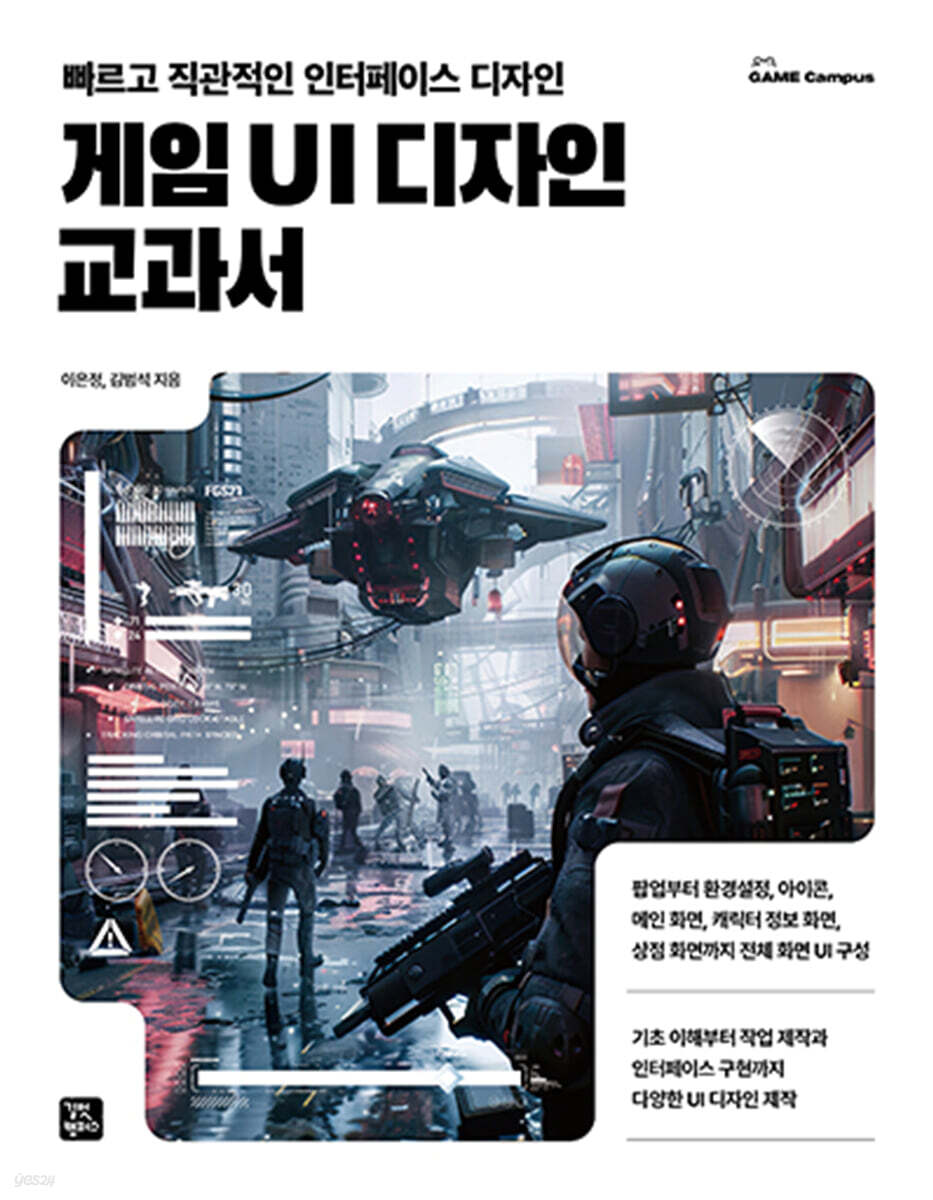
Complete UI configuration from pop-ups to settings, icons, main screen, character information screen, and store screen.
Create various UI designs, from basic understanding to work production and interface implementation.
Game UI design is a crucial element that connects players and games, and plays a key role in providing an intuitive and immersive experience.
In "Game UI Design Textbook," you'll learn UI design concepts step-by-step, from the basics to practical projects, and learn how to efficiently create UIs using Photoshop and Unity.
Learn practical, immediately applicable features, from quick UI draft creation using prompts to element-by-element design and interaction implementation.
You can create your own UI elements such as buttons, icons, and character information screens, and learn how to optimize the UI.
Through this book, you'll learn UI design skills that can be applied in game practice and create creative interfaces!
Create various UI designs, from basic understanding to work production and interface implementation.
Game UI design is a crucial element that connects players and games, and plays a key role in providing an intuitive and immersive experience.
In "Game UI Design Textbook," you'll learn UI design concepts step-by-step, from the basics to practical projects, and learn how to efficiently create UIs using Photoshop and Unity.
Learn practical, immediately applicable features, from quick UI draft creation using prompts to element-by-element design and interaction implementation.
You can create your own UI elements such as buttons, icons, and character information screens, and learn how to optimize the UI.
Through this book, you'll learn UI design skills that can be applied in game practice and create creative interfaces!
- You can preview some of the book's contents.
Preview
index
WEEK 01 Understanding Game UI Design
1.1 Games and Design
01 Game
02 Design and Design Characteristics
1.2 HCI and UI/UX
01 HCI
02 UI/User Interface
03 UI Components
04 UX/User Experience
05 Game UI and Game UI Features
Practice problems
WEEK 02 Game UI Creation Process
2.1 Understanding the Game UI Creation Process
01 Design Derivation
02 Study the plan
03 Screen Production
2.2 Usability Evaluation of Game UI
01 Usability Evaluation
02 Usability
03 Heuristic Evaluation
Practice problems
WEEK 03 Preparing for Game UI Design
3.1 Digital Images
01 Understanding Resolution and PPI
02 Digital color gamut
03 Bitmap and vector methods
3.2 Understanding Tools
01 Functions and Uses of the Pen Tool
02 Types and shapes of shape tools
03 Layer Style Properties
04 Layer Organization and Grouping
Practice problems
WEEK 04 Pop-up
4.1 Understanding Pop-ups
01 Concept and Types of Pop-ups
02 Pop-up Structure
03 Types and functions of buttons
4.2 Creating a Pop-up
01 Completed Image
02 Creating the basic frame
03 Creating a title and content section
04 Text Creation
05 Create a confirmation button
Practice problems
WEEK 05 Settings (Optional)
5.1 Understanding Preferences
01 The Importance of Preferences
02 UI elements for settings
5.2 Creating Environment Settings
01 Completed Image
02 Creating a settings frame
03 Category Creation
04 Creating a frame for the content of the settings menu button
05 Create a check box
06 Creating a Slider
07 Creating a speaker icon
08 Creating a Radio Button
09 Toggle Creation
10 Stepper Manufacturing
11 Creating a Dropdown
12 Creating a Close Button
Practice problems
WEEK 06 Icon
6.1 Understanding Icons
01 Icon
02 Types of icons
03 Things to keep in mind when designing icons
6.2 Creating an Icon
01 Completed Image
02 Crafting Goods Items
03 Create a pocket image
Practice problems
WEEK 07 Main Screen
7.1 Understanding the Main Screen
01 Network mode
02 Main Screen
03 Gauges and Fonts
7.2 Creating a Character Information Screen
01 Completed Image
02 Setting the background color and character position
03 Create back, menu, and home buttons
04 Product Information Creation
05 Character Information Creation
06 Character Skill Information Creation
07 Create a character upgrade button
Practice problems
WEEK 08 Store
8.1 Understanding the Store
01 Store in the game
02 Store Components
03 Store UI Elements
8.2 Creating a Store
01 Completed Image
02 Create a store category
03 Create a product list
Practice problems
WEEK 09 Resource Cleanup
9.1 Understanding Resources
01 Concept and Purpose of Game UI Resources
02 How resources are stored
9.2 Organizing Resources
01 Completed Image
02 Creative Resources
03 Slot resource
04 Resourceization of icons
05 Gauge Resourceization
06 Button resourceization
Practice problems
WEEK 10 Understanding Unity
10.1 Understanding Unity
01 Engine Concept
02 Unity UI
03 Installing the Unity Editor
10.2 Unity Basic Screen and Controls
01 Unity Basic Screen and Operation Tools
02 Adding objects and basic operations
Practice problems
WEEK 11 uGUI Basics
11.1 Understanding Basic Objects for Using uGUI
01 Sprite Atlas
02 Canvas
03 Canvas Components
04 Rect Transform
05 Using anchors and position coordinates
Practice problems
WEEK 12 UI Object 1
12.1 UI Objects and Components
01 Image
02 Text Mesh Pro
03 Button
12.2 Using UI Objects
01 Completed Image
02 Pop-up composition
03 UI Structure Settings
Practice problems
WEEK 13 UI Object 2
13.1 UI Objects for Option Selection
01 Toggle
02 Dropdown
03 Slider
04 Scroll View
05 Layout Components
13.2 Using UI Objects
01 Completed Image
02 Top part composition
03 Intermediate section composition
04 Lower part composition
Practice problems
List of illustrations
Search
1.1 Games and Design
01 Game
02 Design and Design Characteristics
1.2 HCI and UI/UX
01 HCI
02 UI/User Interface
03 UI Components
04 UX/User Experience
05 Game UI and Game UI Features
Practice problems
WEEK 02 Game UI Creation Process
2.1 Understanding the Game UI Creation Process
01 Design Derivation
02 Study the plan
03 Screen Production
2.2 Usability Evaluation of Game UI
01 Usability Evaluation
02 Usability
03 Heuristic Evaluation
Practice problems
WEEK 03 Preparing for Game UI Design
3.1 Digital Images
01 Understanding Resolution and PPI
02 Digital color gamut
03 Bitmap and vector methods
3.2 Understanding Tools
01 Functions and Uses of the Pen Tool
02 Types and shapes of shape tools
03 Layer Style Properties
04 Layer Organization and Grouping
Practice problems
WEEK 04 Pop-up
4.1 Understanding Pop-ups
01 Concept and Types of Pop-ups
02 Pop-up Structure
03 Types and functions of buttons
4.2 Creating a Pop-up
01 Completed Image
02 Creating the basic frame
03 Creating a title and content section
04 Text Creation
05 Create a confirmation button
Practice problems
WEEK 05 Settings (Optional)
5.1 Understanding Preferences
01 The Importance of Preferences
02 UI elements for settings
5.2 Creating Environment Settings
01 Completed Image
02 Creating a settings frame
03 Category Creation
04 Creating a frame for the content of the settings menu button
05 Create a check box
06 Creating a Slider
07 Creating a speaker icon
08 Creating a Radio Button
09 Toggle Creation
10 Stepper Manufacturing
11 Creating a Dropdown
12 Creating a Close Button
Practice problems
WEEK 06 Icon
6.1 Understanding Icons
01 Icon
02 Types of icons
03 Things to keep in mind when designing icons
6.2 Creating an Icon
01 Completed Image
02 Crafting Goods Items
03 Create a pocket image
Practice problems
WEEK 07 Main Screen
7.1 Understanding the Main Screen
01 Network mode
02 Main Screen
03 Gauges and Fonts
7.2 Creating a Character Information Screen
01 Completed Image
02 Setting the background color and character position
03 Create back, menu, and home buttons
04 Product Information Creation
05 Character Information Creation
06 Character Skill Information Creation
07 Create a character upgrade button
Practice problems
WEEK 08 Store
8.1 Understanding the Store
01 Store in the game
02 Store Components
03 Store UI Elements
8.2 Creating a Store
01 Completed Image
02 Create a store category
03 Create a product list
Practice problems
WEEK 09 Resource Cleanup
9.1 Understanding Resources
01 Concept and Purpose of Game UI Resources
02 How resources are stored
9.2 Organizing Resources
01 Completed Image
02 Creative Resources
03 Slot resource
04 Resourceization of icons
05 Gauge Resourceization
06 Button resourceization
Practice problems
WEEK 10 Understanding Unity
10.1 Understanding Unity
01 Engine Concept
02 Unity UI
03 Installing the Unity Editor
10.2 Unity Basic Screen and Controls
01 Unity Basic Screen and Operation Tools
02 Adding objects and basic operations
Practice problems
WEEK 11 uGUI Basics
11.1 Understanding Basic Objects for Using uGUI
01 Sprite Atlas
02 Canvas
03 Canvas Components
04 Rect Transform
05 Using anchors and position coordinates
Practice problems
WEEK 12 UI Object 1
12.1 UI Objects and Components
01 Image
02 Text Mesh Pro
03 Button
12.2 Using UI Objects
01 Completed Image
02 Pop-up composition
03 UI Structure Settings
Practice problems
WEEK 13 UI Object 2
13.1 UI Objects for Option Selection
01 Toggle
02 Dropdown
03 Slider
04 Scroll View
05 Layout Components
13.2 Using UI Objects
01 Completed Image
02 Top part composition
03 Intermediate section composition
04 Lower part composition
Practice problems
List of illustrations
Search
Detailed image
.jpg)
Publisher's Review
The easiest and fastest way to complete
Step-by-step game UI design
Photoshop & Unity!
Rather than focusing on fancy design techniques or technical details for production, the 『Game UI Design Textbook』 explains the concept of game UI and the basic production process in a broad framework, so that not only those aspiring to become game UI designers, but also the general public and students interested in game development can easily broaden their overall understanding of game UI design.
Currently, there are not many books that organize game UI design, so 『Game UI Design Textbook』, which consists of basic theories of game UI design and practical examples, will help you understand the concepts of game UI design that were previously daunting and increase your understanding of the practical aspects.
STEP 1 Understanding Game UI Design
STEP 2: Prepare the game UI design
STEP 3: UI design using Photoshop
STEP4: Complete UI configuration using Unity
Step-by-step game UI design
Photoshop & Unity!
Rather than focusing on fancy design techniques or technical details for production, the 『Game UI Design Textbook』 explains the concept of game UI and the basic production process in a broad framework, so that not only those aspiring to become game UI designers, but also the general public and students interested in game development can easily broaden their overall understanding of game UI design.
Currently, there are not many books that organize game UI design, so 『Game UI Design Textbook』, which consists of basic theories of game UI design and practical examples, will help you understand the concepts of game UI design that were previously daunting and increase your understanding of the practical aspects.
STEP 1 Understanding Game UI Design
STEP 2: Prepare the game UI design
STEP 3: UI design using Photoshop
STEP4: Complete UI configuration using Unity
GOODS SPECIFICS
- Date of issue: June 20, 2025
- Page count, weight, size: 496 pages | 183*235*21mm
- ISBN13: 9791140713394
- ISBN10: 1140713396
You may also like
카테고리
korean


korean

![ELLE 엘르 A형 (여성월간) : 1월 [2026]](http://librairie.coreenne.fr/cdn/shop/files/3b70e1cf77cf67d6da56e0eb041901e8.jpg?v=1767265322&width=3840)


