

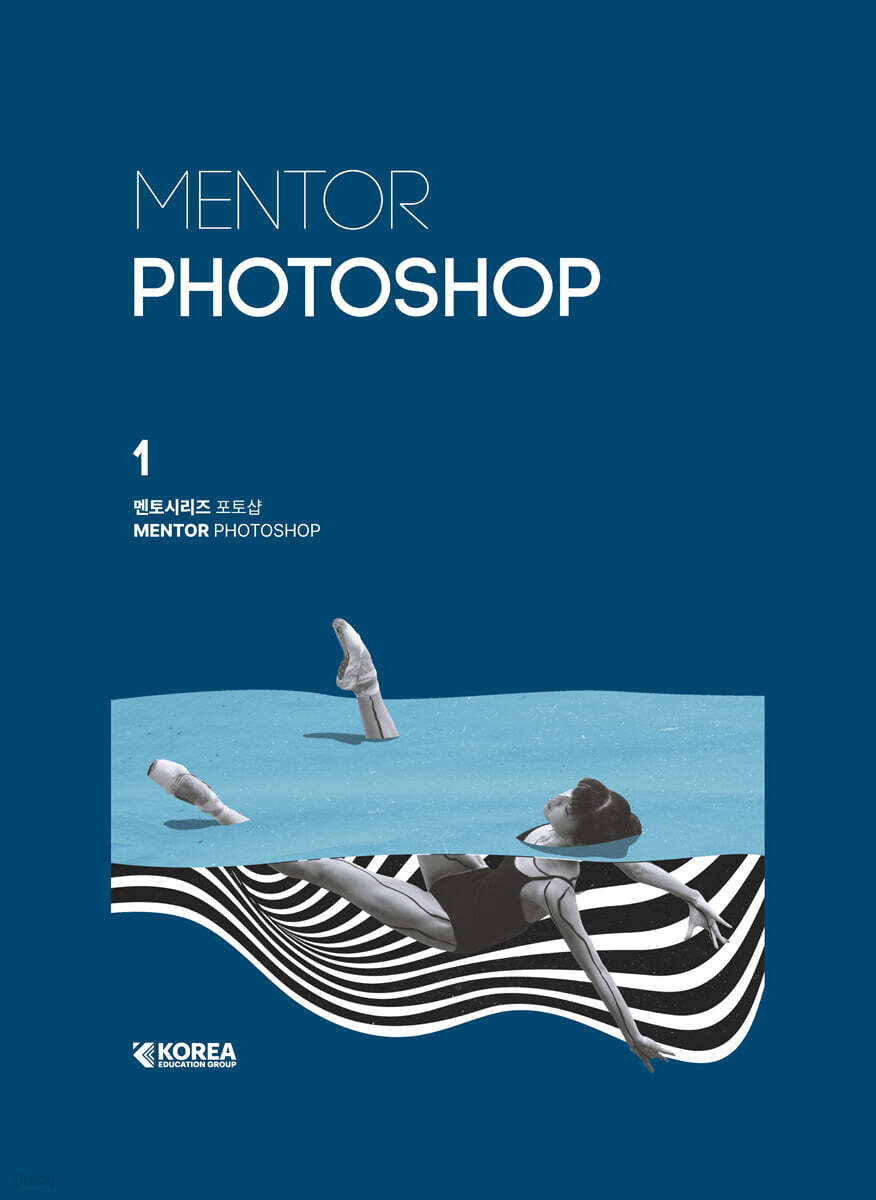
Mentor Series Photoshop
 |
Description
Book Introduction
An introductory book to 'Illustrator' selected by SBS Academy Computer Art School!
This book was compiled by reflecting feedback from instructors who teach design and current designers.
This book faithfully covers the tools and theory for those who are new to Photoshop.
We've supplemented the areas where excessive example-based explanations can neglect the concepts of options and tools, and through hands-on practice, you can learn examples and techniques that can be applied in practice.
Each section is organized into Theory - Practice - Exercise to help you learn the functions systematically.
This book was compiled by reflecting feedback from instructors who teach design and current designers.
This book faithfully covers the tools and theory for those who are new to Photoshop.
We've supplemented the areas where excessive example-based explanations can neglect the concepts of options and tools, and through hands-on practice, you can learn examples and techniques that can be applied in practice.
Each section is organized into Theory - Practice - Exercise to help you learn the functions systematically.
- You can preview some of the book's contents.
Preview
index
prolog
Structure of this book
SECTION 01.
Photoshop Basic
THEORY 01 Graphics Basics
THEORY 02 Interface
THEORY 03 New, Open, Save, Close
[Practice Example] Creating a New One
THEORY 04 Zoom, Artboard
THEORY 05 Image & Canvas Size, Rotation, Crop
[Practice Example] Correcting a Tilted Image
THEORY 06 Panels
[Practice Example] Creating a PDF File
SECTION 02.
Layer & Move Understanding, moving, and transforming layers
THEORY 01 Layer
THEORY 02 Smart Object
THEORY 03 Move Tool
[Practice Example] Completing the Hamburger Banner
THEORY 04 Free Transform & Transform
THEORY 05 Frame Tool
[Practice Example] Creating a Smartphone Mockup
[Practice Example] Twisting a Sticker
[Practice Example] Complete a Beauty Sale Poster
SECTION 03.
Selection area selection
THEORY 01 Marquee Tool
THEORY 02 Selection Tool
THEORY 03 Lasso Tool
THEORY 04 Selection
[Practice Example] Creating Ballet Artwork
[Practice Example] Creating a Naturalism Product Poster
THEORY 05 Select & Mask
THEORY 06 Remove Background
[Practice Example] Creating a Lion King Poster
[Practice Example] Creating a Travel Diary Collage
SECTION 04.
Color & Gradient
THEORY 01 Color
[Practice Example] Filling in Color
[Practice Example] Creating an Olympic Wallpaper
THEORY 02 Gradient
[Practice Example] Gradient Practice
THEORY 03 Pattern
[Practice Example] Creating a Watermark
[Practice Example] Creating a Vase Artwork
SECTION 05.
Brush Brush
THEORY 01 Brush
THEORY 02 Import Brushes
THEORY 03 Eraser Tool
[Practice Example] Drawing a Figure
[Practice Example] Creating Graffiti Artwork
THEORY 04 Brush Settings
THEORY 05 Drawing Tool
[Practice Example] Drawing with a Mixed Brush
[Practice Example] Creating a Magazine Cover
SECTION 06.
Typography
THEORY 01 Type Tool
THEORY 02 Guides
THEORY 03 Typography
[Practice Example] Designing an Employee ID Card
[Practice Example] Designing a Landing Page
[Practice Example] Creating a Brunch Menu
SECTION 07.
Layer Style Layer Style
THEORY 01 Layer Style
THEORY 02 Leveraging Layer Style
[Practice Example] Applying a Chrome Texture to Text
[Practice Example] Applying Water Texture to Text
[Practice Example] Applying Stone Texture to Text
[Practice Example] Creating a Cream Layer Style Invitation
SECTION 08.
Path
THEORY 01 Path
[Practice Example] Practice Pass
[Practice Example] Applying a Brush to a Path
THEORY 02 Path & Selection
[Practice Example] Separating the Product Background
[Practice Example] Creating a Pop-up Store Poster
SECTION 09.
Shape
THEORY 01 Shape Tool
THEORY 02 Shape Layer
[Practice Example] Practice with 8 Shape Tools
[Practice Example] Creating a Season Poster
SECTION 10.
Clipping Mask & Layer Mask
THEORY 01 Clipping Mask
[Practice Example] Practicing Clipping Masks
THEORY 02 Utilizing the Frame Tool
THEORY 03 Layer Mask
[Practice Example] Applying Texture to Text
[Practice Example] Practicing typography using clipping masks and layer masks.
[Practice Example] Creating a Food Poster
SECTION 11.
Filter Filter
THEORY 01 Smart Objects & Smart Filter
THEORY 02 Filter
[Practice Example] Applying the Print Effect Filter
[Practice Example] Applying a Glass Texture Filter
THEORY 03 Filter Effect
[Practice Example] Applying a Speed Filter
[Practice Example] Creating a Y2K Poster
SECTION 12.
Blending Mode
THEORY 01 Blending Mode
[Practice Example] Creating a Web Novel Cover
[Practice Example] Creating a Fireworks Festival Poster
SECTION 13.
Image Adjustments Photo Correction
THEORY 01 Color Adjustments Terms
THEORY 02 Adjustments
[Practice Example] Easy and Quick Correction Method 1
[Practice Example] Easy and Quick Correction Method 2
[Practice Example] Easy and Quick Correction Method 3
[Practice Example] Designing an Album Cover
SECTION 14.
Adjustment Layer
THEORY 01 Adjustment Layer
THEORY 02 Adjustment Brush
[Practice Example] Y2K Image Correction
[Practice Example] Creating Pop Art Artwork
[Practice Example] Creating a Spotlight
[Practice Example] Creating Fantasy Artwork
SECTION 15.
Healing Brush / Liquify Portrait Correction
THEORY 01 Healing / Remove
[Practice Example] Using the Removal Tool
THEORY 02 Sky Replacement
THEORY 03 Dodge / Burn / Smudge / Sharpen
[Practice Example] Creating an ID Photo
THEORY 04 Liquify
[Practical Example] Practicing the Pixel Liquify Filter
[Practice Example] Creating a K-POP Poster
SECTION 16.
Channel Channel
THEORY 01 Channels
THEORY 02 Utilizing Channels
[Practice Example] Channel Practice 1
[Practice Example] Channel Practice 2
[Practice Example] Creating a Game Poster
Appendix
Chapter 01 | The New Photoshop
Chapter 02 | Prompt Input Know-how
Chapter 03 | Practice Examples: Learn New AI Features Quickly and Easily
Chapter 04 | Utilization Examples: Leveraging New AI Features
Structure of this book
SECTION 01.
Photoshop Basic
THEORY 01 Graphics Basics
THEORY 02 Interface
THEORY 03 New, Open, Save, Close
[Practice Example] Creating a New One
THEORY 04 Zoom, Artboard
THEORY 05 Image & Canvas Size, Rotation, Crop
[Practice Example] Correcting a Tilted Image
THEORY 06 Panels
[Practice Example] Creating a PDF File
SECTION 02.
Layer & Move Understanding, moving, and transforming layers
THEORY 01 Layer
THEORY 02 Smart Object
THEORY 03 Move Tool
[Practice Example] Completing the Hamburger Banner
THEORY 04 Free Transform & Transform
THEORY 05 Frame Tool
[Practice Example] Creating a Smartphone Mockup
[Practice Example] Twisting a Sticker
[Practice Example] Complete a Beauty Sale Poster
SECTION 03.
Selection area selection
THEORY 01 Marquee Tool
THEORY 02 Selection Tool
THEORY 03 Lasso Tool
THEORY 04 Selection
[Practice Example] Creating Ballet Artwork
[Practice Example] Creating a Naturalism Product Poster
THEORY 05 Select & Mask
THEORY 06 Remove Background
[Practice Example] Creating a Lion King Poster
[Practice Example] Creating a Travel Diary Collage
SECTION 04.
Color & Gradient
THEORY 01 Color
[Practice Example] Filling in Color
[Practice Example] Creating an Olympic Wallpaper
THEORY 02 Gradient
[Practice Example] Gradient Practice
THEORY 03 Pattern
[Practice Example] Creating a Watermark
[Practice Example] Creating a Vase Artwork
SECTION 05.
Brush Brush
THEORY 01 Brush
THEORY 02 Import Brushes
THEORY 03 Eraser Tool
[Practice Example] Drawing a Figure
[Practice Example] Creating Graffiti Artwork
THEORY 04 Brush Settings
THEORY 05 Drawing Tool
[Practice Example] Drawing with a Mixed Brush
[Practice Example] Creating a Magazine Cover
SECTION 06.
Typography
THEORY 01 Type Tool
THEORY 02 Guides
THEORY 03 Typography
[Practice Example] Designing an Employee ID Card
[Practice Example] Designing a Landing Page
[Practice Example] Creating a Brunch Menu
SECTION 07.
Layer Style Layer Style
THEORY 01 Layer Style
THEORY 02 Leveraging Layer Style
[Practice Example] Applying a Chrome Texture to Text
[Practice Example] Applying Water Texture to Text
[Practice Example] Applying Stone Texture to Text
[Practice Example] Creating a Cream Layer Style Invitation
SECTION 08.
Path
THEORY 01 Path
[Practice Example] Practice Pass
[Practice Example] Applying a Brush to a Path
THEORY 02 Path & Selection
[Practice Example] Separating the Product Background
[Practice Example] Creating a Pop-up Store Poster
SECTION 09.
Shape
THEORY 01 Shape Tool
THEORY 02 Shape Layer
[Practice Example] Practice with 8 Shape Tools
[Practice Example] Creating a Season Poster
SECTION 10.
Clipping Mask & Layer Mask
THEORY 01 Clipping Mask
[Practice Example] Practicing Clipping Masks
THEORY 02 Utilizing the Frame Tool
THEORY 03 Layer Mask
[Practice Example] Applying Texture to Text
[Practice Example] Practicing typography using clipping masks and layer masks.
[Practice Example] Creating a Food Poster
SECTION 11.
Filter Filter
THEORY 01 Smart Objects & Smart Filter
THEORY 02 Filter
[Practice Example] Applying the Print Effect Filter
[Practice Example] Applying a Glass Texture Filter
THEORY 03 Filter Effect
[Practice Example] Applying a Speed Filter
[Practice Example] Creating a Y2K Poster
SECTION 12.
Blending Mode
THEORY 01 Blending Mode
[Practice Example] Creating a Web Novel Cover
[Practice Example] Creating a Fireworks Festival Poster
SECTION 13.
Image Adjustments Photo Correction
THEORY 01 Color Adjustments Terms
THEORY 02 Adjustments
[Practice Example] Easy and Quick Correction Method 1
[Practice Example] Easy and Quick Correction Method 2
[Practice Example] Easy and Quick Correction Method 3
[Practice Example] Designing an Album Cover
SECTION 14.
Adjustment Layer
THEORY 01 Adjustment Layer
THEORY 02 Adjustment Brush
[Practice Example] Y2K Image Correction
[Practice Example] Creating Pop Art Artwork
[Practice Example] Creating a Spotlight
[Practice Example] Creating Fantasy Artwork
SECTION 15.
Healing Brush / Liquify Portrait Correction
THEORY 01 Healing / Remove
[Practice Example] Using the Removal Tool
THEORY 02 Sky Replacement
THEORY 03 Dodge / Burn / Smudge / Sharpen
[Practice Example] Creating an ID Photo
THEORY 04 Liquify
[Practical Example] Practicing the Pixel Liquify Filter
[Practice Example] Creating a K-POP Poster
SECTION 16.
Channel Channel
THEORY 01 Channels
THEORY 02 Utilizing Channels
[Practice Example] Channel Practice 1
[Practice Example] Channel Practice 2
[Practice Example] Creating a Game Poster
Appendix
Chapter 01 | The New Photoshop
Chapter 02 | Prompt Input Know-how
Chapter 03 | Practice Examples: Learn New AI Features Quickly and Easily
Chapter 04 | Utilization Examples: Leveraging New AI Features
Detailed image

Publisher's Review
A basic book for Photoshop beginners!
This textbook is designed for those who dream of becoming designers.
It contains practical knowledge and skills that can make your dreams come true.
This is a basic introductory book for designers who want to systematically learn Photoshop. It covers a wide range of essential concepts, tool principles, and application methods, and includes examples that can be applied directly to practice, allowing for repeated learning.
Further features of this book include:
1.
It contains the know-how and practical experience of Korea Education Group.
We've further enhanced the quality of our textbooks by incorporating feedback from our experienced instructors, many of whom have years of practical experience.
2.
Systematic learning is possible with the 3-step learning system.
It systematically increases the depth of learning through three stages: 'Detailed theory study', 'Practice by following along', and 'Solve practice problems on your own'.
3.
It is composed of trendy and practical examples that can be applied immediately in practice.
Moving beyond simple memorization of functions, we've focused on practical examples that are most effective for learning the skills, and added interest with visuals that reflect the latest trends.
4.
Provides a wealth of supplementary materials.
We've included a separate appendix covering the recent hot topic of generative AI, and provide key shortcuts for practical efficiency.
I hope this book will be of practical help in taking your Photoshop skills to the next level.
I hope this book will serve as a reliable mentor who can study on their own anytime, anywhere, and as a helpful basic guide for students and aspiring designers who want to create their own work.
I recommend this textbook to these people!
● Beginners in the design field and new designers starting their careers
● Those who want to learn Photoshop with a high level of completion from basics to practical skills
● Those who want to learn efficient and creative work methods
● Those who want to expand their design capabilities with the latest features
This textbook is designed for those who dream of becoming designers.
It contains practical knowledge and skills that can make your dreams come true.
This is a basic introductory book for designers who want to systematically learn Photoshop. It covers a wide range of essential concepts, tool principles, and application methods, and includes examples that can be applied directly to practice, allowing for repeated learning.
Further features of this book include:
1.
It contains the know-how and practical experience of Korea Education Group.
We've further enhanced the quality of our textbooks by incorporating feedback from our experienced instructors, many of whom have years of practical experience.
2.
Systematic learning is possible with the 3-step learning system.
It systematically increases the depth of learning through three stages: 'Detailed theory study', 'Practice by following along', and 'Solve practice problems on your own'.
3.
It is composed of trendy and practical examples that can be applied immediately in practice.
Moving beyond simple memorization of functions, we've focused on practical examples that are most effective for learning the skills, and added interest with visuals that reflect the latest trends.
4.
Provides a wealth of supplementary materials.
We've included a separate appendix covering the recent hot topic of generative AI, and provide key shortcuts for practical efficiency.
I hope this book will be of practical help in taking your Photoshop skills to the next level.
I hope this book will serve as a reliable mentor who can study on their own anytime, anywhere, and as a helpful basic guide for students and aspiring designers who want to create their own work.
I recommend this textbook to these people!
● Beginners in the design field and new designers starting their careers
● Those who want to learn Photoshop with a high level of completion from basics to practical skills
● Those who want to learn efficient and creative work methods
● Those who want to expand their design capabilities with the latest features
GOODS SPECIFICS
- Date of issue: September 30, 2025
- Page count, weight, size: 544 pages | 190*260*35mm
- ISBN13: 9791189028442
- ISBN10: 1189028441
You may also like
카테고리
korean


korean

![GQ KOREA Mark (Monthly): December [2025]](http://librairie.coreenne.fr/cdn/shop/files/8ef265dbbfbf186523ed75ba7319009d.jpg?v=1765340328&width=3840)


