

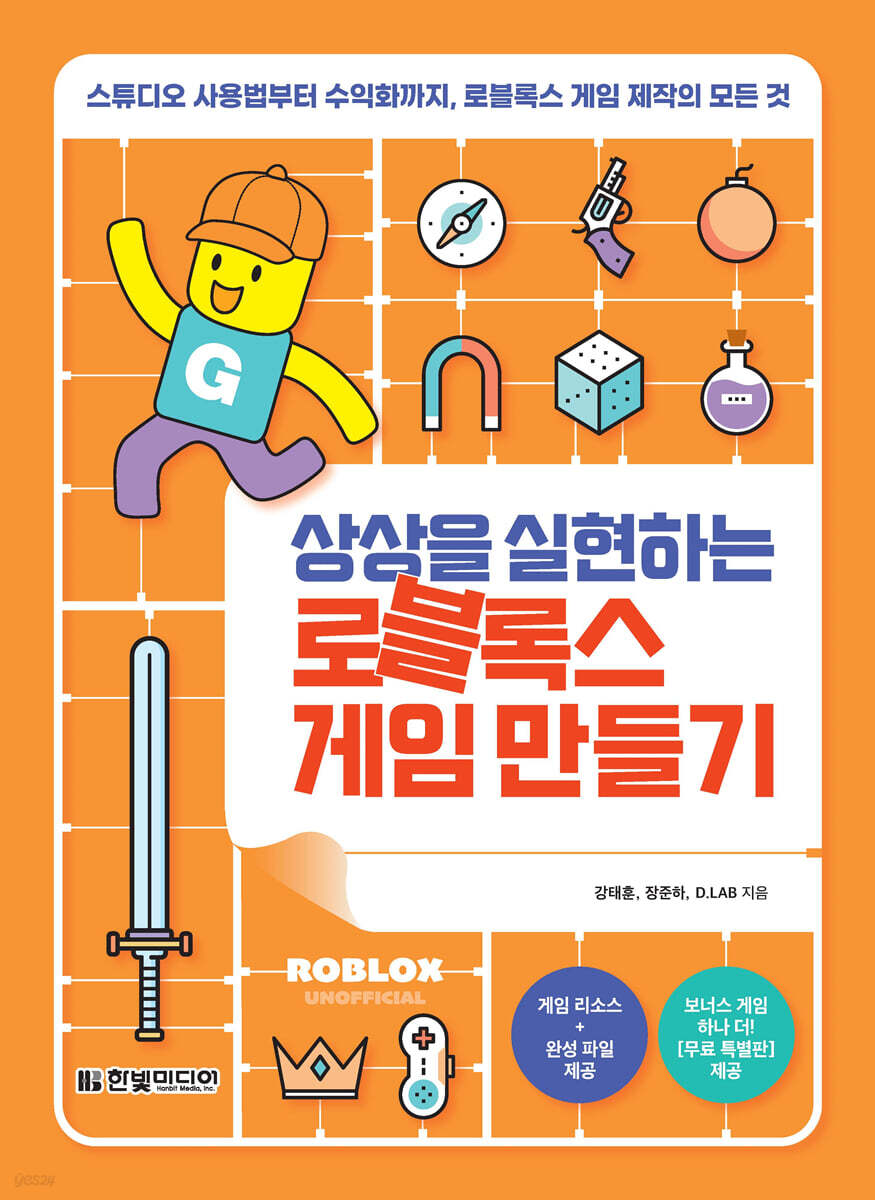
Create Roblox games that bring your imagination to life
 |
Description
Book Introduction
Just follow the steps and the metaverse unfolds in the palm of your hand! Now, I can be a game developer too! Roblox models and manipulates games in 3D space. From the unfamiliar Roblox Studio screen to coding in Lua, which requires typing directly in English, it can be challenging to imagine the endless world of fun you've always dreamed of when you first start making Roblox games. This book covers the entire process of game production, from the initial stages of ideation and planning to launch and monetization. There are practical examples to help you create games, making even seemingly difficult coding easy. The finished product is important, but what's most important is how the game was planned and what you actually did. A good understanding of the process will help you develop problem-solving skills and enable you to plan and implement better games on your own in the future. In this book, you'll create a "terrain jump map" where you jump across a dangerous island, a "multidimensional dropper" where you freefall through a terrifying multidimensional space on a UFO, and an "extreme survival game" where you survive by finding water in a hot desert. You can add a variety of features to your games with Roblox's coding scripts, such as floating sky islands and rotating laser obstacles. Create a fun experience where the virtual game world you imagine unfolds before your eyes with "Make a Roblox Game That Makes Your Imagination Come True." Meet us in the Roblox Metaverse, a space where imagination comes true! |
- You can preview some of the book's contents.
Preview
index
PART 1: Getting Started with Roblox
Chapter 1: First Steps in Roblox
1-1 Roblox Basics
__Introducing Roblox
__Sign up for Roblox
__Take a look at the Roblox home screen
__Enjoy Roblox games
1-2 Roblox Studio
__Installing Roblox Studio
__Roblox Studio start screen
1-3 Interface and Basic Operations
__Getting to know the Roblox Studio interface
__Learn about Roblox Studio's basic tools
__[Practice] Creating a Simple House Using Basic Tools
____[STEP 1] Improving screen quality
____[STEP 2] Creating a block avatar
____[STEP 3] Creating the floor and walls
____[STEP 4] Making doors and windows
____[STEP 5] Building the Roof
____[STEP 6] Making grass
____[STEP 7] Creating a Spawn Point
____[STEP 8] Complete and save
1-4 Roblox Game Creation Steps
__Game Production Step 4
__Learn about Roblox development
Chapter 2 Roblox and the Lua Language
2-1 Explorer and Script
__Structure of Explorer
__Items in Explorer
__Scripts and comments
2-2 Variables and Data Types
__variable
__string
__number
__Neil
__Boolean
__table
__table array
__table dictionary
2-3 operators
__arithmetic operators
__relational operators
__logical operators
2-4 Conditional statements
__if statement
__if - else statement
__if - elseif - else statement
__[Practice] Changing a character's face color using a conditional statement
2-5 loop
__while statement
__infinite loop
__wait( ) function and while statement
__for statement
__table and for loop
__[Practice] Creating a Laser Obstacle Using a Loop
2-6 function
__Built-in function
__User-defined function
__Roblox API functions
Event 2-7
__Event Trigger
__[Practice] Outputting the Touched event message at the collision site
__[Practice] Creating a Kill Block that reduces the player's health to 0 when collided with
2-8 Server and Client
__server
__client
__Connection between server and client
PART 2: CREATING A ROBLOX GAME
Chapter 3 Terrain Jump Map
3-1 Designing a Game
3-2 Creating a Project
Build 3-3
__[STEP 1] Cherry Blossom Island - Creating a Part Jump Course
__[STEP 2] City Island - Creating a Terrain Jump Course
__[STEP 3] Pyramid Island - Creating Real and Fake Roads
__[STEP 4] Ice Island - Making a Slippery Path
__[STEP 5] Volcanic Island - Creating a Trampoline Jump Course
__[STEP 6] Decorating the starting and finishing islands
__[STEP 7] Specifying a Spawn Point
__[STEP 8] Adding damage parts
3-4 Setting the background
__Change background image
__Add background music
Release 3-5 games
Chapter 4 Multidimensional Dropper
4-1 Designing a Game
4-2 Creating a Project
Build 4-3
__[STEP 1] Creating a Rainbow Map
__[STEP 2] Creating a Rainbow Map Obstacle
__[STEP 3] Creating a Sky Island Map
__[STEP 4] Creating a Natural Background
__[STEP 5] Creating a Hacking Map
__[STEP 6] Creating Hacking Map Obstacles
__[STEP 7] Creating the final map
__[STEP 8] Installing Spawn Points
4-4 Adding UI and Sound
__Add completion UI
Adding a __step change UI
__Add background music and sound effects
4-5 Writing a script
Writing a __ServerScriptService script
____[STEP 1] Checkpoint script
____[STEP 2] Stage Script
__Writing the StarterPlayer script
____[STEP 1] Final Map - Designate Target Point
____[STEP 2] Player - Teleporter Script
____[STEP 3] Player - Speed, Gravity Adjustment Script
____[STEP 4] Player - Completed GUI Script
____[STEP 5] Sound Script
__Writing GUI scripts
____[STEP 1] Step Change GUI Script
____[STEP 2] Setting GUI script properties
__Writing an obstacle script
____[STEP 1] Damage script
____[STEP 2] Cloud movement script
____[STEP 3] Laser Obstacle Script
Release 4-6 games
__[Preview] Extreme Survival Game (Appendix)
PART 3: Earning Money on Roblox
Chapter 5: Monetizing with Robux
Selling 5-1 games
__Make the game monetizable
5-2 Selling game items
Selling Game Pass and Developer Merchandise
____[STEP 1] Creating a Game Pass
____[STEP 2] Creating a Developer Product
____[STEP 3] Applying the purchase script
__Selling basic clothes
Selling UGC items
Chapter 6 Promoting the Game
6-1 Advertise the game
__Upload an image ad
__Register for a Sponsored Ad
__Using SNS
6-2 Using Roblox Resources
__Sites worth referencing
__In closing
__Find
[Appendix] Extreme Survival Game
Designing an A-1 Game
Creating Project A-2
Building the A-3
____[STEP 1] Creating a Desert Map
____[STEP 2] Adding texture to the cactus
____[STEP 3] Creating a water bottle model
____[STEP 4] Installing the transparent frame
____[STEP 5] Specify the location of the water item
A-4 Adding UI, effects, and sounds
__Adding game rules UI
____[STEP 1] Time Limit & Stamina Recovery UI
____[STEP 2] Success & Failure UI
__Add lighting effects
____[STEP 1] SunRays & Bloom Effect
____[STEP 2] DepthOfField & ColorCorrection Effect
__Add particle effects
____[STEP 1] Sandstorm Effect
____[STEP 2] Glitter effect
__Add sound effects
Writing an A-5 Script
__Writing a water bottle model script
____[STEP 1] Script to duplicate and delete the water bottle model
____[STEP 2] Fixing and welding script for the water bottle model
__Writing a stamina script
__Writing GUI scripts
____[STEP 1] Time-limited GUI script
____[STEP 2] Health Recovery GUI Script
Launching the A-6 game
Chapter 1: First Steps in Roblox
1-1 Roblox Basics
__Introducing Roblox
__Sign up for Roblox
__Take a look at the Roblox home screen
__Enjoy Roblox games
1-2 Roblox Studio
__Installing Roblox Studio
__Roblox Studio start screen
1-3 Interface and Basic Operations
__Getting to know the Roblox Studio interface
__Learn about Roblox Studio's basic tools
__[Practice] Creating a Simple House Using Basic Tools
____[STEP 1] Improving screen quality
____[STEP 2] Creating a block avatar
____[STEP 3] Creating the floor and walls
____[STEP 4] Making doors and windows
____[STEP 5] Building the Roof
____[STEP 6] Making grass
____[STEP 7] Creating a Spawn Point
____[STEP 8] Complete and save
1-4 Roblox Game Creation Steps
__Game Production Step 4
__Learn about Roblox development
Chapter 2 Roblox and the Lua Language
2-1 Explorer and Script
__Structure of Explorer
__Items in Explorer
__Scripts and comments
2-2 Variables and Data Types
__variable
__string
__number
__Neil
__Boolean
__table
__table array
__table dictionary
2-3 operators
__arithmetic operators
__relational operators
__logical operators
2-4 Conditional statements
__if statement
__if - else statement
__if - elseif - else statement
__[Practice] Changing a character's face color using a conditional statement
2-5 loop
__while statement
__infinite loop
__wait( ) function and while statement
__for statement
__table and for loop
__[Practice] Creating a Laser Obstacle Using a Loop
2-6 function
__Built-in function
__User-defined function
__Roblox API functions
Event 2-7
__Event Trigger
__[Practice] Outputting the Touched event message at the collision site
__[Practice] Creating a Kill Block that reduces the player's health to 0 when collided with
2-8 Server and Client
__server
__client
__Connection between server and client
PART 2: CREATING A ROBLOX GAME
Chapter 3 Terrain Jump Map
3-1 Designing a Game
3-2 Creating a Project
Build 3-3
__[STEP 1] Cherry Blossom Island - Creating a Part Jump Course
__[STEP 2] City Island - Creating a Terrain Jump Course
__[STEP 3] Pyramid Island - Creating Real and Fake Roads
__[STEP 4] Ice Island - Making a Slippery Path
__[STEP 5] Volcanic Island - Creating a Trampoline Jump Course
__[STEP 6] Decorating the starting and finishing islands
__[STEP 7] Specifying a Spawn Point
__[STEP 8] Adding damage parts
3-4 Setting the background
__Change background image
__Add background music
Release 3-5 games
Chapter 4 Multidimensional Dropper
4-1 Designing a Game
4-2 Creating a Project
Build 4-3
__[STEP 1] Creating a Rainbow Map
__[STEP 2] Creating a Rainbow Map Obstacle
__[STEP 3] Creating a Sky Island Map
__[STEP 4] Creating a Natural Background
__[STEP 5] Creating a Hacking Map
__[STEP 6] Creating Hacking Map Obstacles
__[STEP 7] Creating the final map
__[STEP 8] Installing Spawn Points
4-4 Adding UI and Sound
__Add completion UI
Adding a __step change UI
__Add background music and sound effects
4-5 Writing a script
Writing a __ServerScriptService script
____[STEP 1] Checkpoint script
____[STEP 2] Stage Script
__Writing the StarterPlayer script
____[STEP 1] Final Map - Designate Target Point
____[STEP 2] Player - Teleporter Script
____[STEP 3] Player - Speed, Gravity Adjustment Script
____[STEP 4] Player - Completed GUI Script
____[STEP 5] Sound Script
__Writing GUI scripts
____[STEP 1] Step Change GUI Script
____[STEP 2] Setting GUI script properties
__Writing an obstacle script
____[STEP 1] Damage script
____[STEP 2] Cloud movement script
____[STEP 3] Laser Obstacle Script
Release 4-6 games
__[Preview] Extreme Survival Game (Appendix)
PART 3: Earning Money on Roblox
Chapter 5: Monetizing with Robux
Selling 5-1 games
__Make the game monetizable
5-2 Selling game items
Selling Game Pass and Developer Merchandise
____[STEP 1] Creating a Game Pass
____[STEP 2] Creating a Developer Product
____[STEP 3] Applying the purchase script
__Selling basic clothes
Selling UGC items
Chapter 6 Promoting the Game
6-1 Advertise the game
__Upload an image ad
__Register for a Sponsored Ad
__Using SNS
6-2 Using Roblox Resources
__Sites worth referencing
__In closing
__Find
[Appendix] Extreme Survival Game
Designing an A-1 Game
Creating Project A-2
Building the A-3
____[STEP 1] Creating a Desert Map
____[STEP 2] Adding texture to the cactus
____[STEP 3] Creating a water bottle model
____[STEP 4] Installing the transparent frame
____[STEP 5] Specify the location of the water item
A-4 Adding UI, effects, and sounds
__Adding game rules UI
____[STEP 1] Time Limit & Stamina Recovery UI
____[STEP 2] Success & Failure UI
__Add lighting effects
____[STEP 1] SunRays & Bloom Effect
____[STEP 2] DepthOfField & ColorCorrection Effect
__Add particle effects
____[STEP 1] Sandstorm Effect
____[STEP 2] Glitter effect
__Add sound effects
Writing an A-5 Script
__Writing a water bottle model script
____[STEP 1] Script to duplicate and delete the water bottle model
____[STEP 2] Fixing and welding script for the water bottle model
__Writing a stamina script
__Writing GUI scripts
____[STEP 1] Time-limited GUI script
____[STEP 2] Health Recovery GUI Script
Launching the A-6 game
Detailed image

Publisher's Review
Everything you need to know about creating Roblox games, from studio usage to monetization.
It covers the entire game development process, from the initial stages of coming up with an idea and planning a game, to building, launching, and monetizing the game.
While the results are important, understanding the game production process—how to plan, design, and build a game—will help you develop problem-solving skills and empower you to plan and build even better games on your own.
Follow the book step by step and see how you can become a full-fledged Roblox game developer!
A fun Roblox game that can be completed in one or three steps.
Within the Metaverse, Roblox characters can act as your real-life counterparts, interacting with other people's avatars and enjoying games.
Realize the infinite space you've always dreamed of in Roblox with these easy and fun 3-step learning experience.
Step 1: Getting Started with Roblox
Understand the overview of Roblox and learn the features of the Roblox platform and studio.
Step 2: Create a Roblox Game
Model and design a variety of objects using Roblox Studio.
Step 3: Earn Money with Roblox
Learn how to create and sell game items that can generate revenue.
Two, a learning roadmap that makes complex game builds and difficult scripts easy.
Learn step-by-step ideas and execution methods for creating games, following cute Roblox characters.
Detailed, step-by-step instructions make even complex studio properties and scripts easy to understand.
Three games to discover in the Roblox Metaverse, a space where imagination comes to life.
By following the friendly instructions and enjoying the Roblox metaverse space, you will soon be able to complete three awesome games.
From installing Roblox Studio to writing Roblox's Lua language coding scripts that bring various features to the game, like floating sky islands and rotating laser obstacles, you'll experience it all.
(1) No falling, 'Terrain Jump Map' that passes through 5 dangerous floating islands
(2) 'Multidimensional Dropper', a free fall through a terrifying multidimensional space on a UFO
(3) An 'extreme survival game' where you must survive by finding water items in a hot desert.
It covers the entire game development process, from the initial stages of coming up with an idea and planning a game, to building, launching, and monetizing the game.
While the results are important, understanding the game production process—how to plan, design, and build a game—will help you develop problem-solving skills and empower you to plan and build even better games on your own.
Follow the book step by step and see how you can become a full-fledged Roblox game developer!
A fun Roblox game that can be completed in one or three steps.
Within the Metaverse, Roblox characters can act as your real-life counterparts, interacting with other people's avatars and enjoying games.
Realize the infinite space you've always dreamed of in Roblox with these easy and fun 3-step learning experience.
Step 1: Getting Started with Roblox
Understand the overview of Roblox and learn the features of the Roblox platform and studio.
Step 2: Create a Roblox Game
Model and design a variety of objects using Roblox Studio.
Step 3: Earn Money with Roblox
Learn how to create and sell game items that can generate revenue.
Two, a learning roadmap that makes complex game builds and difficult scripts easy.
Learn step-by-step ideas and execution methods for creating games, following cute Roblox characters.
Detailed, step-by-step instructions make even complex studio properties and scripts easy to understand.
Three games to discover in the Roblox Metaverse, a space where imagination comes to life.
By following the friendly instructions and enjoying the Roblox metaverse space, you will soon be able to complete three awesome games.
From installing Roblox Studio to writing Roblox's Lua language coding scripts that bring various features to the game, like floating sky islands and rotating laser obstacles, you'll experience it all.
(1) No falling, 'Terrain Jump Map' that passes through 5 dangerous floating islands
(2) 'Multidimensional Dropper', a free fall through a terrifying multidimensional space on a UFO
(3) An 'extreme survival game' where you must survive by finding water items in a hot desert.
GOODS SPECIFICS
- Date of issue: August 23, 2023
- Page count, weight, size: 304 pages | 636g | 188*257*14mm
- ISBN13: 9791169211260
- ISBN10: 1169211267
You may also like
카테고리
korean


korean

![GQ KOREA Mark (Monthly): December [2025]](http://librairie.coreenne.fr/cdn/shop/files/8ef265dbbfbf186523ed75ba7319009d.jpg?v=1765340328&width=3840)


