

Let's start, cursor
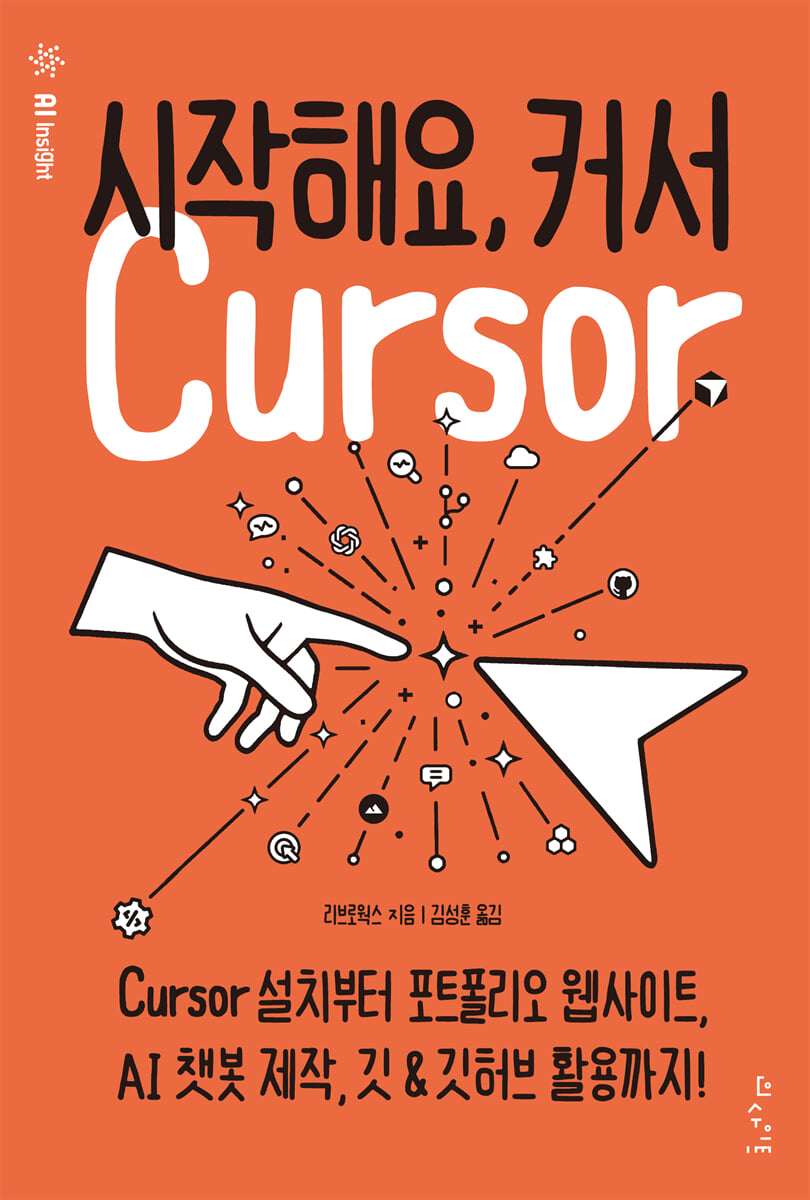 |
Description
Book Introduction
Master the Cursor, the AI Code Editor for Beginners, in One Book!
From installation to website creation, AI chatbot development, and collaboration—your first step toward mastering the cursor.
This is a step-by-step manual that allows non-majors who are new to coding and development tools to learn the cursor from scratch.
With 600 illustrations and easy-to-follow instructions, you can learn the basics of cursors, including installation, basic settings, custom settings, theme changes, and utilizing extensions.
By following the steps to create a portfolio website and chatbot using Cursor's AI chat, you will naturally learn how AI helps with coding.
You can also experience the practical skills needed for a real development environment by covering everything from Git version control to GitHub collaboration.
From installation to website creation, AI chatbot development, and collaboration—your first step toward mastering the cursor.
This is a step-by-step manual that allows non-majors who are new to coding and development tools to learn the cursor from scratch.
With 600 illustrations and easy-to-follow instructions, you can learn the basics of cursors, including installation, basic settings, custom settings, theme changes, and utilizing extensions.
By following the steps to create a portfolio website and chatbot using Cursor's AI chat, you will naturally learn how AI helps with coding.
You can also experience the practical skills needed for a real development environment by covering everything from Git version control to GitHub collaboration.
- You can preview some of the book's contents.
Preview
index
Chapter 1: Using the Cursor
__1.1 Cursor to improve coding efficiency
__1.2 Installing the Cursor
__1.3 Initial setup
__1.4 Cursor screen configuration
__1.5 Changing file settings in the status bar
Cursor-specific features that support __1.6 coding
Chapter 2 Editing Basic Files
__2.1 Opening and editing folders and files
__2.2 Open multiple folders in the workspace
__2.3 Essential techniques for text editing
__2.4 Editing Markdown Files
__2.5 Using Find and Replace Properly
__2.6 Basic AI Functions of the Cursor
Chapter 3: Setting Up and Customizing
__3.1 Finding out what you can do with the cursor
__3.2 Customizing the cursor to your taste
__3.3 Switching settings by work area
__3.4 Advanced settings using JSON files
__3.5 Assigning shortcuts to frequently used tasks
__3.6 Installing the extension
__3.6 Managing Extensions
Chapter 4: Creating a Website
__4.1 Easily check web pages under development
__4.2 Creating a basic framework with AI
__4.3 Improving Perfection with AI
__4.4 Checking with AI
__4.5 Basic functions useful for editing HTML and CSS
__4.6 Aligning code
__4.7 Working freely between CSS and HTML
__4.8 Previewing images in the editor
__4.9 Useful features for code entry
Chapter 5: Developing an AI Chatbot
__5.1 Building the Basic Framework of an App with AI
__5.2 Improving the Perfection of Your App with AI
__5.3 Try Debugging
__5.4 Check the debugging details
__5.5 Setting up code auto-completion
__5.6 Making Snippets More Convenient
__5.7 Freely move definitions and references between files
__5.8 Techniques for improving code
__5.9 Asking AI for a source code explanation
__5.10 Request README creation
Chapter 6: Using Git with the Cursor
__6.1 Getting to know the Git version control system
__6.2 Trying out Git
__6.3 Creating a local repository
__6.4 Working in a local repository
__6.5 Publishing a local repository to GitHub
__6.6 Clone a remote repository as is
__6.7 Resolving conflicts
__6.8 Branching the commit history to the branch
__6.9 Merging branches with pull requests
__6.10 Increasing Git Usability with GitLens Extensions
__1.1 Cursor to improve coding efficiency
__1.2 Installing the Cursor
__1.3 Initial setup
__1.4 Cursor screen configuration
__1.5 Changing file settings in the status bar
Cursor-specific features that support __1.6 coding
Chapter 2 Editing Basic Files
__2.1 Opening and editing folders and files
__2.2 Open multiple folders in the workspace
__2.3 Essential techniques for text editing
__2.4 Editing Markdown Files
__2.5 Using Find and Replace Properly
__2.6 Basic AI Functions of the Cursor
Chapter 3: Setting Up and Customizing
__3.1 Finding out what you can do with the cursor
__3.2 Customizing the cursor to your taste
__3.3 Switching settings by work area
__3.4 Advanced settings using JSON files
__3.5 Assigning shortcuts to frequently used tasks
__3.6 Installing the extension
__3.6 Managing Extensions
Chapter 4: Creating a Website
__4.1 Easily check web pages under development
__4.2 Creating a basic framework with AI
__4.3 Improving Perfection with AI
__4.4 Checking with AI
__4.5 Basic functions useful for editing HTML and CSS
__4.6 Aligning code
__4.7 Working freely between CSS and HTML
__4.8 Previewing images in the editor
__4.9 Useful features for code entry
Chapter 5: Developing an AI Chatbot
__5.1 Building the Basic Framework of an App with AI
__5.2 Improving the Perfection of Your App with AI
__5.3 Try Debugging
__5.4 Check the debugging details
__5.5 Setting up code auto-completion
__5.6 Making Snippets More Convenient
__5.7 Freely move definitions and references between files
__5.8 Techniques for improving code
__5.9 Asking AI for a source code explanation
__5.10 Request README creation
Chapter 6: Using Git with the Cursor
__6.1 Getting to know the Git version control system
__6.2 Trying out Git
__6.3 Creating a local repository
__6.4 Working in a local repository
__6.5 Publishing a local repository to GitHub
__6.6 Clone a remote repository as is
__6.7 Resolving conflicts
__6.8 Branching the commit history to the branch
__6.9 Merging branches with pull requests
__6.10 Increasing Git Usability with GitLens Extensions
Detailed image

Publisher's Review
Even liberal arts students and middle school students can do it
A step-by-step cursor manual tailored to beginners' speed, with 600 illustrations.
From installation to the first screen, without any interruptions
You can program even if you have no programming experience.
Because it guides you step by step from installing the cursor and creating an account to the initial setup.
The process is explained with over 600 pictures, so even beginners can easily follow along.
The cursor's interface and functions are also learned through practice.
Coding with AI
The cursor suggests and completes the necessary code simply by entering a prompt. Following the AI's guidance, you can even accomplish complex tasks like creating a portfolio website or an AI chatbot.
Coding without fear of errors
The scariest moment in coding practice is when an error occurs.
But don't worry.
The cursor automatically analyzes errors, finds and corrects errors, simply by requesting them with a natural language prompt.
If you want, you can modify only part of the code.
If you don't understand a code, ask AI.
Please let me know kindly.
What this book covers
? A step-by-step guide from cursor installation to usage.
? Cursor default settings and custom settings
? Code improvement techniques
? Utilize various extensions such as C#, Live Server, Free Tier, and CSS Peek.
? Portfolio website, AI chatbot development
? From the basic structure of the app to debugging with AI
? How to use Git version control and GitHub
A step-by-step cursor manual tailored to beginners' speed, with 600 illustrations.
From installation to the first screen, without any interruptions
You can program even if you have no programming experience.
Because it guides you step by step from installing the cursor and creating an account to the initial setup.
The process is explained with over 600 pictures, so even beginners can easily follow along.
The cursor's interface and functions are also learned through practice.
Coding with AI
The cursor suggests and completes the necessary code simply by entering a prompt. Following the AI's guidance, you can even accomplish complex tasks like creating a portfolio website or an AI chatbot.
Coding without fear of errors
The scariest moment in coding practice is when an error occurs.
But don't worry.
The cursor automatically analyzes errors, finds and corrects errors, simply by requesting them with a natural language prompt.
If you want, you can modify only part of the code.
If you don't understand a code, ask AI.
Please let me know kindly.
What this book covers
? A step-by-step guide from cursor installation to usage.
? Cursor default settings and custom settings
? Code improvement techniques
? Utilize various extensions such as C#, Live Server, Free Tier, and CSS Peek.
? Portfolio website, AI chatbot development
? From the basic structure of the app to debugging with AI
? How to use Git version control and GitHub
GOODS SPECIFICS
- Date of issue: November 14, 2025
- Page count, weight, size: 292 pages | 541g | 152*225*17mm
- ISBN13: 9788966264995
You may also like
카테고리
korean


korean

![GQ KOREA Mark (Monthly): December [2025]](http://librairie.coreenne.fr/cdn/shop/files/8ef265dbbfbf186523ed75ba7319009d.jpg?v=1765340328&width=3840)


