

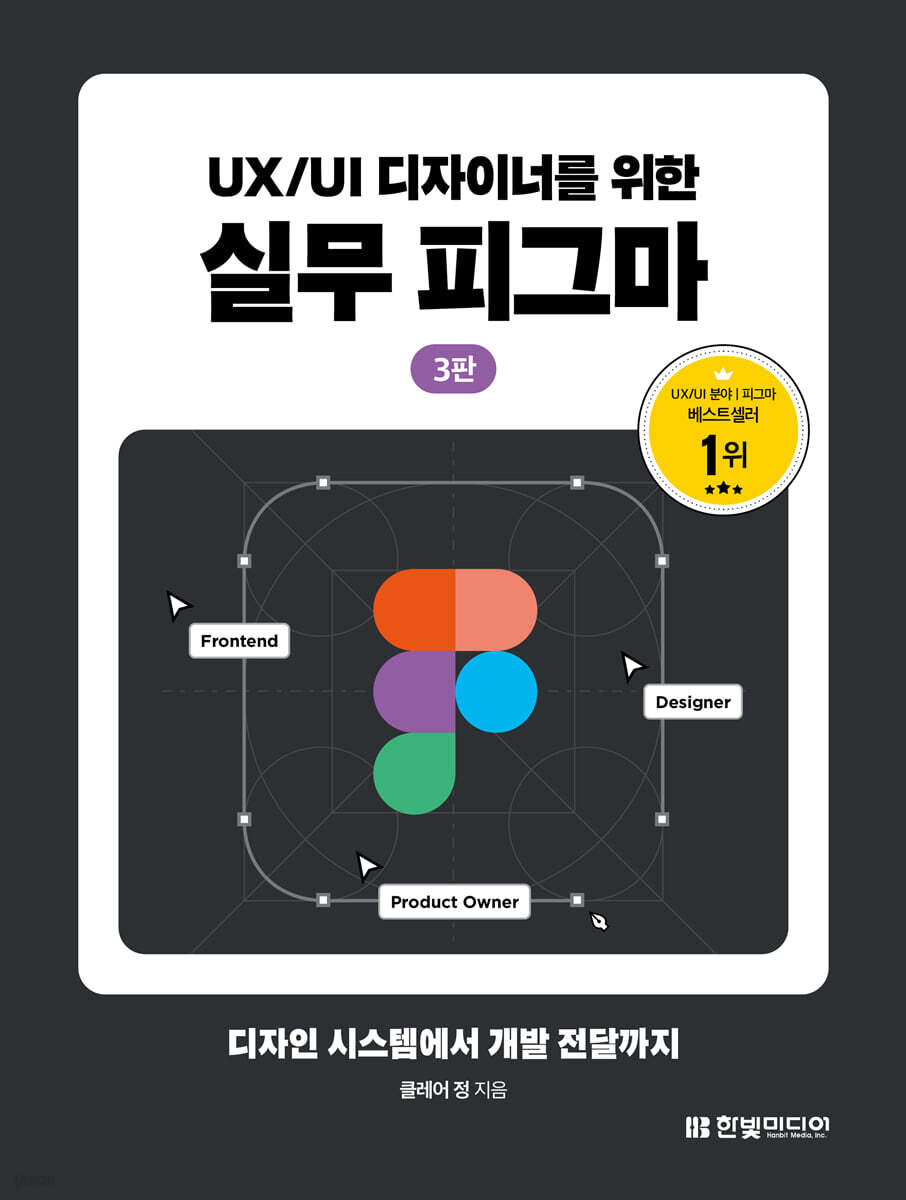
Practical Figma for UX/UI Designers
 |
Description
Book Introduction
Hands-on Figma Practical Manual
From Figma UI3 to generative AI, the latest practices are in this book!
This is a practical introductory book on Figma that can be used by everyone from beginners who are new to Figma to designers, developers, planners, and marketers preparing for practical work.
From Figma's basic functions to design systems, auto-layout, interactive components, prototypes, and developer handoffs, the entire process of using it in the field is explained and organized so that you can learn it naturally through practice.
The third edition incorporates the latest Figma features, including the latest interface, Figma UI3, generative AI, Dev Mode, and Variables. This is an essential practical guide for anyone seeking to develop practical UX/UI design skills.
From Figma UI3 to generative AI, the latest practices are in this book!
This is a practical introductory book on Figma that can be used by everyone from beginners who are new to Figma to designers, developers, planners, and marketers preparing for practical work.
From Figma's basic functions to design systems, auto-layout, interactive components, prototypes, and developer handoffs, the entire process of using it in the field is explained and organized so that you can learn it naturally through practice.
The third edition incorporates the latest Figma features, including the latest interface, Figma UI3, generative AI, Dev Mode, and Variables. This is an essential practical guide for anyone seeking to develop practical UX/UI design skills.
- You can preview some of the book's contents.
Preview
index
Part 1: Using Figma
Chapter 1: Getting Started with Figma
__Lesson 01 Why Use Figma
___Introducing Figma
A Day in the Life of a Designer Using Figma
A Day in the Life of a Planner Using Figma
A Day in the Life of a Developer Using Figma
___Design know-how
___[Design Know-How] I want to convince my team members to adopt Figma!
__Lesson 02 Figma Installation and Basic Interface Tour
___Figma Installation
___Main Dashboard
___Figma file
___[Help] Figma AI
___[Design Know-How] UI Technical Knowledge You Need to Know Before Designing
___Transferring Sketch Projects to Figma
__Lesson 03 Setting up the environment before work
___Font
___Android and iOS UI templates
___Basic layer style settings
___Preference settings
Chapter 2 Graphic Styles and Libraries
__Lesson 01 Graphic Styles and Vectors
___Graphic Style
__Lesson 02 Styles and Libraries
Create and edit ___styles
___Group Styles and Alignment
Published by ___Library
___Team Library
___[Practice] Saving styles and publishing them to a library
___[Help] Figma Draw
Chapter 3 Alignment and Layout
__Lesson 01 Convenient Sorting and Editing: Smart Selection and Multi-Edit
___Creating a Smart Selection
___[Practice] Resizing a Specific Selection
___[Practice] Resizing Multiple Selections
___[Practice] Object Duplication
___Multi-edit
__Lesson 02 Constraints and Layout Grids for Responsive Design
___Constraint
___[Practice] Layout Grid
___Using Constraints and Layout Grids Together
Chapter 4 Components, Plugins, and Auto Layout
__Lesson 01 Components, Plugins, and Widgets
___component
___Instance Modification and Override
___[Practice] Building a UI with components and creating a library
___Plugins and Widgets
__Lesson 02 Auto Layout: Building UI Like Blocks
___Auto Layout
___Resizing
___Absolute position value
___[Practice] Auto Layout
Chapter 5: Collaborating with Design Systems
__Lesson 01
Variants for ___Design Systems
___Variants
___[Practice] Toggle and Button Variants
Creating and using ___variants
___Using Variants Like a Pro
___[Design Know-How] Tips for Starting a Design System
__Lesson 02 Component properties that organize the system
___component properties
___[Practice] Applying component properties to a list component
__Lesson 03 Design Tokens and Variables
___Design Token
___Design Token Naming Rules
___variable
___[Practice] Applying Design Tokens with Variable
___prototype element
__Lesson 04 Prototype that demonstrates the actual screen
___Creating Interactions and Animations
___Setting up prototype settings
___View the prototype screen
___[Practice] Creating a prototype that moves between two frames
__Lesson 05 Interactive Components That Work Like Real Things
___Interactive Components
___[Practice] Button Interactive Component
___[Practice] Toggle Interactive Component
___[Practice] Modal Popup Interactive Component
___[Practice] Image Carousel Interactive Component
___[Practice] Variable Prototype
__Lesson 06
___Version history without file management
Check the ___version history
Check ___ version and revert
___[Practice] Restore to previous history and save a new history
Part 2: Designing with Figma
Chapter 6 iOS News App
__Lesson 01 Example Explanation
__Lesson 02 Bottom Navigation
__Lesson 03 Cards and Lists
__Lesson 04 Top Tab Menu and Article Page
__Lesson 05 Page Transition Prototype
___[Design Know-How] Tips for Using Icons
Chapter 7 Android Sports Class App
__Lesson 01 Example Explanation
__Lesson 02 Common Layout
__Lesson 03 Main Screen
__Lesson 04 Class Details Page
__Lesson 05 Scroll Prototype
___[Design Know-How] Design Elements of Dark Mode
Chapter 8: Responsive Fashion Live Commerce
__Lesson 01 Example Explanation
__Lesson 02 Layout Grid for Responsive Web
__Lesson 03 Icon
__Lesson 04 Navigation
__Lesson 05 Card UI
__Lesson 06 Pad View and Desktop View
__Lesson 07 Horizontal Scroll Prototype
__Lesson 08 Slide Prototype
___[Design Know-How] Understanding Responsive Design
Chapter 9 Design System
__Lesson 01 Example Explanation
__Lesson 02 System Principles
__Lesson 03 Color System
__Lesson 04 Typography
__Lesson 05 Button
__Lesson 06 Text Input
__Lesson 07 Toggles and Tags
__Lesson 08 Radio Buttons and Checkboxes
__Lesson 09 Cards and Modals
__Lesson 10 page composition
Chapter 10 Global NFT Market
__Lesson 01 Example Explanation
__Lesson 02 Common Components
__Lesson 03 Content Area
__Lesson 04 Informational Components
Appendix A Development Handoff and File Management
__Lesson 01 Development Delivery
___Export design assets
___[Design Know-How] When the Design and Development Screens Are Different
__Lesson 02 Dev Mode
___Check factors before code conversion
___Dev Mode Window
__Lesson 03 File Management with Branches
Using ___branches
___Example
__Lesson 04 Shortcut Keys
___Help Button
___Required and Optional Shortcuts
Chapter 1: Getting Started with Figma
__Lesson 01 Why Use Figma
___Introducing Figma
A Day in the Life of a Designer Using Figma
A Day in the Life of a Planner Using Figma
A Day in the Life of a Developer Using Figma
___Design know-how
___[Design Know-How] I want to convince my team members to adopt Figma!
__Lesson 02 Figma Installation and Basic Interface Tour
___Figma Installation
___Main Dashboard
___Figma file
___[Help] Figma AI
___[Design Know-How] UI Technical Knowledge You Need to Know Before Designing
___Transferring Sketch Projects to Figma
__Lesson 03 Setting up the environment before work
___Font
___Android and iOS UI templates
___Basic layer style settings
___Preference settings
Chapter 2 Graphic Styles and Libraries
__Lesson 01 Graphic Styles and Vectors
___Graphic Style
__Lesson 02 Styles and Libraries
Create and edit ___styles
___Group Styles and Alignment
Published by ___Library
___Team Library
___[Practice] Saving styles and publishing them to a library
___[Help] Figma Draw
Chapter 3 Alignment and Layout
__Lesson 01 Convenient Sorting and Editing: Smart Selection and Multi-Edit
___Creating a Smart Selection
___[Practice] Resizing a Specific Selection
___[Practice] Resizing Multiple Selections
___[Practice] Object Duplication
___Multi-edit
__Lesson 02 Constraints and Layout Grids for Responsive Design
___Constraint
___[Practice] Layout Grid
___Using Constraints and Layout Grids Together
Chapter 4 Components, Plugins, and Auto Layout
__Lesson 01 Components, Plugins, and Widgets
___component
___Instance Modification and Override
___[Practice] Building a UI with components and creating a library
___Plugins and Widgets
__Lesson 02 Auto Layout: Building UI Like Blocks
___Auto Layout
___Resizing
___Absolute position value
___[Practice] Auto Layout
Chapter 5: Collaborating with Design Systems
__Lesson 01
Variants for ___Design Systems
___Variants
___[Practice] Toggle and Button Variants
Creating and using ___variants
___Using Variants Like a Pro
___[Design Know-How] Tips for Starting a Design System
__Lesson 02 Component properties that organize the system
___component properties
___[Practice] Applying component properties to a list component
__Lesson 03 Design Tokens and Variables
___Design Token
___Design Token Naming Rules
___variable
___[Practice] Applying Design Tokens with Variable
___prototype element
__Lesson 04 Prototype that demonstrates the actual screen
___Creating Interactions and Animations
___Setting up prototype settings
___View the prototype screen
___[Practice] Creating a prototype that moves between two frames
__Lesson 05 Interactive Components That Work Like Real Things
___Interactive Components
___[Practice] Button Interactive Component
___[Practice] Toggle Interactive Component
___[Practice] Modal Popup Interactive Component
___[Practice] Image Carousel Interactive Component
___[Practice] Variable Prototype
__Lesson 06
___Version history without file management
Check the ___version history
Check ___ version and revert
___[Practice] Restore to previous history and save a new history
Part 2: Designing with Figma
Chapter 6 iOS News App
__Lesson 01 Example Explanation
__Lesson 02 Bottom Navigation
__Lesson 03 Cards and Lists
__Lesson 04 Top Tab Menu and Article Page
__Lesson 05 Page Transition Prototype
___[Design Know-How] Tips for Using Icons
Chapter 7 Android Sports Class App
__Lesson 01 Example Explanation
__Lesson 02 Common Layout
__Lesson 03 Main Screen
__Lesson 04 Class Details Page
__Lesson 05 Scroll Prototype
___[Design Know-How] Design Elements of Dark Mode
Chapter 8: Responsive Fashion Live Commerce
__Lesson 01 Example Explanation
__Lesson 02 Layout Grid for Responsive Web
__Lesson 03 Icon
__Lesson 04 Navigation
__Lesson 05 Card UI
__Lesson 06 Pad View and Desktop View
__Lesson 07 Horizontal Scroll Prototype
__Lesson 08 Slide Prototype
___[Design Know-How] Understanding Responsive Design
Chapter 9 Design System
__Lesson 01 Example Explanation
__Lesson 02 System Principles
__Lesson 03 Color System
__Lesson 04 Typography
__Lesson 05 Button
__Lesson 06 Text Input
__Lesson 07 Toggles and Tags
__Lesson 08 Radio Buttons and Checkboxes
__Lesson 09 Cards and Modals
__Lesson 10 page composition
Chapter 10 Global NFT Market
__Lesson 01 Example Explanation
__Lesson 02 Common Components
__Lesson 03 Content Area
__Lesson 04 Informational Components
Appendix A Development Handoff and File Management
__Lesson 01 Development Delivery
___Export design assets
___[Design Know-How] When the Design and Development Screens Are Different
__Lesson 02 Dev Mode
___Check factors before code conversion
___Dev Mode Window
__Lesson 03 File Management with Branches
Using ___branches
___Example
__Lesson 04 Shortcut Keys
___Help Button
___Required and Optional Shortcuts
Detailed image

Publisher's Review
Figma Practical Guide for Use in Practice
From design systems to AI features, this book best covers the latest Figma.
The standards for global UI design tools are changing.
We now live in an era where multiple people can build design systems simultaneously, all in the browser.
This book is for designers, developers, marketers, and anyone else who wants to learn Figma properly at the center of the flow.
The 3rd edition includes all the latest features, including the newly updated Figma UI3 environment, generative AI, multi-edit, dev mode, variable, and Figma Draw.
In Part 1, you will learn the core features of Figma, including the basic interface, graphic styles, components, auto layout, and building a design system.
In Part 2, you'll build solid practical skills through hands-on training based on real-world projects, including news apps, sports class apps, and NFT markets.
We've generously included tips for operating design systems, improving collaboration efficiency, and practical know-how.
From small exercises to complete projects, delve into the infinite world of Figma with this book.
● Vector / Smart Selection / Multi-Edit
● Constraints / Layout Grid
● Components / Libraries / Auto Layout
● Variants / Variable / Prototype
● Development Delivery / Dev Mode / Version History
● iOS News App
● Android Sports Class App
● Responsive Fashion Live Commerce
● Design system and B2B solution
Key Points of the 3rd Edition
● Figma AI: Supports design drafts and image search, etc.
You can remove backgrounds and create dummy content without leaving Figma, whether using plugins or external programs.
● Multi-edit: Select multiple layers simultaneously to edit them without repeating tasks.
● Dev Mode: Updated with more powerful and convenient features than the existing beta version that has been converted to a paid version.
● Variable: You can create and manage design tokens by specifying variable values for color and style.
● UI3: Fully updated with a more modern and usable UI.
From design systems to AI features, this book best covers the latest Figma.
The standards for global UI design tools are changing.
We now live in an era where multiple people can build design systems simultaneously, all in the browser.
This book is for designers, developers, marketers, and anyone else who wants to learn Figma properly at the center of the flow.
The 3rd edition includes all the latest features, including the newly updated Figma UI3 environment, generative AI, multi-edit, dev mode, variable, and Figma Draw.
In Part 1, you will learn the core features of Figma, including the basic interface, graphic styles, components, auto layout, and building a design system.
In Part 2, you'll build solid practical skills through hands-on training based on real-world projects, including news apps, sports class apps, and NFT markets.
We've generously included tips for operating design systems, improving collaboration efficiency, and practical know-how.
From small exercises to complete projects, delve into the infinite world of Figma with this book.
● Vector / Smart Selection / Multi-Edit
● Constraints / Layout Grid
● Components / Libraries / Auto Layout
● Variants / Variable / Prototype
● Development Delivery / Dev Mode / Version History
● iOS News App
● Android Sports Class App
● Responsive Fashion Live Commerce
● Design system and B2B solution
Key Points of the 3rd Edition
● Figma AI: Supports design drafts and image search, etc.
You can remove backgrounds and create dummy content without leaving Figma, whether using plugins or external programs.
● Multi-edit: Select multiple layers simultaneously to edit them without repeating tasks.
● Dev Mode: Updated with more powerful and convenient features than the existing beta version that has been converted to a paid version.
● Variable: You can create and manage design tokens by specifying variable values for color and style.
● UI3: Fully updated with a more modern and usable UI.
GOODS SPECIFICS
- Date of issue: May 21, 2025
- Page count, weight, size: 452 pages | 170*225*18mm
- ISBN13: 9791169213851
- ISBN10: 1169213855
You may also like
카테고리
korean


korean

![GQ KOREA Mark (Monthly): December [2025]](http://librairie.coreenne.fr/cdn/shop/files/8ef265dbbfbf186523ed75ba7319009d.jpg?v=1765340328&width=3840)


