

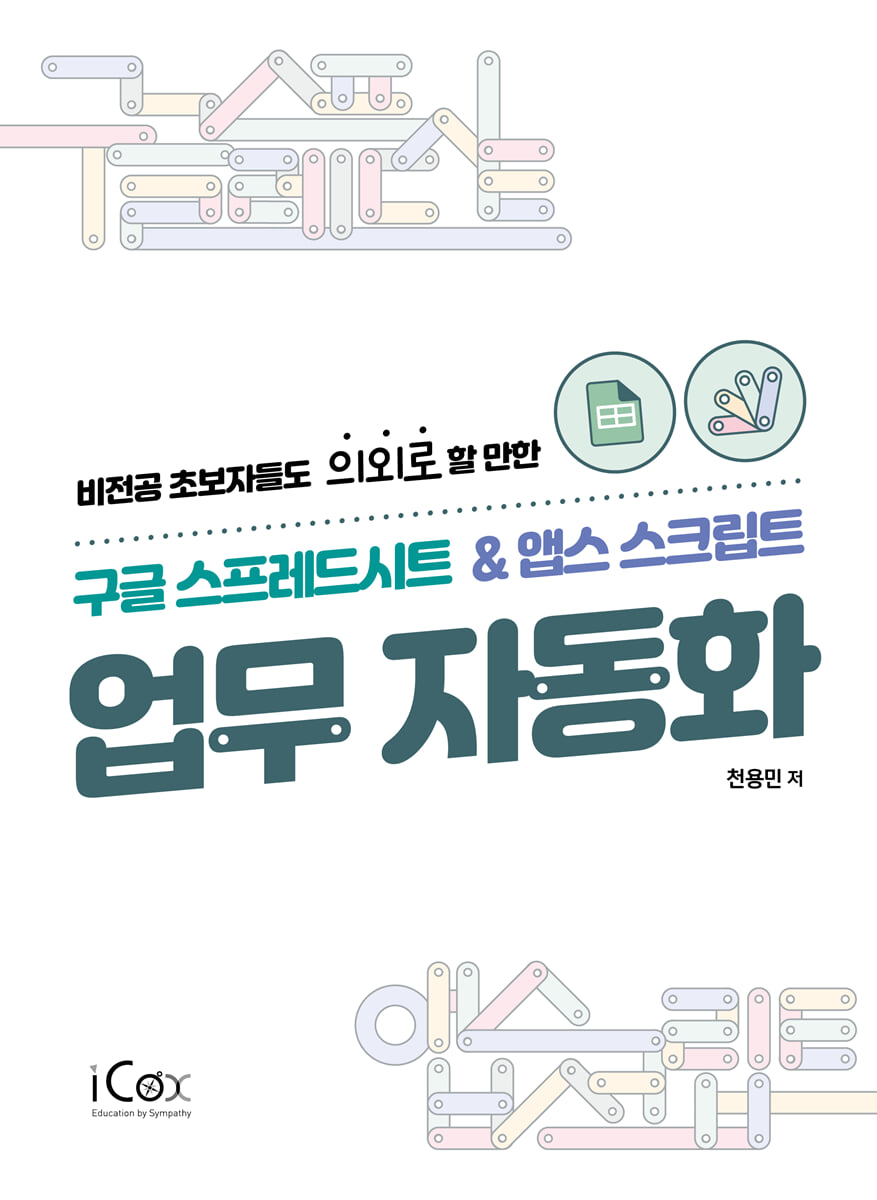
Google Spreadsheets & AppsScript Task Automation
 |
Description
Book Introduction
Google Sheets & AppsScript, easy to learn and use even for non-majors and beginners.
From JS fundamentals to APIs and crawling, we offer a wide range of business automation know-how.
'Business automation', a term that has been trending among office workers, shopping malls, and logistics managers for several years now, started with the simple use of various utilities to 'make work easier', and when it met 'spreadsheets', which are most widely used in practice, it started to be implemented in an even wider range of fields, including programming skills that were once thought to be exclusive to professional developers.
Accordingly, the author, who is also a non-major and a beginner, would like to share with readers the simple usage of 'Google Sheets', which can be easily accessed with just a Google account, through 'Google Spreadsheets & AppsScript Work Automation', as well as more intuitive work automation skills using 'AppsScript', a JavaScript-based development tool.
From JS fundamentals to APIs and crawling, we offer a wide range of business automation know-how.
'Business automation', a term that has been trending among office workers, shopping malls, and logistics managers for several years now, started with the simple use of various utilities to 'make work easier', and when it met 'spreadsheets', which are most widely used in practice, it started to be implemented in an even wider range of fields, including programming skills that were once thought to be exclusive to professional developers.
Accordingly, the author, who is also a non-major and a beginner, would like to share with readers the simple usage of 'Google Sheets', which can be easily accessed with just a Google account, through 'Google Spreadsheets & AppsScript Work Automation', as well as more intuitive work automation skills using 'AppsScript', a JavaScript-based development tool.
- You can preview some of the book's contents.
Preview
index
preface
Chapter 1: Google Spreadsheets and Apps Script
01-1 Introduction and Pros and Cons of Google Spreadsheets
01-2 Introduction to Apps Script (Google Apps Script)
Chapter 2: AppsScript and Coding Fundamentals
02-1 How to use the script editor and write your first code
02-2 Description of Apps Script's menus and actions
02-3 Understanding Basic Coding Operations
Chapter 3: Basics of JavaScript Grammar
03-1 What is JavaScript?
03-2 Variables - Labeling the data to be used
03-3 Data Type
03-4 Conditional statements (if) and boolean (true/false)
03-5 Arrays and Loops
03-6 Using Apps Script More Easily
Chapter 4: Automating Google Spreadsheets
04-1 The Relationship Between Apps Script and Google Spreadsheets
04-2 Accessing Spreadsheets, Sheets, and Ranges
04-3 Enter/delete Google Sheet content
04-4 Change Google Sheet Format
04-5 Other useful features
04-6 Creating a Real Project
Chapter 5: Using Google Workspace Tools
05-1 Understanding Objects
05-2 Gmail
05-3 Google Calendar
05-4 Google Drive
05-5 Google Form
05-6 YouTube
Chapter 6: Connecting to External APIs
06-1 How to use the script editor and write your first code
06-2 Using Naver News Search API
06-3 Utilizing the Public Data Portal API
06-4 Using the Discord API
Chapter 7 Web Crawling
07-1 What is web crawling?
07-2 HTML Web Page Crawling
07-3 Obtaining the API URL with Developer Tools
Chapter 8: Using ChatGPT
08-1 What is ChatGPT?
08-2 Learning how to use ChatGPT
08-3 Writing Apps Script Code with ChatGPT
08-4 Using the ChatGPT API
Index
Chapter 1: Google Spreadsheets and Apps Script
01-1 Introduction and Pros and Cons of Google Spreadsheets
01-2 Introduction to Apps Script (Google Apps Script)
Chapter 2: AppsScript and Coding Fundamentals
02-1 How to use the script editor and write your first code
02-2 Description of Apps Script's menus and actions
02-3 Understanding Basic Coding Operations
Chapter 3: Basics of JavaScript Grammar
03-1 What is JavaScript?
03-2 Variables - Labeling the data to be used
03-3 Data Type
03-4 Conditional statements (if) and boolean (true/false)
03-5 Arrays and Loops
03-6 Using Apps Script More Easily
Chapter 4: Automating Google Spreadsheets
04-1 The Relationship Between Apps Script and Google Spreadsheets
04-2 Accessing Spreadsheets, Sheets, and Ranges
04-3 Enter/delete Google Sheet content
04-4 Change Google Sheet Format
04-5 Other useful features
04-6 Creating a Real Project
Chapter 5: Using Google Workspace Tools
05-1 Understanding Objects
05-2 Gmail
05-3 Google Calendar
05-4 Google Drive
05-5 Google Form
05-6 YouTube
Chapter 6: Connecting to External APIs
06-1 How to use the script editor and write your first code
06-2 Using Naver News Search API
06-3 Utilizing the Public Data Portal API
06-4 Using the Discord API
Chapter 7 Web Crawling
07-1 What is web crawling?
07-2 HTML Web Page Crawling
07-3 Obtaining the API URL with Developer Tools
Chapter 8: Using ChatGPT
08-1 What is ChatGPT?
08-2 Learning how to use ChatGPT
08-3 Writing Apps Script Code with ChatGPT
08-4 Using the ChatGPT API
Index
Detailed image

Publisher's Review
Experience next-level scalable task automation with just your Google account!
From email to various APIs, apply them through Google Apps Script!
Excluding certain fields, if I had to pick the most widely used tool across various practical fields, it would definitely be the spreadsheet.
Therefore, when we, who have been partially automating repetitive tasks through various functions, decide to automate more specific and systematized tasks, we think of programming using scripting languages such as VBA.
Accordingly, 『Google Spreadsheets & AppsScript Task Automation』 guides anyone to easily implement automation for their work through Google's spreadsheet and AppsScript tools, which practically guarantee higher scalability and efficiency.
Through various practical examples, including the skills and know-how you've accumulated as well as the trial and error you've experienced as a non-major, you can all escape from repetitive, exhausting tasks.
Features of Google Spreadsheets & AppsScript Task Automation
》 Approach from the perspective of a non-specialist and practitioner at the same time.
》 Unnecessary programming concepts and contents are boldly omitted.
》 It contains only automation programming courses that will be thoroughly helpful in practical work.
》 Let's first experience a small example and then go back and explain the key points.
》 Integration with Google Workspace is basic, and it expands in various ways, including utilizing APIs and AI.
● Content covered in 『Google Spreadsheets & AppsScript Task Automation』
》 How to use Google Spreadsheets
》 JavaScript Basic Grammar and AppsScript
》 Google Workspace integration from Gmail to YouTube
》 External API integration such as Naver News
》 Web crawling
》Using ChatGPT
● You should read 『Google Spreadsheets & AppsScript Task Automation』
》 Sales representatives who have to send the same quotation email to various customers every time
》 Marketers who have to manually compile various performance indicators of executed advertisements every time.
》 Accounting/purchasing staff who have to work overtime due to repetitive monthly closing tasks
》 Planning department manager who must compile performance indicators from all teams within the company and create a report
》 or various other office workers who are struggling with repetitive tasks
》 Or a manager who runs a large or small business but finds it difficult to work with many Excel files.
》 Or, learners who don't know the 'code' of coding but want to learn the basics
From email to various APIs, apply them through Google Apps Script!
Excluding certain fields, if I had to pick the most widely used tool across various practical fields, it would definitely be the spreadsheet.
Therefore, when we, who have been partially automating repetitive tasks through various functions, decide to automate more specific and systematized tasks, we think of programming using scripting languages such as VBA.
Accordingly, 『Google Spreadsheets & AppsScript Task Automation』 guides anyone to easily implement automation for their work through Google's spreadsheet and AppsScript tools, which practically guarantee higher scalability and efficiency.
Through various practical examples, including the skills and know-how you've accumulated as well as the trial and error you've experienced as a non-major, you can all escape from repetitive, exhausting tasks.
Features of Google Spreadsheets & AppsScript Task Automation
》 Approach from the perspective of a non-specialist and practitioner at the same time.
》 Unnecessary programming concepts and contents are boldly omitted.
》 It contains only automation programming courses that will be thoroughly helpful in practical work.
》 Let's first experience a small example and then go back and explain the key points.
》 Integration with Google Workspace is basic, and it expands in various ways, including utilizing APIs and AI.
● Content covered in 『Google Spreadsheets & AppsScript Task Automation』
》 How to use Google Spreadsheets
》 JavaScript Basic Grammar and AppsScript
》 Google Workspace integration from Gmail to YouTube
》 External API integration such as Naver News
》 Web crawling
》Using ChatGPT
● You should read 『Google Spreadsheets & AppsScript Task Automation』
》 Sales representatives who have to send the same quotation email to various customers every time
》 Marketers who have to manually compile various performance indicators of executed advertisements every time.
》 Accounting/purchasing staff who have to work overtime due to repetitive monthly closing tasks
》 Planning department manager who must compile performance indicators from all teams within the company and create a report
》 or various other office workers who are struggling with repetitive tasks
》 Or a manager who runs a large or small business but finds it difficult to work with many Excel files.
》 Or, learners who don't know the 'code' of coding but want to learn the basics
GOODS SPECIFICS
- Date of issue: July 14, 2025
- Page count, weight, size: 488 pages | 1,008g | 188*257*19mm
- ISBN13: 9791164262700
- ISBN10: 116426270X
You may also like
카테고리
korean


korean

![GQ KOREA Mark (Monthly): December [2025]](http://librairie.coreenne.fr/cdn/shop/files/8ef265dbbfbf186523ed75ba7319009d.jpg?v=1765340328&width=3840)


