

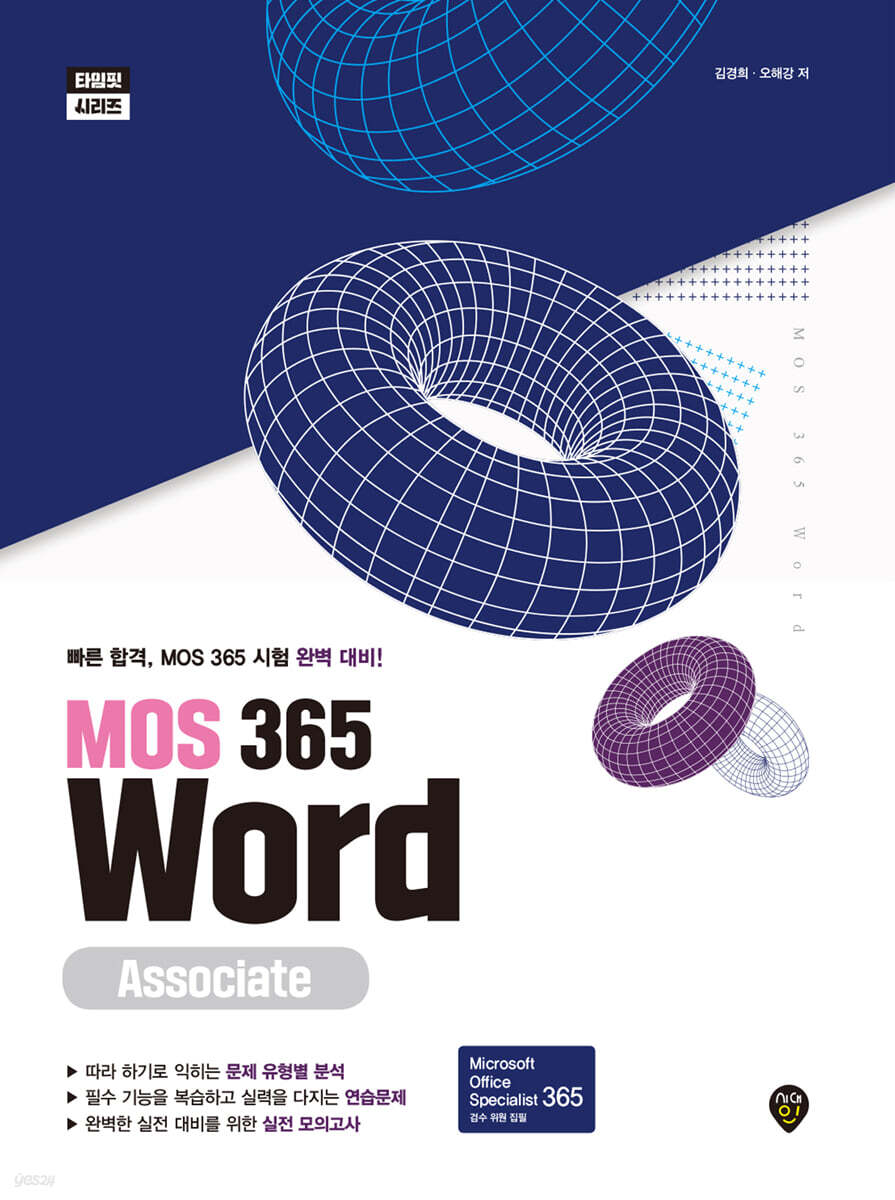
MOS 365 Word Associate
 |
Description
Book Introduction
Prepare for the MOS 365 Word Associate exam perfectly. Practice the questions exactly as if they were the real thing and pass on your first try!
Anyone, from job seekers to professionals dreaming of career growth, can quickly and easily obtain MOS 365 certification.
This is the first textbook to reflect the latest features of Microsoft 365, and our team of experienced instructors has thoroughly analyzed the exam structure and trends.
You can quickly learn core Word features that are likely to appear on the exam, such as document management functions, various insertion functions, and document collaboration functions, through practice problems and exercises. You can also check your skills through two mock exams that are similar to the actual exam.
Anyone, from job seekers to professionals dreaming of career growth, can quickly and easily obtain MOS 365 certification.
This is the first textbook to reflect the latest features of Microsoft 365, and our team of experienced instructors has thoroughly analyzed the exam structure and trends.
You can quickly learn core Word features that are likely to appear on the exam, such as document management functions, various insertion functions, and document collaboration functions, through practice problems and exercises. You can also check your skills through two mock exams that are similar to the actual exam.
- You can preview some of the book's contents.
Preview
index
PART 1 TYPE ANALYSIS
Chapter 01 Document Management
Section 01 Document Navigation
Section 02 Applying Document Format
Section 03 Document Storage and Sharing
Section 04 Document Inspection
Chapter 02 Inserting and Formatting Text, Paragraphs, and Sections
Section 01 Inserting Text
Section 02 Applying Text and Paragraph Formats
Section 03 Document Style Settings
Section 04 Creating and Configuring Document Areas
Chapter 03 Table and List Management
Section 01 Creating a Table
Section 02 Table Modification
Section 03 Creating and Editing Lists
Chapter 04 Reference Creation and Management
Section 01 Creating and Managing Footnotes and Endnotes
Section 02 Creating and Managing a Table of Contents
Chapter 05 Inserting Objects and Applying Formats
Section 01 Inserting Pictures and SmartArt Graphics
Section 02 Editing Pictures and SmartArt Graphics
Section 03 Adding Text to Graphic Elements
Section 04 Modifying Graphic Elements
Chapter 06 Document Collaboration Management
Section 01 Adding and Managing Comments
Section 02 Change Tracking Management
PART 2 PRACTICE PROBLEMS
Chapter 01 Practice Exam
1st mock exam
2nd mock exam
PART 3 PROBLEM EXPLANATION
Chapter 01: Practice Questions and Mock Exams
Practice Problem Explanation
Mock Exam Explanation
Chapter 01 Document Management
Section 01 Document Navigation
Section 02 Applying Document Format
Section 03 Document Storage and Sharing
Section 04 Document Inspection
Chapter 02 Inserting and Formatting Text, Paragraphs, and Sections
Section 01 Inserting Text
Section 02 Applying Text and Paragraph Formats
Section 03 Document Style Settings
Section 04 Creating and Configuring Document Areas
Chapter 03 Table and List Management
Section 01 Creating a Table
Section 02 Table Modification
Section 03 Creating and Editing Lists
Chapter 04 Reference Creation and Management
Section 01 Creating and Managing Footnotes and Endnotes
Section 02 Creating and Managing a Table of Contents
Chapter 05 Inserting Objects and Applying Formats
Section 01 Inserting Pictures and SmartArt Graphics
Section 02 Editing Pictures and SmartArt Graphics
Section 03 Adding Text to Graphic Elements
Section 04 Modifying Graphic Elements
Chapter 06 Document Collaboration Management
Section 01 Adding and Managing Comments
Section 02 Change Tracking Management
PART 2 PRACTICE PROBLEMS
Chapter 01 Practice Exam
1st mock exam
2nd mock exam
PART 3 PROBLEM EXPLANATION
Chapter 01: Practice Questions and Mock Exams
Practice Problem Explanation
Mock Exam Explanation
Detailed image

Publisher's Review
From the latest analysis of past exam questions to actual mock exams,
The ultimate pass guide, written by MOS 365 reviewers!
The Microsoft Office Specialist (MOS) certification validates your proficiency in Microsoft Office programs. Recognized in over 150 countries, it's an international certification officially endorsed by Microsoft. The MOS 365 exam goes beyond memorizing basic Office program functions and assesses your ability to utilize the programs in real-world work scenarios.
Through this book, you can quickly learn the basic concepts of Word as well as the core functions of MOS 365 Word that are likely to appear on the exam.
We will be your most reliable guide to ensure that your time and effort are not wasted.
Learning Support
The textbook source files can be downloaded from Sidae Edu (https://www.edusd.co.kr) [Program].
The ultimate pass guide, written by MOS 365 reviewers!
The Microsoft Office Specialist (MOS) certification validates your proficiency in Microsoft Office programs. Recognized in over 150 countries, it's an international certification officially endorsed by Microsoft. The MOS 365 exam goes beyond memorizing basic Office program functions and assesses your ability to utilize the programs in real-world work scenarios.
Through this book, you can quickly learn the basic concepts of Word as well as the core functions of MOS 365 Word that are likely to appear on the exam.
We will be your most reliable guide to ensure that your time and effort are not wasted.
Learning Support
The textbook source files can be downloaded from Sidae Edu (https://www.edusd.co.kr) [Program].
GOODS SPECIFICS
- Date of issue: June 27, 2025
- Page count, weight, size: 176 pages | 190*260*20mm
- ISBN13: 9791138394437
You may also like
카테고리
korean


korean

![GQ KOREA Mark (Monthly): December [2025]](http://librairie.coreenne.fr/cdn/shop/files/8ef265dbbfbf186523ed75ba7319009d.jpg?v=1765340328&width=3840)


