

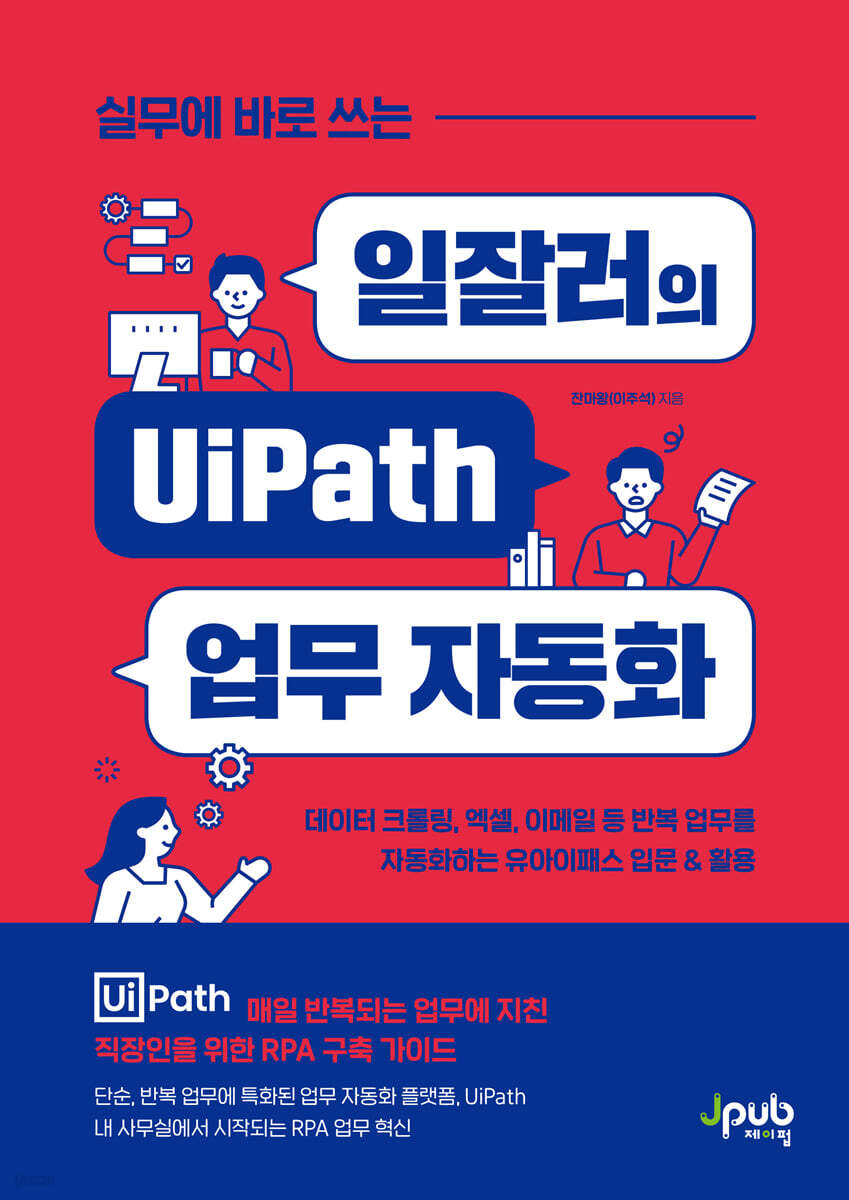
UiPath Work Automation for Workers Who Put It to Work
 |
Description
Book Introduction
Introduction to UiPath and Utilization: Build Your Own Automated RPA Processes Perfect for Your Business
RPA refers to automating simple tasks that people perform repetitively every day using software robots.
Currently, RPA is being used in various industries, including corporations, governments, banks, and educational institutions.
In particular, as even complex personal tasks can be automated, 'RPA utilization is now emerging as a competitive edge.'
So, have you ever considered "automating your work?" When you think of automation, coding usually comes to mind.
And then, as usual, you end up giving up.
But UiPath is different.
You can automate everything from website crawling, organizing Excel data, and even sending and responding to emails, all with just drag-and-drop, without knowing a single line of coding.
This book is an introduction to UiPath and contains practical examples that anyone in the workplace can immediately use.
As you follow the examples, UiPath will soon become your personal assistant, performing complex, repetitive tasks for you.
RPA refers to automating simple tasks that people perform repetitively every day using software robots.
Currently, RPA is being used in various industries, including corporations, governments, banks, and educational institutions.
In particular, as even complex personal tasks can be automated, 'RPA utilization is now emerging as a competitive edge.'
So, have you ever considered "automating your work?" When you think of automation, coding usually comes to mind.
And then, as usual, you end up giving up.
But UiPath is different.
You can automate everything from website crawling, organizing Excel data, and even sending and responding to emails, all with just drag-and-drop, without knowing a single line of coding.
This book is an introduction to UiPath and contains practical examples that anyone in the workplace can immediately use.
As you follow the examples, UiPath will soon become your personal assistant, performing complex, repetitive tasks for you.
- You can preview some of the book's contents.
Preview
index
Entering 008
Structure of this book 010
Chapter 1 RPA and UiPath StudioX
01 Understanding RPA, the Automation Robot for Me
-Understanding the concept of RPA
-How to implement RPA
02 UiPath, an RPA-specific program available to everyone
Representative companies that provide RPA-specific programs
-Difference between UiPath Studio and UiPath StudioX
03 UiPath StudioX Installation and Basic Configuration Overview
-Installing UiPath StudioX
-Looking at the basic configuration
04 Understanding the core of UiPath StudioX, activities
- Check out the designer panel
- Troubleshooting activity errors
Chapter 2: Mastering the Basics of UiPath StudioX
01 Implementing variables in Excel instead of coding
- [Project_Notebook.xlsx] file that implements the variables
-Using variables 1
-Using variables 2
02 Implementing Seamless Automation Using Conditional Statements and Loops
-Conditional statements and loops
- Practice conditional statements and loops
03 Implementing automation to organize folders and files
- Copy files to another folder
- Rename the copied file
04 Implementing automation to enter text into a document
-Entering text into Excel
-Entering text in PowerPoint
-Enter text into Word
05 Implementing automated replies in MS Outlook
-Replying to emails with UiPath StudioX
-Organizing replied emails with UiPath StudioX
06 Implementing Web Crawling Automation
- Extracting data from web pages
-Save the extracted data to Excel
07 Getting to Know UiPath Assistant
-Publish and run automations in UiPath Assistant
Chapter 3: Shortening Work Time with UiPath StudioX
01 Consolidating multiple PowerPoint files into one
- Import PowerPoint files
-Set up a repetitive action to collate imported files
02 Replace words in multiple Word files at once
- Import Excel and Word files
-Setting up repeating actions
03 Entering PowerPoint slides at once
- Organize the information to be entered into Excel
-Automatically input Excel content into PowerPoint
04 Automatically report daily exchange rate information
-[Use Application/Browser] Using Activities
-Move the extracted data to an Excel file
- Create an Excel file that accumulates the extracted data daily.
-Send emails automatically
05 Sending individual payslips by email
- Entering text into an Excel format file
- Convert Excel files to PDF files and save them
-Send emails automatically
06 Creating an Event Name Tag with PowerPoint
-Organizing the list file
- Entering list data into PowerPoint
Extract multiple data at once, regardless of page format.
- Extracting data without anchors
- Extracting data using anchors
In conclusion
Search
Structure of this book 010
Chapter 1 RPA and UiPath StudioX
01 Understanding RPA, the Automation Robot for Me
-Understanding the concept of RPA
-How to implement RPA
02 UiPath, an RPA-specific program available to everyone
Representative companies that provide RPA-specific programs
-Difference between UiPath Studio and UiPath StudioX
03 UiPath StudioX Installation and Basic Configuration Overview
-Installing UiPath StudioX
-Looking at the basic configuration
04 Understanding the core of UiPath StudioX, activities
- Check out the designer panel
- Troubleshooting activity errors
Chapter 2: Mastering the Basics of UiPath StudioX
01 Implementing variables in Excel instead of coding
- [Project_Notebook.xlsx] file that implements the variables
-Using variables 1
-Using variables 2
02 Implementing Seamless Automation Using Conditional Statements and Loops
-Conditional statements and loops
- Practice conditional statements and loops
03 Implementing automation to organize folders and files
- Copy files to another folder
- Rename the copied file
04 Implementing automation to enter text into a document
-Entering text into Excel
-Entering text in PowerPoint
-Enter text into Word
05 Implementing automated replies in MS Outlook
-Replying to emails with UiPath StudioX
-Organizing replied emails with UiPath StudioX
06 Implementing Web Crawling Automation
- Extracting data from web pages
-Save the extracted data to Excel
07 Getting to Know UiPath Assistant
-Publish and run automations in UiPath Assistant
Chapter 3: Shortening Work Time with UiPath StudioX
01 Consolidating multiple PowerPoint files into one
- Import PowerPoint files
-Set up a repetitive action to collate imported files
02 Replace words in multiple Word files at once
- Import Excel and Word files
-Setting up repeating actions
03 Entering PowerPoint slides at once
- Organize the information to be entered into Excel
-Automatically input Excel content into PowerPoint
04 Automatically report daily exchange rate information
-[Use Application/Browser] Using Activities
-Move the extracted data to an Excel file
- Create an Excel file that accumulates the extracted data daily.
-Send emails automatically
05 Sending individual payslips by email
- Entering text into an Excel format file
- Convert Excel files to PDF files and save them
-Send emails automatically
06 Creating an Event Name Tag with PowerPoint
-Organizing the list file
- Entering list data into PowerPoint
Extract multiple data at once, regardless of page format.
- Extracting data without anchors
- Extracting data using anchors
In conclusion
Search
Detailed image

Publisher's Review
1.
Easy, intuitive UI with drag-and-drop start
UiPath is very intuitive and easy for anyone to learn.
There is no coding to learn or complex UI.
UiPath lets you build your own automated processes for any office environment, including MS Office, Google Sheets, and Gmail, with just drag-and-drop.
2.
Practical application examples that are perfect for practical use
This book is aimed at non-experts with no programming experience and provides practical examples that can be immediately applied to practical work, starting with installing UiPath StudioX.
Automate simple, repetitive tasks like crawling daily updated exchange rate information from web pages, organizing it in Excel, and emailing it to the person in charge, creating name tags for over 1,000 applicants in PowerPoint, organizing a list of over 1,000 bestsellers in Excel, and formatting and emailing individual pay statements. This allows you to focus on your core tasks.
3.
UiPath, the world's #1 RPA program
UiPath has been ranked as a top "Leader" for five consecutive years in the Magic Quadrant for RPA report published by American consulting firm Gartner, beating out other RPA-specific programs.
This also means that UiPath is likely to gain traction among users the fastest.
This book will give you access to the world's #1 RPA program faster than anyone else and help you build powerful automated processes powered by UiPath.
Target audience for this book
● Office workers who want to create automated processes and improve their work capabilities through UiPath StudioX
● Person in charge of tasks that mainly involve repetitive tasks such as Excel, email, and web crawling
● Leaders who want to optimize their organization's processes through task automation.
Easy, intuitive UI with drag-and-drop start
UiPath is very intuitive and easy for anyone to learn.
There is no coding to learn or complex UI.
UiPath lets you build your own automated processes for any office environment, including MS Office, Google Sheets, and Gmail, with just drag-and-drop.
2.
Practical application examples that are perfect for practical use
This book is aimed at non-experts with no programming experience and provides practical examples that can be immediately applied to practical work, starting with installing UiPath StudioX.
Automate simple, repetitive tasks like crawling daily updated exchange rate information from web pages, organizing it in Excel, and emailing it to the person in charge, creating name tags for over 1,000 applicants in PowerPoint, organizing a list of over 1,000 bestsellers in Excel, and formatting and emailing individual pay statements. This allows you to focus on your core tasks.
3.
UiPath, the world's #1 RPA program
UiPath has been ranked as a top "Leader" for five consecutive years in the Magic Quadrant for RPA report published by American consulting firm Gartner, beating out other RPA-specific programs.
This also means that UiPath is likely to gain traction among users the fastest.
This book will give you access to the world's #1 RPA program faster than anyone else and help you build powerful automated processes powered by UiPath.
Target audience for this book
● Office workers who want to create automated processes and improve their work capabilities through UiPath StudioX
● Person in charge of tasks that mainly involve repetitive tasks such as Excel, email, and web crawling
● Leaders who want to optimize their organization's processes through task automation.
GOODS SPECIFICS
- Date of issue: May 24, 2024
- Page count, weight, size: 340 pages | 152*215*17mm
- ISBN13: 9791193926215
You may also like
카테고리
korean


korean

![GQ KOREA Mark (Monthly): December [2025]](http://librairie.coreenne.fr/cdn/shop/files/8ef265dbbfbf186523ed75ba7319009d.jpg?v=1765340328&width=3840)


