

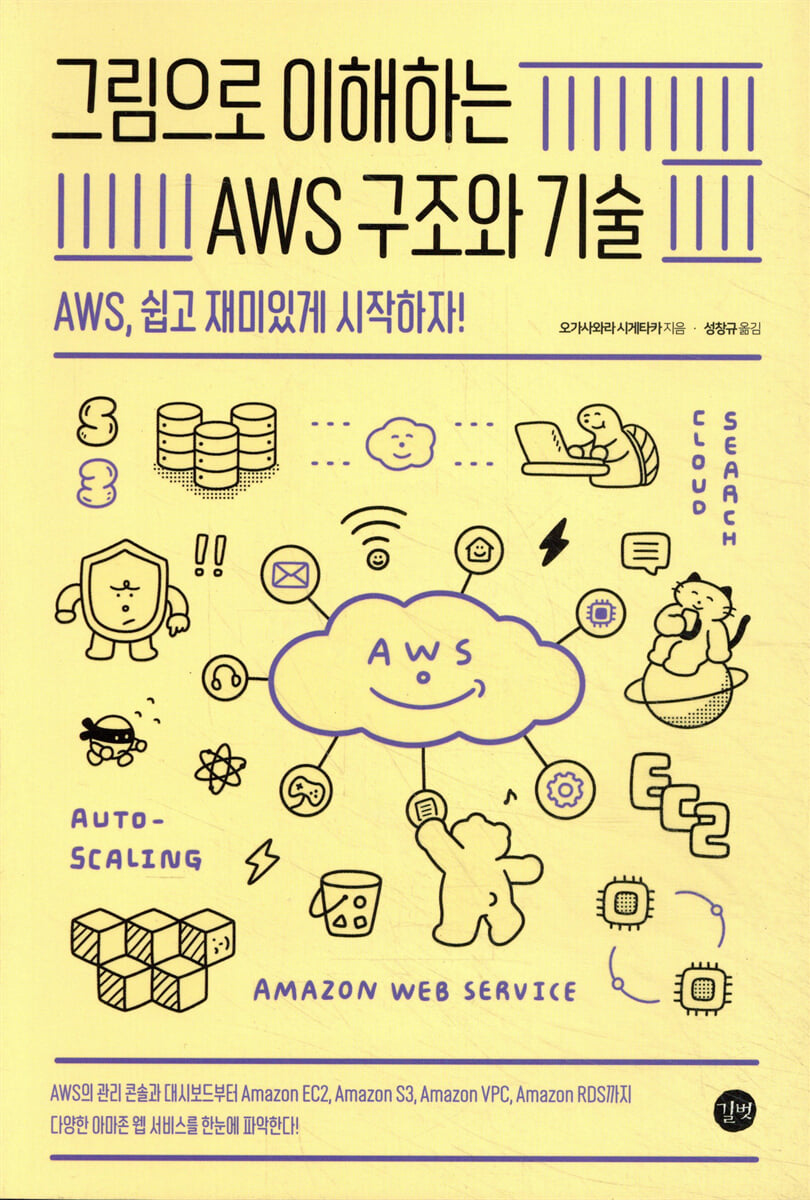
Understanding AWS Architecture and Technology in Pictures
 |
Description
Book Introduction
Just reading is enough!
Understand AWS concepts and services quickly and easily!
AWS offers a wide range of services, including web-related features, as well as corporate systems, machine learning, and infrastructure-related features.
Moreover, it is not simply used as a 'substitute for a rental server', but is positioned as an essential service for building systems or infrastructure.
The book covers everything from basic knowledge of cloud and network architecture, management consoles, and dashboards to key AWS services like Amazon EC2, Amazon S3, Amazon VPC, and Amazon RDS.
The environmental structure, usage procedures, fees, and services that are good to use in combination for each service are clearly organized into 155 illustrations and 40 tables, making them intuitive and easy to understand.
Also, since it explains from the basics, you can read it without any prior knowledge.
After reading this book, you will be able to visualize various AWS utilization technologies in your head, including what services are available, what their features are, and how to use them.
Understand AWS concepts and services quickly and easily!
AWS offers a wide range of services, including web-related features, as well as corporate systems, machine learning, and infrastructure-related features.
Moreover, it is not simply used as a 'substitute for a rental server', but is positioned as an essential service for building systems or infrastructure.
The book covers everything from basic knowledge of cloud and network architecture, management consoles, and dashboards to key AWS services like Amazon EC2, Amazon S3, Amazon VPC, and Amazon RDS.
The environmental structure, usage procedures, fees, and services that are good to use in combination for each service are clearly organized into 155 illustrations and 40 tables, making them intuitive and easy to understand.
Also, since it explains from the basics, you can read it without any prior knowledge.
After reading this book, you will be able to visualize various AWS utilization technologies in your head, including what services are available, what their features are, and how to use them.
- You can preview some of the book's contents.
Preview
index
Chapter 1: Amazon Web Services Basics
1.1 What is Amazon Web Services?: Cloud services provided by Amazon.
1.2 AWS Services: Over 165 Services
1.3 AWS Cost: Initial costs are low, but operating costs are a bit high.
1.4 How to Use AWS: Anyone Can Easily Use the Service
1.5 AWS adoption cases: Many cases are being adopted by large corporations or government agencies.
1.6 How to get started with AWS: Create an account and log in.
Chapter 2: Cloud & Network Structure for Understanding AWS
2.1 Cloud and On-Premises: The Structure of Cloud Computing
2.2 Virtualization and Distributed Processing: Two Key Technologies Underpinning the Cloud
2.3 SaaS, PaaS, IaaS: Cloud Service Delivery Types
2.4 Servers and Instances: Virtual servers created on the network.
2.5 LAN: Technology that configures a LAN
2.6 IP Addresses and DNS: How to Identify Locations on a Network
2.7 The Structure of the Web: Technologies Related to Websites
Chapter 3 Tools for Using AWS
3.1 How to Use AWS and Your Account: Useful Tools Provided by AWS
3.2 Management Console and Dashboard: Simple and Intuitive Management Tools
3.3 AWS IAM and Access Permissions: Setting Access Permissions
3.4 Amazon CloudWatch: Monitoring the Status of Amazon EC2 Resources
3.5 AWS Billing and Cost Management: Managing AWS Costs
3.6 Regions and Availability Zones: Data centers located around the world.
Chapter 4: Server Services: Amazon EC2
4.1 What is Amazon EC2?: A virtual server that allows you to build an execution environment in a short period of time.
4.2 EC2 Usage Procedure: Before Using a Virtual Server
4.3 Instance Creation and Pricing: Example of Creating a Virtual Server
4.4 AMI: Disk image with OS and software installed
4.5 Instance Type: Choose the Machine That Fits Your Purpose
4.6 Amazon EBS: Storage volumes for Amazon EC2
4.7 Connecting with SSH and Key Pairs: Access Management Using Public Key Cryptography
4.8 Elastic IP Address: Assign a static public IP address
4.9 Elastic Load Balancing: A distributed device that distributes traffic
4.10 Snapshots: Backing Up Server Data
4.11 Auto Scaling: Increase or decrease the number of EC2 instances to meet demand.
Chapter 5: Storage Services: Amazon S3
5.1 What is Amazon S3?: An easy-to-use and powerful storage service.
5.2 Storage Classes: Different Types of Storage
5.3 S3 Usage Procedure: Before Using the Storage Service
5.4 Objects and Buckets: Files and Where They Are Stored
5.5 Bucket Policy and User Policy: Setting Access Restrictions
5.6 Website Hosting: Publishing Your Website
5.7 File Upload and Download: Various File Upload Methods
5.8 Access Control and Tamper Protection: Monitoring Unauthorized Access
5.9 Versioning, Lifecycle, and Replication: Managing Stored Objects
5.10 Data Analysis and Linkage: Analysis of Stored Data
5.11 Amazon CloudFront: Content Distribution Service
Chapter 6: Virtual Network Services Amazon VPC
6.1 What is Amazon VPC?: A virtual network created in AWS.
6.2 VPC Usage Procedure: Let's Use a Virtual Network
6.3 Default VPC: The default VPC provided by AWS.
6.4 Subnets and DHCP: Choosing the Scope to Use
6.5 Routing and NAT: Translating Public and Private IP Addresses
6.6 Internet Gateway and NAT Gateway: Accessing the Internet from a VPC
6.7 Security Groups and Network ACLs: Security Settings
6.8 VPC Endpoints: Connecting to Other AWS Services and Endpoint Services
6.9 VPC Connections: VPC-to-VPC Connections and VPC-to-VPN Connections
Chapter 7 Database Services Amazon RDS
7.1 Databases and RDBs: Systems for Managing Data
7.2 What is Amazon RDS?: A database service that provides major RDBMS.
7.3 DBMS available in RDS: Select a database engine
7.4 RDS Usage Procedure: Procedure for using the database
7.5 Key-Value Database: A database service that manages keys.
7.6 Other Databases: Provides various database services.
Chapter 8: AWS Services You Should Know
8.1 Amazon Route 53: AWS's DNS Service
8.2 AWS Lambda: A serverless service that automatically executes events.
8.3 AWS Container Service: A virtual environment that can run applications on a per-application basis.
1.1 What is Amazon Web Services?: Cloud services provided by Amazon.
1.2 AWS Services: Over 165 Services
1.3 AWS Cost: Initial costs are low, but operating costs are a bit high.
1.4 How to Use AWS: Anyone Can Easily Use the Service
1.5 AWS adoption cases: Many cases are being adopted by large corporations or government agencies.
1.6 How to get started with AWS: Create an account and log in.
Chapter 2: Cloud & Network Structure for Understanding AWS
2.1 Cloud and On-Premises: The Structure of Cloud Computing
2.2 Virtualization and Distributed Processing: Two Key Technologies Underpinning the Cloud
2.3 SaaS, PaaS, IaaS: Cloud Service Delivery Types
2.4 Servers and Instances: Virtual servers created on the network.
2.5 LAN: Technology that configures a LAN
2.6 IP Addresses and DNS: How to Identify Locations on a Network
2.7 The Structure of the Web: Technologies Related to Websites
Chapter 3 Tools for Using AWS
3.1 How to Use AWS and Your Account: Useful Tools Provided by AWS
3.2 Management Console and Dashboard: Simple and Intuitive Management Tools
3.3 AWS IAM and Access Permissions: Setting Access Permissions
3.4 Amazon CloudWatch: Monitoring the Status of Amazon EC2 Resources
3.5 AWS Billing and Cost Management: Managing AWS Costs
3.6 Regions and Availability Zones: Data centers located around the world.
Chapter 4: Server Services: Amazon EC2
4.1 What is Amazon EC2?: A virtual server that allows you to build an execution environment in a short period of time.
4.2 EC2 Usage Procedure: Before Using a Virtual Server
4.3 Instance Creation and Pricing: Example of Creating a Virtual Server
4.4 AMI: Disk image with OS and software installed
4.5 Instance Type: Choose the Machine That Fits Your Purpose
4.6 Amazon EBS: Storage volumes for Amazon EC2
4.7 Connecting with SSH and Key Pairs: Access Management Using Public Key Cryptography
4.8 Elastic IP Address: Assign a static public IP address
4.9 Elastic Load Balancing: A distributed device that distributes traffic
4.10 Snapshots: Backing Up Server Data
4.11 Auto Scaling: Increase or decrease the number of EC2 instances to meet demand.
Chapter 5: Storage Services: Amazon S3
5.1 What is Amazon S3?: An easy-to-use and powerful storage service.
5.2 Storage Classes: Different Types of Storage
5.3 S3 Usage Procedure: Before Using the Storage Service
5.4 Objects and Buckets: Files and Where They Are Stored
5.5 Bucket Policy and User Policy: Setting Access Restrictions
5.6 Website Hosting: Publishing Your Website
5.7 File Upload and Download: Various File Upload Methods
5.8 Access Control and Tamper Protection: Monitoring Unauthorized Access
5.9 Versioning, Lifecycle, and Replication: Managing Stored Objects
5.10 Data Analysis and Linkage: Analysis of Stored Data
5.11 Amazon CloudFront: Content Distribution Service
Chapter 6: Virtual Network Services Amazon VPC
6.1 What is Amazon VPC?: A virtual network created in AWS.
6.2 VPC Usage Procedure: Let's Use a Virtual Network
6.3 Default VPC: The default VPC provided by AWS.
6.4 Subnets and DHCP: Choosing the Scope to Use
6.5 Routing and NAT: Translating Public and Private IP Addresses
6.6 Internet Gateway and NAT Gateway: Accessing the Internet from a VPC
6.7 Security Groups and Network ACLs: Security Settings
6.8 VPC Endpoints: Connecting to Other AWS Services and Endpoint Services
6.9 VPC Connections: VPC-to-VPC Connections and VPC-to-VPN Connections
Chapter 7 Database Services Amazon RDS
7.1 Databases and RDBs: Systems for Managing Data
7.2 What is Amazon RDS?: A database service that provides major RDBMS.
7.3 DBMS available in RDS: Select a database engine
7.4 RDS Usage Procedure: Procedure for using the database
7.5 Key-Value Database: A database service that manages keys.
7.6 Other Databases: Provides various database services.
Chapter 8: AWS Services You Should Know
8.1 Amazon Route 53: AWS's DNS Service
8.2 AWS Lambda: A serverless service that automatically executes events.
8.3 AWS Container Service: A virtual environment that can run applications on a per-application basis.
Detailed image

Into the book
This book uses numerous illustrations to facilitate understanding of the fundamental concepts of AWS and the cloud, and explains key AWS services such as Amazon EC2 and Amazon S3. While AWS differs from traditional computing services, the underlying concepts and technologies are the same. AWS's services are so diverse that a first-time user may feel overwhelmed and unsure of how to use them.
However, after reading this book, you will have a variety of AWS utilization techniques in mind, including what services are available, what features they have, and how to use them.
I hope you enjoy the ever-evolving and changing world of AWS.
However, after reading this book, you will have a variety of AWS utilization techniques in mind, including what services are available, what features they have, and how to use them.
I hope you enjoy the ever-evolving and changing world of AWS.
---From the author's note
Publisher's Review
From AWS's management console and dashboard
Amazon EC2, Amazon S3, Amazon VPC, and Amazon RDS
Get a quick overview of various Amazon Web Services!
-Can draw the whole picture of AWS
AWS provides more than 165 services.
Combining and using various AWS services like this is not as easy as it sounds.
This book explains the key services provided by AWS and how they can be combined with other services. It will help you get a better overview when you're unsure how to get started with AWS.
- Explains everything from the basics to major services for AWS beginners.
In Chapters 1-3, you will learn the basics of AWS, from the definition of AWS to the cloud and network structure, to the management console and dashboard, which are tools for using AWS.
Chapters 4 through 7 explain what AWS's main services, Amazon EC2, Amazon S3, Amazon VPC, and Amazon RDS, are, and when and how to use them. Chapter 8 also briefly introduces other AWS services that are worth knowing.
-Easy to understand even without prior knowledge
It clearly explains the definitions of AWS's main services, available environment structures, functions, usage procedures, and fees.
Additionally, it includes 115 illustrations and 40 tables, so that the content can be sufficiently understood with just simple text and illustrations.
Amazon EC2, Amazon S3, Amazon VPC, and Amazon RDS
Get a quick overview of various Amazon Web Services!
-Can draw the whole picture of AWS
AWS provides more than 165 services.
Combining and using various AWS services like this is not as easy as it sounds.
This book explains the key services provided by AWS and how they can be combined with other services. It will help you get a better overview when you're unsure how to get started with AWS.
- Explains everything from the basics to major services for AWS beginners.
In Chapters 1-3, you will learn the basics of AWS, from the definition of AWS to the cloud and network structure, to the management console and dashboard, which are tools for using AWS.
Chapters 4 through 7 explain what AWS's main services, Amazon EC2, Amazon S3, Amazon VPC, and Amazon RDS, are, and when and how to use them. Chapter 8 also briefly introduces other AWS services that are worth knowing.
-Easy to understand even without prior knowledge
It clearly explains the definitions of AWS's main services, available environment structures, functions, usage procedures, and fees.
Additionally, it includes 115 illustrations and 40 tables, so that the content can be sufficiently understood with just simple text and illustrations.
GOODS SPECIFICS
- Publication date: June 30, 2021
- Page count, weight, size: 280 pages | 532g | 183*235*12mm
- ISBN13: 9791165215682
- ISBN10: 1165215683
You may also like
카테고리
korean


korean

![GQ KOREA Mark (Monthly): December [2025]](http://librairie.coreenne.fr/cdn/shop/files/8ef265dbbfbf186523ed75ba7319009d.jpg?v=1765340328&width=3840)


