

Figma starting today
 |
Description
Book Introduction
A strong partner who helps you realize your imagination and grow.
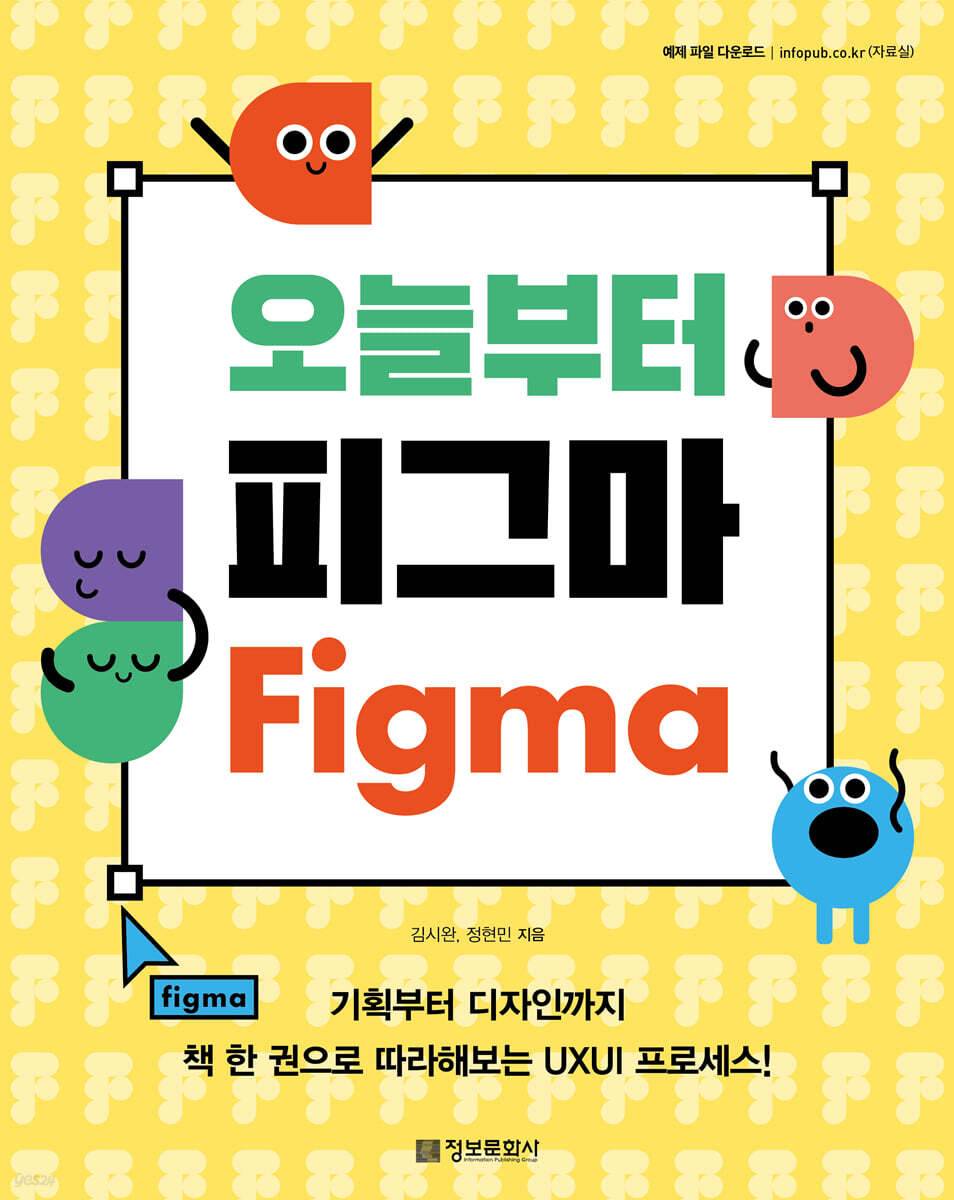
Figma is a design tool that has quickly become a standard in the UXUI industry with its real-time collaboration features and intuitive UI.
This book, written by designers and planners who have condensed their years of experience using Figma, provides readers who want to use a design tool fit for the new era with an easy and fun introduction to their best friend, Figma.
"Figma from Today" contains a variety of practical exercises with easy explanations so that even beginners can create their own services.
Starting with an explanation of Figma installation and pricing plans, we have made it possible for readers to start using Figma without burden, tailored to their purposes.
In Parts 1 and 2, you will learn about the basic interface as well as Figma's core features such as Auto Layout, Variants, and Prototypes through various hands-on exercises.
In Part 3, we organized a planning and design practice using Figma, allowing you to experience firsthand how Figma can be used throughout the entire design development process.
We also have a 'Deep Dive' corner to introduce new and diverse features of Figma, including Figma features such as Pigjam and AI.
Why not start using Figma right now, with this book, as it will be your reliable companion to help you realize your imagination and grow?
Figma is a design tool that has quickly become a standard in the UXUI industry with its real-time collaboration features and intuitive UI.
This book, written by designers and planners who have condensed their years of experience using Figma, provides readers who want to use a design tool fit for the new era with an easy and fun introduction to their best friend, Figma.
"Figma from Today" contains a variety of practical exercises with easy explanations so that even beginners can create their own services.
Starting with an explanation of Figma installation and pricing plans, we have made it possible for readers to start using Figma without burden, tailored to their purposes.
In Parts 1 and 2, you will learn about the basic interface as well as Figma's core features such as Auto Layout, Variants, and Prototypes through various hands-on exercises.
In Part 3, we organized a planning and design practice using Figma, allowing you to experience firsthand how Figma can be used throughout the entire design development process.
We also have a 'Deep Dive' corner to introduce new and diverse features of Figma, including Figma features such as Pigjam and AI.
Why not start using Figma right now, with this book, as it will be your reliable companion to help you realize your imagination and grow?
- You can preview some of the book's contents.
Preview
index
PART 01 Getting Started with Figma
Chapter 01 Basic Settings
Lesson 01: Creating a Figma Account
Lesson 02: Installing and Running the Desktop App
Lesson 03 Managing Projects and Files
Deep Dive Collaboration Tool Pigjam
Chapter 02 Basic Interface
Lesson 01 Layout
Lesson 02 Tools
Lesson 03 Collaboration
[Practice] Creating a Figma Logo
Deep Dive Figma Community
PART 02 Learning Figma through Creation
Chapter 01 Auto Layout
Lesson 01 Understanding Auto Layout
[Practice] Sorting the Thumbnail List
Lesson 02 Creating a Responsive UI
[Practice] Creating a Navigation Bar
Chapter 02 Components and Variants
Lesson 01 Understanding Components
[Practice] Creating a Card UI
Lesson 02 Component Variants and Properties
[Practice] Making a Switch
Chapter 03 Prototype
Lesson 01: Understanding Prototypes
[Practice] Creating Interactions Between Screens
[Practice] Fixing the scroll position
Deep Dive: Figma Meets AI
PART 03 UXUI Completed with Figma
Chapter 01 Planning
Lesson 01 UX Design Process
Lesson 02 Planning with Pig Jam
Lesson 03 Core Features and Wireframes
Deep Dive into Various Design Processes
Chapter 02 Core Screen UI Design
Lesson 01 Design Systems and UI Kits
Lesson 02 Preparation for Practice
[Practice] Profile UI
[Practice] Chat UI
[Practice] Dashboard UI
Deep Dive Figma Slides
Chapter 01 Basic Settings
Lesson 01: Creating a Figma Account
Lesson 02: Installing and Running the Desktop App
Lesson 03 Managing Projects and Files
Deep Dive Collaboration Tool Pigjam
Chapter 02 Basic Interface
Lesson 01 Layout
Lesson 02 Tools
Lesson 03 Collaboration
[Practice] Creating a Figma Logo
Deep Dive Figma Community
PART 02 Learning Figma through Creation
Chapter 01 Auto Layout
Lesson 01 Understanding Auto Layout
[Practice] Sorting the Thumbnail List
Lesson 02 Creating a Responsive UI
[Practice] Creating a Navigation Bar
Chapter 02 Components and Variants
Lesson 01 Understanding Components
[Practice] Creating a Card UI
Lesson 02 Component Variants and Properties
[Practice] Making a Switch
Chapter 03 Prototype
Lesson 01: Understanding Prototypes
[Practice] Creating Interactions Between Screens
[Practice] Fixing the scroll position
Deep Dive: Figma Meets AI
PART 03 UXUI Completed with Figma
Chapter 01 Planning
Lesson 01 UX Design Process
Lesson 02 Planning with Pig Jam
Lesson 03 Core Features and Wireframes
Deep Dive into Various Design Processes
Chapter 02 Core Screen UI Design
Lesson 01 Design Systems and UI Kits
Lesson 02 Preparation for Practice
[Practice] Profile UI
[Practice] Chat UI
[Practice] Dashboard UI
Deep Dive Figma Slides
Detailed image

Publisher's Review
Not harder, but smarter
This book is designed for beginners who are curious about Figma but have difficulty getting started.
Figma is a powerful design collaboration tool for teams and is already an industry standard UXUI design tool.
Its importance is growing as it can be used for a variety of purposes, including not only design but also document and resume writing, presentation production, and personal projects.
If you just start using Figma, you may be overwhelmed by its many features.
So this book helps you use Figma more smartly.
Starting today, we'll start with the core features of Figma, enabling collaboration.
Based on the basic layout and tools that implement Figma's main functions, we carefully guide you through the many Figma buttons to help you become familiar with the ones you need.
Additionally, each lesson includes a practical exercise so that you can immediately apply what you have learned.
And you will learn in detail about Figma's core features: auto layout, components, and prototypes.
As it is a key feature, lessons and practical exercises are alternated to ensure that readers learn how to use it accurately while maintaining interest.
Additionally, since Figma is a useful tool for both planners and developers, we have prepared a 'Figma Planning' section that allows Figma to be utilized throughout the design process, from UX design planning to development.
This book will help you use Figma smartly right away through hands-on practice in creating various UIs such as creating a Figma logo, sorting thumbnail lists, creating a navigation bar, profiles, chats, and dashboards.
This book will be especially helpful for users who have had difficulty getting started with Figma, those who want to easily learn Figma's core functions, or non-specialists who are new to design.
This book is designed for beginners who are curious about Figma but have difficulty getting started.
Figma is a powerful design collaboration tool for teams and is already an industry standard UXUI design tool.
Its importance is growing as it can be used for a variety of purposes, including not only design but also document and resume writing, presentation production, and personal projects.
If you just start using Figma, you may be overwhelmed by its many features.
So this book helps you use Figma more smartly.
Starting today, we'll start with the core features of Figma, enabling collaboration.
Based on the basic layout and tools that implement Figma's main functions, we carefully guide you through the many Figma buttons to help you become familiar with the ones you need.
Additionally, each lesson includes a practical exercise so that you can immediately apply what you have learned.
And you will learn in detail about Figma's core features: auto layout, components, and prototypes.
As it is a key feature, lessons and practical exercises are alternated to ensure that readers learn how to use it accurately while maintaining interest.
Additionally, since Figma is a useful tool for both planners and developers, we have prepared a 'Figma Planning' section that allows Figma to be utilized throughout the design process, from UX design planning to development.
This book will help you use Figma smartly right away through hands-on practice in creating various UIs such as creating a Figma logo, sorting thumbnail lists, creating a navigation bar, profiles, chats, and dashboards.
This book will be especially helpful for users who have had difficulty getting started with Figma, those who want to easily learn Figma's core functions, or non-specialists who are new to design.
GOODS SPECIFICS
- Date of issue: January 15, 2025
- Page count, weight, size: 248 pages | 187*235*20mm
- ISBN13: 9788956749938
- ISBN10: 8956749930
You may also like
카테고리
korean


korean

![GQ KOREA Mark (Monthly): December [2025]](http://librairie.coreenne.fr/cdn/shop/files/8ef265dbbfbf186523ed75ba7319009d.jpg?v=1765340328&width=3840)


