

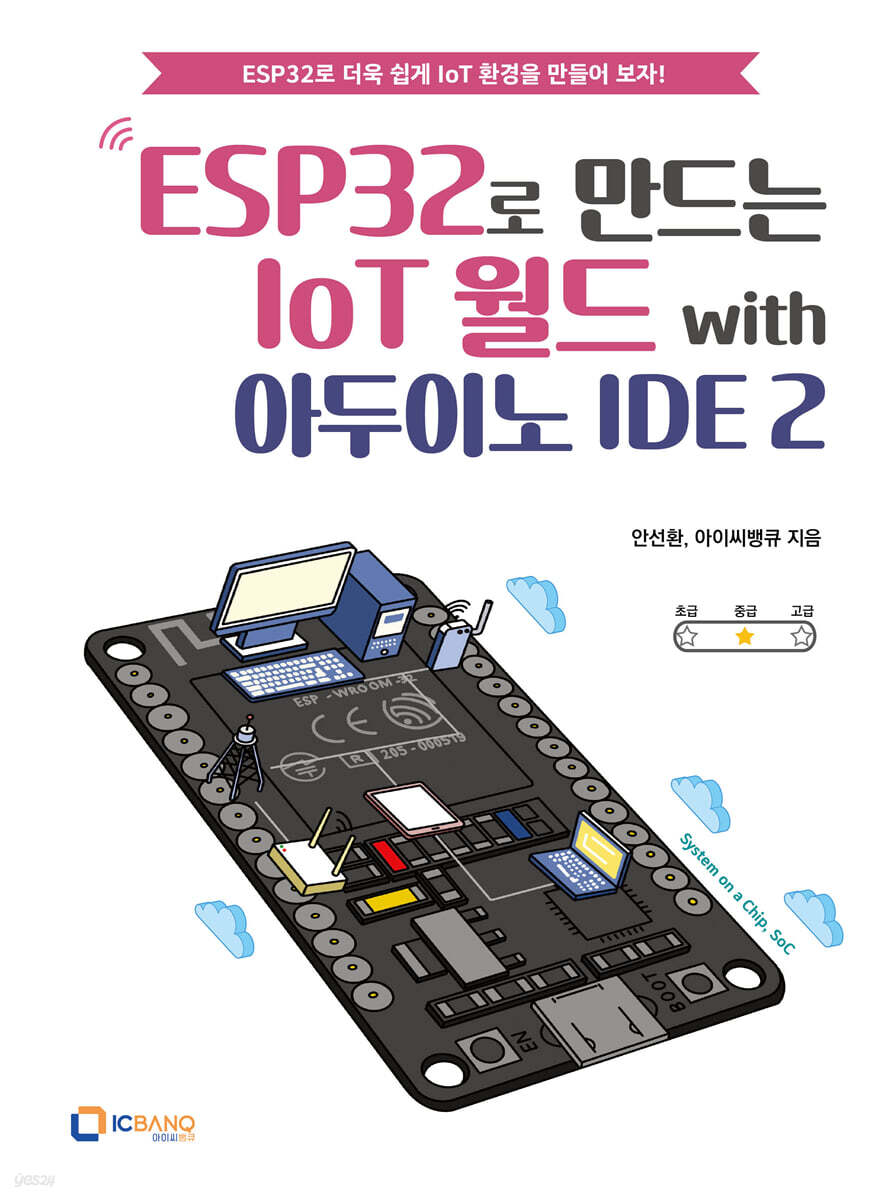
Building an IoT World with ESP32 and Arduino IDE 2
 |
Description
Book Introduction
Let's create an IoT environment more easily with ESP32!
This book provides step-by-step instructions that are easy to follow for everyone from beginners to intermediate users, and introduces various realistic IoT projects using ESP32, stimulating readers' creativity and teaching them how to apply it to real-world projects.
Let's use your creativity and imagination to design and build Arduino projects that utilize IoT technology.
This book will help you bring your ideas to life.
Let's take on the challenge together.
This book provides step-by-step instructions that are easy to follow for everyone from beginners to intermediate users, and introduces various realistic IoT projects using ESP32, stimulating readers' creativity and teaching them how to apply it to real-world projects.
Let's use your creativity and imagination to design and build Arduino projects that utilize IoT technology.
This book will help you bring your ideas to life.
Let's take on the challenge together.
- You can preview some of the book's contents.
Preview
index
preface
Recommendation
CHAPTER 01. Introduction to ESP32
1.1.
What is the Internet of Things (IoT)?
1.2. What is ESP32?
CHAPTER 02. ESP32 Development Environment Setup
2.1.
Installing Arduino IDE2
2.2.
Installing Board Manager
2.3.
Board and Port Selection
2.4.
Running the example program
CHAPTER 03. ESP32 GPIO Input/Output
3.1.
digital output
3.2.
analog output
3.3.
digital input
3.4.
analog input
CHAPTER 04.
Bluetooth communication
4.1.
Classic way
4.2. RGB LED
4.3. BLE (Bluetooth®LE) method
CHAPTER 05.
Web Server
5.1.
Simple web server
5.2.
Web server controlling built-in LED
5.3. DH11 Temperature and Humidity Sensor
5.4.
Temperature and humidity display web server
5.5.
Accessing local web server from outside
CHAPTER 06. MQTT
6.1.
ultrasonic sensor
6.2.
Ultrasonic sensor values Publisher
6.3.
Active buzzer
6.4.
Buzzer Status Subscriber
CHAPTER 07.
Firebase
7.1.
Controlling LEDs with Firebase
7.2.
light detection sensor
7.3.
Logging light sensor data to Firebase
7.4.
Leveraging Firebase Data
7.5.
Firebase Web App Hosting
CHAPTER 08.
Arduino Cloud
8.1.
Hardware Preparation
8.2.
Arduino Cloud Settings
8.3.
Board programming
8.4.
Dashboard Settings
CHAPTER 09. Utilizing NTP Servers
9.1. OLED display
9.2. Digital clock using NTP
CHAPTER 10.
Utilizing public data
10.1.
Application for use of fine dust public data
10.2. Displaying icons on the OLED display
10.3. Displaying fine dust status on OLED display
CHAPTER 11.
Send KakaoTalk message
11.1.
Soil moisture sensor
11.2.
Send soil moisture values via KakaoTalk message
CHAPTER 12. JSON Encoding and Decoding
12.1.
ArduinoJson library
12.2. JSON Decoding
12.3. JSON encoding
12.4.
Modify Code 11-2 using JSON library
Recommendation
CHAPTER 01. Introduction to ESP32
1.1.
What is the Internet of Things (IoT)?
1.2. What is ESP32?
CHAPTER 02. ESP32 Development Environment Setup
2.1.
Installing Arduino IDE2
2.2.
Installing Board Manager
2.3.
Board and Port Selection
2.4.
Running the example program
CHAPTER 03. ESP32 GPIO Input/Output
3.1.
digital output
3.2.
analog output
3.3.
digital input
3.4.
analog input
CHAPTER 04.
Bluetooth communication
4.1.
Classic way
4.2. RGB LED
4.3. BLE (Bluetooth®LE) method
CHAPTER 05.
Web Server
5.1.
Simple web server
5.2.
Web server controlling built-in LED
5.3. DH11 Temperature and Humidity Sensor
5.4.
Temperature and humidity display web server
5.5.
Accessing local web server from outside
CHAPTER 06. MQTT
6.1.
ultrasonic sensor
6.2.
Ultrasonic sensor values Publisher
6.3.
Active buzzer
6.4.
Buzzer Status Subscriber
CHAPTER 07.
Firebase
7.1.
Controlling LEDs with Firebase
7.2.
light detection sensor
7.3.
Logging light sensor data to Firebase
7.4.
Leveraging Firebase Data
7.5.
Firebase Web App Hosting
CHAPTER 08.
Arduino Cloud
8.1.
Hardware Preparation
8.2.
Arduino Cloud Settings
8.3.
Board programming
8.4.
Dashboard Settings
CHAPTER 09. Utilizing NTP Servers
9.1. OLED display
9.2. Digital clock using NTP
CHAPTER 10.
Utilizing public data
10.1.
Application for use of fine dust public data
10.2. Displaying icons on the OLED display
10.3. Displaying fine dust status on OLED display
CHAPTER 11.
Send KakaoTalk message
11.1.
Soil moisture sensor
11.2.
Send soil moisture values via KakaoTalk message
CHAPTER 12. JSON Encoding and Decoding
12.1.
ArduinoJson library
12.2. JSON Decoding
12.3. JSON encoding
12.4.
Modify Code 11-2 using JSON library
Detailed image

Into the book
- The IoT field is currently undergoing continuous innovation and development.
Recent trends show a growing trend toward edge computing, where IoT devices process data on-site.
This plays a major role in enhancing response speed and data security.
Moreover, the introduction of 5G networks has improved the connectivity and efficiency of IoT systems, enabling massive data processing and real-time communication.
And the combination of IoT devices with AI technology allows them to collect and analyze data for deeper insights.
This book will be an excellent resource for learning data collection and analysis methods through various IoT projects and broadening your understanding of the IoT. It demonstrates the potential of Arduino and Bluetooth/Wi-Fi through hands-on exercises using the ESP32 microcontroller.
Arduino is an excellent tool for coding education and prototyping.
But connecting it to the Internet enables even greater innovation.
For example, imagine you have a simple LED connected to your Arduino.
You can do a variety of things with this LED, from turning it on and off to adjusting the brightness of the light.
But when it's connected to the Internet, Arduino's creative possibilities expand even further.
Recent trends show a growing trend toward edge computing, where IoT devices process data on-site.
This plays a major role in enhancing response speed and data security.
Moreover, the introduction of 5G networks has improved the connectivity and efficiency of IoT systems, enabling massive data processing and real-time communication.
And the combination of IoT devices with AI technology allows them to collect and analyze data for deeper insights.
This book will be an excellent resource for learning data collection and analysis methods through various IoT projects and broadening your understanding of the IoT. It demonstrates the potential of Arduino and Bluetooth/Wi-Fi through hands-on exercises using the ESP32 microcontroller.
Arduino is an excellent tool for coding education and prototyping.
But connecting it to the Internet enables even greater innovation.
For example, imagine you have a simple LED connected to your Arduino.
You can do a variety of things with this LED, from turning it on and off to adjusting the brightness of the light.
But when it's connected to the Internet, Arduino's creative possibilities expand even further.
--- From the text
GOODS SPECIFICS
- Publication date: December 29, 2023
- Page count, weight, size: 312 pages | 188*257*30mm
- ISBN13: 9791197261589
- ISBN10: 1197261583
You may also like
카테고리
korean


korean

![GQ KOREA Mark (Monthly): December [2025]](http://librairie.coreenne.fr/cdn/shop/files/8ef265dbbfbf186523ed75ba7319009d.jpg?v=1765340328&width=3840)


