

Create one-of-a-kind design goods with Procreate & Illustrator
 |
Description
Book Introduction
You can create your own unique goods that you like!
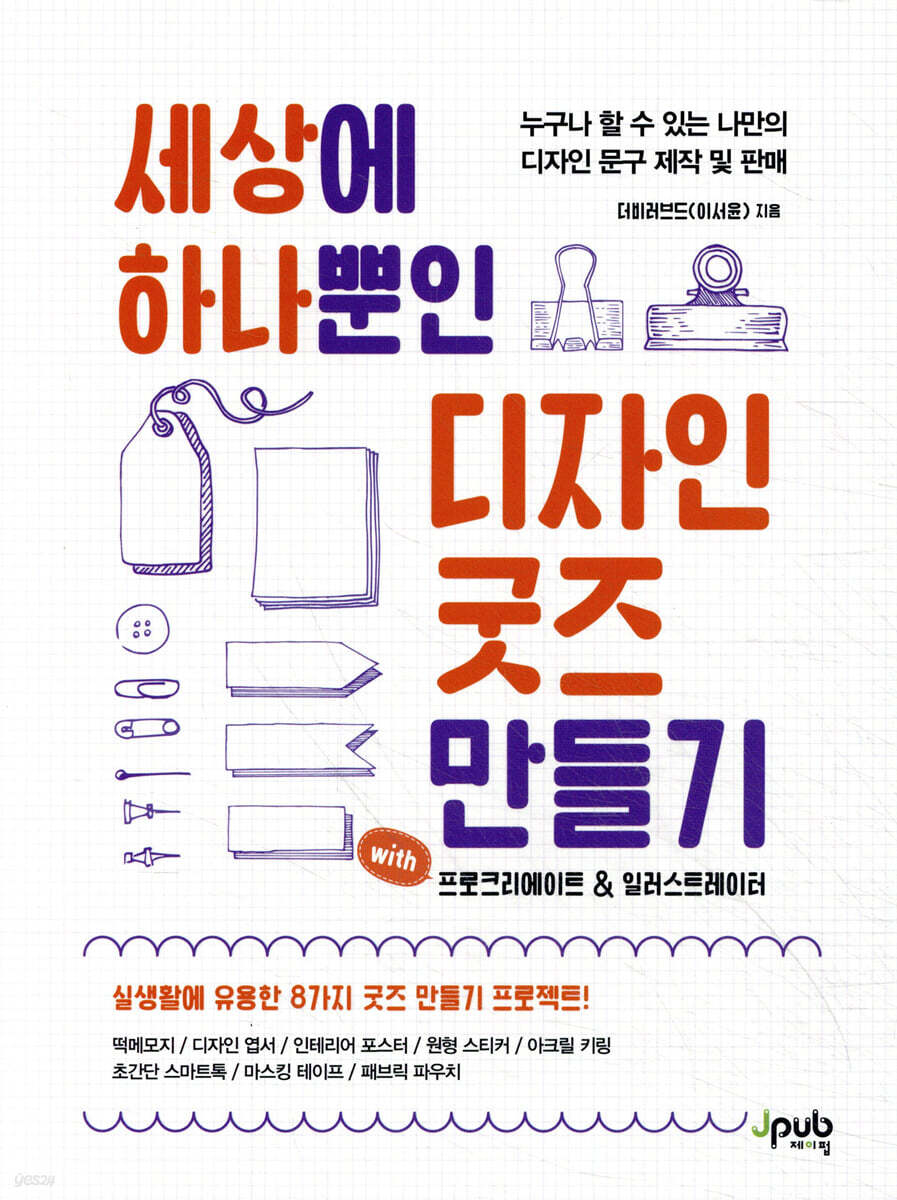
There are countless design goods on the market, but if you can't find one that really captures your heart, why not try designing and making it yourself? This book offers eight tips for creating such items, including stickers created with drawings on an iPad and smart talk stickers with photos of your favorite celebrities.
First, we will practice the basic usage of Procreate and Illustrator, and then introduce tips for requesting production services for each design phrase.
It consists of a hands-on course with minimal knowledge of goods production, so anyone can quickly and easily create their own goods.
Let's follow the meticulous know-how of the author who started collecting stickers as a hobby and now even creates and sells design stationery, and complete the goods you've always wanted!
There are countless design goods on the market, but if you can't find one that really captures your heart, why not try designing and making it yourself? This book offers eight tips for creating such items, including stickers created with drawings on an iPad and smart talk stickers with photos of your favorite celebrities.
First, we will practice the basic usage of Procreate and Illustrator, and then introduce tips for requesting production services for each design phrase.
It consists of a hands-on course with minimal knowledge of goods production, so anyone can quickly and easily create their own goods.
Let's follow the meticulous know-how of the author who started collecting stickers as a hobby and now even creates and sells design stationery, and complete the goods you've always wanted!
- You can preview some of the book's contents.
Preview
index
Chapter 01 Making First-Time Goods
Lesson 01 Materials 012
Lesson 02: What We Can Make 015
Lesson 03 Product Manufacturing Process 021
Chapter 02 Practicing with Procreate
Lesson 01: Exploring Procreate Menus and Tools 028
_Open new window 028
_Procreate Screen Interface 032
_Hand Gesture 036
_Brushes and Painting Methods 038
Lesson 02: Using Procreate 038
_Clipping Mask and Alpha Channel 039
_Layer 046
Chapter 03 Basic knowledge needed for producing printed materials
Lesson 01 CMYK Color Mode and Color Settings 056
Lesson 02 Bitmap and Vector Modes and Resolutions 060
Lesson 03 Paper and Coatings 064
Lesson 04 Vendor Selection and Costs 070
Chapter 04 Illustrator for Goods Production
Lesson 01: Getting Started with Illustrator 076
Lesson 02 Tools and Shortcuts 086
Lesson 03: Creating a Workline for Printing 092
Lesson 04 Creating Sharp Images with Image Tracing 099
Lesson 05: Drawing Illustrations Using the Pen Tool 112
Lesson 06 Things to keep in mind when saving files 131
Chapter 05: Making Goods
Lesson 01 Memo 136
Lesson 02 Postcard 144
Lesson 03 Poster 174
Lesson 04 Circular Sticker 186
Lesson 05 Free-form Stickers 197
Lesson 06 Acrylic Keychain 207
Lesson 07 Cell Phone Accessories 225
Lesson 08 Masking Tape 230
Lesson 09 Fabric Products 236
Chapter 06 Goods Sales Guide
Lesson 01 Packaging and Photography 244
Lesson 02 Selling Your Products Online 246
Lesson 03 Selling Your Products Offline 253
Lesson 01 Materials 012
Lesson 02: What We Can Make 015
Lesson 03 Product Manufacturing Process 021
Chapter 02 Practicing with Procreate
Lesson 01: Exploring Procreate Menus and Tools 028
_Open new window 028
_Procreate Screen Interface 032
_Hand Gesture 036
_Brushes and Painting Methods 038
Lesson 02: Using Procreate 038
_Clipping Mask and Alpha Channel 039
_Layer 046
Chapter 03 Basic knowledge needed for producing printed materials
Lesson 01 CMYK Color Mode and Color Settings 056
Lesson 02 Bitmap and Vector Modes and Resolutions 060
Lesson 03 Paper and Coatings 064
Lesson 04 Vendor Selection and Costs 070
Chapter 04 Illustrator for Goods Production
Lesson 01: Getting Started with Illustrator 076
Lesson 02 Tools and Shortcuts 086
Lesson 03: Creating a Workline for Printing 092
Lesson 04 Creating Sharp Images with Image Tracing 099
Lesson 05: Drawing Illustrations Using the Pen Tool 112
Lesson 06 Things to keep in mind when saving files 131
Chapter 05: Making Goods
Lesson 01 Memo 136
Lesson 02 Postcard 144
Lesson 03 Poster 174
Lesson 04 Circular Sticker 186
Lesson 05 Free-form Stickers 197
Lesson 06 Acrylic Keychain 207
Lesson 07 Cell Phone Accessories 225
Lesson 08 Masking Tape 230
Lesson 09 Fabric Products 236
Chapter 06 Goods Sales Guide
Lesson 01 Packaging and Photography 244
Lesson 02 Selling Your Products Online 246
Lesson 03 Selling Your Products Offline 253
Detailed image

Publisher's Review
We don't just give you fish, we teach you how to fish properly.
If you just follow the instructions, you can complete the result.
However, you may be confused when you try to create the design or goods you want.
This book is not about following along from beginning to end, but rather about how to use each tool at each stage of designing and producing goods.
Additionally, you can create eight different types of goods, from memos to fabric products.
Now that you've mastered the basics of making goods, let's apply what you've learned to create your own goods with your own design!
Features of this book
1.
We introduce almost all the processes required to create goods.
2.
We create goods using Procreate and Illustrator.
3.
You can save time by learning only the essential features among the program's numerous functions.
4.
Let's create 8 useful goods that can be used in real life.
5.
We also introduce tips for selling completed goods.
Target audience for this book
- People who want to make their own goods
- Fan club operator who wants to create celebrity goods
- Marketers who want to commission the production of promotional goods
- Designers who want to make money by producing and selling goods
If you just follow the instructions, you can complete the result.
However, you may be confused when you try to create the design or goods you want.
This book is not about following along from beginning to end, but rather about how to use each tool at each stage of designing and producing goods.
Additionally, you can create eight different types of goods, from memos to fabric products.
Now that you've mastered the basics of making goods, let's apply what you've learned to create your own goods with your own design!
Features of this book
1.
We introduce almost all the processes required to create goods.
2.
We create goods using Procreate and Illustrator.
3.
You can save time by learning only the essential features among the program's numerous functions.
4.
Let's create 8 useful goods that can be used in real life.
5.
We also introduce tips for selling completed goods.
Target audience for this book
- People who want to make their own goods
- Fan club operator who wants to create celebrity goods
- Marketers who want to commission the production of promotional goods
- Designers who want to make money by producing and selling goods
GOODS SPECIFICS
- Date of issue: June 7, 2022
- Page count, weight, size: 256 pages | 526g | 170*225*16mm
- ISBN13: 9791191600940
- ISBN10: 1191600947
You may also like
카테고리
korean


korean

![GQ KOREA Mark (Monthly): December [2025]](http://librairie.coreenne.fr/cdn/shop/files/8ef265dbbfbf186523ed75ba7319009d.jpg?v=1765340328&width=3840)


