

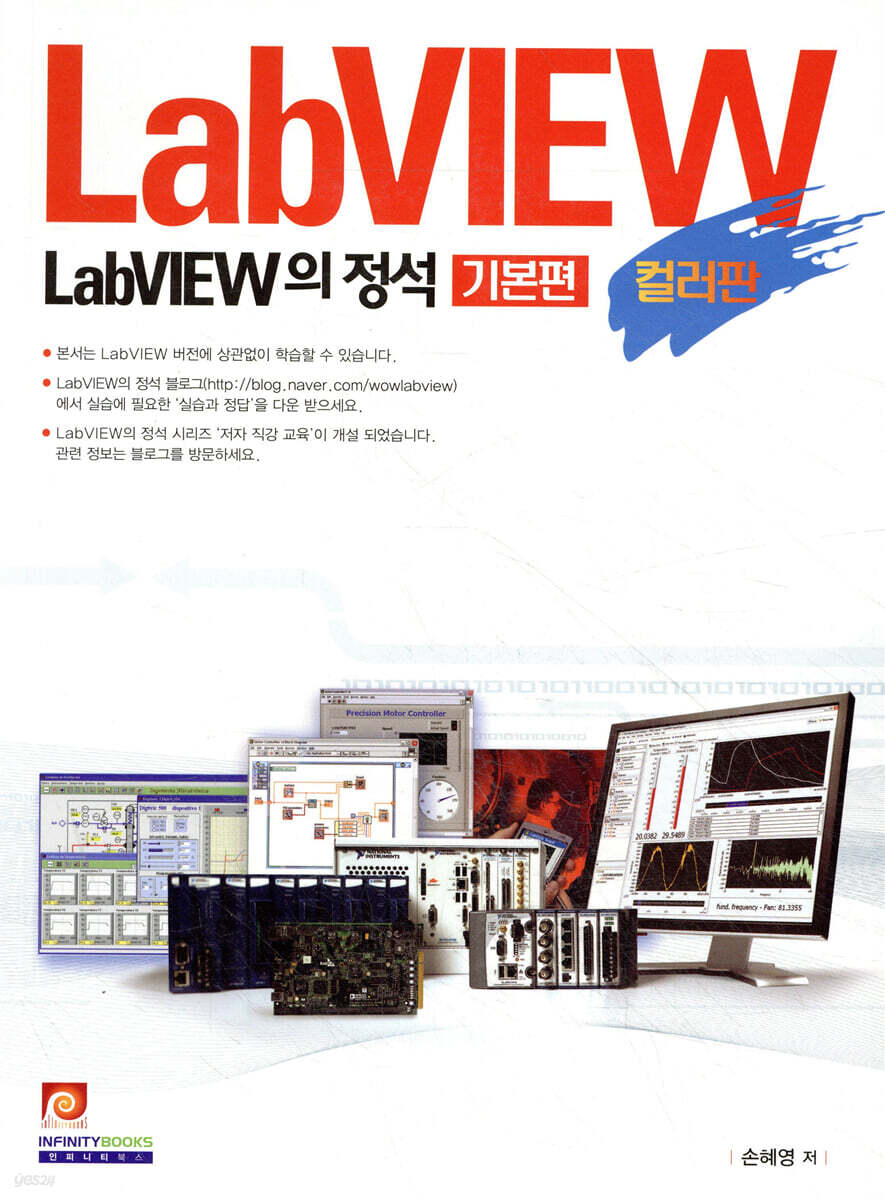
LabVIEW Essentials: Color Edition
 |
Description
Book Introduction
LabVIEW Essentials - The Basics, Reborn in Color!
This book is a basic LabVIEW book that has been reorganized in color to help you learn LabVIEW, a graphical programming language, efficiently.
We have provided easy-to-understand explanations of areas that customers are curious about and find difficult, and have organized the content to supplement areas that were not covered in existing LabVIEW basic books.
It can be used as a school textbook by providing various examples, self-diagnosis quizzes, and slides, and it includes CLAD problem solutions for those who want to prepare for CLAD.
Although written in LabVIEW 2011, it can be referenced regardless of LabVIEW version.
This book is a basic LabVIEW book that has been reorganized in color to help you learn LabVIEW, a graphical programming language, efficiently.
We have provided easy-to-understand explanations of areas that customers are curious about and find difficult, and have organized the content to supplement areas that were not covered in existing LabVIEW basic books.
It can be used as a school textbook by providing various examples, self-diagnosis quizzes, and slides, and it includes CLAD problem solutions for those who want to prepare for CLAD.
Although written in LabVIEW 2011, it can be referenced regardless of LabVIEW version.
- You can preview some of the book's contents.
Preview
index
Chapter 1.
Exploring the LabVIEW Environment
1.1 LabVIEW Start Screen
1.2 VI (Virtual Instrument)
1.3 Front Panel
1.4 Block Diagram
1.5 Project
1.6 Palette
1.7 Controls/Indicators/Constants/Terminals
1.8 node
1.9 Shortcut Menu
1.10 Toolbar
1.11 Preferences
1.12 Data Flow
1.13 Basic Help
1.14 Finding examples
* Self-diagnosis quiz
* Summary
Chapter 2.
Debugging
2.1 VI with broken run button
2.2 Execution Highlights
2.3 Probe
2.4 Breakpoints
2.5 Step-by-step execution
2.6 Maintain wire values
2.7 Abnormal data
2.8 Error Cluster
* Self-diagnosis quiz
* Summary
Chapter 3.
Data type
3.1 Numeric
3.2 String
3.3 Boolean
3.4 Array
3.5 Cluster
3.6 Waveform Data/Waveform Chart/Waveform Graph
3.7 Dynamic data insertion
3.8 Enumeration
3.9 Variant
3.10 Type Definition
* Self-diagnosis quiz
* Summary
Chapter 4.
structure
4.1 While Loop
4.2 For loop
4.3 Shift register of iteration structure (While/For)
4.4 Output mode of repetition structure (While/For)
4.5 Timing
4.6 Arrays and For Loops
4.7 Case Structure
4.8 Sequence Structure
4.9 Formula Node
4.10 Event Structure
4.11 Diagram Disable Structure
* Self-diagnosis quiz
* Summary
Chapter 5.
Modular program
5.1 SubVI Meaning
5.2 Creating a subVI
5.3 Automatically creating subVIs
5.4 Using subVIs
* Self-diagnosis quiz
* Summary
Chapter 6.
File input/output
6.1 Various file formats
6.2 File input/output program
6.3 ASCII file input/output
6.4 Binary file input/output
6.5 Datalog
6.6 Technical Data Management Streaming (TDMS)
* Self-diagnosis quiz
* Summary
Chapter 7.
Front panel control
7.1 VI Server
7.2 Property Node
See 7.3
7.4 Invoke Node
7.5 VI Class
7.6 Class Hierarchy
* Self-diagnosis quiz
* Summary
Chapter 8.
design patterns
8.1 Overview of Design Patterns
8.2 Simple VI Design Pattern
8.3 General VI Design Patterns
8.4 State Machine Design Pattern
8.5 User Interface Event Handler Design Pattern
8.6 Queue Message Handler Design Pattern
8.7 Parallel Loop Design Pattern
8.8 Real-time data sharing between multiple loops
8.9 Master/Slave Design Pattern
8.10 Producer/Consumer Data Design Pattern
8.11 Producer/Consumer Event Design Pattern
8.12 Design Pattern Application
* Self-diagnosis quiz
* Summary
Chapter 9.
Data collection
9.1 Configuring the Data Collection System
9.2 DAQ Hardware Features
9.3 DAQ Hardware Specifications
9.4 MAX(Measurement and Automation Explorer)
9.5 How to Use DAQ Assistant
9.6 NI-DAQmx Low-Level Nodes
9.7 Analog Input
9.8 Analog Output
9.9 Digital Inputs and Outputs
9.10 Counter Overview
9.11 counter input
9.12 Counter Output
* Self-diagnosis quiz
* Summary
Chapter 10.
communication
10.1 Serial Communication
10.2 GPIB (General Purpose Interface Bus) communication
10.3 TCP/IP Communication
* Self-diagnosis quiz
* Summary
Chapter 11.
Application completion
11.1 VI Performance and Memory
11.2 VI Metrics
11.3 VI Comparison
11.4 User Error Definitions
11.5 Custom Runtime Menu
11.6 Writing a User Manual
11.7 Shortcuts
11.8 Executable file (.exe)
11.9 Installation File
* Self-diagnosis quiz
* Summary
Appendix.
A1. CLAD Exam Preparation Guide
A2. CLAD sample examples
A3. CLAD Sample Example Solution
* Self-diagnosis quiz answers
Exploring the LabVIEW Environment
1.1 LabVIEW Start Screen
1.2 VI (Virtual Instrument)
1.3 Front Panel
1.4 Block Diagram
1.5 Project
1.6 Palette
1.7 Controls/Indicators/Constants/Terminals
1.8 node
1.9 Shortcut Menu
1.10 Toolbar
1.11 Preferences
1.12 Data Flow
1.13 Basic Help
1.14 Finding examples
* Self-diagnosis quiz
* Summary
Chapter 2.
Debugging
2.1 VI with broken run button
2.2 Execution Highlights
2.3 Probe
2.4 Breakpoints
2.5 Step-by-step execution
2.6 Maintain wire values
2.7 Abnormal data
2.8 Error Cluster
* Self-diagnosis quiz
* Summary
Chapter 3.
Data type
3.1 Numeric
3.2 String
3.3 Boolean
3.4 Array
3.5 Cluster
3.6 Waveform Data/Waveform Chart/Waveform Graph
3.7 Dynamic data insertion
3.8 Enumeration
3.9 Variant
3.10 Type Definition
* Self-diagnosis quiz
* Summary
Chapter 4.
structure
4.1 While Loop
4.2 For loop
4.3 Shift register of iteration structure (While/For)
4.4 Output mode of repetition structure (While/For)
4.5 Timing
4.6 Arrays and For Loops
4.7 Case Structure
4.8 Sequence Structure
4.9 Formula Node
4.10 Event Structure
4.11 Diagram Disable Structure
* Self-diagnosis quiz
* Summary
Chapter 5.
Modular program
5.1 SubVI Meaning
5.2 Creating a subVI
5.3 Automatically creating subVIs
5.4 Using subVIs
* Self-diagnosis quiz
* Summary
Chapter 6.
File input/output
6.1 Various file formats
6.2 File input/output program
6.3 ASCII file input/output
6.4 Binary file input/output
6.5 Datalog
6.6 Technical Data Management Streaming (TDMS)
* Self-diagnosis quiz
* Summary
Chapter 7.
Front panel control
7.1 VI Server
7.2 Property Node
See 7.3
7.4 Invoke Node
7.5 VI Class
7.6 Class Hierarchy
* Self-diagnosis quiz
* Summary
Chapter 8.
design patterns
8.1 Overview of Design Patterns
8.2 Simple VI Design Pattern
8.3 General VI Design Patterns
8.4 State Machine Design Pattern
8.5 User Interface Event Handler Design Pattern
8.6 Queue Message Handler Design Pattern
8.7 Parallel Loop Design Pattern
8.8 Real-time data sharing between multiple loops
8.9 Master/Slave Design Pattern
8.10 Producer/Consumer Data Design Pattern
8.11 Producer/Consumer Event Design Pattern
8.12 Design Pattern Application
* Self-diagnosis quiz
* Summary
Chapter 9.
Data collection
9.1 Configuring the Data Collection System
9.2 DAQ Hardware Features
9.3 DAQ Hardware Specifications
9.4 MAX(Measurement and Automation Explorer)
9.5 How to Use DAQ Assistant
9.6 NI-DAQmx Low-Level Nodes
9.7 Analog Input
9.8 Analog Output
9.9 Digital Inputs and Outputs
9.10 Counter Overview
9.11 counter input
9.12 Counter Output
* Self-diagnosis quiz
* Summary
Chapter 10.
communication
10.1 Serial Communication
10.2 GPIB (General Purpose Interface Bus) communication
10.3 TCP/IP Communication
* Self-diagnosis quiz
* Summary
Chapter 11.
Application completion
11.1 VI Performance and Memory
11.2 VI Metrics
11.3 VI Comparison
11.4 User Error Definitions
11.5 Custom Runtime Menu
11.6 Writing a User Manual
11.7 Shortcuts
11.8 Executable file (.exe)
11.9 Installation File
* Self-diagnosis quiz
* Summary
Appendix.
A1. CLAD Exam Preparation Guide
A2. CLAD sample examples
A3. CLAD Sample Example Solution
* Self-diagnosis quiz answers
Publisher's Review
· This is a basic book that can be referenced regardless of the LabVIEW version.
· While teaching LabVIEW, I explained in an easy-to-understand manner the parts that customers were curious about and had difficulty with.
· Supplemented areas not covered in existing LabVIEW basic books.
· It can be used as a school textbook by providing various examples (self-diagnosis quizzes and slides provided).
· CLAD problem solving is provided for those who wish to prepare for CLAD.
· LabVIEW Essentials - Essential content for application.
· While teaching LabVIEW, I explained in an easy-to-understand manner the parts that customers were curious about and had difficulty with.
· Supplemented areas not covered in existing LabVIEW basic books.
· It can be used as a school textbook by providing various examples (self-diagnosis quizzes and slides provided).
· CLAD problem solving is provided for those who wish to prepare for CLAD.
· LabVIEW Essentials - Essential content for application.
GOODS SPECIFICS
- Date of issue: February 4, 2016
- Page count, weight, size: 474 pages | 1,017g | 188*257*22mm
- ISBN13: 9788992649919
- ISBN10: 8992649916
You may also like
카테고리
korean


korean

![GQ KOREA Mark (Monthly): December [2025]](http://librairie.coreenne.fr/cdn/shop/files/8ef265dbbfbf186523ed75ba7319009d.jpg?v=1765340328&width=3840)


