

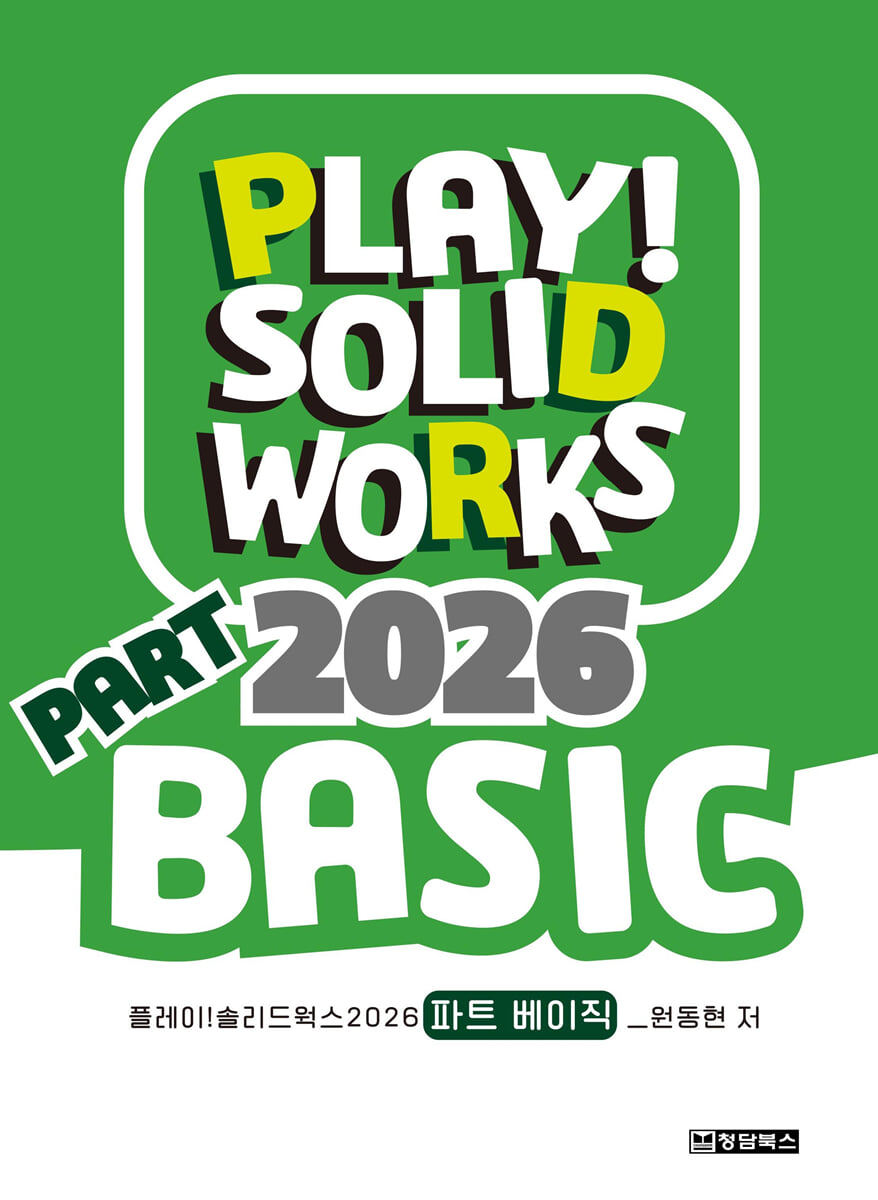
PLAY! SOLIDWORKS 2026 PART BASIC
 |
Description
Book Introduction
This textbook is an introductory guide for designers who are just beginning to learn 3D design and users who are new to SolidWorks.
The basic concepts and structures of creating 3D shapes are explained in an easy-to-understand manner.
This book explains the most basic SolidWorks work environment and the essential options that must be set. It also focuses on sketching and 3D part shapes, and the content is organized so that you can learn the process of completing a shape in as much detail as possible.
It supports more active learning by providing step-by-step, difficulty-based practice drawings and answers for sketching and 3D part work.
(Assembly and 2D drawing related content is explained in more detail in the Play! SolidWorks 2026 Assembly & Drawing Basics textbook.)
The author's YouTube channel, PLAY! SolidWorks (https://www.youtube.com/@PLAY_SOLIDWORKS), provides three-dimensional learning through video lectures. The textbook's appendix files are comprised of sub-versions of the 2017 version, ensuring ease of use regardless of version.
Cover any areas not covered in the Basic textbook! The SolidWorks Master (intermediate design course) and Advanced (advanced course for special modules) textbooks support in-depth learning of SolidWorks.
The basic concepts and structures of creating 3D shapes are explained in an easy-to-understand manner.
This book explains the most basic SolidWorks work environment and the essential options that must be set. It also focuses on sketching and 3D part shapes, and the content is organized so that you can learn the process of completing a shape in as much detail as possible.
It supports more active learning by providing step-by-step, difficulty-based practice drawings and answers for sketching and 3D part work.
(Assembly and 2D drawing related content is explained in more detail in the Play! SolidWorks 2026 Assembly & Drawing Basics textbook.)
The author's YouTube channel, PLAY! SolidWorks (https://www.youtube.com/@PLAY_SOLIDWORKS), provides three-dimensional learning through video lectures. The textbook's appendix files are comprised of sub-versions of the 2017 version, ensuring ease of use regardless of version.
Cover any areas not covered in the Basic textbook! The SolidWorks Master (intermediate design course) and Advanced (advanced course for special modules) textbooks support in-depth learning of SolidWorks.
- You can preview some of the book's contents.
Preview
index
Chapter 1.
Things to prepare
1.
Preparing the SolidWorks program
2.
Options Settings - System Options
3.
Setting Options - Part Document Properties
4.
Add a user toolbar
5.
Save your working environment
6.
Using the workspace [Design Library]
Chapter 2.
Things to know
1.
Introduction to the interface
2.
File Management in SolidWorks
3.
Save the document
Chapter 3.
SolidWorks at a Glance (Video Guide)
1.
Using the mouse and keyboard
2.
Sketch Appetizer
3.
Part Appetizer
4.
Assembly Appetizer
5.
Drawing Appetizer
Chapter 4.
The three elements and structure of 3D modeling
1.
3 Materials and Recipes in SolidWorks
2.
Understanding the structure of modeling and design trees
3.
Modeling Approaches - Plus and Minus Approaches
4.
How to see three-dimensional shapes - trigonometric orthographic projection
5.
Work planning training for modeling work
Chapter 5.
Element 1 - Cotton
1.
The three drawing sheets provided by default in SolidWorks
2.
Shall we start sketching?
3.
Add a new plane
Chapter 6.
Element 2 - Sketch
1.
Should we make a sketch?
2.
Sketching tool
3.
Sketch editing tool
4.
Sketch application tools
5.
Constraints - Characteristics of the Sketch
6.
Sketch full definition
7.
Shall we follow the sketch?
8.
Sketch Exercise 1
9.
Sketch Exercise 2
10.
Sketch Exercise 3
Chapter 7.
Third Element - Features
1.
Classification of feature tools
2.
Extruded/Extruded Cut Feature Options
3.
Feature fillet and feature chamfer
4.
3D linear and circular patterns
5.
3D mirror copy
6.
Reinforcement bar
7.
Shell
8.
gradient
Chapter 8.
Part 1 - Solid Basic Faces
1.
How to Use the Textbook - Author's Intention
2.
Basic Face Example 1
3.
Basic Face Example 2
4.
Basic side practice problems
Chapter 9.
Part 2 - Solid Application Facets
1.
Application example 1
2.
Application example 2
3.
Applied each side practice problems
Chapter 10.
Part 3 - Solid Surface
1.
Rotation feature concept summary
2.
Solid Rotation Example
3.
Solid Rotation Practice Problems
4.
Sweep feature concept summary
5.
Solid Sweep Example
6.
Solid Sweep Practice Problems
7.
Loft feature concept summary
8.
Solid Loft Example
9.
Solid Loft Practice Problems
10 Comprehensive Practice Problems
Chapter 11.
supplement
1.
Work Planning Training Answers for 56P Modeling Tasks
2.
94P Sketch Practice Problem Answers
3.
Play! SolidWorks Official YouTube Channel
4.
SWUGN KOREA, the official SolidWorks Korea user group
5.
Guide to applying for online/offline training directly taught by author Won Dong-hyun
Things to prepare
1.
Preparing the SolidWorks program
2.
Options Settings - System Options
3.
Setting Options - Part Document Properties
4.
Add a user toolbar
5.
Save your working environment
6.
Using the workspace [Design Library]
Chapter 2.
Things to know
1.
Introduction to the interface
2.
File Management in SolidWorks
3.
Save the document
Chapter 3.
SolidWorks at a Glance (Video Guide)
1.
Using the mouse and keyboard
2.
Sketch Appetizer
3.
Part Appetizer
4.
Assembly Appetizer
5.
Drawing Appetizer
Chapter 4.
The three elements and structure of 3D modeling
1.
3 Materials and Recipes in SolidWorks
2.
Understanding the structure of modeling and design trees
3.
Modeling Approaches - Plus and Minus Approaches
4.
How to see three-dimensional shapes - trigonometric orthographic projection
5.
Work planning training for modeling work
Chapter 5.
Element 1 - Cotton
1.
The three drawing sheets provided by default in SolidWorks
2.
Shall we start sketching?
3.
Add a new plane
Chapter 6.
Element 2 - Sketch
1.
Should we make a sketch?
2.
Sketching tool
3.
Sketch editing tool
4.
Sketch application tools
5.
Constraints - Characteristics of the Sketch
6.
Sketch full definition
7.
Shall we follow the sketch?
8.
Sketch Exercise 1
9.
Sketch Exercise 2
10.
Sketch Exercise 3
Chapter 7.
Third Element - Features
1.
Classification of feature tools
2.
Extruded/Extruded Cut Feature Options
3.
Feature fillet and feature chamfer
4.
3D linear and circular patterns
5.
3D mirror copy
6.
Reinforcement bar
7.
Shell
8.
gradient
Chapter 8.
Part 1 - Solid Basic Faces
1.
How to Use the Textbook - Author's Intention
2.
Basic Face Example 1
3.
Basic Face Example 2
4.
Basic side practice problems
Chapter 9.
Part 2 - Solid Application Facets
1.
Application example 1
2.
Application example 2
3.
Applied each side practice problems
Chapter 10.
Part 3 - Solid Surface
1.
Rotation feature concept summary
2.
Solid Rotation Example
3.
Solid Rotation Practice Problems
4.
Sweep feature concept summary
5.
Solid Sweep Example
6.
Solid Sweep Practice Problems
7.
Loft feature concept summary
8.
Solid Loft Example
9.
Solid Loft Practice Problems
10 Comprehensive Practice Problems
Chapter 11.
supplement
1.
Work Planning Training Answers for 56P Modeling Tasks
2.
94P Sketch Practice Problem Answers
3.
Play! SolidWorks Official YouTube Channel
4.
SWUGN KOREA, the official SolidWorks Korea user group
5.
Guide to applying for online/offline training directly taught by author Won Dong-hyun
GOODS SPECIFICS
- Date of issue: October 25, 2025
- Page count, weight, size: 217 pages | 188*257*25mm
- ISBN13: 9791191218381
- ISBN10: 1191218384
You may also like
카테고리
korean


korean

![GQ KOREA Mark (Monthly): December [2025]](http://librairie.coreenne.fr/cdn/shop/files/8ef265dbbfbf186523ed75ba7319009d.jpg?v=1765340328&width=3840)


